
In this article
Key Takeaways
- Apollo.io is the best all-in-one pick for most sales teams, with a free tier and paid plans from $49 per user per month. ZoomInfo has the deepest B2B database but is enterprise-priced. Clay wins for automated waterfall enrichment across many providers, and Lusha is the easiest starting point for small teams.
- B2B contact data decays about 22.5% per year, so enrichment is maintenance, not a one-time cleanup.
- The tool matters less than where the data lands. Enriched records only pay off once they flow into your CRM and outreach tools automatically.
Sales reps spend about 60% of their time on non-selling tasks, according to Salesforce State of Sales research. A big chunk of that goes to hunting down email addresses, phone numbers, and company details that a good enrichment tool would hand over in seconds.
How We Picked These Tools
We ranked eight data enrichment tools on four things sales teams actually feel: data accuracy, coverage (contacts and firmographics), price transparency, and how cleanly the data moves into a CRM. Tools that lock everything behind an annual quote scored lower on transparency even when their databases are excellent. Tools with a real free tier scored higher for teams that want to test before they commit.
Every price below comes from each vendor's own pricing page or documentation, checked in 2026. Credit systems and per-seat minimums change often, so treat the numbers as a starting point and confirm before you buy.
| Tool | Best for | Starting price (annual) | Free tier | Standout strength |
|---|---|---|---|---|
| Apollo.io | All-in-one prospecting + enrichment | $49/user/mo | Yes | Database plus outreach in one tool |
| ZoomInfo | Enterprise coverage and intent | Custom quote (annual, 3-seat min) | No | Deepest B2B database |
| Clay | Automated waterfall enrichment | $167/mo | Yes | 150+ data providers in one workflow |
| Lusha | Small teams, pay-per-credit | $37.45/user/mo | Yes (40 credits/mo) | Simple, low entry cost |
| Cognism | EU/UK data and mobile numbers | Custom quote | No | GDPR-aligned, phone-verified mobiles |
| Hunter | Email finding and verification | $34/mo | Yes (50 credits/mo) | Fast, focused email data |
| Clearbit (Breeze Intelligence) | HubSpot-native enrichment | Credit-based, on top of paid HubSpot | No (needs paid HubSpot) | Built into HubSpot workflows |
| Seamless.AI | Real-time contact search | Custom quote (paid tiers) | Yes (50 credits) | Live search engine for leads |
Read the table as a shortlist, not a ranking to follow blindly. The right pick depends on your market, your volume, and where the data has to end up, and the sections below explain the tradeoff behind each row so you can match a tool to how your team actually prospects.
📊 Stat. A 10,000-contact database loses roughly 2,250 usable records a year at the 22.5% decay rate. Enrichment tools exist because that number keeps climbing whether you touch the data or not.
Here is how the eight most capable tools compare, starting with the one that fits the broadest range of teams.
Apollo.io: The All-in-One Pick
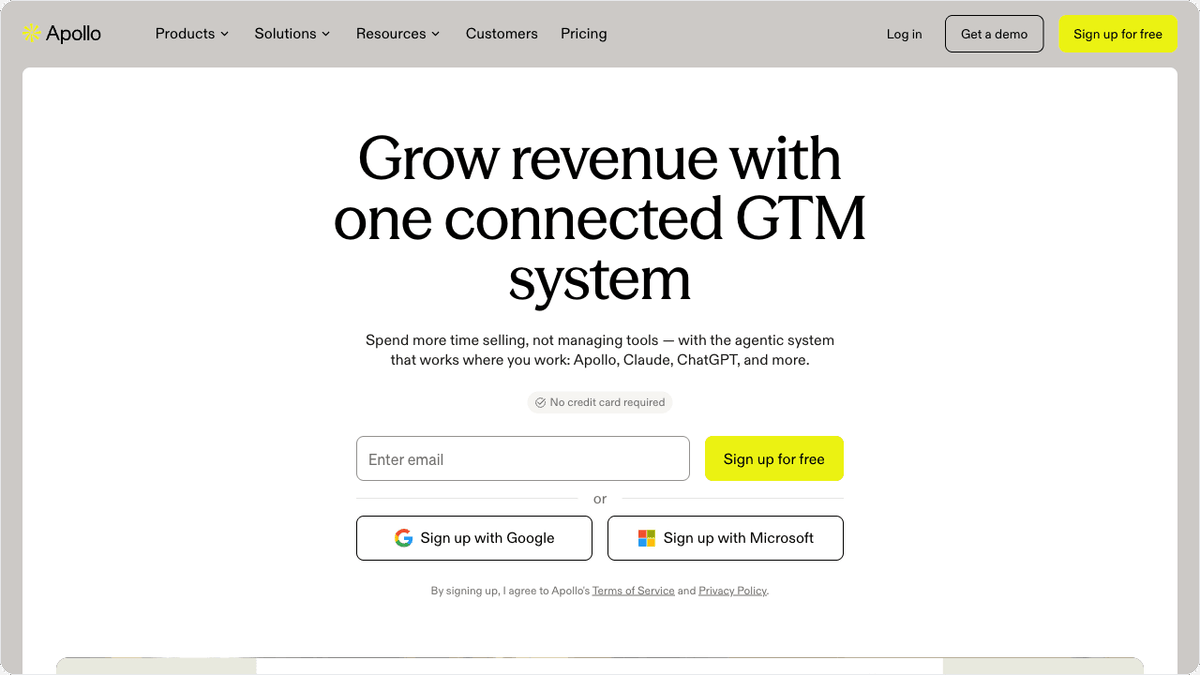
Apollo.io is the tool most sales teams should try first because it bundles a large contact database with the outreach layer, so you find a lead and email it without switching apps. That combination is why it lands at the top for general use rather than for one narrow job.
The database covers a broad set of B2B contacts and companies, and the platform adds sequences, a dialer on higher tiers, and buyer-intent signals. Pricing is public and per-seat: a free plan, then Basic at $49 per user per month, Professional at $79, and Organization at $119 with a three-user minimum (annual billing). Credits are pooled across the account, which is generous until a heavy-outbound month burns through them faster than expected.
Where Apollo shows its seams is enrichment depth on smaller or non-US companies, where a specialist database often reads cleaner. For a team that wants prospecting and enrichment in one bill, though, it is hard to beat on value.
ZoomInfo: Deepest Database, Enterprise Price
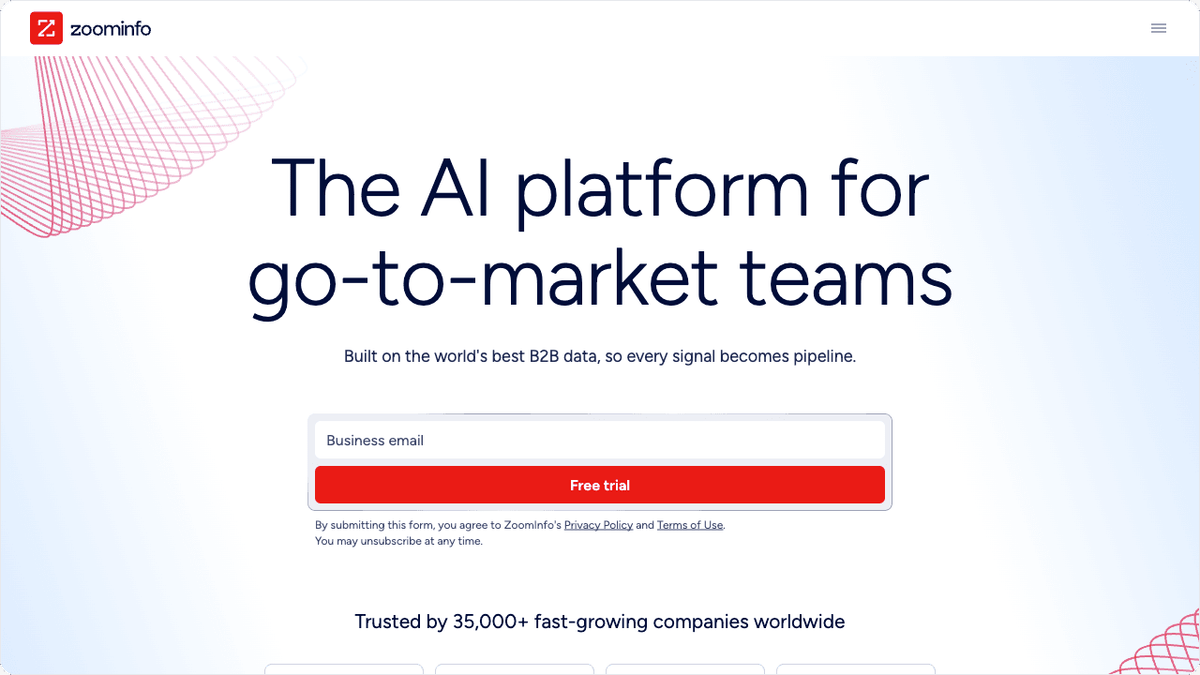
ZoomInfo earns its reputation on coverage. If a company exists in your target market, ZoomInfo probably has it, along with org charts, technographics, and intent data that smaller providers cannot match. That depth is the reason enterprise revenue teams keep paying for it.
The catch is cost and commitment. Pricing is quote-only, sold on annual contracts with a three-seat minimum and no monthly billing, and it is consistently one of the most expensive options on this list. For a well-funded team hitting a large, defined market, the data quality justifies the spend. For a five-person startup, it rarely does.
⚠️ Important. Quote-only tools like ZoomInfo, Cognism, and Seamless.AI make budgeting hard because the first number a rep gives you rarely includes everything. Ask for the all-in annual figure with seats, credit overages, and onboarding before you sign.
If that level of commitment does not fit your stage, Clay offers a fundamentally different model: instead of one big database, it chains together 150+ providers automatically.
Clay: Automated Waterfall Enrichment
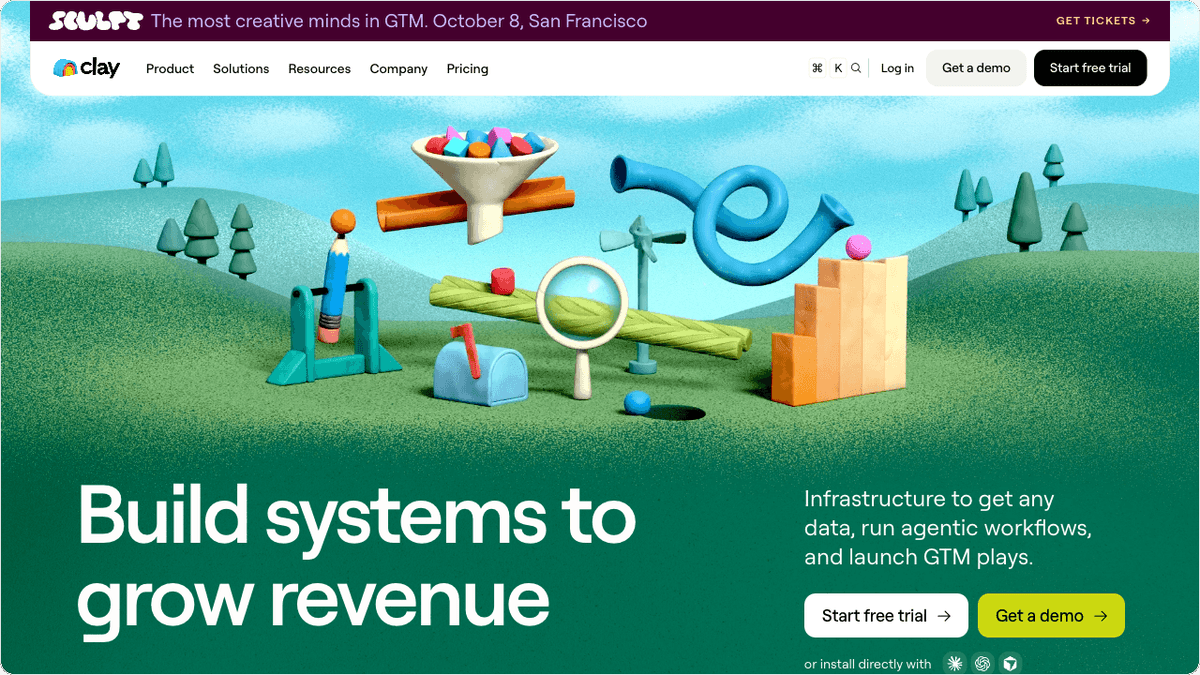
Clay is the pick for teams that want to enrich data programmatically instead of one record at a time. Its signature feature is waterfall enrichment: it queries 150+ data providers in sequence until one returns a verified result, so you get a hit rate no single database can deliver alone.
Pricing runs on a dual-credit system after a March 2026 overhaul. There is a free plan, then Launch at $167 per month with 3,000 data credits, and Growth at $446 per month with 6,000. Data credits cover enrichment lookups; separate Action credits cover platform operations like AI steps and CRM pushes. Failed lookups are no longer charged, which softens the cost of running a wide waterfall.
Clay rewards teams comfortable building workflows. The learning curve is real, and a solo rep who just needs a phone number will find Lusha or Hunter faster to the answer.
Lusha: The Easiest Starting Point
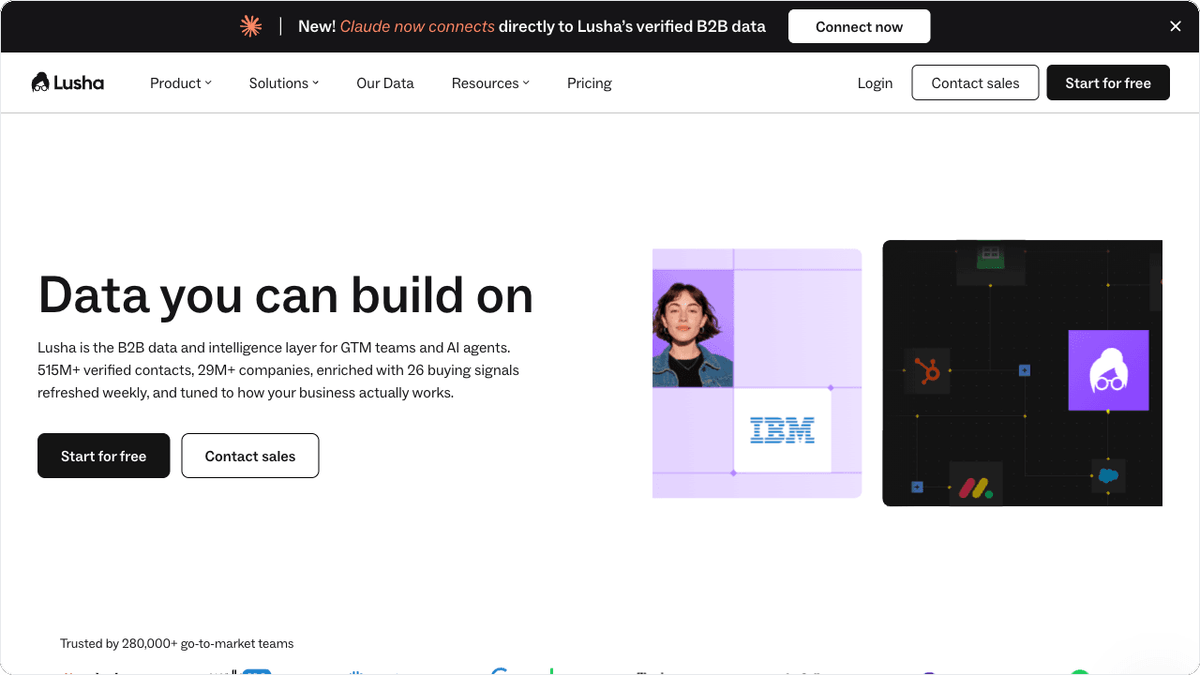
Lusha is built for small teams and individual reps who want accurate contact data without a sales call or an annual contract. You install the browser extension, click, and get a verified email or phone number. That simplicity is its whole pitch, and it works.
The model is credit-based and cheap to start: a free plan with 40 credits a month, then Starter at $37.45 per user per month for 4,800 credits a year, Professional at $52.45, and Premium at $299.95 (annual billing). Revealing an email costs one credit; a phone number costs five, so heavy phone prospecting eats credits quickly.
Lusha is not the tool for enriching 50,000 records in a batch. For daily one-off lookups during live prospecting, it is one of the smoothest options here.

For teams selling into European or UK markets, the pricing model question is secondary to a more pressing one: does the data actually comply with GDPR?
Cognism: Built for EU and UK Data
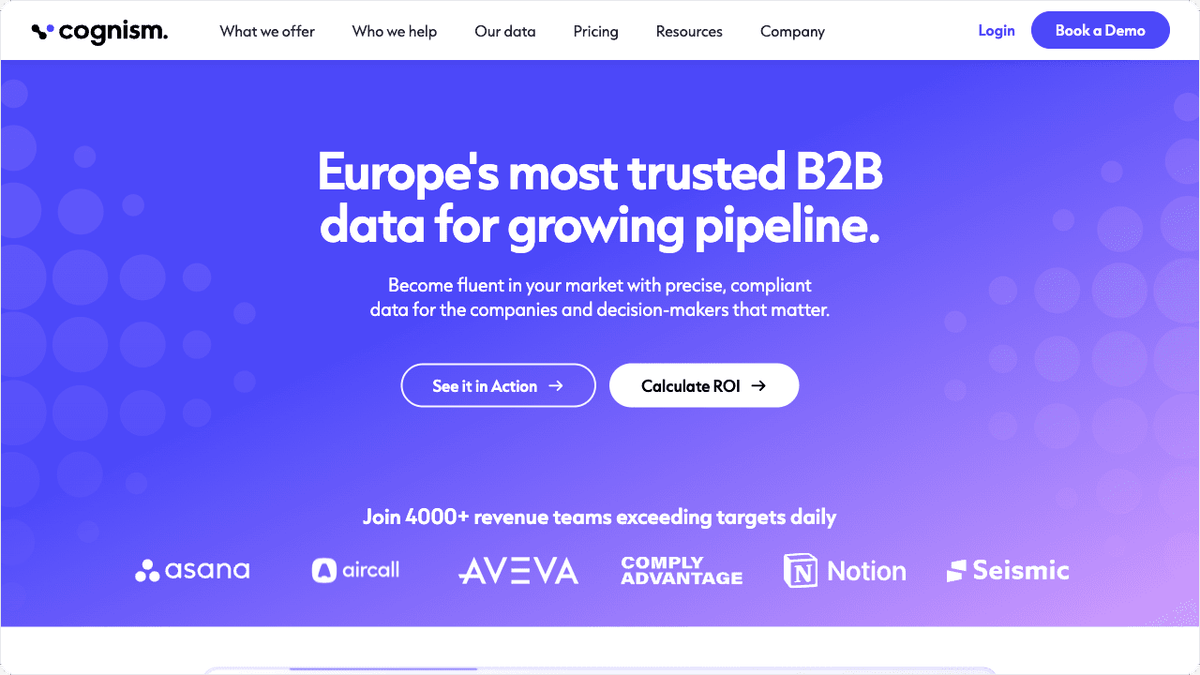
Cognism stands out for European and UK go-to-market teams because its data is GDPR-aligned and its phone numbers are verified for compliance, including cleaning against Do-Not-Call lists. For selling into regulated markets, that reduces legal risk in a way US-first databases do not.
Its mobile-number coverage is a frequent reason teams switch from a US-centric provider. Pricing is quote-only, structured as a platform fee plus per-seat licensing, with annual contracts and no monthly option. Expect a demo before you see a number.
If your market is North America and compliance is not your main worry, Cognism's premium is harder to justify. If you sell into the EU or UK, it belongs on your shortlist.
Hunter: Focused Email Data
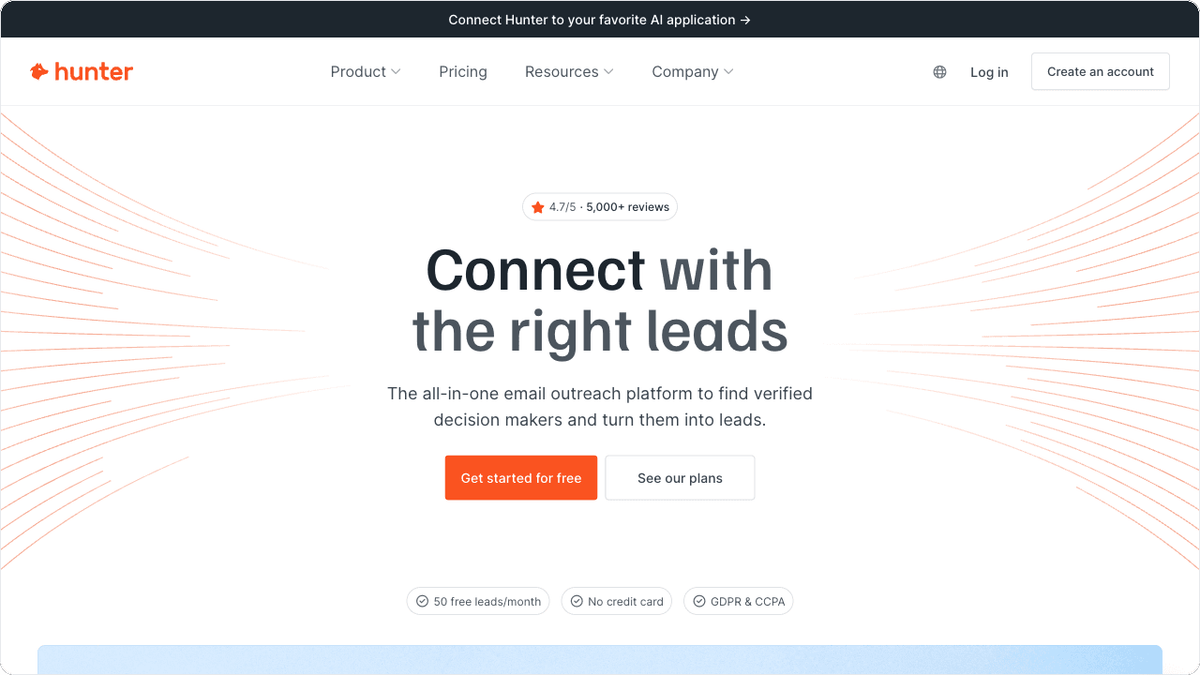
Hunter does one job well: finding and verifying professional email addresses. It is not a full contact database with firmographics and intent, and it does not pretend to be. That focus keeps it fast and cheap.
You search a domain, get the email patterns and verified addresses, and confirm deliverability before you send. Pricing is straightforward: a free plan with 50 credits a month, then Starter at $34 per month for 2,000 credits, Growth at $104, and Scale at $209 (annual billing). Paid plans include unlimited team members, which is unusual and good for small teams.
Hunter pairs well with a broader tool. Use a database for firmographics, then Hunter to verify emails before a campaign so bounces stay low.
💡 Tip. Run an email verification pass before every large send, not just at import. Addresses that verified clean three months ago decay along with the rest of your database, and a high bounce rate hurts sender reputation for every future campaign.
Clearbit (HubSpot Breeze Intelligence): For HubSpot Teams
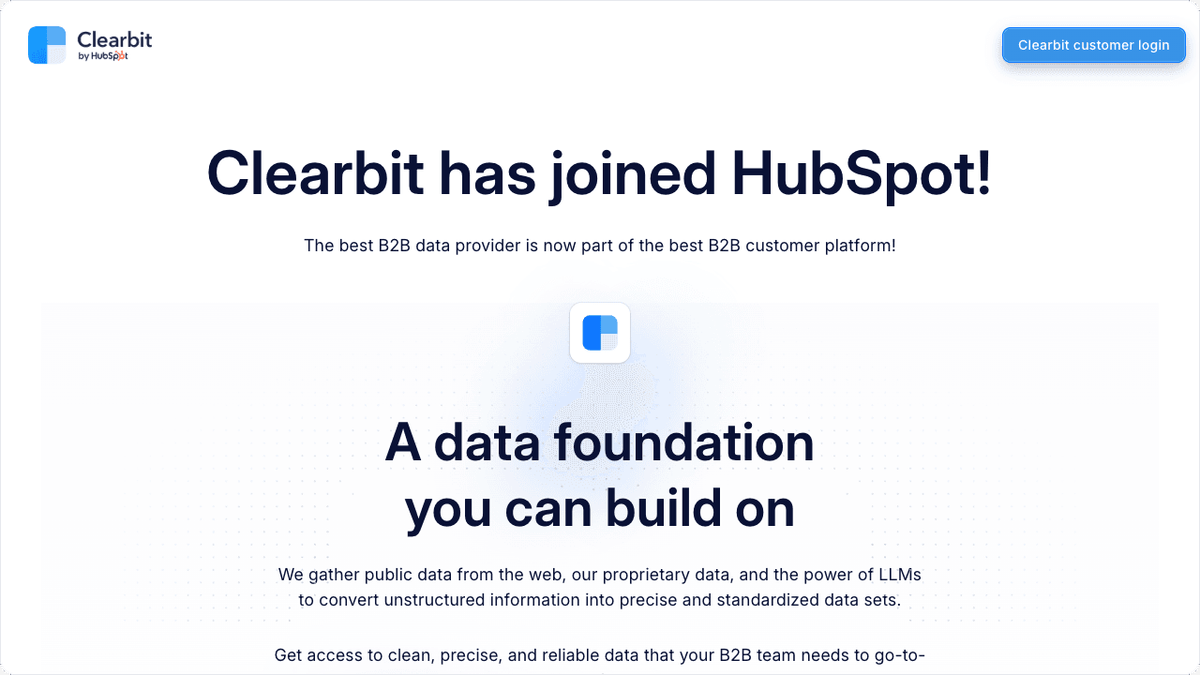
Clearbit now lives inside HubSpot as Breeze Intelligence, and that is exactly who it is for: teams already running HubSpot as their CRM. Enrichment happens natively in HubSpot workflows, so records fill in without a separate tool or a sync to manage.
The cost sits on top of a paid HubSpot subscription. Enrichment runs on HubSpot Credits, where one credit enriches one record, and extra credit packs are purchased as your volume grows. Because it needs a paid HubSpot plan underneath, the realistic entry point is higher than the credit cost alone suggests. For a non-HubSpot shop, there is little reason to choose it. For a HubSpot team, the native fit removes a lot of plumbing.
Seamless.AI: Real-Time Contact Search
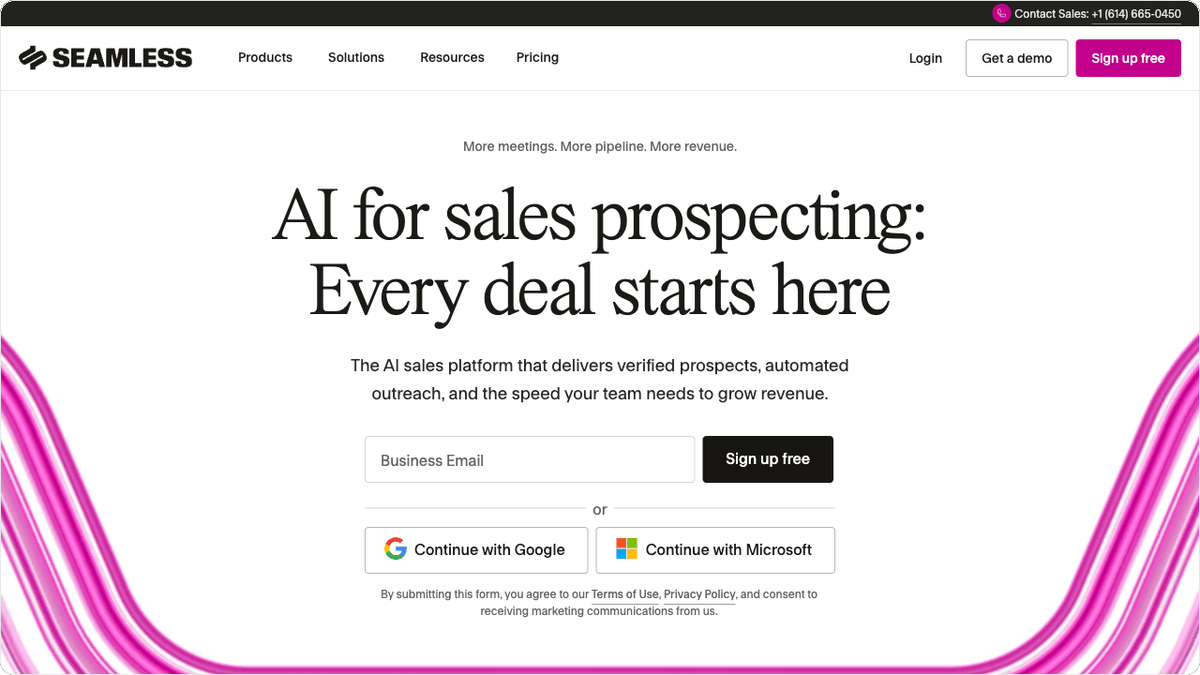
Seamless.AI works more like a live search engine than a static database. It pulls contact data in real time when you run a search, which its users cite as an advantage for freshness on fast-moving targets. The tradeoff is variability: real-time results can be excellent or thin depending on the target.
There is a small free tier, but paid plans are quote-only with no public prices, so plan for a sales conversation before you commit. It suits teams that value freshness and are willing to verify results as they go rather than trusting a single stored record.
Getting Enriched Data Into Your Stack
The best enrichment tool is wasted if the data sits in a tab. The payoff comes when a verified email or updated job title lands in your CRM, triggers a sequence, and notifies the rep automatically. That last mile, moving data between the enrichment tool and everything downstream, is where most teams lose the value they paid for.
Albato connects the CRMs and tools your enriched data needs to reach, with connectors for HubSpot, Salesforce, Pipedrive, and 1,000+ other apps. You can route new or updated records into your CRM, sync them to your outreach tool, and alert the owner in Slack without writing code or paying for custom development.
For teams building smarter routing, an AI agent step inside a workflow can decide how to handle each enriched record based on plain-language instructions, rather than a wall of manual if-then rules. That keeps the logic readable as your qualification criteria change.
If you are mapping the wider sales stack, our guide to the sales pipeline stack shows how seven tool categories should flow from form to invoice, and lead capture software covers the layer that feeds enrichment in the first place.
How to Choose the Right Enrichment Tool
Start with your market and volume, not the feature list. A US-focused team doing daily one-off lookups is happy on Lusha or Hunter. A team enriching thousands of records at once wants Clay's automation or Apollo's pooled credits. An enterprise selling into a large, defined market can justify ZoomInfo, and an EU-first team should look hard at Cognism.
Then check the last mile. Confirm the tool pushes into your CRM the way you work, or that a platform like Albato can bridge the gap, before you weigh the database size. Data quality matters, but data that never reaches a rep changes nothing.
For teams leaning on AI to score and route leads after enrichment, our pieces on AI agents for lead qualification and AI agents for sales automation go deeper on what to automate once the data is clean.
Still deciding which tool fits your team? The FAQ below covers the most common questions about data enrichment for sales.
FAQ
What is a data enrichment tool?
A data enrichment tool automatically fills in missing or outdated details on your contacts and companies, such as verified emails, phone numbers, job titles, and firmographics. It pulls from one or more data sources so your CRM records stay accurate without manual research.
Which data enrichment tool is best for a small sales team?
Lusha and Hunter are the easiest starting points for small teams because both have real free tiers and low monthly entry prices. Apollo.io is the best step up if you want prospecting and outreach bundled with enrichment in one tool.
How much do data enrichment tools cost?
Costs range widely. Self-serve tools like Hunter start around $34 per month and Lusha around $37.45 per user per month, while enterprise platforms like ZoomInfo are quote-only, sold on annual contracts, and typically the priciest option. Credit-based tools charge per lookup, so heavy usage raises the real cost.
Do I need to enrich data more than once?
Yes. B2B contact data decays about 22.5% per year as people change jobs and email addresses, so enrichment is ongoing maintenance rather than a one-time cleanup. Most teams run continuous or scheduled enrichment to keep records usable.
How do I get enriched data into my CRM automatically?
Many enrichment tools offer native CRM connections, and an integration platform like Albato can sync data between your enrichment tool, CRM, and outreach apps without code. That automation is what turns a clean record into a triggered follow-up instead of a row someone forgot to import.