iFrame model

Embedded a ready-to-use UI
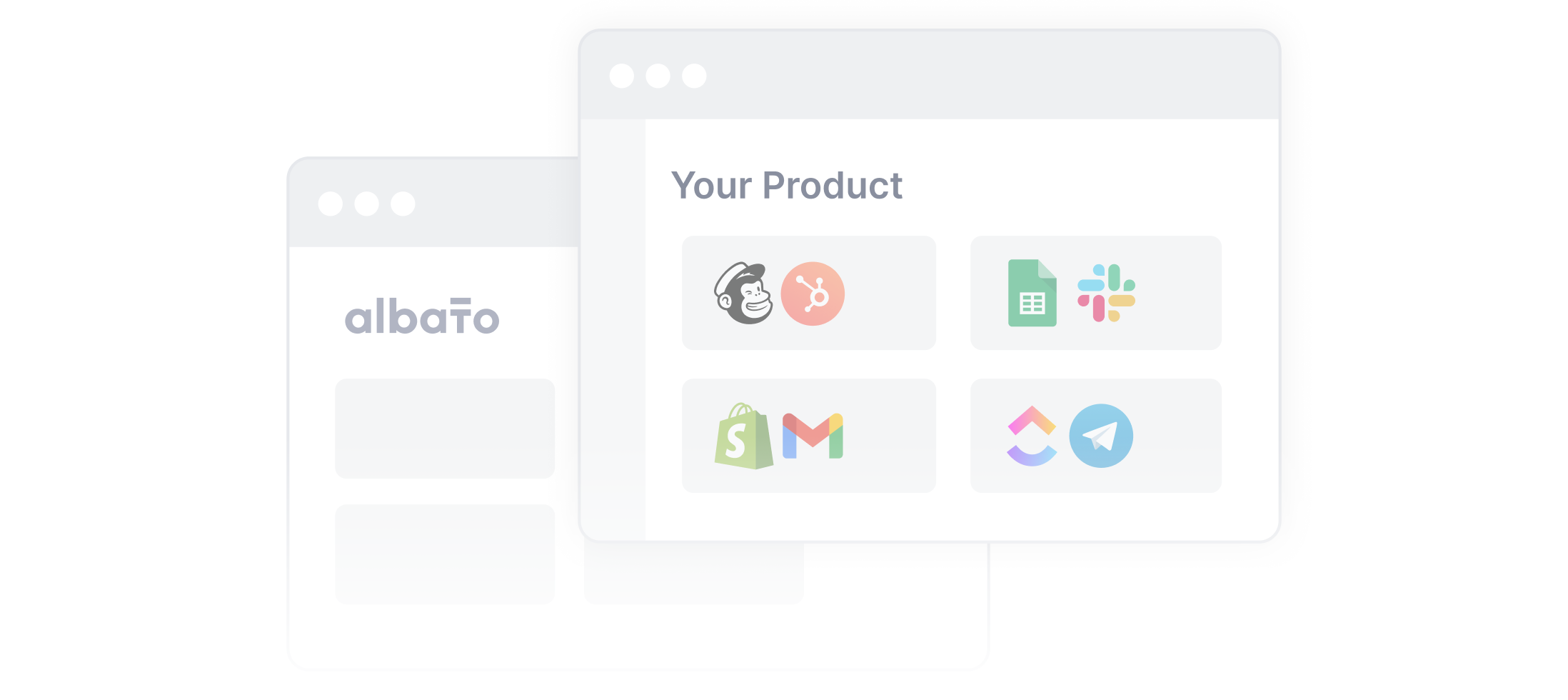
Plug Albato's white-labeled automation builder into your product as an iFrame. The fastest path to go live with minimal dev work.
Best for: Teams that want integrations live in days with near-zero dev effort.


Albato exposes 11 REST endpoints for managing users, connections, billing, and integration
metadata across 1,000+ connectors. You can call the Albato AI to manage your entire integration layer on autopilot.
Albato Embedded has 2 primary integration models. iFrame gives you an out-of-the-box integration UI you can embed into your product. Headless gives you the same integration capabilities, but you access them via API and build your own frontend on top.
Plug Albato's white-labeled automation builder into your product as an iFrame. The fastest path to go live with minimal dev work.
Best for: Teams that want integrations live in days with near-zero dev effort.
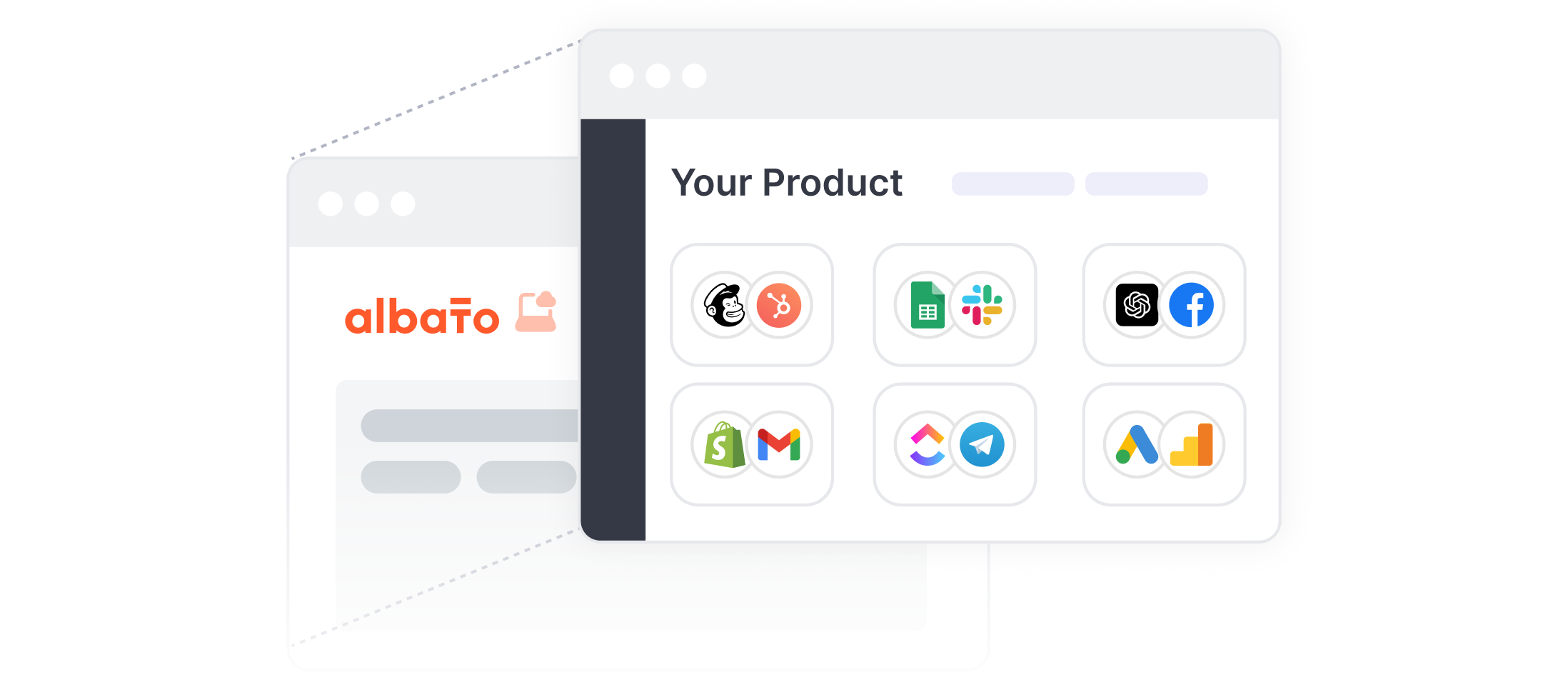
Use Albato's APIs to programmatically manage users, connections, and billing. Integration specs and metadata come as JSON — fully customizable on your frontend.
Best for: Engineering teams that need full control over the integration UX.
Albato handles connectors and data orchestration. The Embedded API provides you with 11 endpoints to manage the embedded platform. You build the UI layer on top.
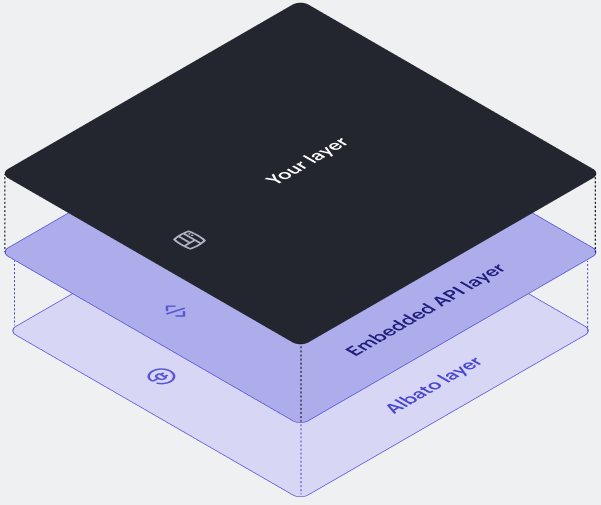
The Albato API returns data from any of 1,000 apps' endpoints, and it's up to you how to render it in your UI. Use your own component library, follow your own UX patterns, and ship it as part of your product. There's no Albato UI involved.
User access provisioning, connection management, metadata retrieval, and billing. The same methods are also available in the iFrame model, exposed as REST endpoints with JSON responses.
Albato handles connector auth flows, data exchange, and API versioning for 1,000+ apps. When a third-party API changes, Albato updates the connector. Your team doesn't touch it.
Use the Universal API to call a single third-party endpoint or a Solution API to invoke a prebuilt automation scenario. The endpoints are independent, so you pick what you need.
Pull the Albato connector catalog through the API, categorize it by use case, and build a branded app marketplace inside your product. Your customers browse and enable connectors without leaving your UI.
Package common workflows as pre-configured solutions (CRM sync, lead routing, e-commerce automation). Customers toggle them on with a single click.
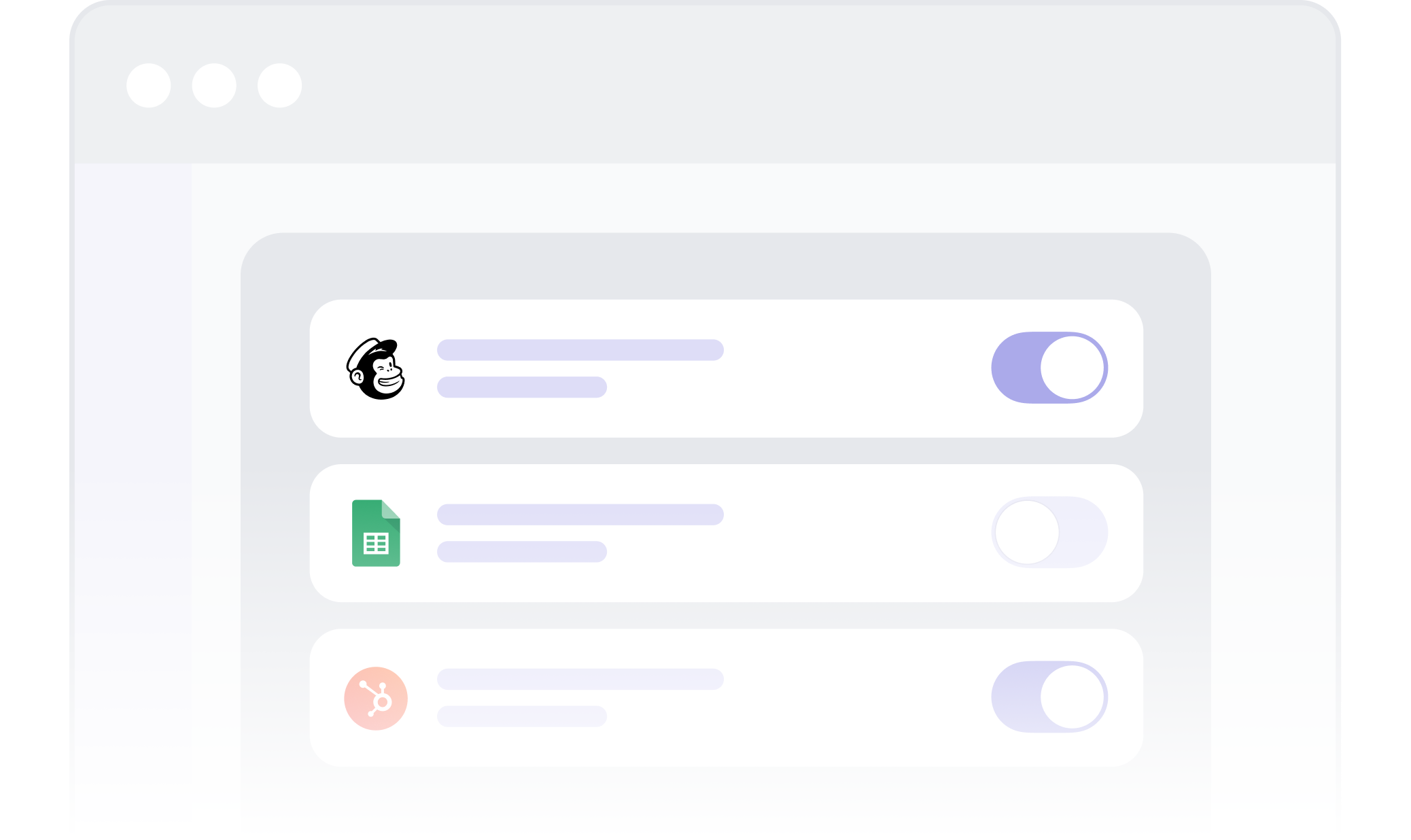
Build an OAuth and connection UX that match your product's look and feel. Albato's white-label OAuth flow handles the token management from A to Z while your UI stays consistent.
Retrieve specific integration endpoints from the Albato API and map them to your own workflow builder. Build a full-fledged automation experience that's part of your product, not a third-party embed.
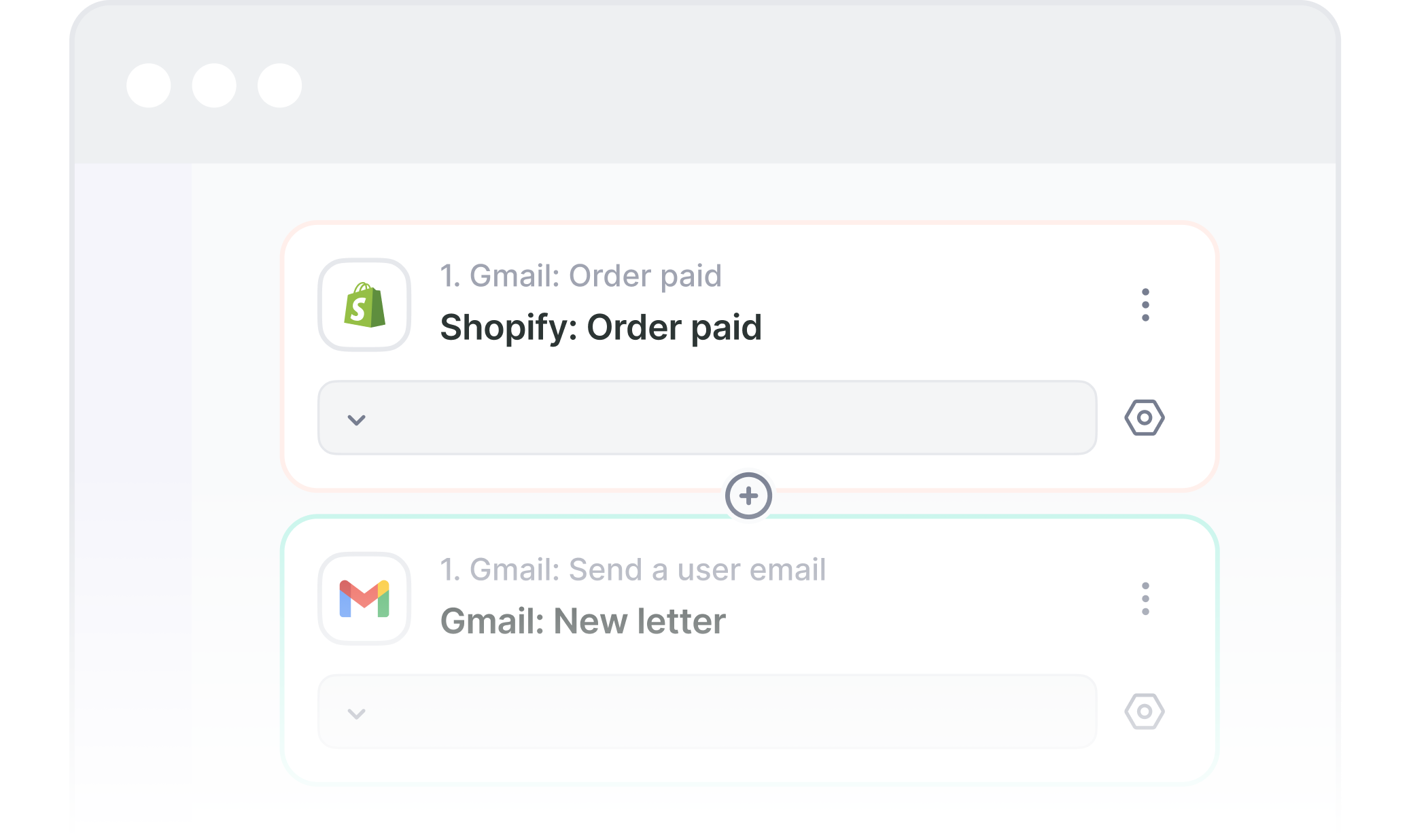

No iFrame UI constraints. The integration screens use your component library and follow your UX patterns. Customers can't tell where your product ends and Albato's integrations begin.

Trigger oAuth connections during customer onboarding, show integration status in your native dashboards, embed integration buttons throughout your platform. The Albato API doesn't care where you call it from.

You're building a smooth UI, not rebuilding integration infrastructure. Albato handles connectors, auth, data mapping, error handling, and API updates for 1,000+ apps. For comparison: building integration backend infra and handling logic in-house typically costs around $200,000 and takes 4-7 months before ongoing maintenance. Headless starts at $5,000/month.

Most teams launch with the iFrame to go live in 30-45 days, then move core integrations to headless as their needs evolve. It's a seamless transition for your users and a much easier process for your team.
 iFrame Model
 Headless API
Albato also offers other integration models (including Connection via Link API). iFrame and headless are the most common. Both share the same API, connectors, and billing, and can run in parallel.
These companies use Albato Embedded for native integrations, via iFrame, headless, or both.

Albato helped us build it in 1-2 months, with almost zero engagement from our R&D.