In this article
Key Takeaways
- Microsoft Power BI with Copilot is the pick for Microsoft 365 companies, ThoughtSpot for plain-English questions on a cloud warehouse, and Julius AI for chatting with spreadsheets from $20 a month.
- Zoho Analytics adds Ask Zia conversational analytics from its Standard plan at $48 a month billed annually, and Data Studio, formerly Looker Studio, stays free for Google-stack dashboards.
- Statistics Canada found data analytics was the most common AI application among Canadian businesses using AI in 2026, at 36.6%, up from 26.4% a year earlier.
More than half of large UK firms now use AI. The UK Office for National Statistics reports that 30% of UK businesses used at least one AI technology in September 2026, and the share reaches 51% among firms with 250 or more employees. For analytics, the practical choice is which tool can read the data your team already has.
How we picked these AI analytics tools
We selected eight tools that a business team can run without a dedicated data engineering department, and grouped them by the situation each one fits best. Every tool had to offer a named AI feature that answers questions or builds analysis from plain language. It also had to publish its pricing or a clear sales-led model and connect to the data sources a typical marketing, sales or ops team already uses.
We then judged two things that decide whether the tool gets used every week. The first is how data gets into the tool: native connectors, a warehouse, or a spreadsheet upload. The second is whether insight can leave the tool as an alert, a shared report or an updated record, instead of staying inside one dashboard.
Prices and plan limits below come from each vendor's official pricing page or product documentation as of October 19, 2026, and are in US dollars. Several AI features are still in preview, and we flag those where they apply.
AI data analytics tools compared
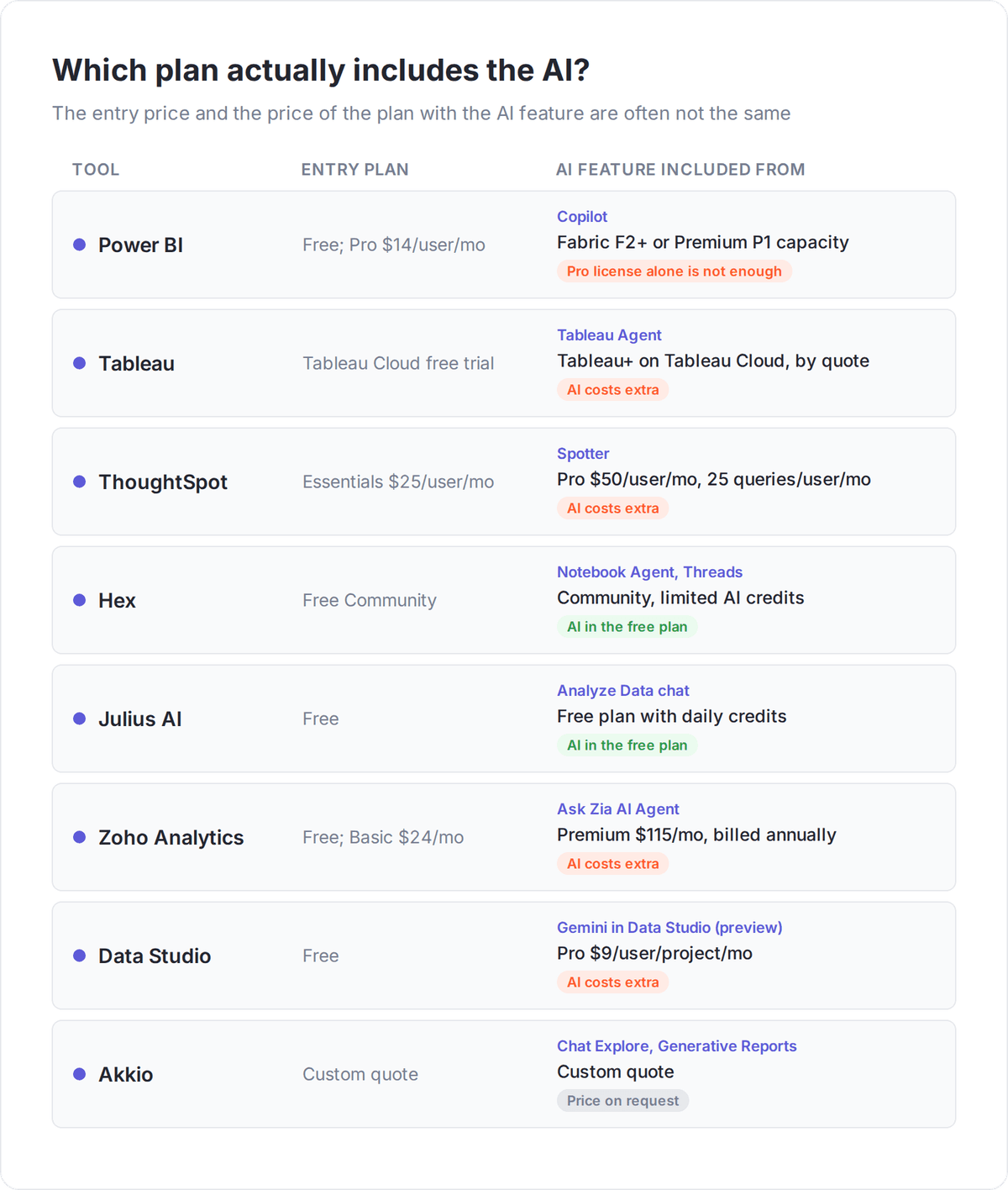
Entry prices are per month for the cheapest paid plan, which is not always the plan that includes the AI feature.
| Tool | Best for | Named AI feature | Entry price | Albato connector |
|---|---|---|---|---|
| Microsoft Power BI | Microsoft 365 and Fabric companies | Copilot in Power BI | Free account; Pro $14/user/mo; Copilot needs F2+ Fabric or P1 capacity | Yes |
| Tableau | Salesforce-centric organizations | Tableau Agent | Tableau+ through your account executive; the Tableau Cloud free trial includes Tableau Agent | No, use BigQuery or Google Sheets as the source |
| ThoughtSpot | Self-serve questions on a cloud warehouse | Spotter | Essentials from $25/user/mo billed annually | No, feed the warehouse |
| Hex | Data teams sharing work with business users | Notebook Agent, Threads | Free Community plan; Professional $36/editor/mo | No, feed the warehouse |
| Julius AI | Spreadsheet and database chat for small teams | Analyze Data chat | Free plan; Plus $20/mo ($16 billed annually) | No, feed Google Drive or BigQuery |
| Zoho Analytics | Budget BI suite for SMBs | Ask Zia | Free plan; Basic $24/mo billed annually; Ask Zia from Standard $48 | No, use Zoho's own 500+ connectors |
| Data Studio (formerly Looker Studio) | Free Google-stack dashboards | Gemini in Data Studio (preview) | Free; Pro $9/user/project/mo | No, feed Google Sheets or BigQuery |
| Akkio | Media agencies | Chat Explore, Generative Reports | Custom pricing only | No |
Which AI analytics tool fits a Microsoft or Salesforce stack?
If your company already runs on Microsoft 365, Power BI with Copilot is the default choice, and if it runs on Salesforce, Tableau with Tableau Agent is. Both tools put AI on top of data models your BI team already governs, so answers come from the same numbers as your official reports.
Microsoft Power BI: Copilot on governed reports
Microsoft Power BI gives business users Copilot inside the reports they already open, where it summarizes a report page and answers follow-up questions about the data in it. Report authors get a second set of Copilot tools that create report pages from a prompt, write DAX queries and add descriptions to measures. A standalone, full-screen Copilot that searches across every report and semantic model you can access is in preview.
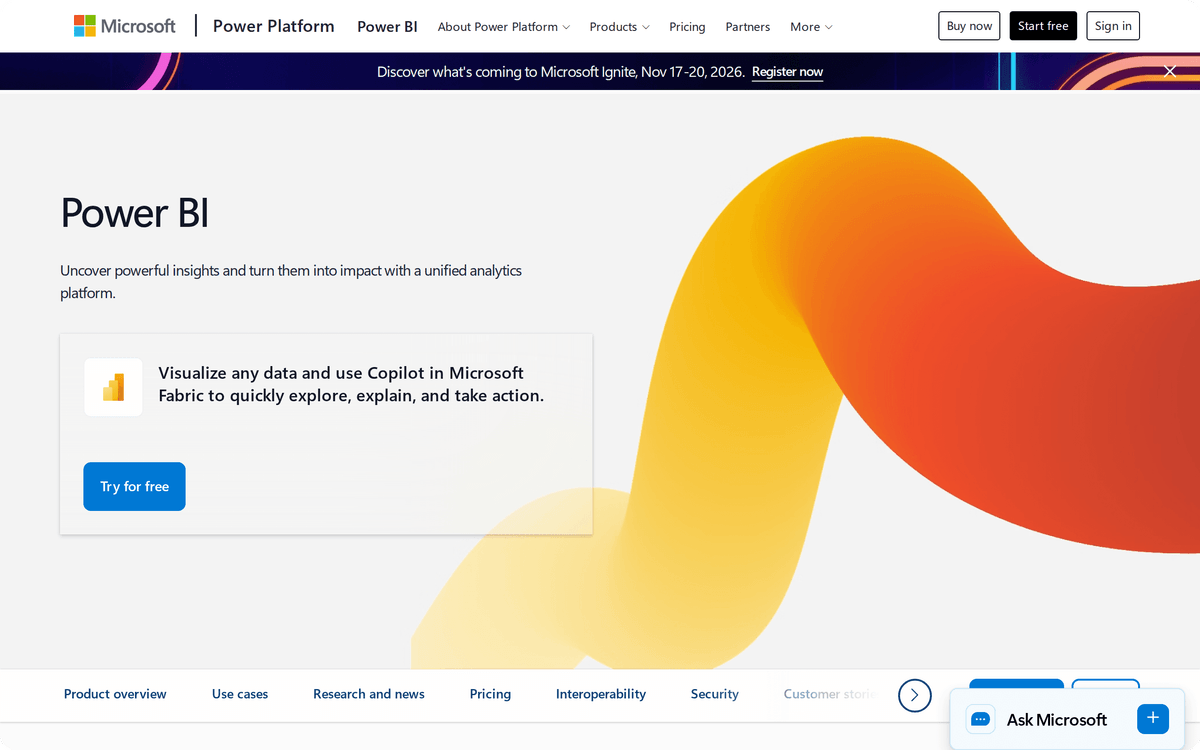
Power BI is the only tool in this list with a native Albato connector: its Insert rows action lets you connect Power BI to your CRM or store and add new records to a Power BI dataset directly.
Copilot runs only on paid organizational capacity: Fabric F2 or higher, or Power BI Premium P1 or higher, and trial or free capacity is not supported. A Pro license at $14 per user per month or Premium Per User at $24, both billed yearly, does not switch Copilot on by itself.
Tableau: Tableau Agent for Salesforce organizations
Tableau suits organizations that want strong visual analytics and already standardize on Salesforce. Its AI assistant, Tableau Agent, builds visualizations from a plain-language request, creates and explains calculated fields, suggests questions to ask of a data source and runs time-series comparisons. Dashboard summaries are in beta.
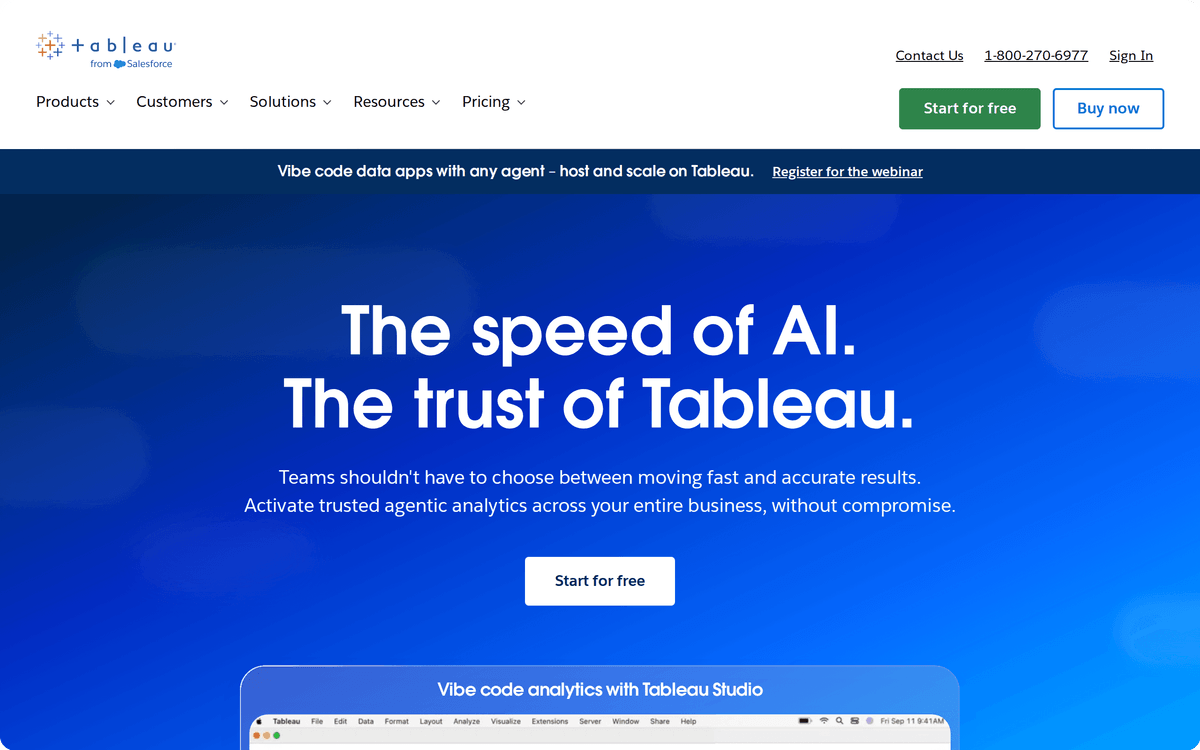
On Tableau Cloud, the agent only works on a site with the Tableau+ edition, and the user needs a Creator or Explorer role. On Tableau Server, it is available from version 2025.3 on sites where AI is turned on. The Tableau Cloud free trial includes Tableau Agent, which makes testing it on your own data straightforward.
Tableau Agent works only with the data sources already in your workbook. It cannot choose data sources, model data, build dashboards or format visualizations, so someone still prepares the workbook before business users start asking questions.
Which tools let business users ask questions of a data warehouse?
ThoughtSpot and Hex are the strongest options when your data already lives in a cloud warehouse such as Snowflake, Databricks or BigQuery. ThoughtSpot is built for search-style questions from business users, while Hex starts with the data team's SQL and Python work and then opens it up to everyone else through a chat interface.
ThoughtSpot: Spotter for plain-English questions
ThoughtSpot's AI analyst, Spotter, answers questions typed in plain English directly against warehouse data, which makes it a fit for sales and marketing teams that want answers without filing a request with an analyst. The Spotter family also covers data modeling (SpotterModel), dashboards (SpotterViz) and AI-assisted code (SpotterCode).
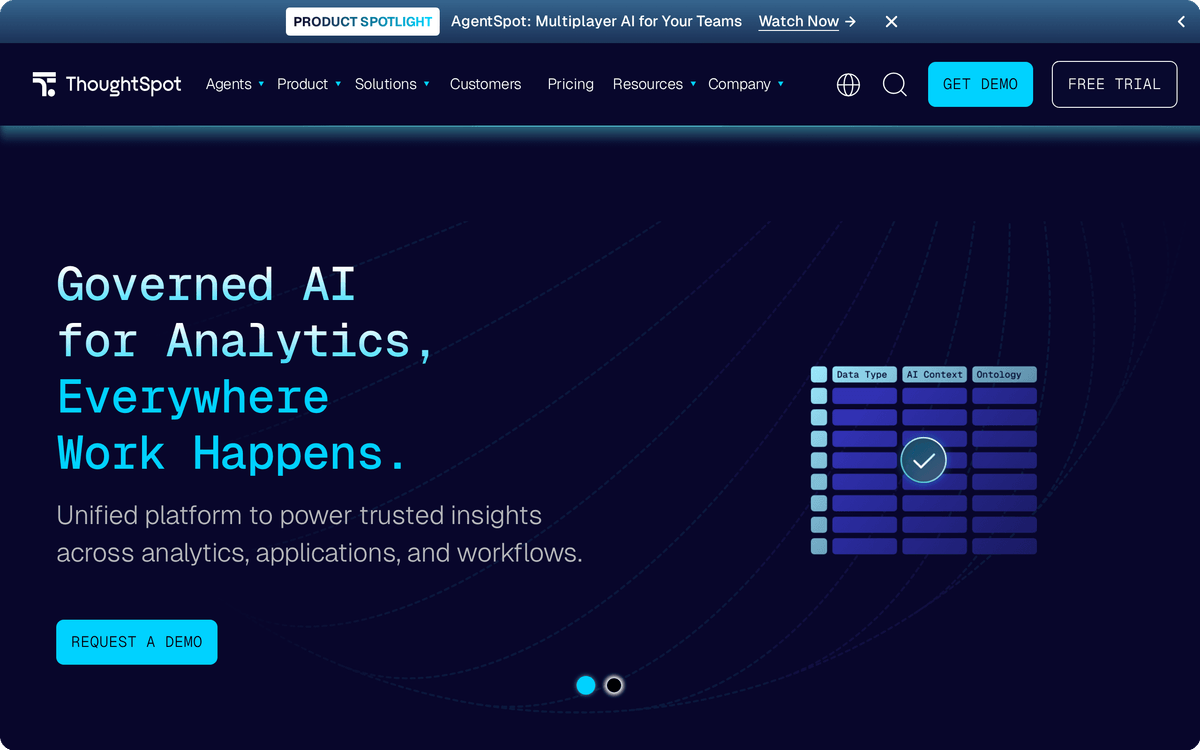
Pricing starts with Essentials at $25 per user per month billed annually, for 5 to 50 users and up to 25 million rows. Spotter AI agents arrive on the user-based Pro plan at $50 per user per month, capped at 25 Spotter queries per user per month. A usage-based Pro plan starts at $0.10 per credit and lists Spotter with unlimited LLM tokens instead of a per-user query cap, and Enterprise is priced on request.
ThoughtSpot offers a 14-day free trial with no credit card, enough time to test Spotter on one real dataset before you commit.
Hex: from analyst notebooks to Threads for everyone
Hex fits companies that have at least one analyst writing SQL or Python and want business users to reuse that work. Its Notebook Agent generates and edits SQL, Python, chart and pivot cells with full knowledge of the project and the warehouse schema, so the analyst can audit every step. Threads gives everyone else conversational analytics on the same data connections and semantic models.
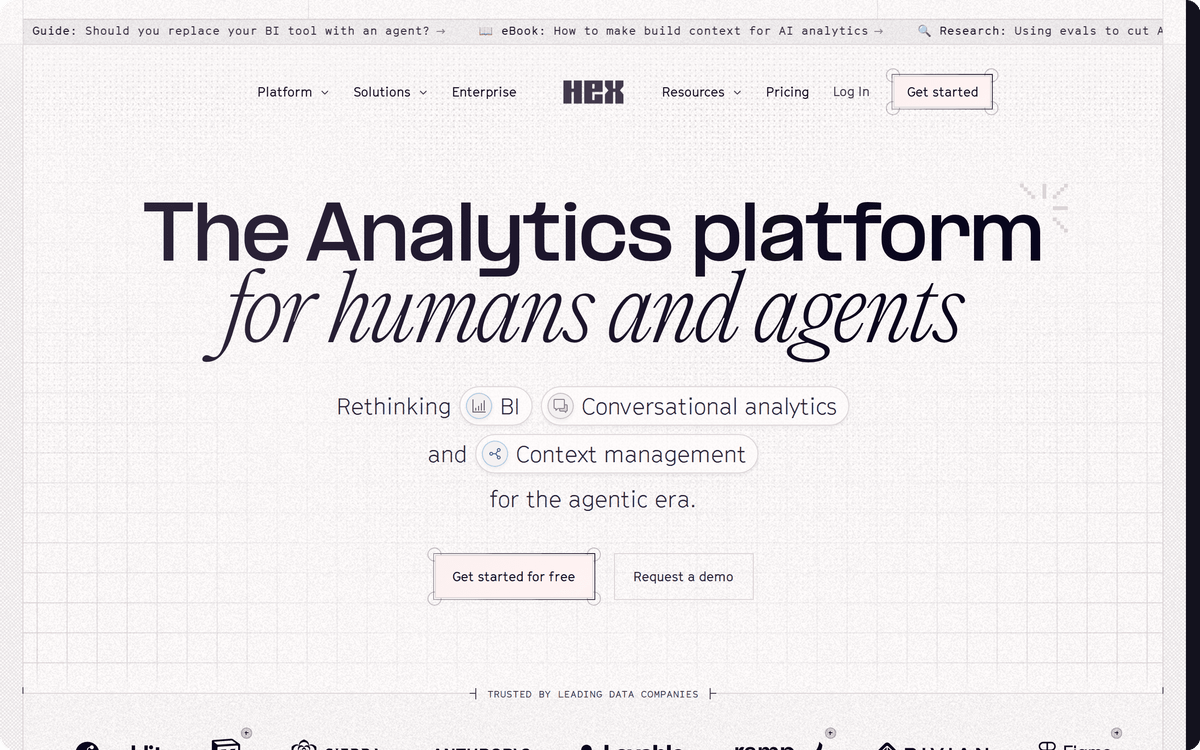
The Community plan is free, with a limited number of AI credits and up to 5 published apps. Professional costs $36 per editor per month, and Team costs $75 per editor per month and adds unlimited published apps, scheduled runs and alerts. The Team plan has a 14-day free trial with no payment card required.
⚠️ Important
Hex bills per editor, so the jump to Team adds up quickly. Three editors pay $108 a month on Professional and $225 a month on Team, which is the plan you need for scheduled runs and alerts.
What is the easiest AI analytics tool for spreadsheets and small teams?
Julius AI is the easiest place to start if your data lives in spreadsheets, and Zoho Analytics is the better choice once a small team needs shared dashboards and a full BI suite at a low price. Both tools work without a warehouse or a dedicated analyst.
Julius AI: chat with spreadsheets and databases
Julius AI lets you upload a spreadsheet or connect a database and ask questions in plain English, and it returns charts and analysis without any BI setup. Paid plans connect to Snowflake, BigQuery and Postgres, and the Custom Agents feature can learn your company's schema or data dictionary. Scheduled Runs repeat an analysis automatically.
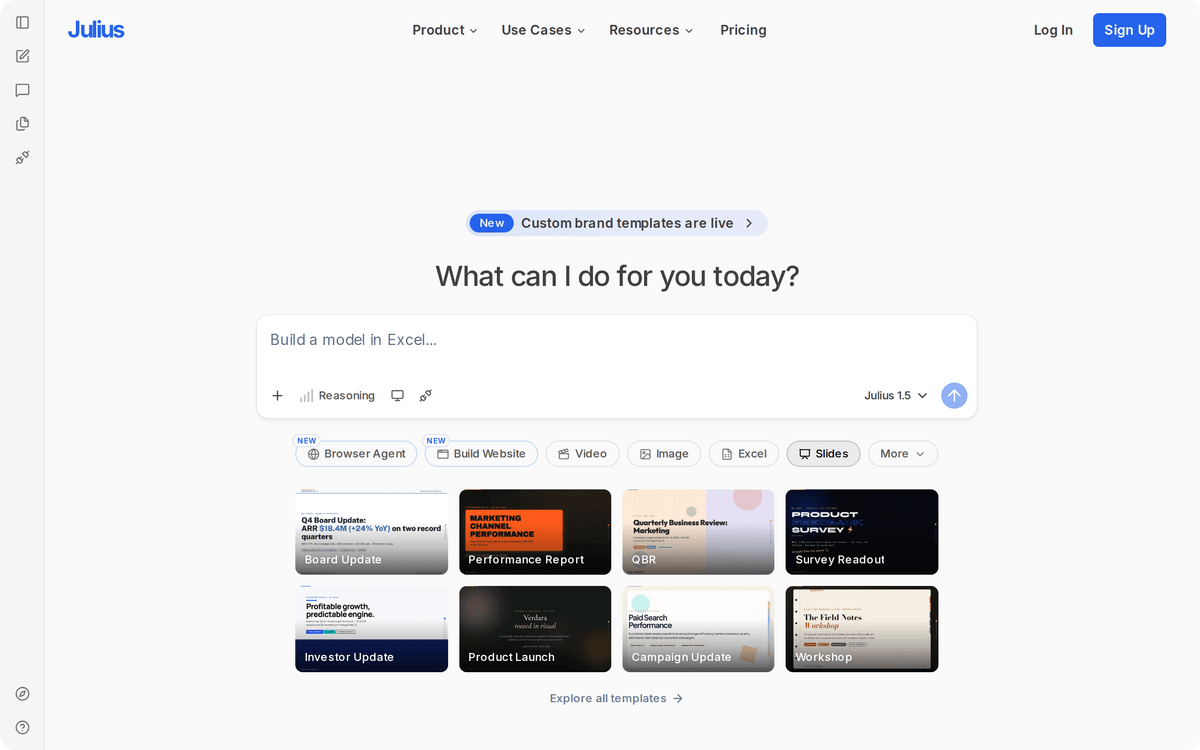
The Free plan includes daily credits but connects only to Google Drive, OneDrive and SharePoint. Plus costs $20 per month, or $16 billed annually, with 2,000 monthly credits. Pro costs $45 per month with 5,000 credits, and Business costs $450 per month for up to 50 team members with a shared workspace.
Uploaded files are kept for 7 days on the Plus, Pro and Business plans, and permanent storage is reserved for Enterprise. Teams that analyze the same report every week should keep the source file in a connected drive, where it does not expire after a week.
Zoho Analytics: an affordable BI suite with Ask Zia
Zoho Analytics packs a full BI suite with more than 500 ready-made connectors into plans that start at $24 a month for 2 users. That price suits SMBs that cannot fund a warehouse project. Its AI assistant, Ask Zia, turns a typed question into a report or KPI widget. A free plan covers 2 users and 10,000 rows with unlimited reports and dashboards.
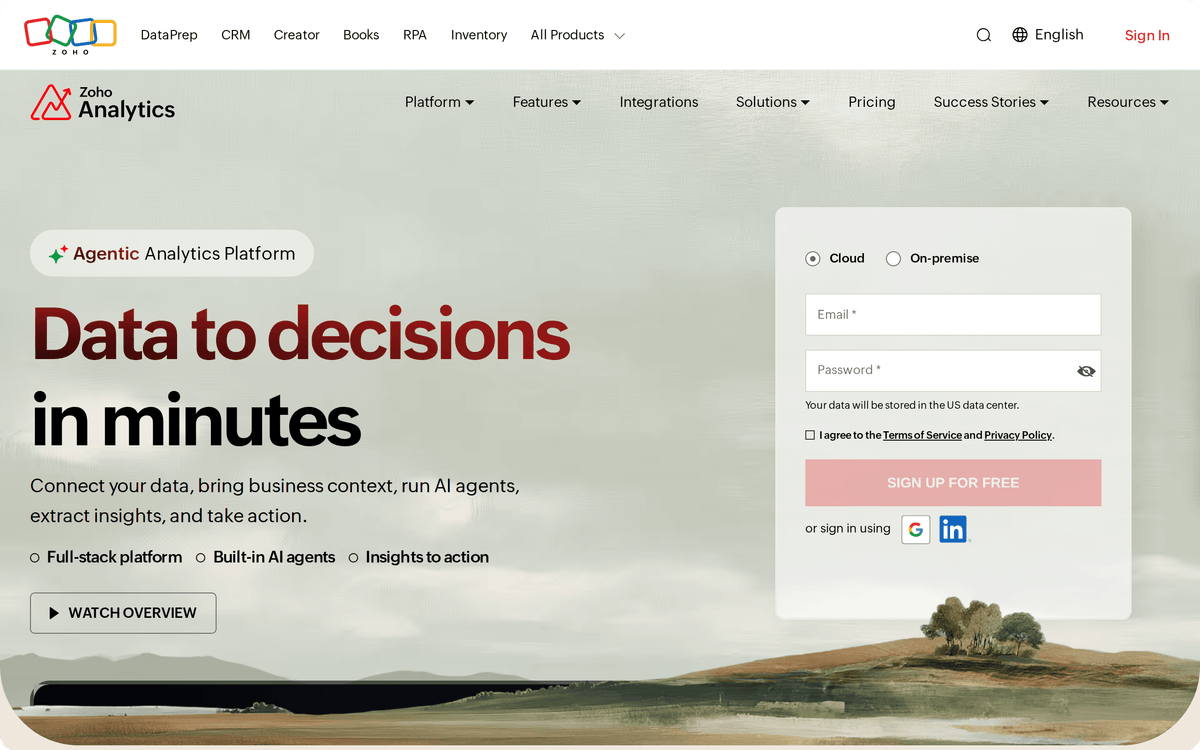
Paid cloud plans start with Basic at $24 per month billed annually ($30 monthly) for 2 users and 500,000 rows, but Basic does not include Ask Zia. Conversational analytics with Ask Zia starts on Standard at $48 for 5 users. The LLM-powered Ask Zia AI Agent is included only from Premium, at $115 per month billed annually for 15 users and 5 million rows.
💡 Tip
Size a Zoho Analytics plan by row count before seat count. A store that loads every order line item as its own row needs 50,000 rows for 10,000 orders of 5 items each, five times the 10,000-row cap of the free plan.
What is the best free option for Google-stack marketing data?
Data Studio, the product Google previously called Looker Studio, is the best free option for marketing teams whose numbers already sit in Google Ads, GA4, Google Sheets and BigQuery. Report creators and viewers pay nothing, so a client or channel dashboard can be shared widely without per-seat fees.
Gemini in Data Studio, which is in preview, requires Data Studio Pro at $9 per user per project per month, and Pro licenses are billed whether or not they are used. Gemini writes calculated fields from a natural-language description and generates Google Slides summaries from report content. Google also offers a separate Conversational Analytics feature for chatting with your data, which works without Gemini in Data Studio turned on.
Data Studio works best as the reporting layer on top of data you collect elsewhere. If your CRM or store data is not in a Google source yet, our guide to marketing reporting tools covers alternatives with broader native connectors.
Which AI analytics tool is built for agencies?
Akkio is built for media agencies and data providers, not for general business intelligence. It automates campaign workflows: Chat Explore and Chat Data Prep for asking questions and cleaning data, Generative Reports for client reporting, Forecasting, and dedicated Audience and Strategy agents for planning campaigns.
That focus makes Akkio a strong option for an agency that builds audiences and reports for many clients, and a poor one for an in-house ops team that needs dashboards. Akkio sells a single Enterprise AI Analytics Platform with custom pricing, and the website offers a demo request rather than a self-serve trial, so expect a sales process before you can test it.
For agencies, the deciding question is how much client reporting time Generative Reports removes each month. Run the demo on a real client account and compare it against your current reporting hours.
How do you get clean data into an AI analytics tool?
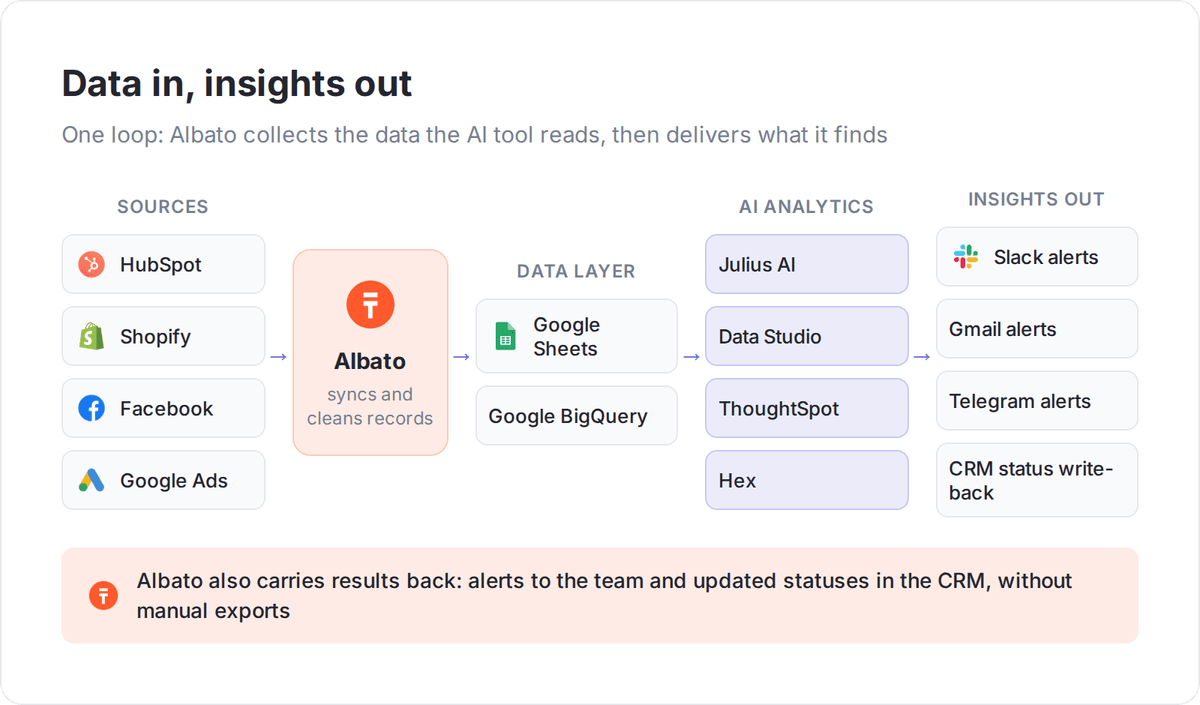
An AI analytics tool can only answer from the data it can read, so the first job is getting CRM, ad and store data into the source it uses. For most tools in this list that source is a spreadsheet or a warehouse: Julius AI reads Google Drive and BigQuery, Data Studio reads Google Sheets and BigQuery, and ThoughtSpot and Hex query the warehouse directly.
With Albato, you can send each new HubSpot deal or Shopify order into a Google Sheets table or a Google BigQuery dataset automatically, so nobody exports CSV files by hand. Lead data from Facebook and Google Ads can land in the same place, so the AI tool sees every channel in one table.
Zoho Analytics brings its own 500+ connectors, and Power BI has a native Albato connector, so those two need less preparation.
How do you push AI insights to where your team works?
You push AI insights to your team by sending new rows from the analytics source into the chat or inbox people already use. The owner of a deal or an order then sees the alert without opening the analytics tool.
Albato does this from the Google Sheet that your analytics tool reads. Its Google Sheets trigger, New row created, starts a scenario that can post the row to a Slack channel, send a Gmail message or notify a Telegram chat. The same scenario can also update the matching deal in HubSpot.
🔧 How it works
An Albato scenario has one trigger and one or more actions, and each action can use fields from the trigger. A Slack alert built from a Google Sheets row can name the deal, its amount and its owner in one readable sentence.
If you are still deciding where customer data should live before analysis, compare the options in our customer data platform guide. For store data specifically, the e-commerce automation stack walks through the order-to-report flow.
How should you choose an AI analytics tool?
Choose by where your data already lives and who will ask the questions. The data source sets which tools can read your numbers at all, and the people asking decide whether you need a chat interface or an analyst workbench.
Microsoft 365 companies should start with Power BI and budget for Fabric capacity if Copilot is the goal. Salesforce organizations should test Tableau Agent in the Tableau Cloud trial before asking their account executive about Tableau+. Teams with a cloud warehouse get the most from ThoughtSpot when business users ask the questions, and from Hex when an analyst writes the SQL and Python first.
Small teams working from spreadsheets can start free with Julius AI and move to Plus at $20 a month once the daily credits run out. SMBs that want a shared BI suite should price Zoho Analytics Premium, the first plan with the Ask Zia AI Agent. Google-stack marketers can stay on free Data Studio, and agencies should book an Akkio demo.
Whichever tool you choose, test it on one real question your team asks every week, such as last month's pipeline by source, before you roll it out.
FAQ
What is the best AI data analytics tool for a small business?
Julius AI is the easiest start for spreadsheet data, with a free plan and a Plus plan at $20 per month. Zoho Analytics suits small teams that need shared dashboards, with a free plan for 2 users and paid plans from $24 per month billed annually. Ask Zia starts on the Standard plan at $48, and the Ask Zia AI Agent on Premium at $115.
Is there a free AI data analytics tool?
Several tools in this list have free tiers: Julius AI, Zoho Analytics, Hex Community and Data Studio. The free tiers limit the AI features. Julius AI's free plan connects only to Google Drive, OneDrive and SharePoint, and Gemini in Data Studio requires the Pro plan at $9 per user per project per month.
Does Power BI Copilot come with a Pro license?
No. A Power BI Pro license at $14 per user per month or Premium Per User at $24 does not turn on Copilot by itself. Copilot needs paid organizational capacity: Fabric F2 or higher, or Power BI Premium P1 or higher.
How much do AI analytics tools cost?
Entry prices in this list run from free plans to custom enterprise contracts. Paid entry points include Data Studio Pro at $9 per user per project, Power BI Pro at $14 per user, Julius AI Plus at $20, Zoho Analytics Basic at $24, ThoughtSpot Essentials at $25 per user and Hex Professional at $36 per editor, all per month. Akkio is priced by custom quote only.
How do I connect my CRM data to an AI analytics tool?
Send CRM records into the source your analytics tool reads, usually Google Sheets or BigQuery. Albato can write each new HubSpot deal or Shopify order to a Google Sheets table or a BigQuery dataset automatically, and its native Power BI connector can insert the same rows into a Power BI dataset.