In this article
Key Takeaways
- Otter.ai fits meetings and lectures, Fireflies.ai keeps calls and uploads in one searchable library, Rev adds human-typed transcripts for interviews, Descript fits podcasts you edit through the text, and TurboScribe handles bulk long files for a flat $20 a month.
- HypeScribe bills per file, not per minute: 1 token = 1 file of any length, so a long recording costs the same as a short one. It transcribes 99+ languages, with plans from $6.99 a month for 30 files.
- Happy Scribe lists 150+ languages and is the only tool here with a native Albato connector.
A two-hour recording shows how much the billing unit matters. It uses all 120 monthly upload minutes on Happy Scribe's Basic plan, 120 of 1,800 minutes on Notta Pro, $20 at Sonix's pay-as-you-go rate, one token on HypeScribe, and nothing extra on TurboScribe's Unlimited plan.
How do the best AI transcription tools compare?
The best AI transcription tools differ most in how they charge and how many languages they cover. Six of the nine meter minutes or hours of audio, HypeScribe counts files, TurboScribe sells unlimited transcription to one person, and Fireflies.ai's free plan transcribes without a cap but limits storage.
| Tool | Strongest fit | Free plan | Entry paid plan | Billing unit | Transcription languages | Albato connector |
|---|---|---|---|---|---|---|
| Otter.ai | Meetings and lectures | 300 min/mo, 30 min per conversation, 3 file imports in total | Pro $16.99/user/mo ($8.33 billed annually) | Minutes per user | 6 | No |
| Fireflies.ai | Calls and uploads in one searchable library | Unlimited transcription, 400 min of storage per team | Pro $18/seat/mo ($10 billed annually) | Seats, storage minutes | 100+ | No |
| HypeScribe | Long recordings in many languages | 3 files a month, 1 hour max per file | Starter $6.99/mo for 30 files | Files (1 token = 1 file) | 99+ | No |
| Notta | Interviews and lectures with translation | 120 min/mo, 3 min per conversation | Pro $8.17/mo billed annually | Minutes | 58 | No |
| Rev | Interviews, legal and investigative recordings | 45 AI min/mo, English only | Essentials $29.99/seat/mo ($25.49 billed annually) | Minutes per seat; human transcripts per minute | English and Spanish on Essentials, 37+ on Pro | No |
| Sonix | Research and media teams paying by the hour | 30-minute trial | Core $25/mo for 5 hours; pay as you go $10/hour | Hours | 54+ | No |
| Happy Scribe | Subtitles and multilingual transcripts | 10 upload minutes, notetaker recordings up to 45 min | Basic $17/mo ($8.50 billed annually) | Upload minutes | 150+ | Yes |
| Descript | Podcasts and video edited through the text | 60 media min/mo | Hobbyist $24/person/mo ($16 billed annually) | Media hours | 25 | No |
| TurboScribe | Bulk transcription of long files | 3 files a day, up to 30 min each | Unlimited $20/mo ($10 billed annually) | Flat, one person | 98+ | No |
Prices are list prices in US dollars from each vendor's pricing page on November 4, 2026. Notta showed its Pro price in US dollars only with annual billing.
What does AI transcription software do, and how does it differ from a meeting assistant?
AI transcription software converts an audio or video recording into text with speaker labels and timestamps, usually from a file you upload or a link you paste. Most tools on this list also write a summary, and several export subtitle files such as SRT or VTT for video.
A meeting assistant starts from the other end: it joins live calls, writes notes and pushes them into a CRM or task tracker. Otter.ai, Fireflies.ai, Notta, Happy Scribe and HypeScribe (on its Pro and Ultra plans) can send a bot to meetings too, but this list judges them on recordings you already have. Our comparison of AI meeting assistants covers the call-first tools, including the ones built for sales teams.
💡 Tip
Pick one 10-minute recording that is hard to transcribe, with two people talking over each other, product names and a few numbers. Run it through the free plan of each shortlisted tool and check those names and numbers first, because that is where transcripts usually go wrong.
Which AI transcription software works best for meetings and lectures?
Otter.ai, Fireflies.ai, HypeScribe and Notta transcribe both uploaded files and online meetings, which suits team calls, lectures and interviews recorded on a laptop. They differ in language coverage, upload caps and the unit you pay for.
1. Otter.ai: live notes for meetings and lectures in six languages
Otter.ai transcribes Zoom, Microsoft Teams and Google Meet calls as they happen and turns uploaded audio and video files into searchable, shareable text. Speakers are identified by name, and summaries come with action items and an outline. Its site also pitches students on capturing lectures, discussions and study sessions automatically.
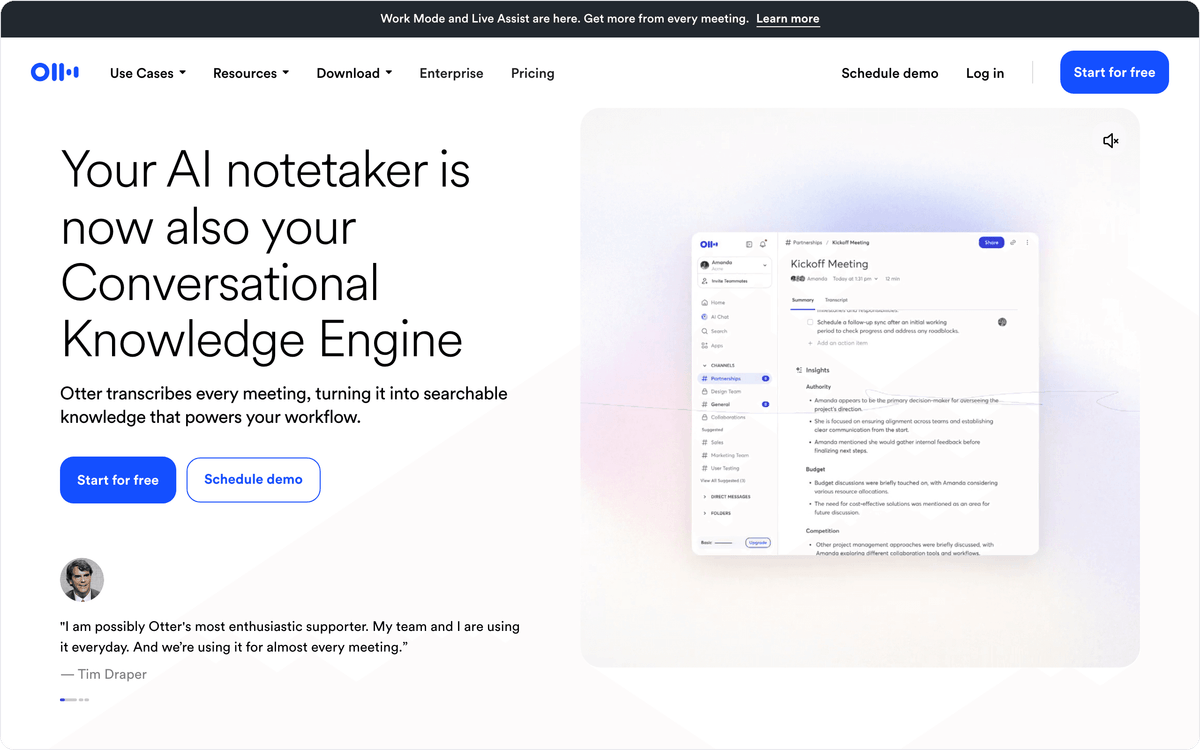
The language list is short: Otter.ai transcribes English, Spanish, French, German, Japanese and Chinese, so a team that records in Portuguese or Arabic needs another tool. File uploads are capped too. The free Basic plan allows 3 imports in total, and Pro allows 10 a month.
Basic is free with 300 transcription minutes a month and up to 30 minutes per conversation, and it exports MP3 and TXT only. Pro costs $16.99 per user a month, or $8.33 billed annually, with 1,200 recording minutes, up to 90 minutes per meeting and exports to TXT, PDF, DOCX and SRT.
2. Fireflies.ai: one searchable library for calls and uploaded files
Fireflies.ai records and transcribes calls on Zoom, Google Meet and Teams and also transcribes audio and video files you upload, so a recorded interview lands in the same searchable library as last week's calls. It transcribes 100+ languages with automatic language detection and tells speakers apart in both meetings and uploaded audio.
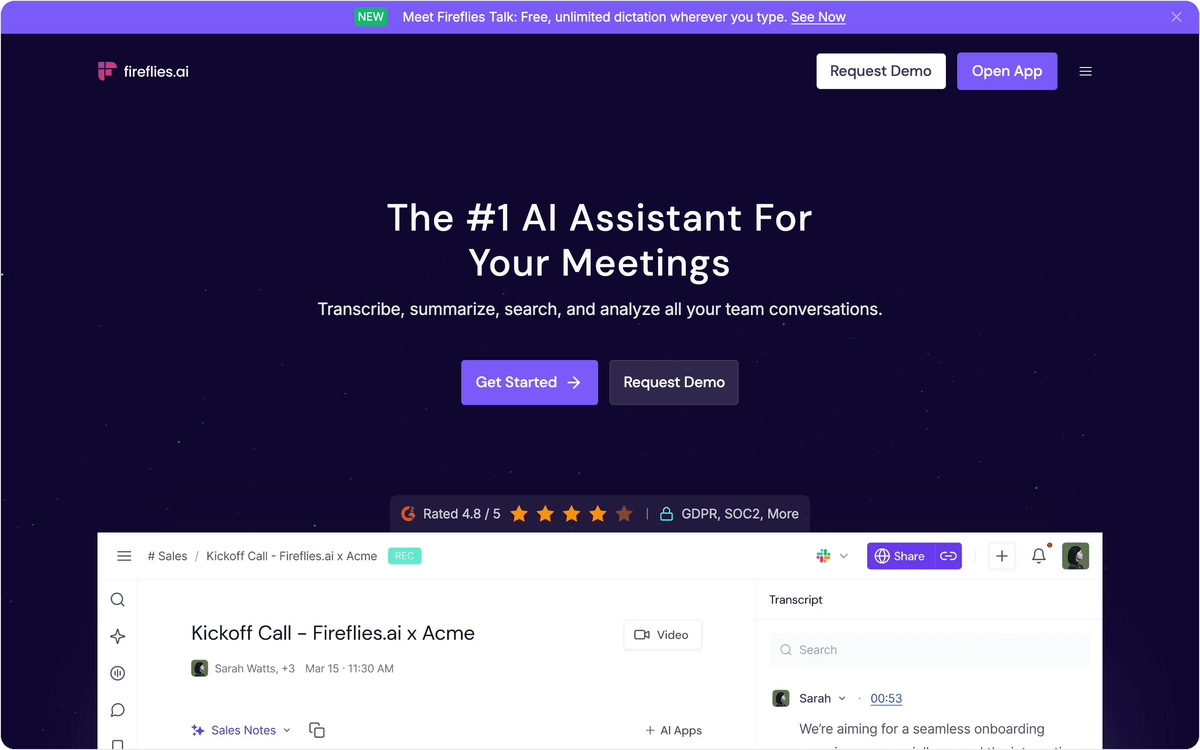
The free plan advertises unlimited transcription with limited AI summaries, but it stores only 400 minutes per team. Pro raises storage to 8,000 minutes per seat, adds downloads of transcripts, summaries and recordings, and includes unlimited integrations plus higher API rate limits than the free plan.
Pro costs $18 per seat a month, or $10 billed annually. Business costs $29 per seat, or $19 billed annually, and adds a Multi-language Mode. Fireflies.ai suits a team that wants every call and every uploaded recording searchable in one account, with the seat price rising as more colleagues need access.
3. HypeScribe: per-file billing for long recordings in 99+ languages
HypeScribe charges by file instead of by minute: one token transcribes one file, whatever its length, so a three-hour lecture costs the same as a ten-minute voice memo. Each recording gets a transcript with speakers labeled, an AI summary with an outline and action items, and Q&A about what was said.
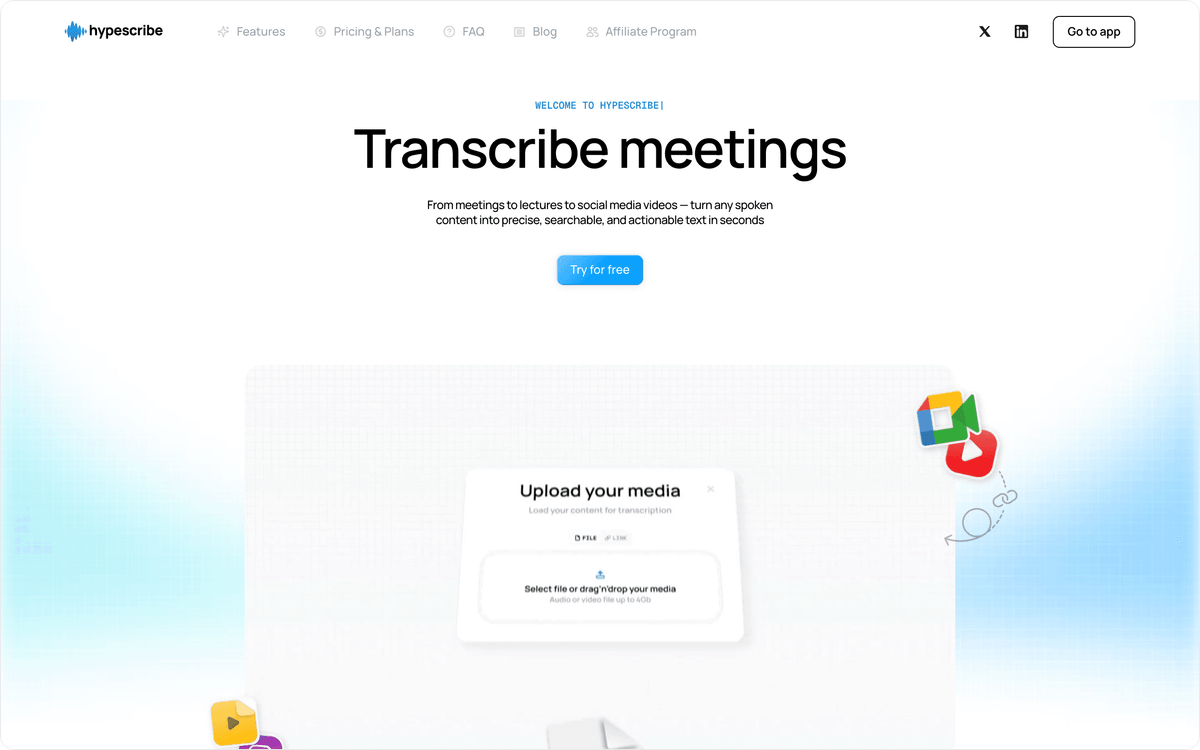
Recordings arrive as uploads of up to 2 GB per file or as links from 15 platforms, among them YouTube, Instagram, TikTok, Zoom and Google Drive. HypeScribe detects the spoken language across 99+ languages. Transcripts export to Markdown, DOCX, PDF, SRT or TXT, or to Google Docs, and files are encrypted in transit and kept out of AI model training.
The free plan transcribes 3 files a month of up to an hour each, with no credit card. Starter costs $6.99 a month for 30 tokens, Pro $7.99 for 60 and Ultra $12.99 for 300, yearly billing is around 45% cheaper, and unused tokens carry over. A notetaker bot for online meetings is included on Pro and Ultra only.
4. Notta: interviews and lectures with transcript translation
Notta gives you searchable text from meetings, interviews and lectures, on the web and on mobile, and it transcribes 58 languages. Paid plans add transcript translation, which helps when an interview is recorded in one language and the report is written in another.
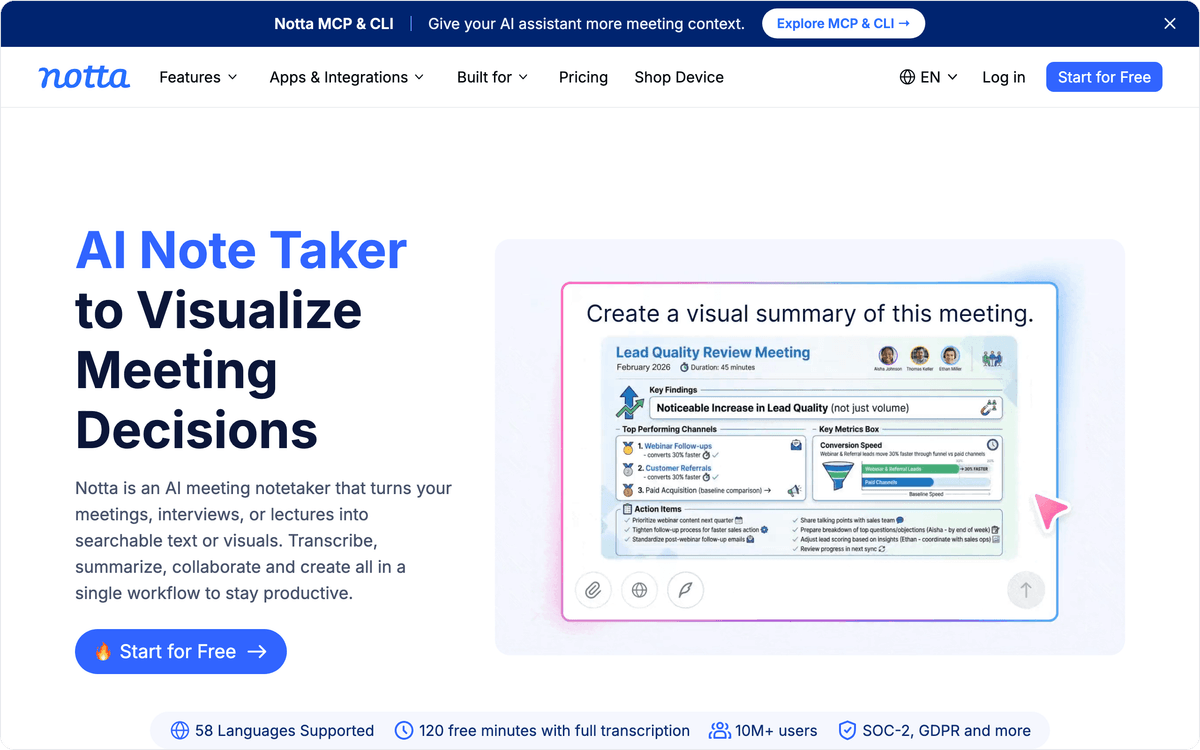
Notta connects natively to Zoom, Teams and Google Meet, and finished transcripts can go to Google Drive, Notion, Slack and Salesforce. CRM integration sits on the Business plan, so a sales team that wants call notes on the account record needs that tier.
The free plan gives 120 transcription minutes a month but stops each conversation at 3 minutes, which is enough to judge quality and too short for a real interview. Pro costs $8.17 a month billed annually ($97.99 a year) and includes 1,800 minutes a month, recordings of up to 5 hours and 100 file uploads, which covers a full lecture or a long research interview in one file.
Which transcription software works well for interviews and research?
Rev, Sonix and Happy Scribe suit interviews, research and media work, where a transcript may be quoted, filed or published and a human check or a subtitle file is part of the job.
5. Rev: AI transcripts with a human transcription option
Rev sells both AI transcription and transcripts typed by people, and its site is now built around legal and investigative teams. You can upload audio, video, images and documents, pull files from Clio, Dropbox, Box, Google Drive or OneDrive, or paste a URL.
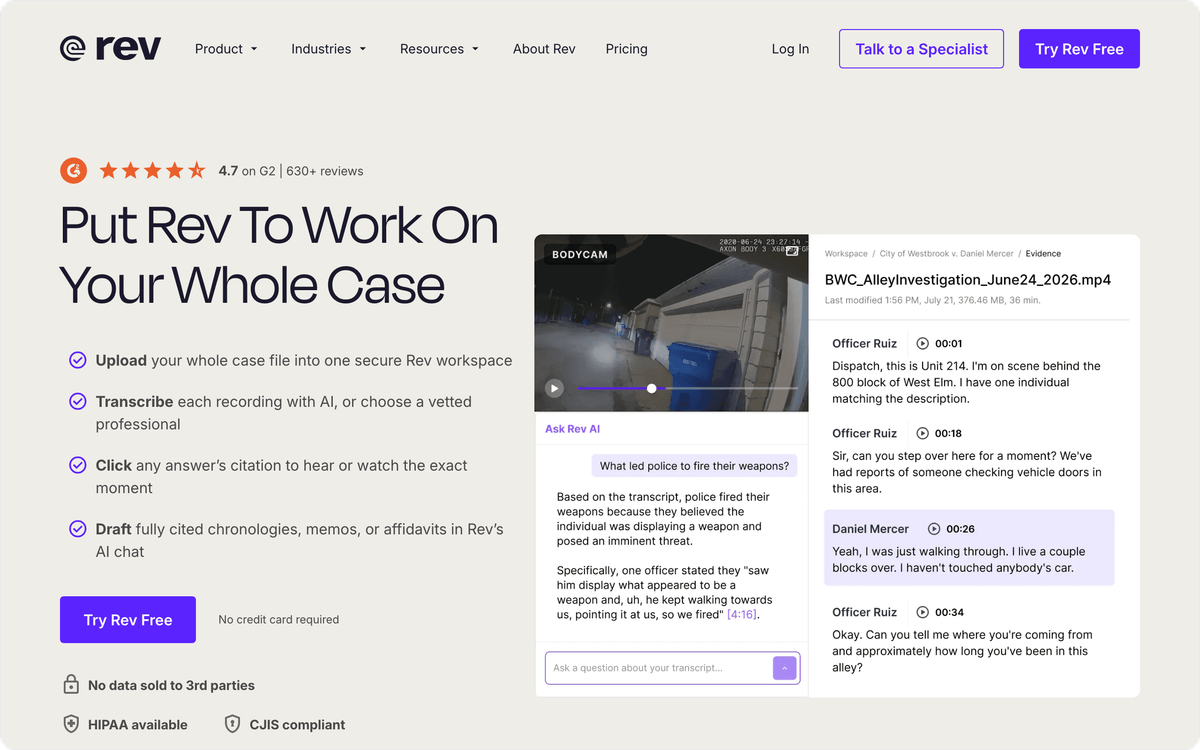
Pay-per-use prices start at $0.25 a minute for AI transcription and $1.99 a minute for human transcription. The human option is the one to budget for when a journalist will quote the interview or a lawyer will file the transcript, since a person checks every line.
The free plan gives 45 AI minutes a month and transcribes English only. Essentials costs $29.99 per seat a month, or $25.49 billed annually, with 5,000 AI minutes per user a month in English and Spanish. Pro, at $59.99 a month or $47.99 billed annually, covers 37+ languages, including Spanglish. Rev's pricing page also lists an AI notetaker, a Google Drive integration and API access.
6. Sonix: pay by the hour and export subtitles
Sonix bills transcription by the hour: $10 per hour on pay as you go, or a Core subscription at $25 a month that includes 5 hours, with extra hours at $10 each. That suits researchers and media teams whose volume changes from month to month.
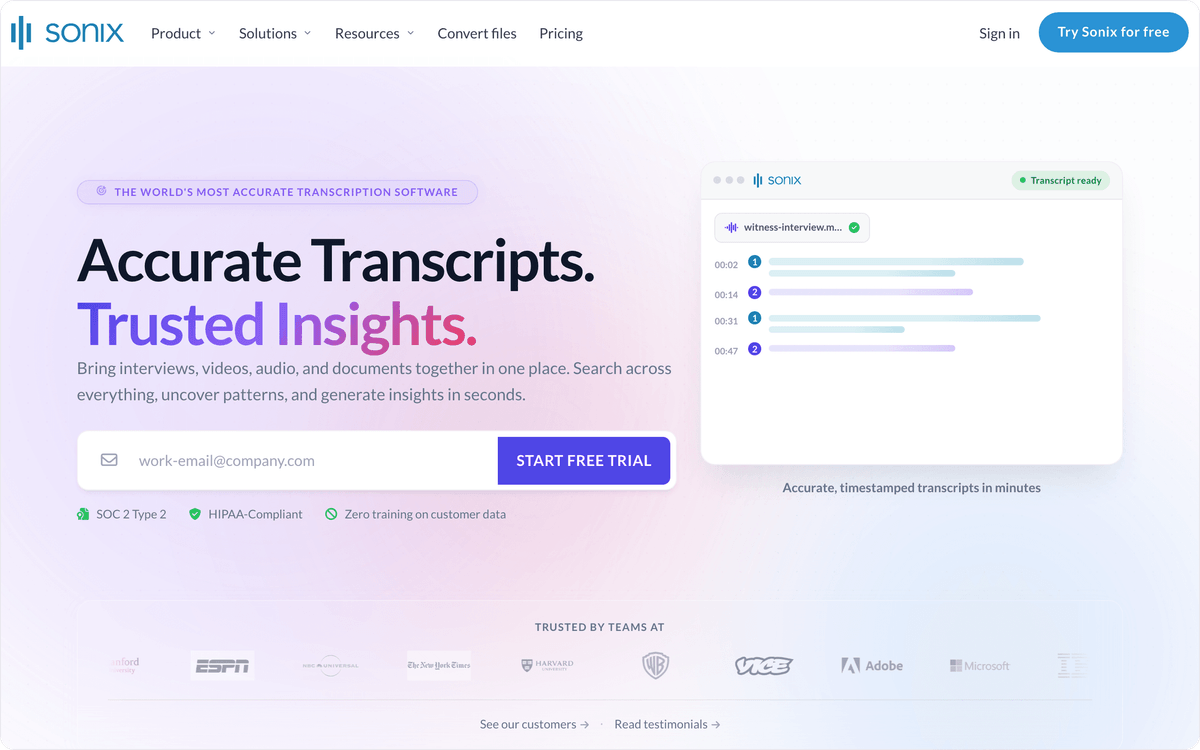
Sonix transcribes 54+ languages, and speaker diarization marks who said what. Exports cover DOCX, PDF and TXT for text and SRT and VTT for subtitles, and you can also share a transcript by link or burn subtitles into the video. Integrations include Zoom, Teams and Adobe Premiere, which matters for editors who caption footage in Premiere.
New accounts get a 30-minute free trial with no credit card. Annual billing on subscription plans comes with one month free. Core includes 25 GB of storage, and topping up hours means you do not pay for seats nobody uses every week.
7. Happy Scribe: 150+ languages, human proofreading and subtitles
Happy Scribe lists AI speech-to-text in 150+ languages and dialects, the largest count on this list, with automatic speaker and language detection. When the AI draft is not enough, you can order human proofreading, and subtitles are a core part of the product.
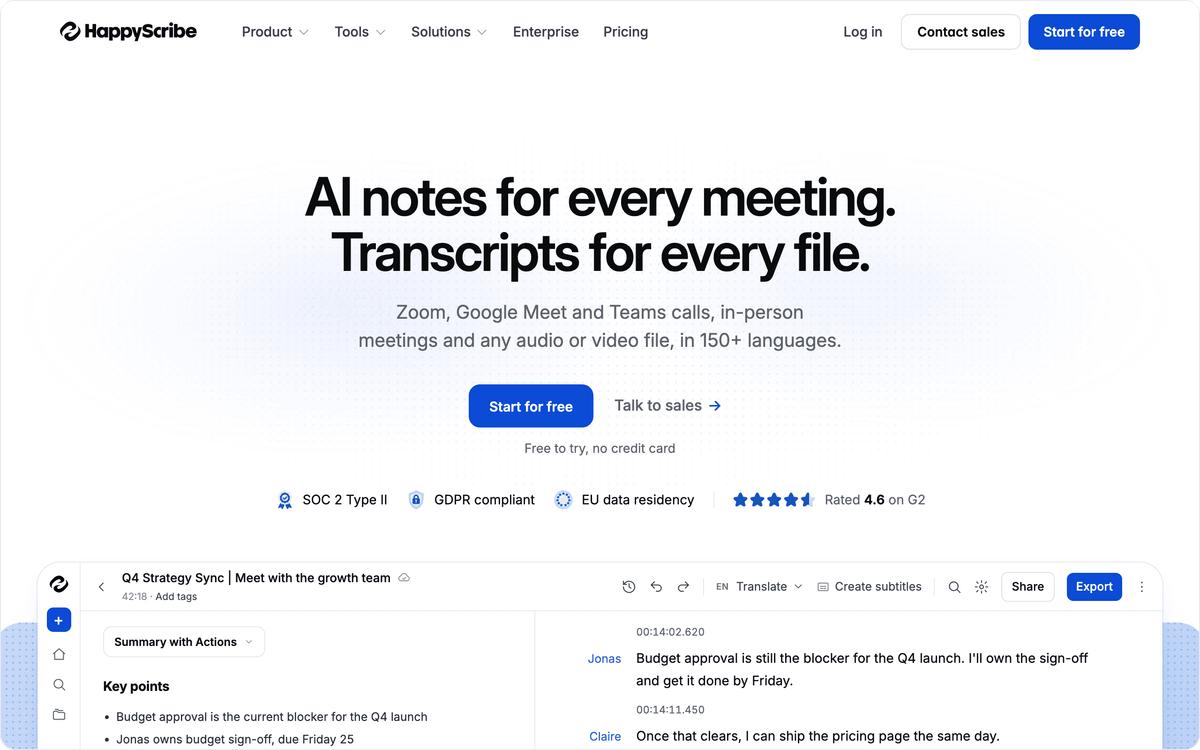
Files come in from YouTube, Vimeo, Google Drive, Box and Dropbox, and a notetaker records meetings on Google Meet, Zoom and Teams. Of the nine tools, Happy Scribe alone has a native connector in Albato's app catalog, so a finished transcript can start a flow in other apps.
The free plan includes 10 upload minutes and unlimited notetaker recordings of up to 45 minutes each, with DOCX, TXT and SRT exports and watermarked MP4. Basic costs $17 a month for 120 upload minutes, or $8.50 billed annually for 1,440 minutes a year. Pro costs $29, or $19 billed annually.
⚠️ Important
Interviews with customers, patients or sources often contain personal data, so read the vendor's security page before the first upload. Sonix lists SOC 2 and HIPAA on its site. For every other tool, ask where files are stored, for how long, and who on the vendor's side can open them.
Which transcription software fits podcasts and long audio files?
Descript and TurboScribe handle long recordings in two different ways. Descript lets you edit an episode by editing its transcript, and TurboScribe transcribes many long files at one flat monthly price.
8. Descript: edit the podcast by editing the transcript
Descript is an audio and video editor that transcribes your recording and then lets you cut, trim and rearrange it by changing the text. Multitrack transcription and detection of 8+ speakers fit podcasts recorded with each guest on a separate track, and transcription covers 25 languages on every plan.
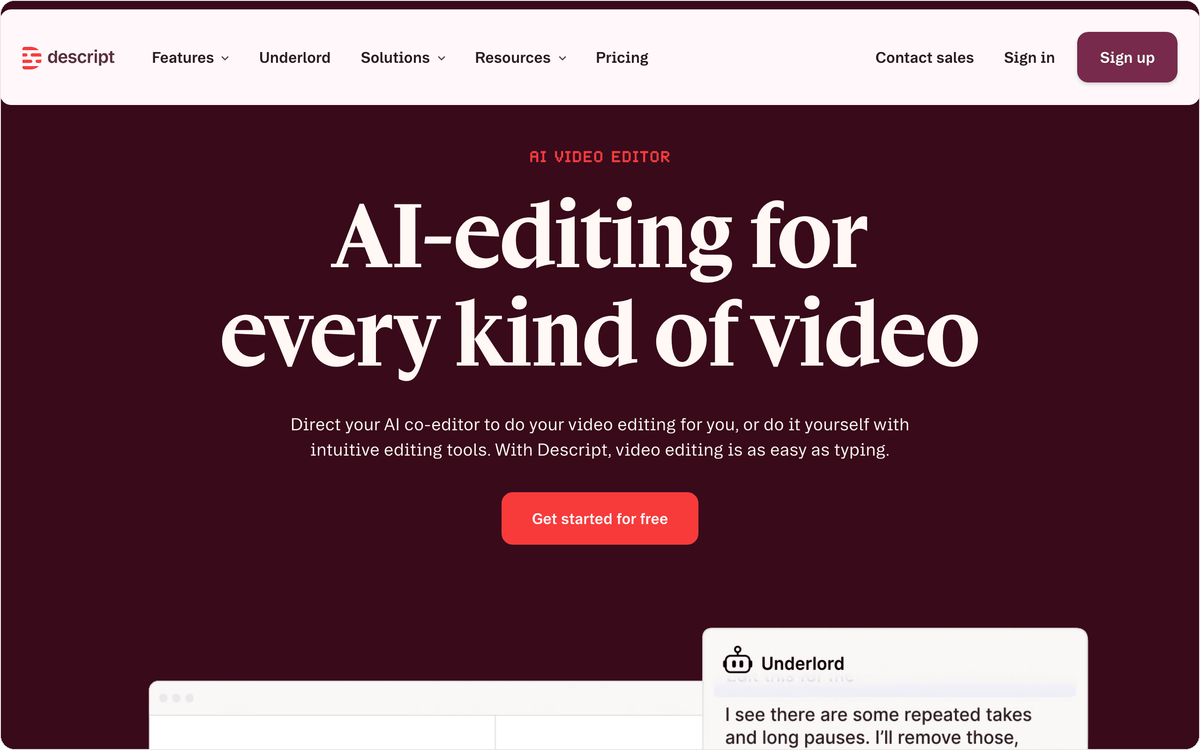
Descript meters media minutes. The free plan gives 60 minutes a month with files up to 1 GB, and Hobbyist costs $24 per person a month, or $16 billed annually, for 10 media hours, 400 AI credits and files up to 10 GB. Creator costs $35, or $24 billed annually.
If you only need the text, TurboScribe's Unlimited plan costs less than Hobbyist and has no hour cap. Descript makes sense when the same person transcribes and edits the episode, because the cuts made in the transcript become cuts in the audio.
9. TurboScribe: unlimited transcription at a flat price
TurboScribe's Unlimited plan transcribes as many files as one person uploads for $20 a month, or $10 billed annually ($120 a year). Each file can run up to 10 hours or 5 GB, and you can upload 50 files at a time, which suits a podcast back catalog or a semester of recorded lectures.
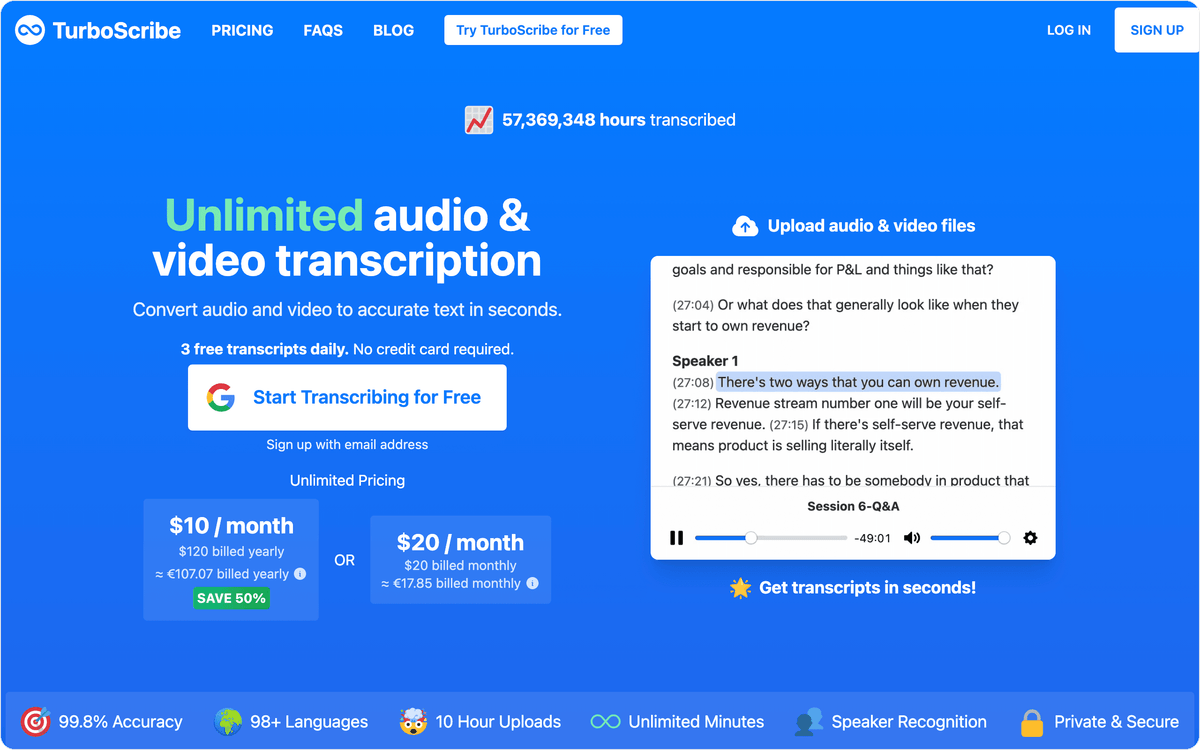
TurboScribe transcribes 98+ languages, recognizes speakers and can translate transcripts or subtitles into 134+ languages. Exports cover DOCX, PDF and TXT plus captions and subtitles in SRT and VTT.
The free plan allows 3 transcripts a day, each up to 30 minutes, one file at a time, with no credit card required. The Unlimited plan covers a single person, so a team of five pays for five accounts. That works well for one heavy user with hours of audio and less well when every colleague needs a login.
How much does AI transcription software cost?
Every tool on this list can be tried for free, and entry paid plans go up to $29.99 per seat a month for Rev Essentials. The billing unit changes the real cost more than the sticker price does. A tool that looks cheap per month can cost more than a pricier one once your recordings get long.
Minute and hour allowances are the most common model. Otter.ai, Rev, Notta, Happy Scribe and Descript include a monthly allowance in each plan, and Sonix sells hours directly at $10 each. Seat pricing on Otter.ai, Rev and Fireflies.ai multiplies the bill by the number of people who need access.
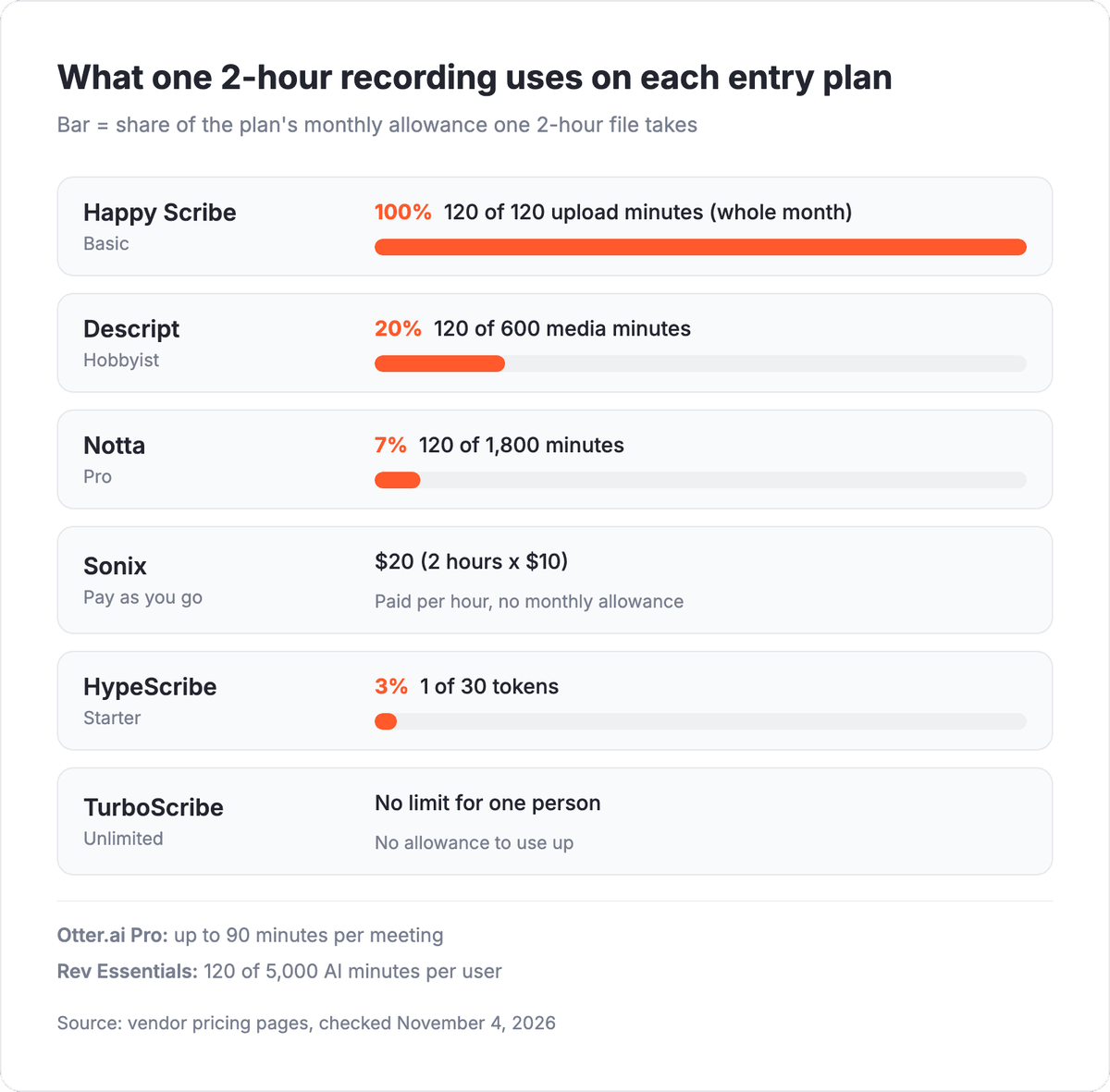
Per-file and flat pricing work differently. HypeScribe's Starter plan buys 30 files a month for $6.99, so the cost follows the number of recordings, not their length. TurboScribe's Unlimited plan has no file count at all for one person. Fireflies.ai's free plan has no transcription cap but limits storage, so the cost shows up when you want to keep your history.
How do you send transcripts to Notion, Slack or your CRM automatically?
You send transcripts to Notion, Slack or a CRM automatically by building a flow in Albato that starts when a transcript is ready and copies it, or a link to it, into those apps. Albato links 1,000+ apps in automations you set up without code.
Happy Scribe has its own Albato connector. For the other eight tools, a flow starts from a file: HypeScribe can export to Google Docs, Notta can export to Google Drive, and most of the tools let you download a TXT or DOCX transcript that you save to a Google Drive folder Albato watches.
Flows from Happy Scribe
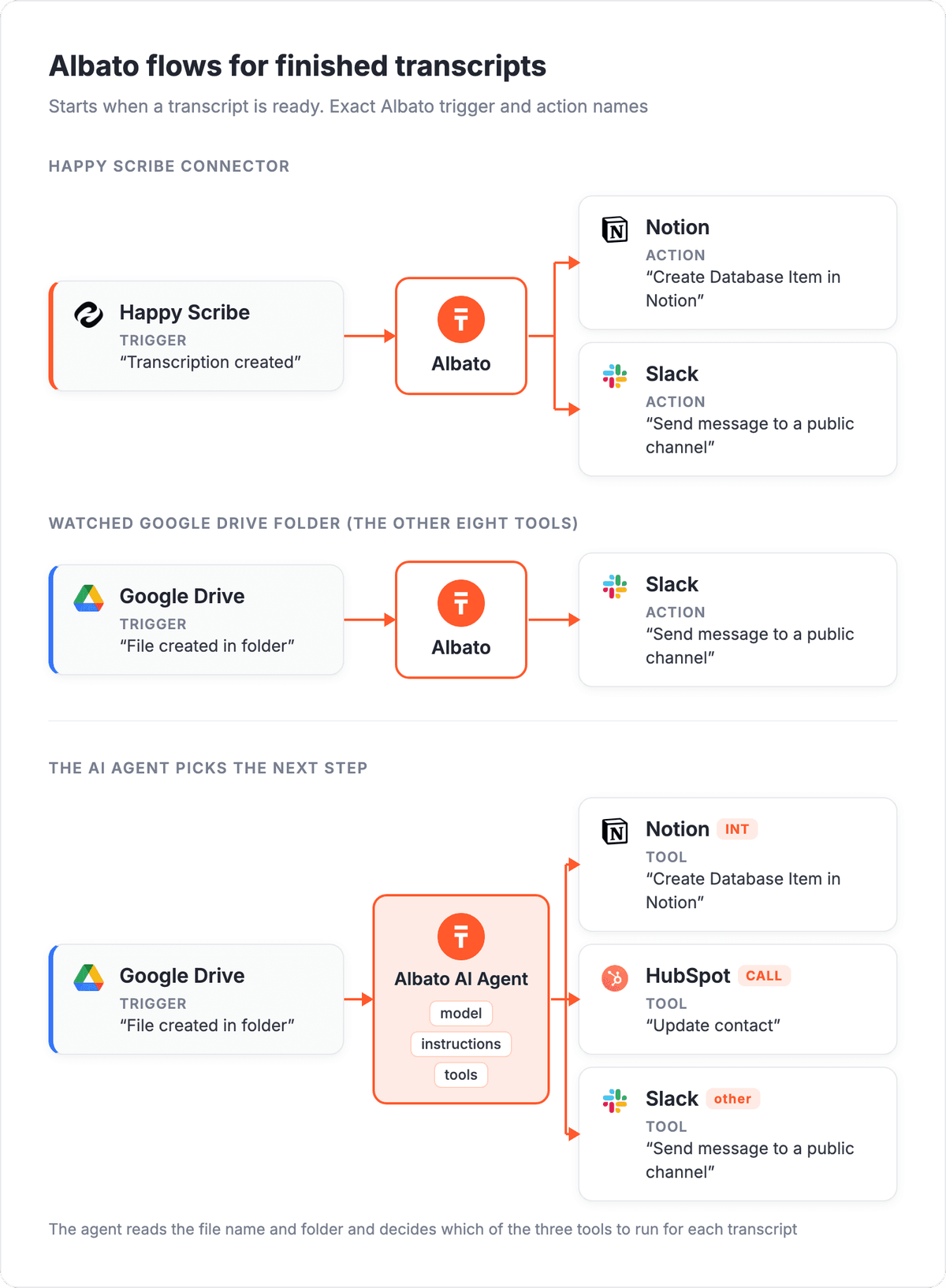
A flow on the Happy Scribe trigger "Transcription created" can add each finished interview to a research database with Notion "Create Database Item in Notion" and post a note to the team with Slack "Send message to a public channel". The action "Create transcription" works in the other direction, sending a new job to Happy Scribe from another app's trigger.
A flow with two steps, such as Happy Scribe to Slack, runs on Albato's Free plan, which allows 2 steps per automation. The action "Create translation task" can add a second language once the first transcript exists.
Flows from a Google Drive folder
For tools without a connector, the Google Drive trigger "File created in folder" starts the flow when a transcript file lands in the folder you choose. From there, Notion "Create Database Item in Notion" can log the file, and Slack "Send message to a public channel" can share the link.
💡 Tip
Name exported transcripts with a short prefix, such as INT for research interviews and CALL for customer calls, before they reach the watched folder. A filter in the flow, or the AI Agent's instructions, can then send each prefix to a different place.
For customer interviews, HubSpot "Update contact" can add the transcript link to the contact record, so account managers find it next to the deal history.
Let the Albato AI Agent route each transcript
When transcripts go to different places depending on who was recorded, a single AI Agent step can replace a chain of filters. The agent is an action step that follows a trigger: it takes the data the trigger passes on, such as the file name and folder, and picks which connected action to call.
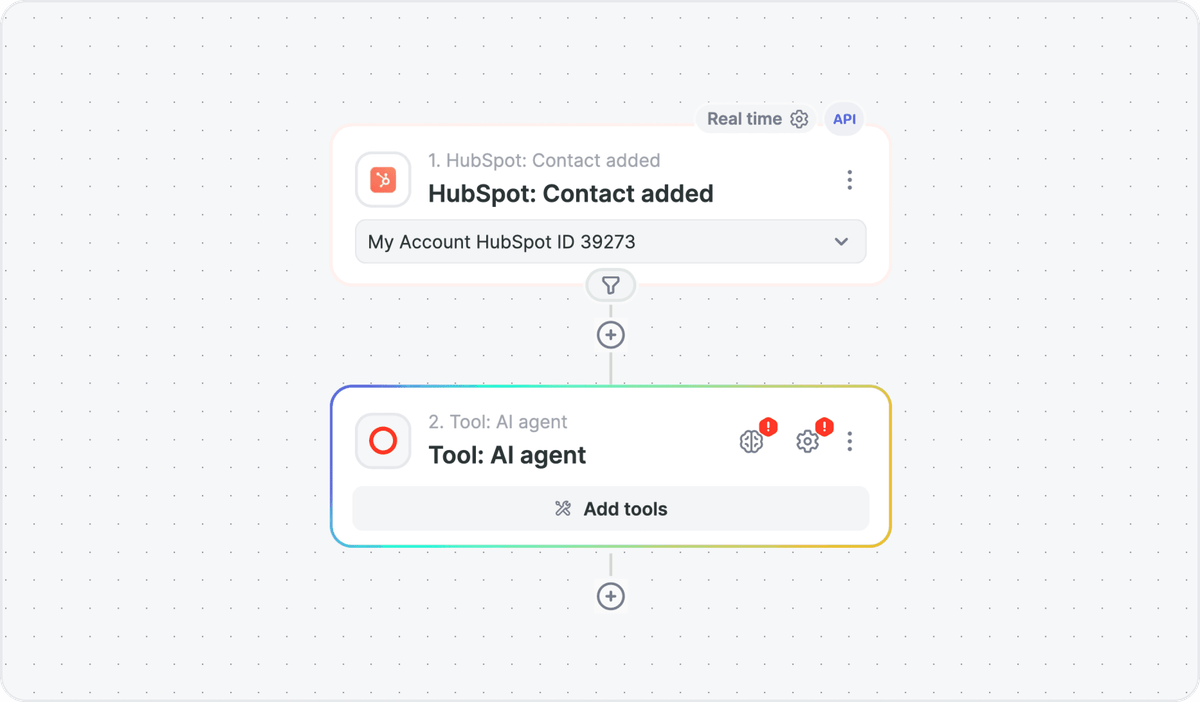
Setup takes four parts: a model, the task written in plain language, the app actions it can use as tools, and memory as an optional extra.
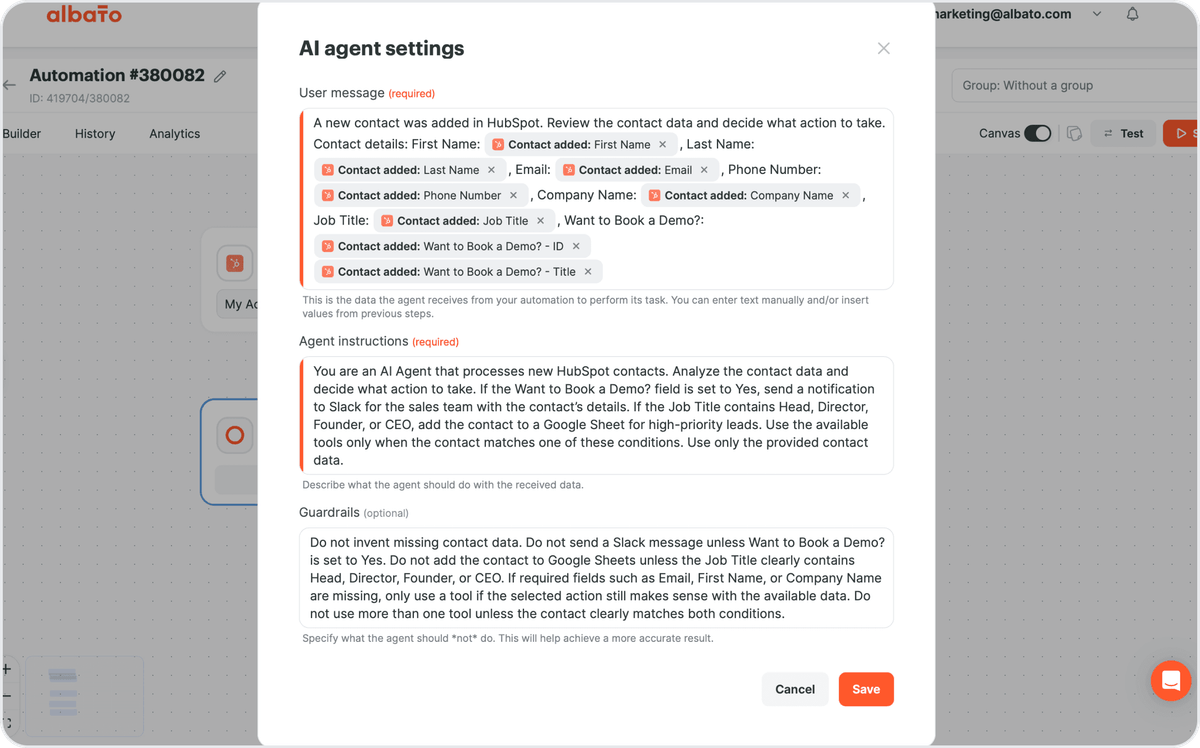
After Google Drive "File created in folder", you might ask in the instructions for a Notion database item for INT files, a HubSpot contact update for CALL files, and a Slack post when a file matches neither. A guardrail can block writes to HubSpot when no matching contact exists. The agent can choose among roughly 5,000 actions. A single run uses 3 transactions, and Albato's own AI model adds 1 transaction for every 2,000 tokens.
AI Agents come with Albato's Pro plan and higher. Start with one folder and three tools, and check what the agent decided during the first week before the team depends on it.
FAQ
What's the best AI transcription software right now?
The answer depends on what you record and how you prefer to pay. For meetings and lectures in English or five other major languages, Otter.ai covers live calls and uploads. For long recordings, per-file pricing on HypeScribe or a flat plan on TurboScribe keeps the cost from growing with length. For a transcript a person has checked, Rev offers human transcription from $1.99 a minute.
What is the most accurate transcription software?
No tool is accurate on every recording, because results depend on audio quality, overlapping speakers, accents and jargon. For a transcript you will quote or publish, Rev's human transcription and Happy Scribe's human proofreading put a person between the AI draft and the final text. For AI-only output, run your own hardest recording through two or three free plans and compare names and numbers.
What's the best multilingual transcription software?
Happy Scribe lists 150+ languages and dialects, Fireflies.ai 100+, HypeScribe 99+ with automatic detection and TurboScribe 98+. Happy Scribe, Notta (58 languages) and TurboScribe can also translate transcripts. Otter.ai covers six languages, so check the list before you buy.
What's the best audio to text converter?
For occasional files, the free plans of TurboScribe (3 files a day, up to 30 minutes each) and HypeScribe (3 files a month, up to an hour each) convert audio to text without a credit card. HypeScribe and Rev also accept a pasted link, so you do not need to download a video first. For many long files, TurboScribe's Unlimited plan at $20 a month has no file count for one person.
What's the best podcast transcription software?
Descript is built for podcasts you edit, because cutting the transcript cuts the audio, and it handles multitrack recordings. If you only need text and subtitles for a back catalog, TurboScribe accepts files up to 10 hours, and Sonix exports SRT and VTT subtitles at $10 an hour.
Which transcription software works well for interviews?
Rev fits interviews that will be quoted or filed, since it offers human transcription alongside AI. Notta suits interviews in one language that you report in another, because paid plans translate transcripts, and HypeScribe suits long interviews because it charges one token per file.
What lecture transcription apps would you suggest?
Otter.ai captures lectures live in six languages, and Notta Pro accepts recordings of up to 5 hours. HypeScribe gives a lecture recording a transcript, a summary with an outline and Q&A about the content, and a whole semester of long lectures fits TurboScribe's Unlimited plan.
Start with one flow from your transcription tool to the place your team already reads.
If your team uses more than one transcription tool, save each tool's transcripts to the same Google Drive folder, and Albato sends every transcript through that one flow.