Pick a model
Connect the LLM that fits your task: OpenAI, Google Gemini, DeepSeek, or Albato's built-in AI if you want to skip the setup entirely.
One model per AI Agent. Switch anytime.



 AI Agents for Automation
 4.8
4.8 4.6
4.6Albato AI Agents work inside your automations. They pull data from previous steps and decide what happens next, across every app you've connected.
Connect the LLM that fits your task: OpenAI, Google Gemini, DeepSeek, or Albato's built-in AI if you want to skip the setup entirely.
One model per AI Agent. Switch anytime.
Three fields shape the AI Agent's behavior: a user message, system instructions, and optional guardrails.
All fields support smart fields.pull in data from any previous step.

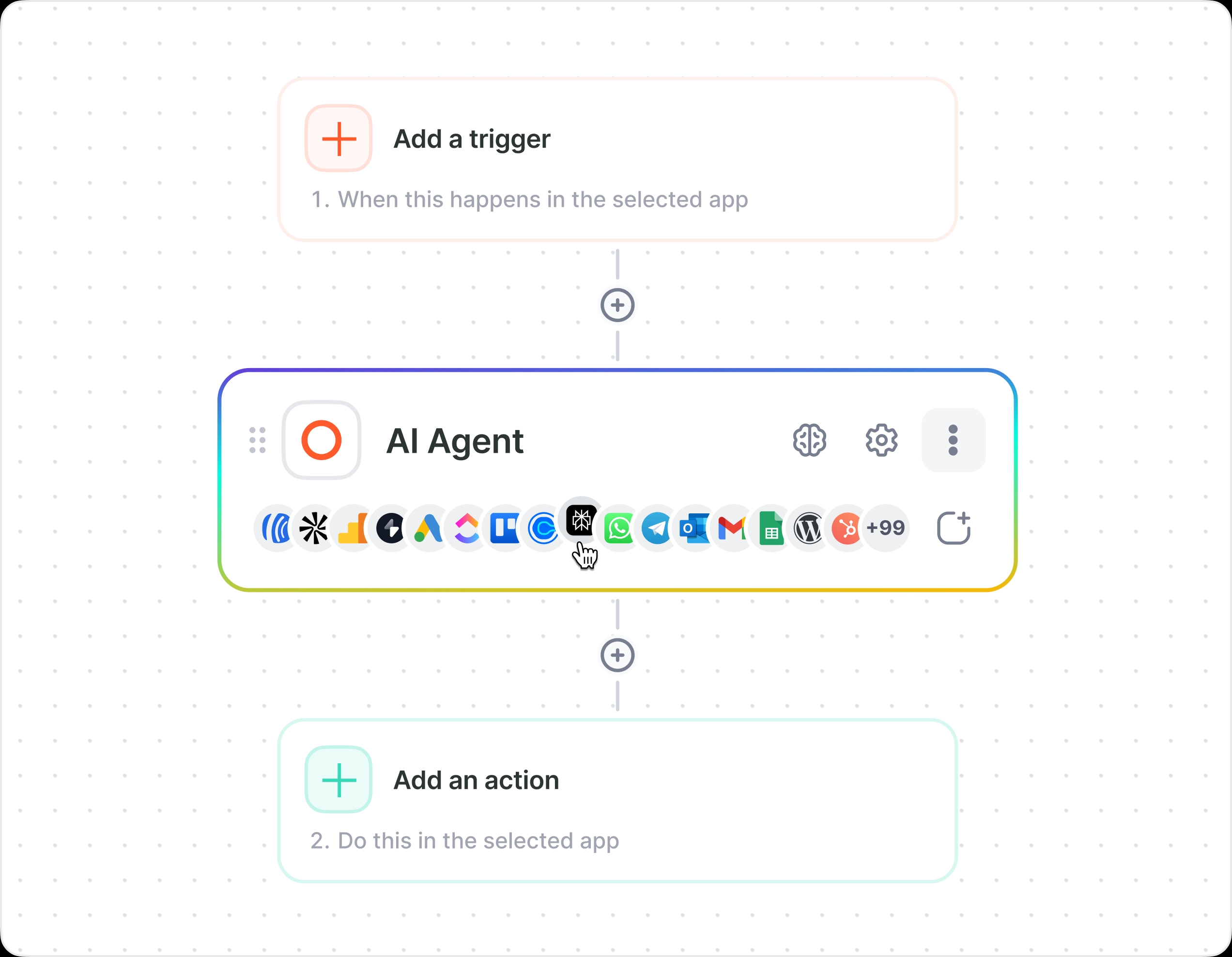
Give the AI Agent real actions: create a contact in HubSpot, send a Slack alert, update a row in Google Sheets.
Each tool is an action from one of 1,000+ apps in Albato's library.

You could connect to an LLM directly. Build your own agent. Call the API yourself.

Albato handles the infrastructure: webhooks, schedules, sessions. Nothing expires, nothing misfires. No babysitting, no cron jobs, no "the session timed out."

The AI Agent never sees your API keys or login credentials to third-party services. Albato holds the connections. The LLM gets instructions, not access. SOC 2 Type 2 certified, GDPR compliant.

Guardrails define what the AI Agent must not do. Agent Fields lock critical values (email addresses, billing amounts, deal stages) so the AI Agent only touches what you allow.
See how a lead routing AI Agent handles incoming contacts, picks the right sales rep, and updates your CRM.
Pick a starting point, customize the instructions, and let it run.

Route leads from Facebook Ads and Google Ads into your CRM. The AI Agent evaluates each lead based on your criteria and routes high-value contacts to your sales team in minutes, not hours.

When a new lead comes in, the AI Agent can find the contact in Apollo, create or update the deal in Salesforce or HubSpot based on your rules, and send reminders to reps based on deal stage.

When a Zendesk or Intercom ticket arrives, the AI Agent triages it by urgency and can draft a first response based on your templates. VIP issues get escalated to the right person automatically.

Push data between your CRM, project tools, and spreadsheets automatically. The AI Agent flags mismatched records and can send structured summaries to Google Sheets for your weekly rollup.

Build a lead routing AI Agent for one client. Clone it for the next ten. Use Albato's template sharing to reuse AI Agent-powered automations across accounts. Your clients activate them without rebuilding from scratch.

