In this article
Key Takeaways
- Albato fits teams that want an AI agent living inside a real automation, with around 5,000 actions across 1,000+ apps available as tools the agent can call on its own.
- Lindy is strongest for describe-it-in-plain-English internal ops agents (email triage, scheduling, follow-ups); Airtable wins when the agent needs to reason over structured records in a database.
- Pick on two things: how deep the builder connects to the apps you already run, and whether the agent can take actions or only chat. A builder that talks but cannot write back to your CRM is a demo, not automation.
- Gartner projects 40% of enterprise applications will feature task-specific AI agents by the end of 2026, up from under 5% a year earlier.
Most "AI agent" tools you will test this month can hold a conversation. Far fewer can finish the job by writing a record back to HubSpot, posting to Slack, or updating a spreadsheet without a developer wiring it up. That gap, action versus chat, is the real dividing line in this category, and it is what the picks below are ranked on.

Let us build your automation or AI Agent
Tell us which process eats your time. Certified Albato engineers take it from there, A to Z.
How we picked these builders
We scored each builder on four things a business buyer actually feels: setup without code, how many real apps the agent can act inside, whether the agent takes actions or only answers, and pricing transparency. We favored tools a marketer or ops lead can stand up alone, not ones that need an ML engineer. Every capability below was checked against the vendor's own live documentation, and integration depth was checked against each platform's public connector list.
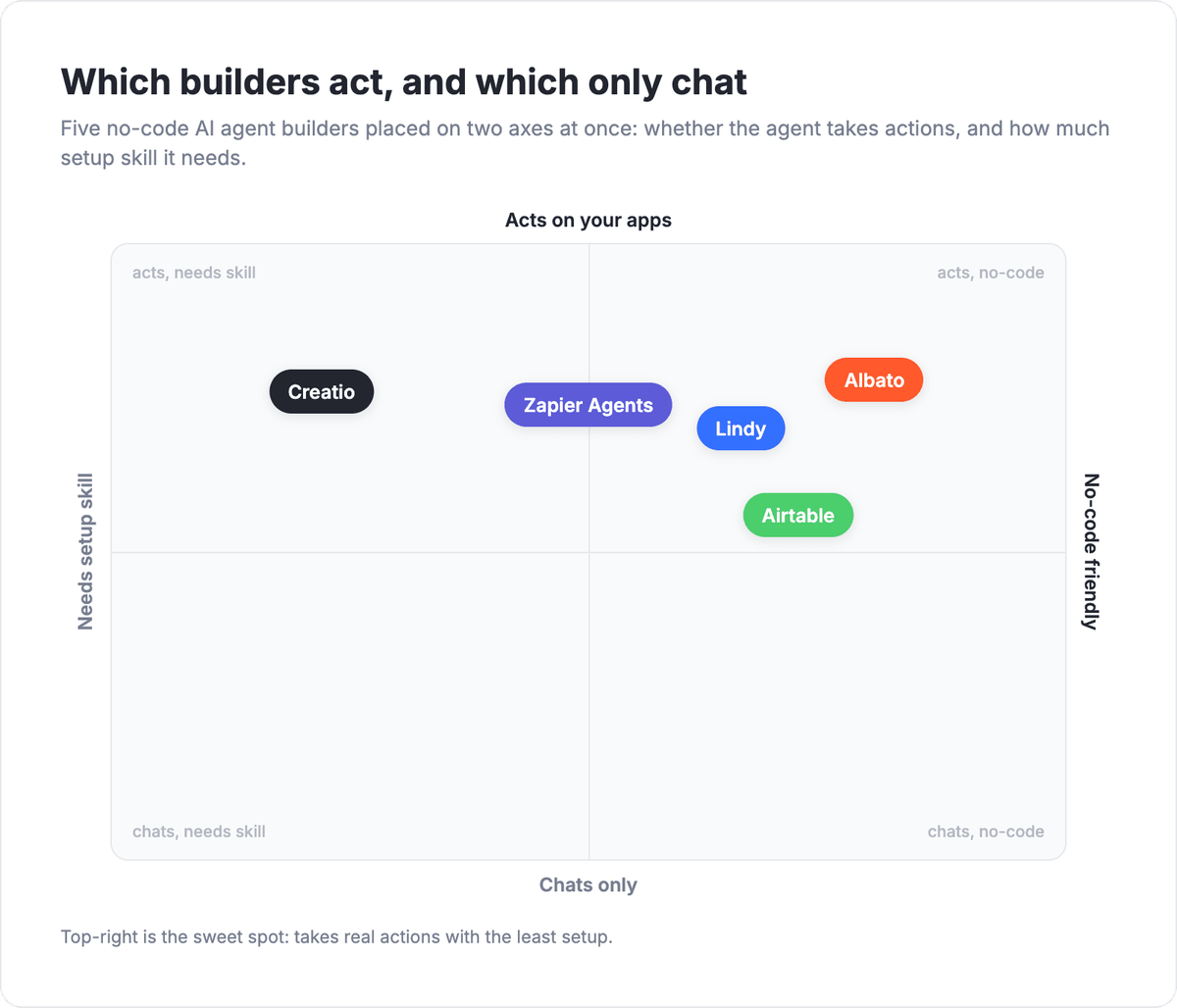
Here is the shortlist at a glance before the detail.
| Builder | Best for | Acts or chats | Integration reach | Entry pricing |
|---|---|---|---|---|
| Albato | Agents inside real multi-app automations | Acts (≈5,000 actions as tools) | 1,000+ apps | Free plan, paid from a low monthly tier |
| Lindy | Plain-English internal ops agents | Acts | 400+ native integrations | 7-day trial, paid from $49.99/mo |
| Airtable | Agents reasoning over structured records | Acts (inside the base) | Native + connectors | Free tier, per-seat paid |
| Zapier Agents | Teams already living in Zapier | Acts | 7,000+ apps | Bundled with Zapier plans |
| Creatio | Sales and service teams on a CRM platform | Acts (in-platform) | Platform + marketplace | Quote-based |
Albato: an AI agent inside a real automation
Albato's angle is that the agent is a step, not a standalone chatbot. You start an automation with a trigger (a new CRM record, a webhook, a schedule), then drop in the AI Agent step, and it reads the data from earlier steps and decides which action to run next, instead of you wiring fixed filters and branches by hand. That makes it the pick when the point is to move data and take actions across apps, not to answer questions in a chat window.
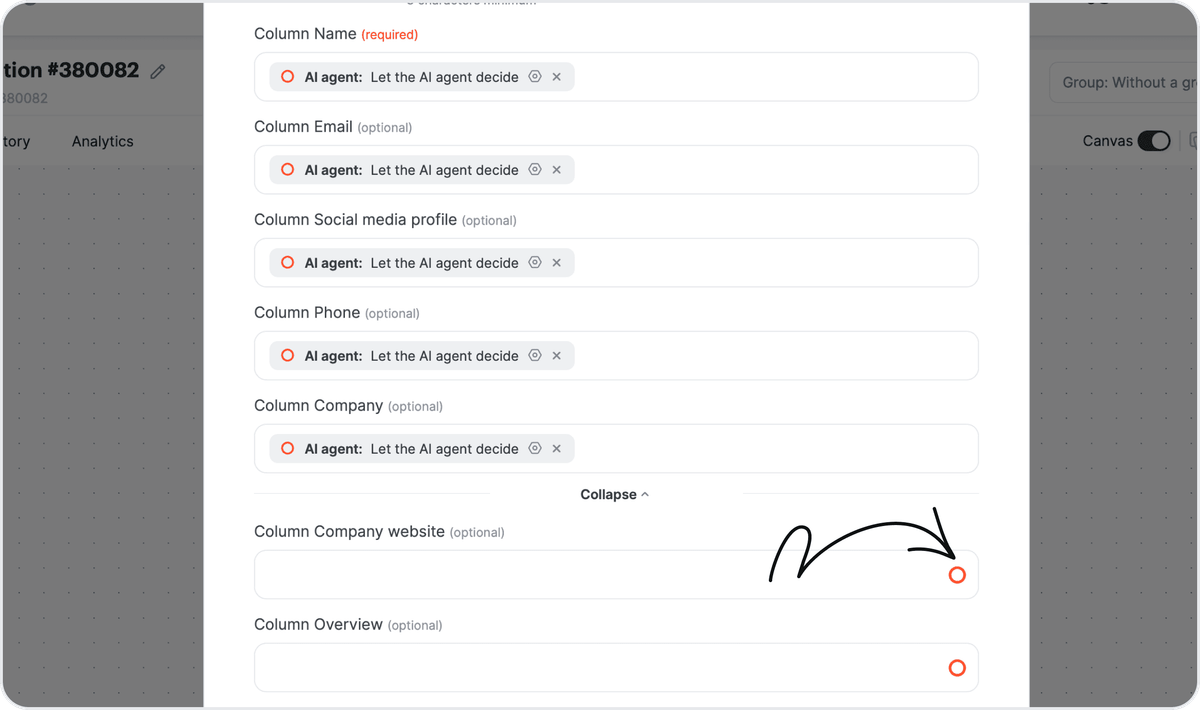
The four building blocks are a model, instructions written in plain language, tools, and optional memory. Around 5,000 actions across 1,000+ connected apps are available as tools the agent can call. You can even hand a single field to the agent with "Let the AI agent decide" instead of mapping it yourself, which is what turns it from a script into something that adapts per record.
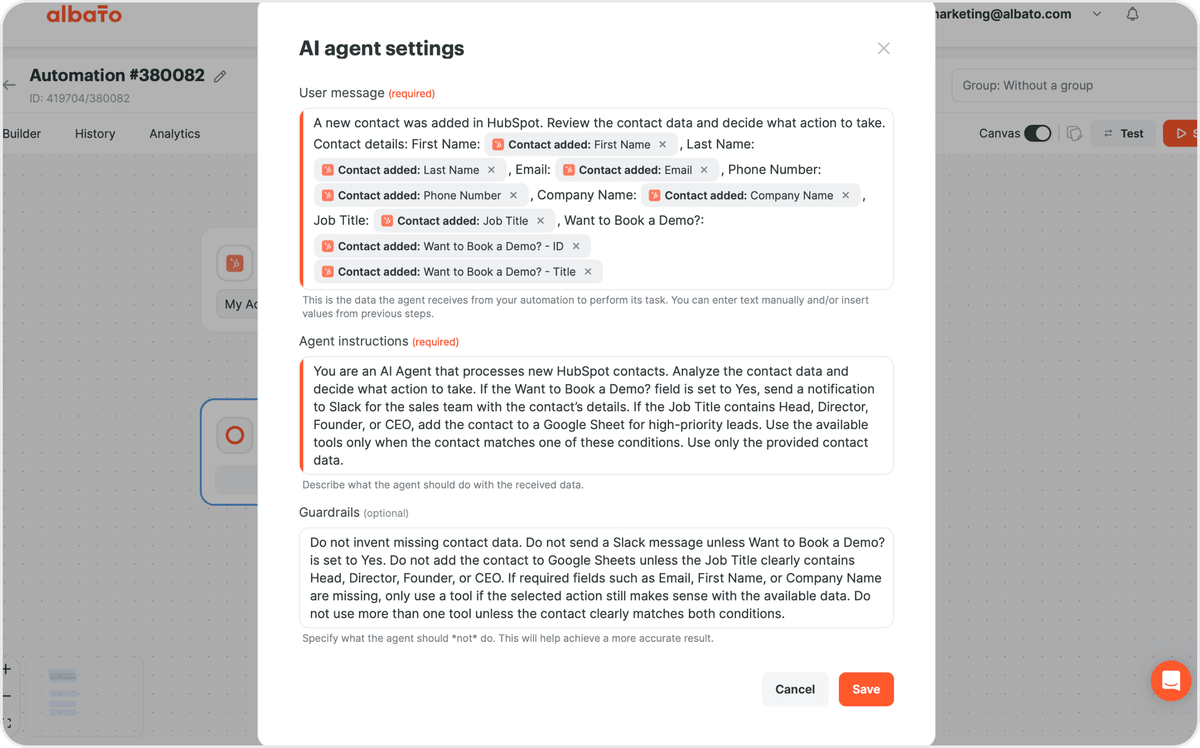
On the model side, Albato AI is built in, so you do not need an external account to start. If you would rather bring your own, you can connect OpenAI, DeepSeek, or Google Gemini instead. Billing runs on transactions: an agent run costs 3 transactions regardless of how many tools it holds, which keeps pricing predictable as your agent grows.
💡 Tip. Keep the agent's guardrails field specific. "Only route leads with a company email, never personal domains" beats "qualify leads well," because the agent follows written limits more reliably than implied ones.
The same plain-language approach applies to how the agent fills data. Instead of mapping every field by hand, you can leave a value to the agent and let it decide per record.
If you are new to the concept, the how to build an AI agent checklist walks through scoping and guardrails before you build, and the AI agent prompting guide covers writing instructions the agent actually follows.
Albato's free plan lets you build a working agent and connect it to your live apps before you pay, which is the fastest way to see whether the "acts, not just chats" difference matters for your workflow.
Lindy: describe the agent in plain English
Lindy leads with speed of setup for people who never want to see a builder canvas. You describe what you want in plain language, and it stands up an agent that can triage email, book meetings, chase follow-ups, or process documents. For a small ops team that needs an assistant running by the end of the afternoon, that low barrier is the whole appeal.
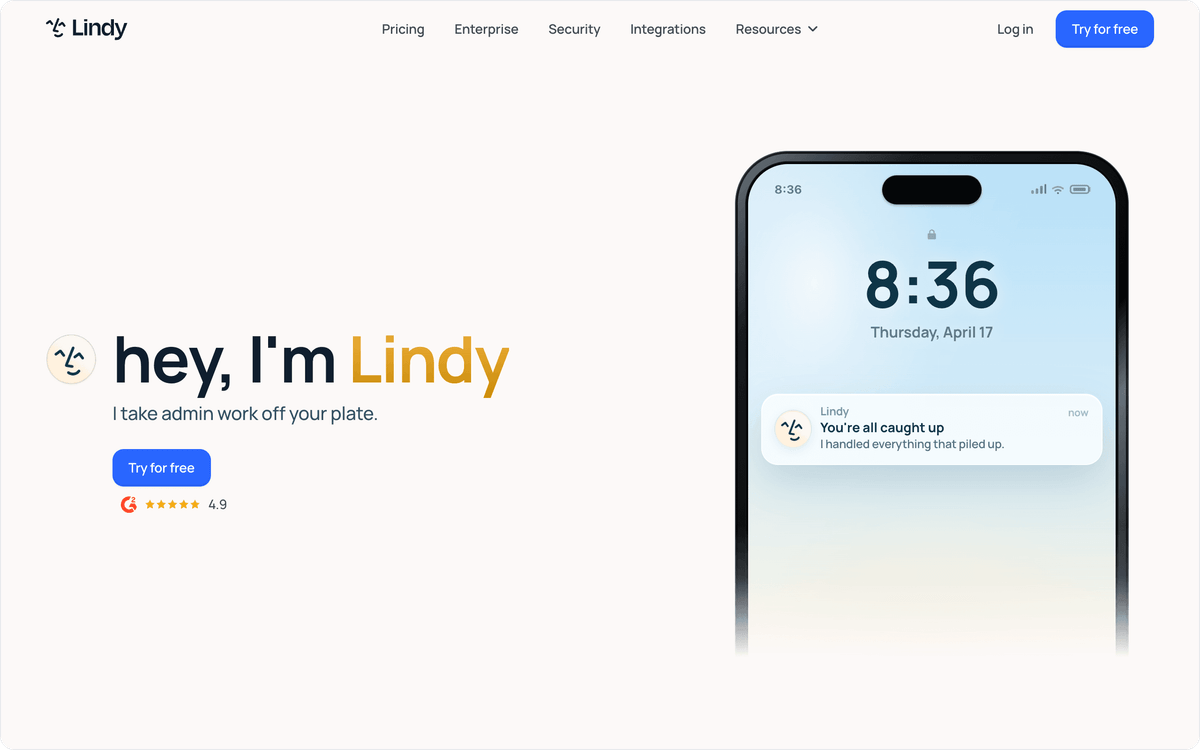
Where it fits best is internal, single-owner automation: one person's inbox, one team's scheduling, one recurring document task. It connects to 400+ native apps, and after a 7-day trial paid plans start at $49.99 a month, so you can test the fit before committing.
⚠️ Important. Plain-English setup is fast, but it hides what the agent will actually do at the edges. Before you turn a Lindy agent loose on a shared inbox, run it in a test thread and read every action it proposes, or it may reply to threads you never meant it to touch.
The trade-off is reach. Lindy is excellent for a person-sized workflow and less suited to an agent that has to orchestrate five different systems in one run. If your scenario spans CRM, billing, and a support tool at once, weigh a builder with broader connector coverage.
Airtable: agents that reason over your records
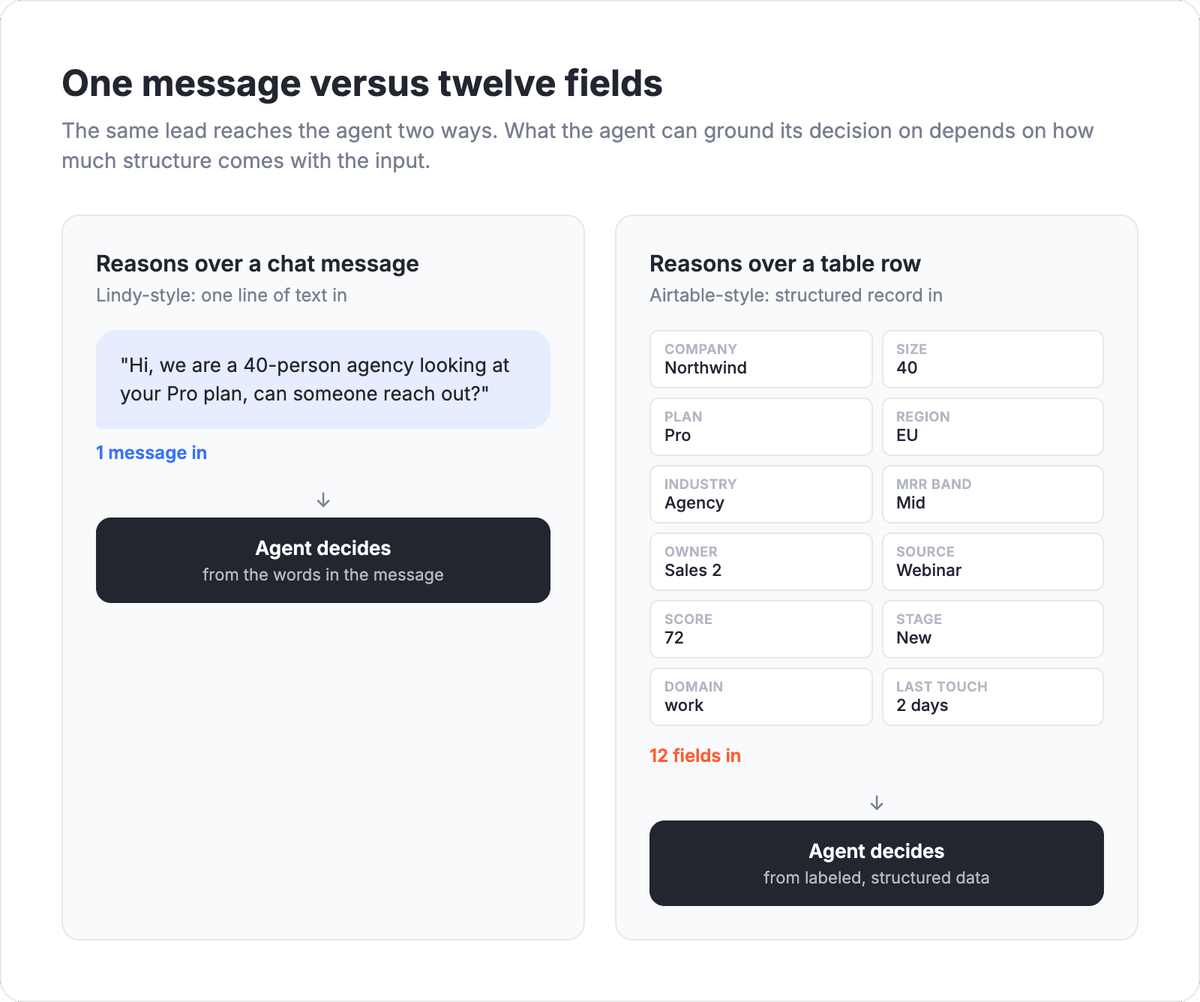
Airtable earns its place because the agent lives on top of structured data, not loose text. If your operation already runs on Airtable bases, its AI can build Field Agents that enrich a lead with live company data, read a document, or generate content directly against the rows and columns you maintain. The database is the context, which makes the agent's decisions grounded in your actual records.
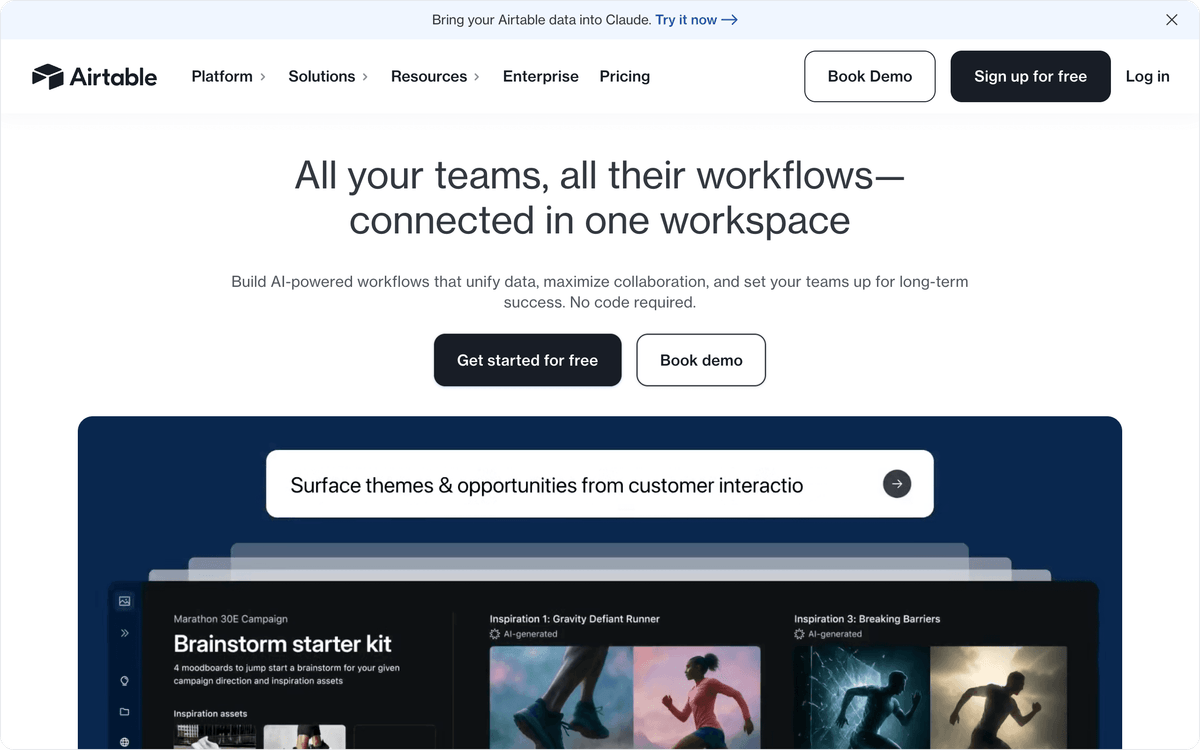
That is a real differentiator for teams whose source of truth is a table: inventory, a content calendar, a CRM-lite base. The agent reasons per record rather than per message.
Pricing starts with a free tier and moves to per-seat plans as you scale. The limitation is gravity: Airtable agents are strongest inside the Airtable world. If your data lives mostly in other systems, you will lean on connectors to bring it in, and at that point a connector-first builder may be the more direct route.
Zapier Agents: for teams already living in Zapier
Zapier Agents make sense mostly as an extension of a workflow you already run. If your team has spent years building Zaps, the agent layer lets natural-language instructions trigger multi-step automations across a very large app catalog, so you get agent behavior without leaving a tool you know.
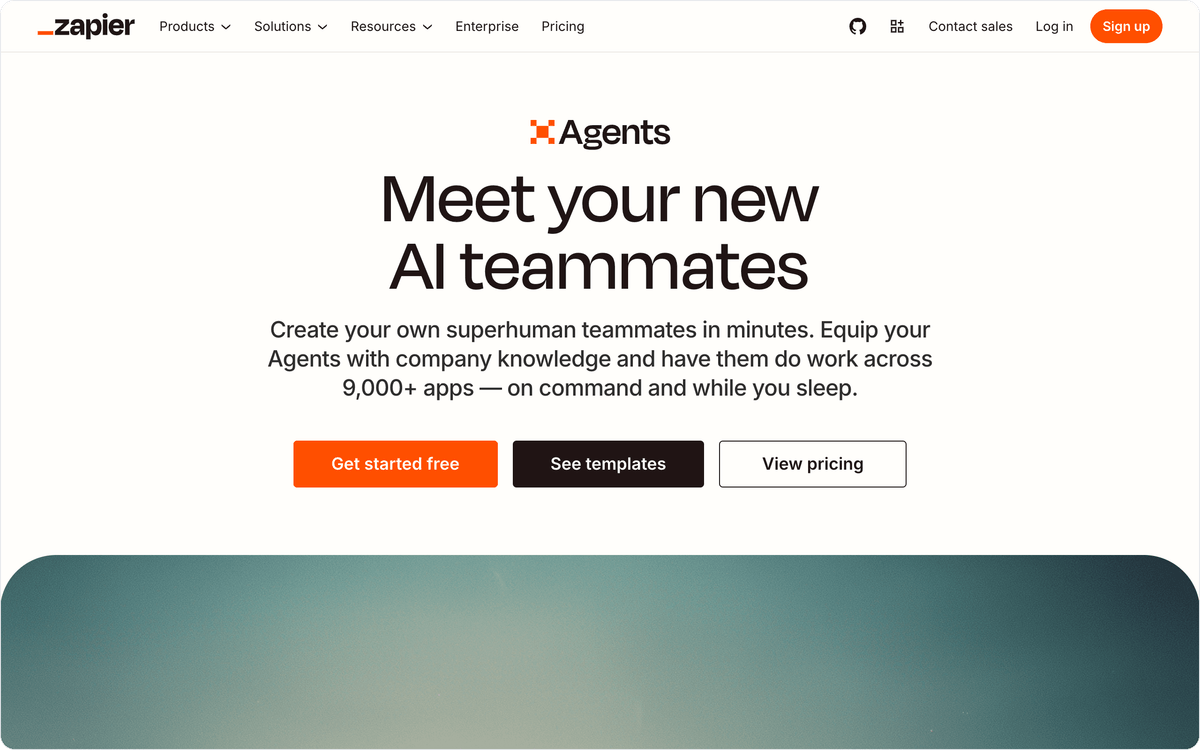
The draw is catalog size and familiarity. The reach across thousands of apps is hard to match, and there is no new platform to learn. The consideration is cost and complexity at volume: task-based pricing can climb as agents fire more steps, so model your run frequency before you commit an agent to a high-traffic workflow.
📊 Stat. Adoption is real, not hype. Gartner also projects that by 2029, 70% of enterprises will run agentic AI as part of IT infrastructure operations, up from under 5% in 2025.
Creatio: agents built into a sales and service platform
Creatio comes at this from the CRM side. It lets business teams build agents without developer resources, aimed squarely at sales, marketing, and service: agents that handle customer interactions, move records through a pipeline, and analyze data inside the platform. If you want the agent and the system of record to be one product, this is the shape that fits.
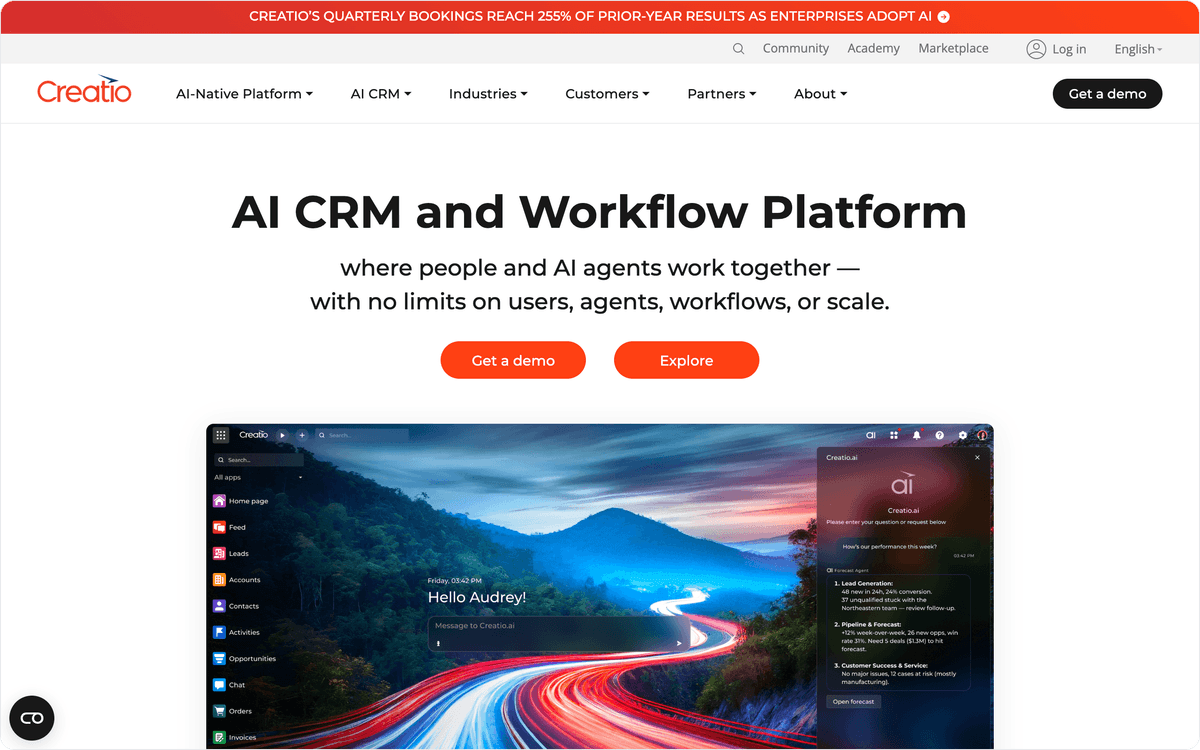
That tight coupling is the strength and the catch. You get agents that understand your CRM natively, but you also commit to Creatio as your platform, and pricing is quote-based rather than a public self-serve tier. It suits organizations standardizing on a single CRM, less so a team that wants an agent floating above a mixed stack.
Which AI agent builder fits your situation
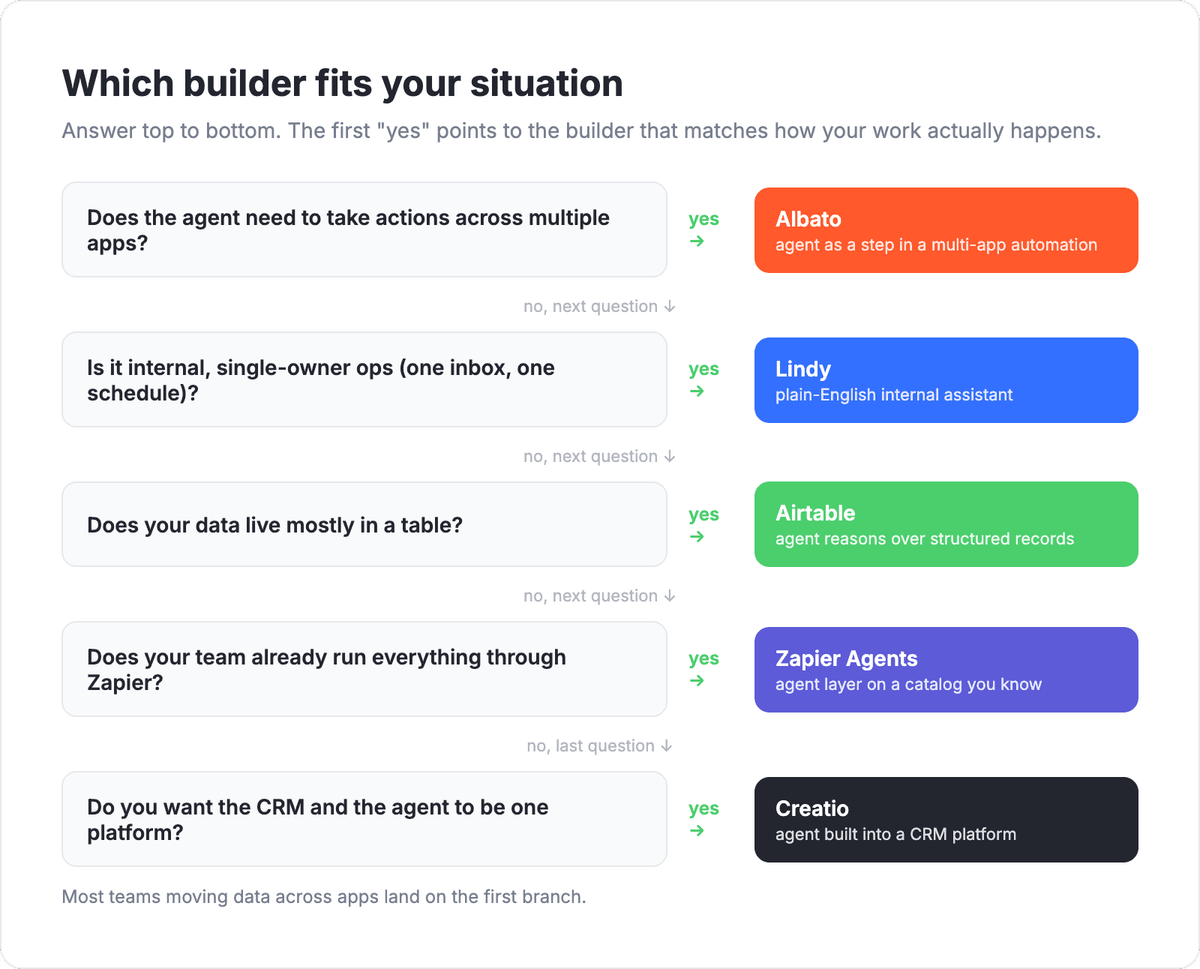
The right pick comes down to where your work actually happens and whether you need the agent to take actions. Match your scenario to the builder below.
- You want the agent to act across many apps in one automation. Choose Albato. The agent is a step inside a real multi-app flow with around 5,000 actions as tools, so it can qualify a lead, write to your CRM, and notify a channel in a single run.
- You want one assistant for internal ops, set up in minutes. Choose Lindy. Plain-English setup and single-owner workflows are its home turf.
- Your source of truth is a database of records. Choose Airtable. The agent reasons over structured rows, not loose messages.
- Your team already runs everything through Zapier. Choose Zapier Agents. You get agent behavior on top of a catalog you already use.
- You want the agent and the CRM to be one platform. Choose Creatio. It fits sales and service teams standardizing on a single system.
If your own customers run agents inside your product, the requirements shift toward a white-label AI integration layer where those agents act under your brand.
For a deeper split between an agent, a chatbot, and plain workflow automation before you commit, the AI agent vs chatbot vs workflow automation breakdown is worth a read.
Set up your first agent in Albato
Getting an agent live in Albato takes five steps, and none of them need code. Start the automation with a trigger, add the AI Agent as an action, pick a model, write the instructions, then connect the tools it can use. The instructions are three plain-language fields: what the agent receives, what it should do, and the guardrails it must respect.
The scenario this closes for most teams is lead qualification: a new form submission triggers the flow, the agent scores the lead against your ideal profile, decides whether to create a CRM record, and routes a notification to the right channel, all in one run instead of a chain of filters. For online stores, the same pattern handles orders and returns in AI agents for e-commerce.
🔧 How it works. An Albato agent run costs 3 transactions no matter how many tools it holds. With the built-in Albato AI model there is a small extra charge per 2,000 tokens; with an external model you connect, there is no token surcharge on Albato's side. That flat base makes cost easy to forecast as you add tools.
You can build all of this on the free plan and only pay once the agent is doing real work, so there is no reason to evaluate it on screenshots alone.
FAQ
Still deciding? These are the questions teams ask most before they commit to an AI agent builder.
What is a no-code AI agent builder?
A no-code AI agent builder lets you create an AI agent through a visual interface and plain-language instructions instead of writing code. You describe the task, connect the apps the agent can act inside, and set limits, and the agent decides which action to take on incoming data on its own.
Do AI agent builders actually take actions or just chat?
It depends on the tool, and this is the key thing to check. Some builders only generate replies, while others (Albato, Lindy, Zapier Agents) can call real actions in connected apps, like creating a CRM record or sending a message. For automation, you want one that acts, not one that only answers.
Can I build an AI agent without any coding experience?
Yes. Builders like Albato, Lindy, and Airtable are designed for marketers and ops teams, not developers. In Albato, for example, you add the agent as a step, pick a model, write instructions in plain language, and connect tools through a visual picker.
How much do no-code AI agent builders cost?
Pricing varies by model. Some charge per seat (Airtable), some per credit or usage (Lindy, Zapier Agents), and some per transaction (Albato, where one agent run is a flat 3 transactions). Albato and Airtable offer a free tier so you can build and test before paying, while Lindy runs on a 7-day trial. Comparing real cost on your own workflow is safer than reading a pricing page.
Which AI agent builder is best for connecting many apps?
For breadth of connected apps combined with the agent taking actions, Albato is a strong fit, with around 5,000 actions across 1,000+ apps available as tools the agent can call in a single automation. Zapier Agents also cover a very large catalog if your team already builds in Zapier.
Want to go deeper before you build? These guides cover the surrounding decisions.