In this article
Key Takeaways
- An AI agent integration platform is the layer that gives your agent authenticated access to real apps (CRM, email, sheets, messengers) as callable tools, so it can act instead of only chat. Albato is the pick when you want the agent to live inside a running no-code automation, Composio for the broadest agent-native tool catalog, Nango for code-first teams that own each integration, Pipedream Connect for hosted per-user auth, and Workato Enterprise MCP for large governed rollouts.
- The three questions that decide the pick: how many apps the agent can reach out of the box, how the platform handles authentication per user, and how tightly it governs what the agent is allowed to do.
- Gartner projects that 40% of enterprise applications will include task-specific AI agents by the end of 2026, up from under 5% a year earlier, which is why the tool-connection layer stopped being an afterthought.
A model on its own can write a great reply and still do nothing. The work only happens when the agent can create the HubSpot contact, send the Slack message, or append the row in Google Sheets, and that requires an integration layer handling OAuth, field mapping, and permissions for each app. The platforms below are ranked on how well they carry that layer for you.

Let us build your automation or AI Agent
Tell us which process eats your time. Certified Albato engineers take it from there, A to Z.
What an AI agent integration platform actually does
An AI agent integration platform connects your agent to external apps and exposes each app's actions as tools the agent can call on its own. It is not the place you build the agent's reasoning, and it is not the model. It sits between them and your stack, so when the agent decides to "update the deal stage," the platform already holds the HubSpot connection, the right user's token, and the field definitions needed to make that call succeed.
Two approaches dominate. Code-first platforms let a developer define each tool as a function and own it in a repository, which gives precise control at the cost of engineering time. No-code and managed platforms configure apps visually or through one connection endpoint, which trades some low-level control for speed and far less maintenance. Most of this list leans managed, because a marketer or ops lead usually wants the agent shipped this week, not a sprint from now.
The Model Context Protocol (MCP) changed how this layer is delivered. Instead of wiring one connection per app, several platforms now expose their whole catalog through a single MCP endpoint, which keeps the agent's context lean and the token cost down. If MCP is new to you, our guide to the Model Context Protocol covers how it works before you compare vendors on it.
💡 Tip
A platform that connects an agent to 1,000 apps but injects all of them into context at once can cost more per run than a platform with fewer apps and smarter tool selection. Ask how the platform scopes which tools reach the model, not just how big the catalog is.
How we picked these platforms
We selected platforms whose entire job is connecting an agent to real business apps as tools, not platforms that mainly build the agent or host the model. Each had to let the agent take authenticated actions inside apps a non-engineer already uses, handle credentials per user rather than one shared key, and offer some control over what the agent can do. App counts and capabilities below were checked against each vendor's own live documentation and product pages, and we noted where a platform is code-first versus managed so the pick matches your team.
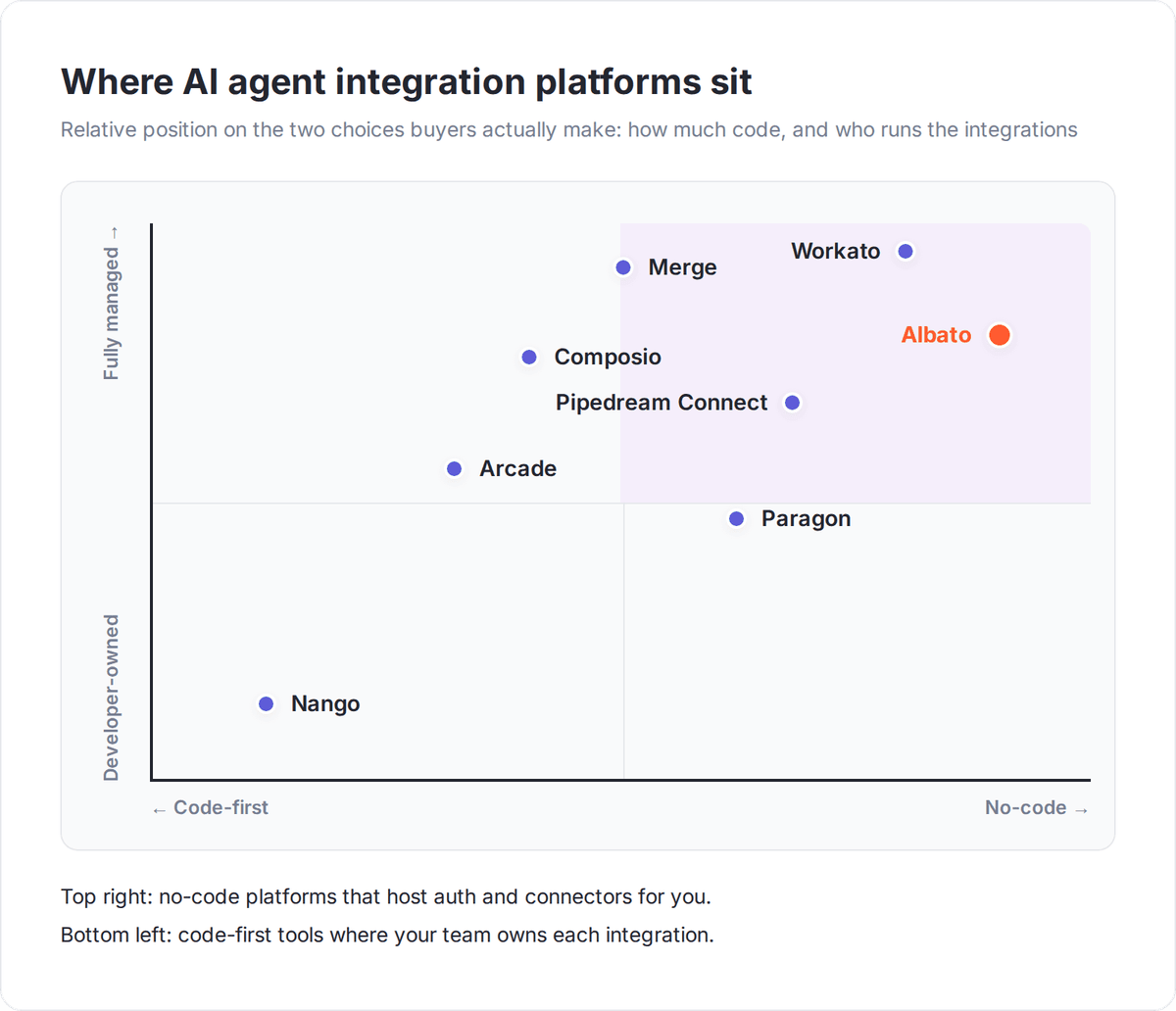
This is a decision about access and control, not about which model is smartest. The smartest model still fails if it cannot authenticate into your CRM safely.
| Platform | Best for | App / tool reach | Auth model | Delivery |
|---|---|---|---|---|
| Albato | Agents acting inside a running no-code automation | 1,000+ apps, ~5,000 actions as tools | Managed OAuth per connection | No-code, managed |
| Composio | Broadest agent-native tool catalog via MCP | 1,000+ app toolkits, 20,000+ tools | Managed OAuth, per-entity | Managed, SDK-first |
| Nango | Code-first teams that own each integration | 1,000+ APIs, 7,000+ tool calls | OAuth, API keys, JWT, MCP auth | Code-first, open source |
| Pipedream Connect | Hosted per-user auth, large catalog | 3,000+ APIs, 10,000+ tools | Hosted OAuth, per external user | Managed, cloud-hosted |
| Arcade | MCP-native runtime with per-user authorization | MCP toolkits (catalog growing) | Delegated per-user authorization | Managed, framework public |
| Paragon ActionKit | Embedding agent actions in your own SaaS | 100+ B2B connectors, 1,000+ actions | JWT connected-user identity | Embedded iPaaS |
| Merge Agent Handler | Governing and monitoring agent tool calls | Hundreds of MCP-ready services | MCP, managed permissions | Managed, governance-first |
| Workato Enterprise MCP | Large, governed enterprise rollouts | 12,000+ apps via MCP | Verified user access, governed | Enterprise, managed |
Albato: when you want the agent to act inside a real automation
Albato stands out because the agent is not a bolt-on that calls your apps from the outside. It is a step inside an automation that is already connected to your stack, so the same 1,000+ app connectors you use for triggers and actions become the tools the agent can call. Around 5,000 actions are available as tools, which means the agent can create a CRM record, route a message, or enrich a lead using connections you set up once with no code.
The AI Agent is a single step you add after a trigger. You describe the task in plain language across three fields: a User message (the input the agent receives), Agent instructions (what to do with it), and Guardrails (the limits it must respect). Then you connect the tools the agent is allowed to use by picking the app, the action, and the account.
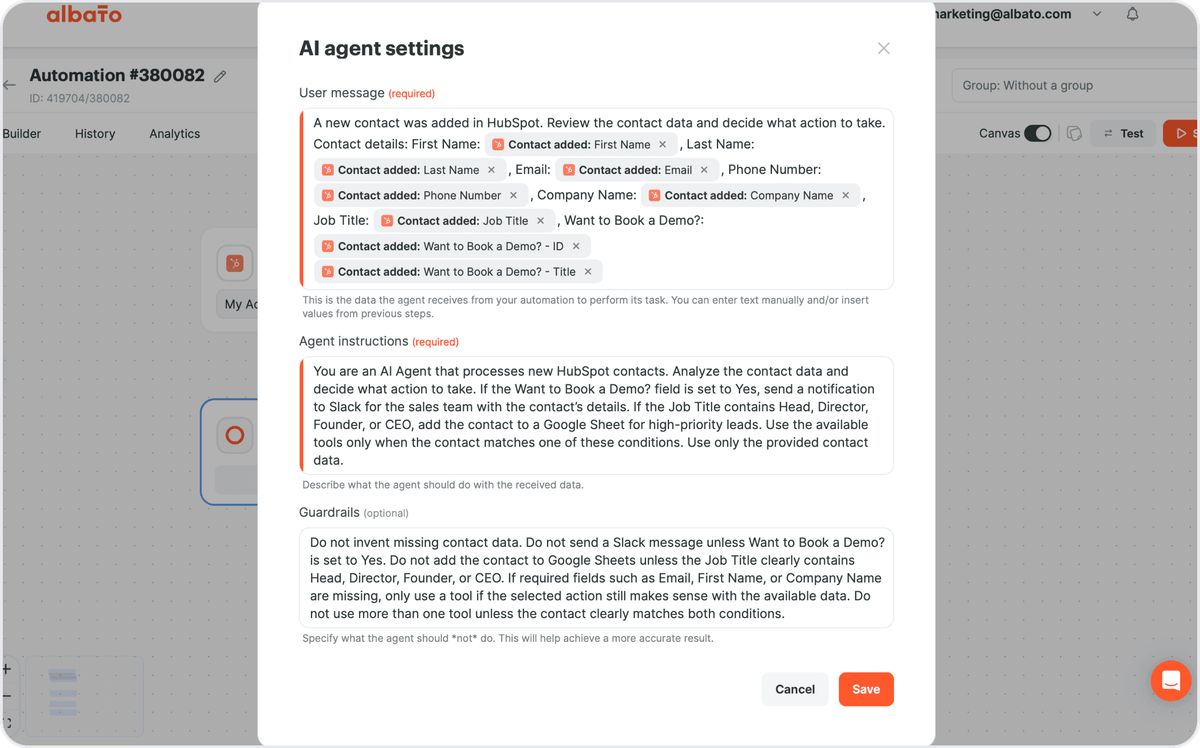
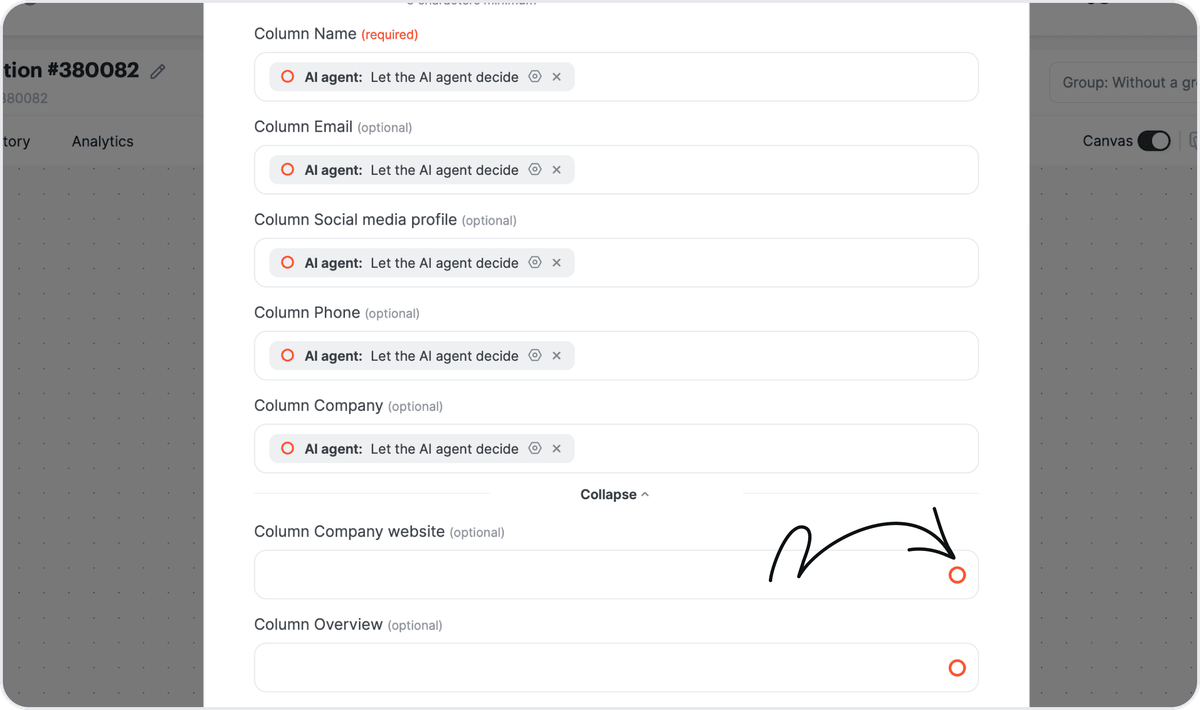
What sets the integration model apart is per-field control. For any action field, you can fill it manually or hand it to the agent with "Let the AI agent decide," with optional instructions for that one value. So a lead-qualification agent can read a form submission, decide the deal stage itself, and still have you lock the owner field to a fixed value.
You choose the model that powers the agent. Options include Albato AI, which is built in and needs no external account, plus OpenAI, DeepSeek, and Google Gemini if you prefer to bring your own. Albato AI runs on a proprietary model that is not disclosed, so you get a working brain without signing up for a separate provider. Optional memory keeps context across runs for chatbot-style flows.
Billing is transaction-based: an agent run costs 3 transactions regardless of how many tools it holds, and Albato AI adds 1 transaction per 2,000 tokens. That makes the cost of a run predictable before you ship it, which matters once the agent handles real volume.
🔧 How it works
The agent only runs as an action, so the automation starts with a trigger (a webhook, a schedule, a new CRM record). The agent reads that input, decides the next step, and calls the connected tool, which replaces a long chain of manual filters and routers with one adaptive step.
Composio: the broadest agent-native tool catalog
Composio is built from the ground up for agent tool calling, and its scale is the headline. Its catalog listed over 1,000 app toolkits and more than 20,000 individual tools, all reachable through a single MCP endpoint rather than one server per app. That design keeps an agent from juggling dozens of connections.
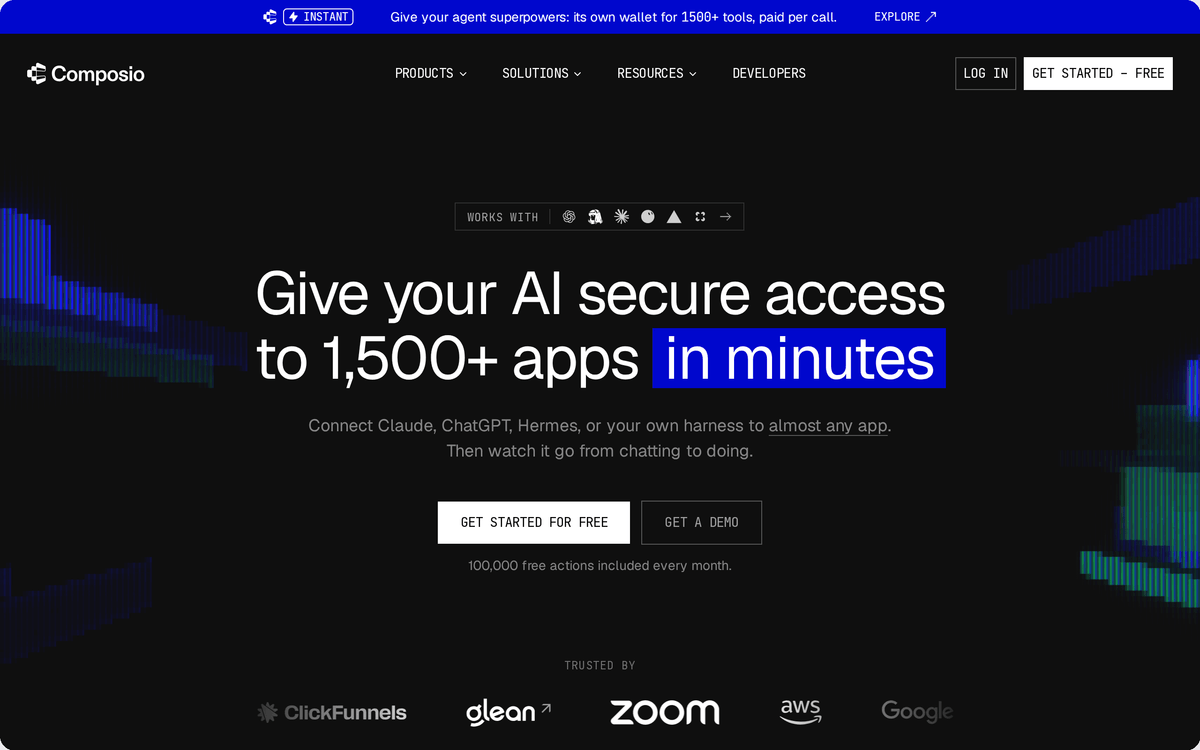
Authentication is the quiet strength here. Composio centralizes OAuth, service accounts, and token refresh so credentials are handled once per connection instead of being re-wired into every agent. For teams whose agents touch many apps per user, that managed-auth default removes a large maintenance burden. Governance features and a business associate agreement sit behind the enterprise tier.
Nango: code-first control you own
Nango is the pick when your team wants to own each integration as code rather than rent it. It connects agents to 1,000+ APIs and ships around 7,000 pre-built tool calls, and because it is open source, you keep the integration logic in your own repository. Developers customize tools through their editor of choice and handle auth across OAuth, API keys, JWT, and MCP.
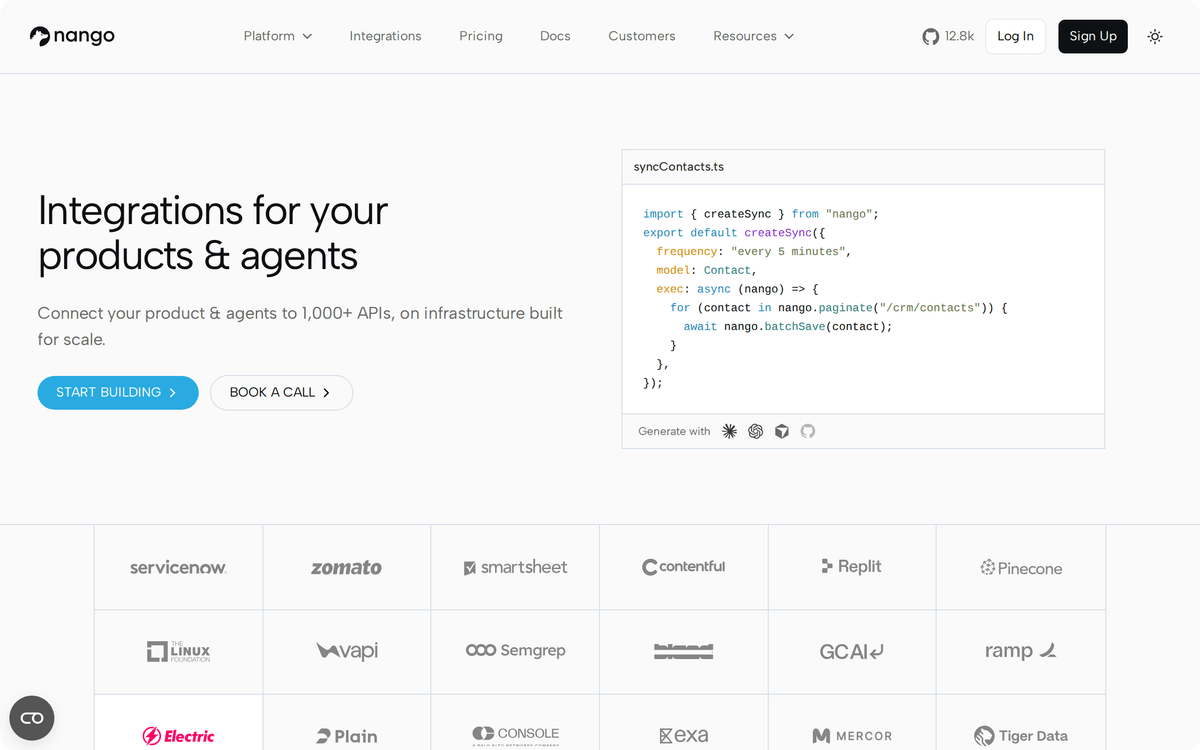
The tradeoff is clear. You get precise control and no vendor lock-in on the integration layer, but you also carry the engineering. A marketer cannot stand up a Nango agent alone, so this one earns its place for product and platform teams, not solo operators.
Pipedream Connect: hosted auth, large catalog
Pipedream Connect leads on raw reach with 3,000+ APIs and over 10,000 tools, delivered through hosted MCP servers. Its defining feature is per-external-user credential handling: the platform injects the right user's tokens through a hosted proxy, so an agent serving many end users never has to manage their secrets directly.
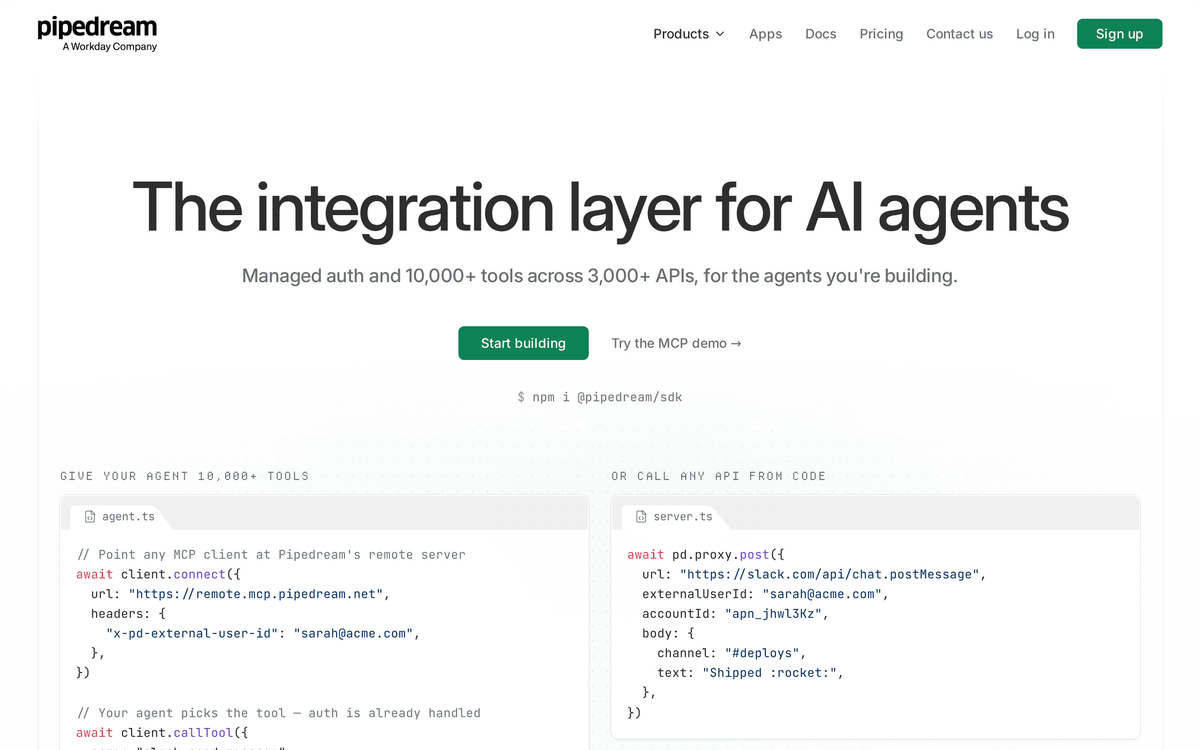
That makes Connect a strong fit when your agent acts on behalf of different users and you want OAuth handled for you. Self-hosting is not on the table here, so weigh that if data residency is a hard requirement.
Arcade, Paragon, and Merge: auth and governance first
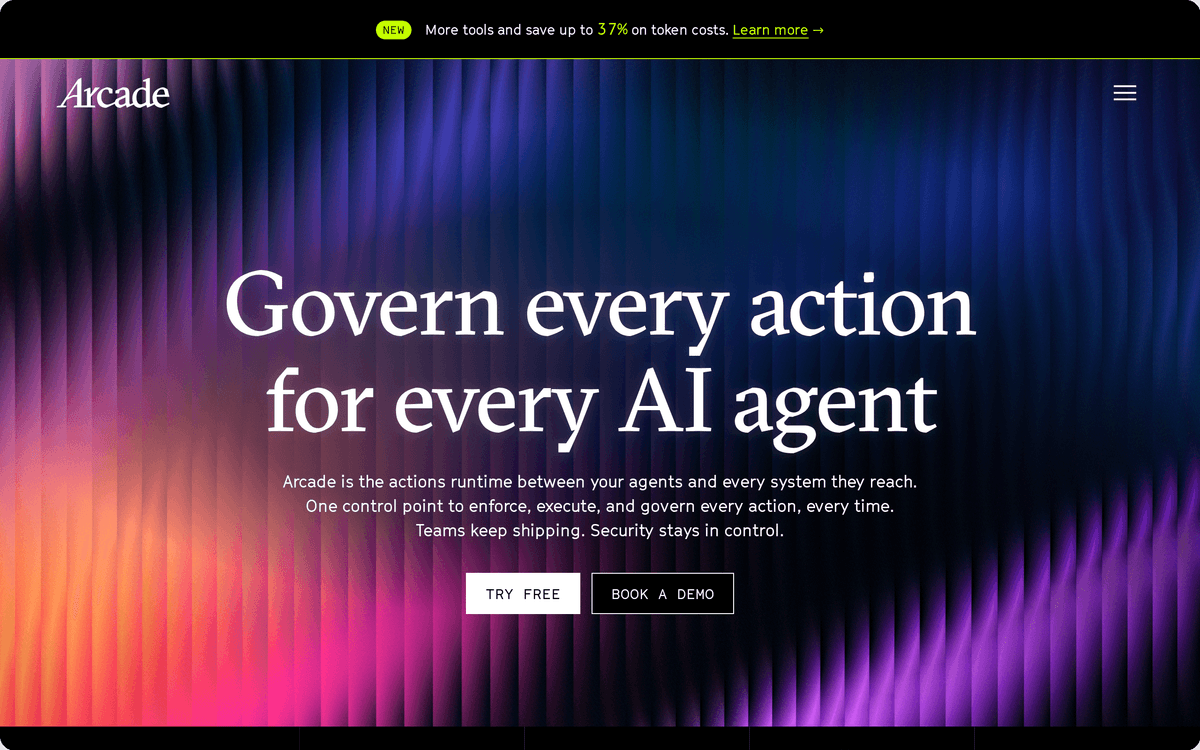
These three solve the harder half of the problem, which is controlling what an agent may do once it can reach your apps. Arcade is an MCP-native runtime whose standout is delegated per-user authorization, so the agent acts with a specific user's permissions rather than a blanket key. Its tool framework is public while the managed engine is proprietary.
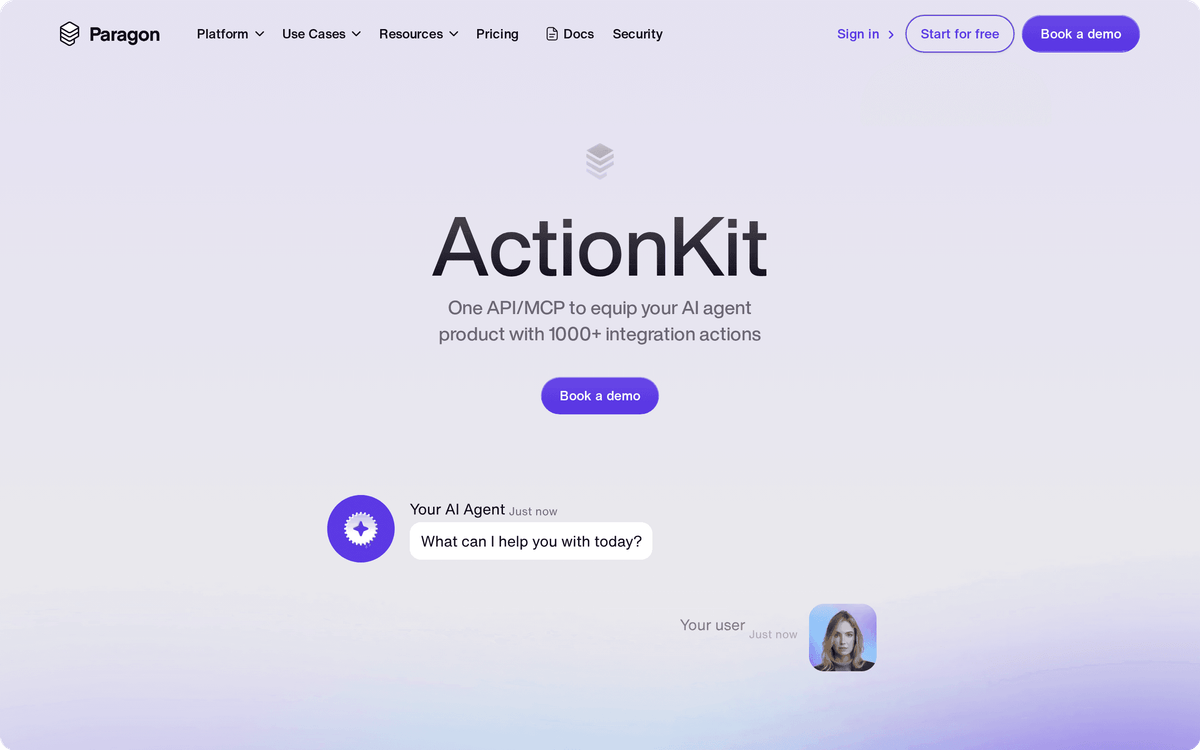
Paragon ActionKit targets B2B SaaS teams embedding agent actions into their own product, using a JWT connected-user identity to scope what each of their customers' agents can touch.
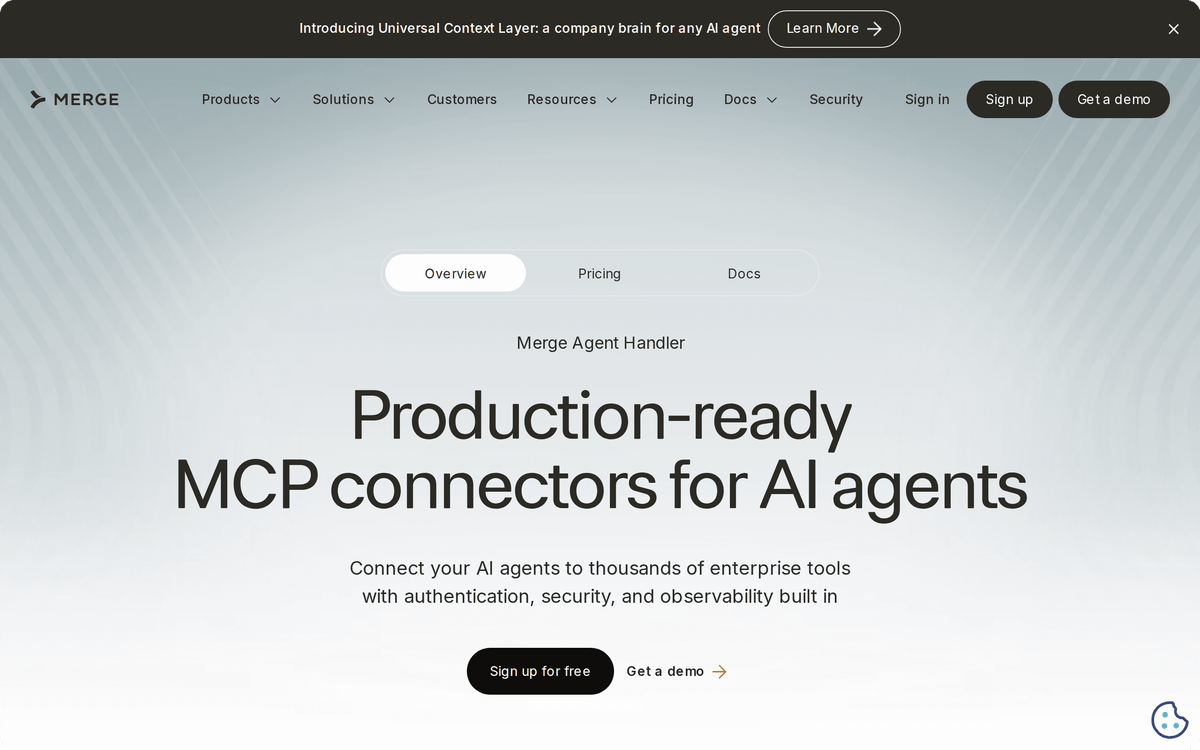
Merge Agent Handler comes at it from governance: it connects agents to hundreds of MCP-ready services and centers on managing permissions and monitoring every tool call, which is the control layer IT teams ask for before they approve an agent at all.
⚠️ Important
A bigger app catalog is not automatically safer. If a platform can reach 10,000 tools but cannot scope them to one user's permissions, a single prompt injection can turn broad access into a liability. Weigh governance alongside reach.
Workato Enterprise MCP: governed scale
Workato Enterprise MCP is the heavyweight option, exposing 12,000+ apps to agents through MCP with verified user access and unified orchestration. It turns existing Workato workflows and APIs into multi-step skills any LLM-based agent can call, including ChatGPT, Claude, Gemini, and Cursor.
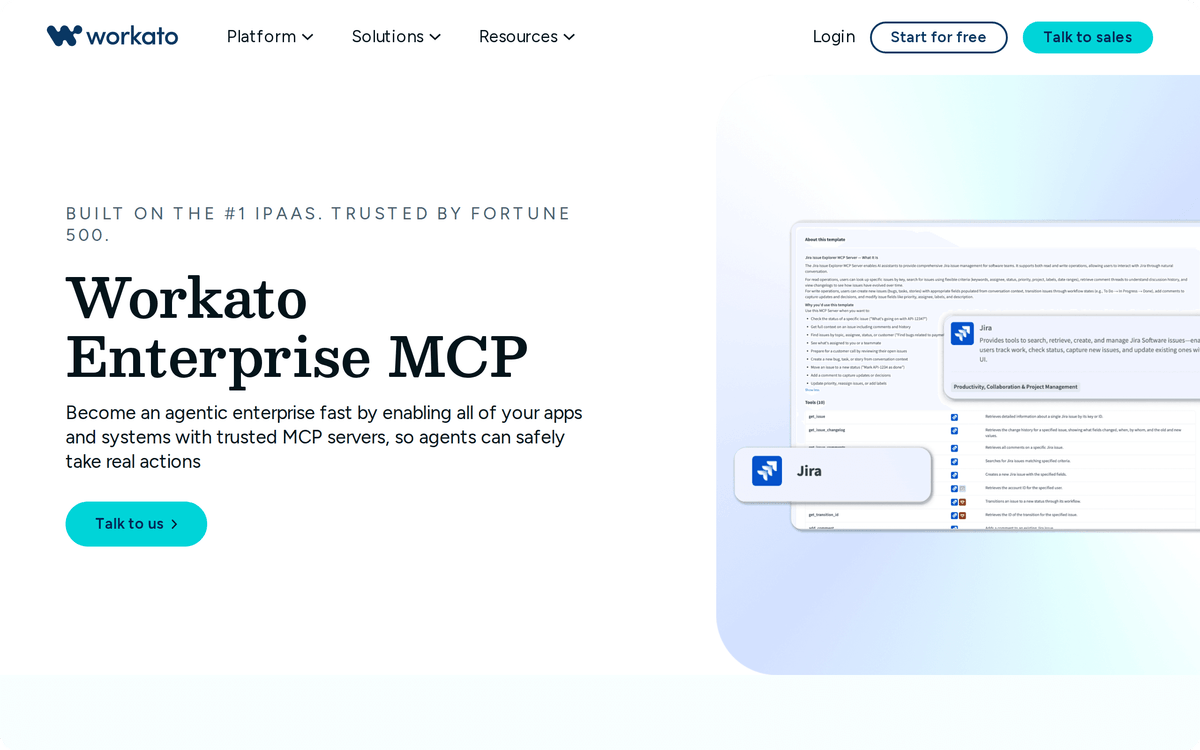
This one fits enterprises that already run governed automation and want agents to inherit those controls. It is not aimed at a small team shipping a first agent, and the price reflects that. For smaller stacks, a managed no-code platform gets you to a working agent faster and cheaper.
How to pick the right integration platform
Start with who the agent serves. If it acts for your own internal team, you mainly need wide app coverage and clean auth, which points to a managed no-code platform. If it acts on behalf of many external users inside your product, per-user authorization and credential isolation move to the top, which favors Pipedream Connect, Arcade, or Paragon.
Then weigh control against effort. A code-first platform like Nango gives you ownership and no lock-in but needs engineers. A managed platform like Albato, Composio, or Workato gets a working agent live faster, with the vendor carrying auth and upkeep. There is no single best choice, only the best match for your team size and risk tolerance.
Finally, check how the platform meters cost. Per-run, per-token, per-tool, and per-seat models behave very differently once an agent runs thousands of times a day. Model the bill at realistic volume before you commit, because the wrong model can double it quietly.
📊 Stat
Gartner expects agentic AI to drive roughly 30% of enterprise application software revenue by 2035, up from 2% in 2025, so the integration layer you choose now is a long-term bet.
Set up your first agent with real tools
The fastest way to see this work is to connect an agent to one app you already use and watch it take a single action. On Albato you add the AI Agent step after a trigger, describe the task in plain language, connect one tool like your CRM or Slack, and let it run. No code, no separate model account, and the same connectors power the rest of your automations.
If you want the broader context first, compare the best AI agent platforms for running agents in production and the best AI agent builders for assembling one.
FAQ
What is an AI agent integration platform?
It is the software layer that connects your AI agent to external apps and exposes each app's actions as tools the agent can call. It handles authentication, field mapping, and permissions so the agent can take real actions like updating a CRM or sending a message, rather than only generating text.
How is it different from an AI agent builder or platform?
A builder is where you assemble the agent's logic, and a platform runs and governs it in production. An integration platform is the connective layer underneath both: it gives the agent authenticated access to the apps it needs. Many agents use a builder for logic and an integration platform for tools.
Do I need to know how to code to connect an agent to apps?
No. Managed platforms like Albato, Composio, Pipedream Connect, and Workato handle authentication and expose apps as ready tools with no code. Code-first platforms like Nango exist for teams that want to own each integration in their repository, but they are a developer choice, not a requirement.
What is MCP and why does it matter for agent integrations?
The Model Context Protocol is a standard that lets an agent reach many apps through one endpoint instead of a separate connection per app. It keeps the agent's context lean and lowers token cost, which is why most modern integration platforms now deliver their catalogs over MCP.
How many apps can an AI agent connect to through Albato?
Albato gives an agent access to 1,000+ apps with around 5,000 actions available as tools. The agent can call any of them as part of a running automation, and you connect each app once with no code.