In this article
Key Takeaways
- Tidio (with its Lyro AI agent) is the best-value pick for teams under 20 people, starting at $29/mo plus a Lyro add-on from $32.50/mo for 50 AI conversations.
- Intercom Fin handles the toughest multi-turn questions and charges $0.99 per resolution, so cost tracks results instead of seats.
- HubSpot's Breeze Customer Agent is the natural choice if your support data already lives in HubSpot, and its rule-based chatbot is free on every plan.
- The chatbot that fits is the one that writes back to your CRM. Most SMB pain is not the bot answering; it is the answer never reaching sales or ops.
Gartner projects that conversational AI will cut contact center agent labor costs by $80 billion in 2026, yet the same forecast expects only about one in ten agent interactions to run without a human. For a small team, that gap is the whole game: the bot has to close the easy tickets so people can handle the rest.
Quick comparison of the top AI customer service chatbots
Six tools cover almost every small-business support setup, and the right one depends less on raw AI quality than on where your customer data needs to go afterward. The table below lines up entry price, the AI billing model, and Albato integration depth so you can scan before reading the write-ups.
| Tool | Best for | Starting price | AI billing | Albato connector |
|---|---|---|---|---|
| Tidio (Lyro) | Small teams wanting fast value | $29/mo + Lyro from $32.50/mo | Per AI conversation | Not available |
| Intercom (Fin) | Complex, multi-turn support | $29/seat/mo + Fin usage | $0.99 per resolution | 17 triggers, 25 actions |
| HubSpot (Breeze) | Teams already on HubSpot | Free chatbot; AI agent on Professional $90/seat/mo | Credit-based | 21 triggers, 67 actions |
| Zendesk AI agents | Scaling support desks | Suite Team $55/agent/mo | Per automated resolution | 3 triggers, 7 actions |
| Chatbase | Website and docs Q&A bots | Free; Hobby $40/mo | Message credits | Not available |
| Freshworks (Freshdesk) | Budget helpdesk plus AI | Growth $19/agent/mo | Session-based (Freddy AI) | 4 triggers, 10 actions |
One pattern in the table is worth pulling out before the write-ups: the tools built around a CRM or helpdesk (Intercom, HubSpot, Zendesk) have deeper Albato connectors, while the lightweight bots (Tidio, Chatbase) lean on webhooks instead. That gap matters more than the headline price once a resolved chat has to reach your other tools.
💡 Tip
Trial each shortlist tool with your ten most common questions, not a generic demo script. A bot that nails "where is my order" but stumbles on "can I change my plan" tells you more than any feature list.
Tidio: the best value for small teams
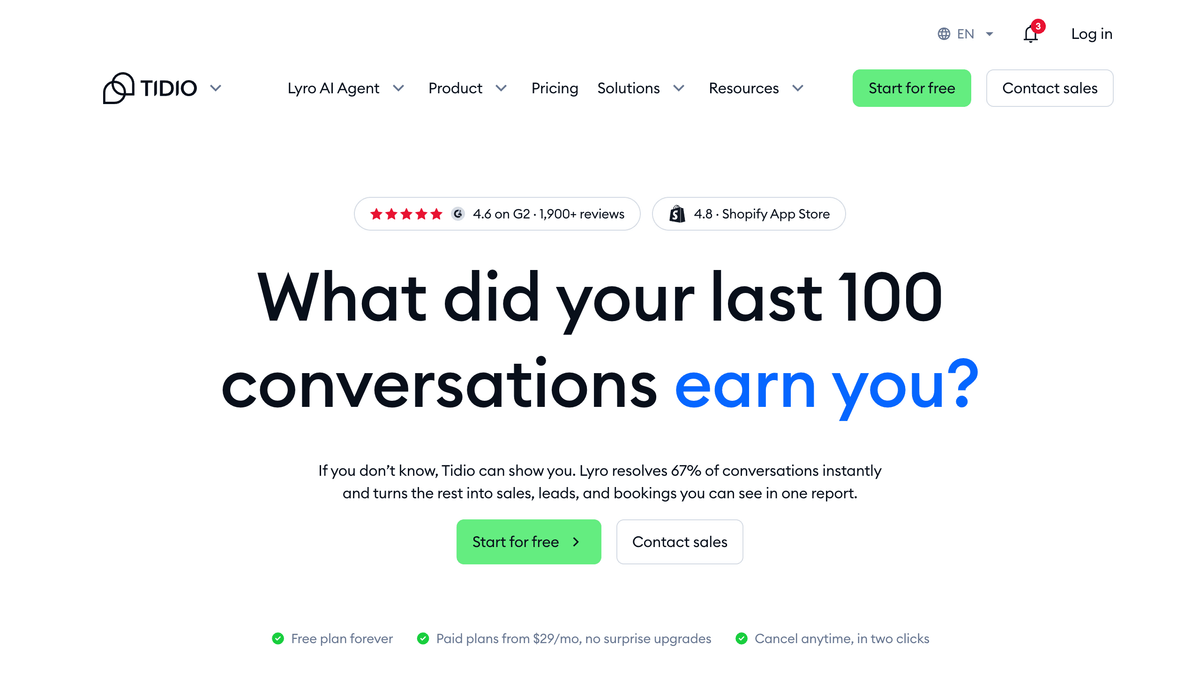
Tidio earns the top spot for teams under 20 people because it bundles live chat, a visual chatbot builder, and its Lyro AI agent under one roof at a price a two-person shop can actually approve. The core plans run from a free tier through Starter at $29/mo and Growth at $59/mo, with Lyro sold as a separate add-on that starts at $32.50/mo for 50 AI conversations.
Lyro is the part that answers customers on its own. It reads your help content and past replies, then handles common questions without a human, escalating when it is unsure. For a small store or SaaS with a predictable set of "how do I" questions, that covers a large share of daily volume.
The pricing structure has one sharp edge worth knowing before you commit. Tidio's self-service plans jump from Growth at $59/mo straight to Plus at $300/mo and up, with no middle tier. If your ticket volume grows fast, you can outgrow the affordable band quickly.
⚠️ Important
The free plan's 50 Lyro conversations are a one-time allowance, not 50 per month. Treat the free tier as a test drive, not a permanent plan, and budget for the Lyro add-on from day one.
Tidio's homepage lays out the live chat and Lyro bundle at a glance, which is the quickest way to gauge whether its entry tier fits your team size.
Intercom Fin: the strongest AI for complex questions
Intercom is the pick when your support goes beyond FAQ answers into multi-step, account-specific problems. Its Fin AI agent is built to hold a conversation across several turns, pull from your knowledge base, and resolve issues that would stump a rule-based bot. That quality shows up in the billing model.
Fin charges $0.99 per resolution on top of a seat-based plan, where Essential starts at $29 per seat/mo, Advanced at $85, and Expert at $132. You pay when Fin actually closes a conversation, so a slow month costs less than a busy one. For a team with unpredictable volume, usage-based pricing can be fairer than paying flat for capacity you do not use.
The trade-off is that costs climb with success. A bot resolving 2,000 conversations a month adds close to $2,000 on top of seats, so Fin rewards teams whose tickets are genuinely worth automating rather than those chasing cheap deflection.
Intercom connects to Albato through its Intercom connector (17 triggers and 25 actions), enough to push a resolved conversation into your CRM or fire a follow-up the moment Fin hands off to a human.
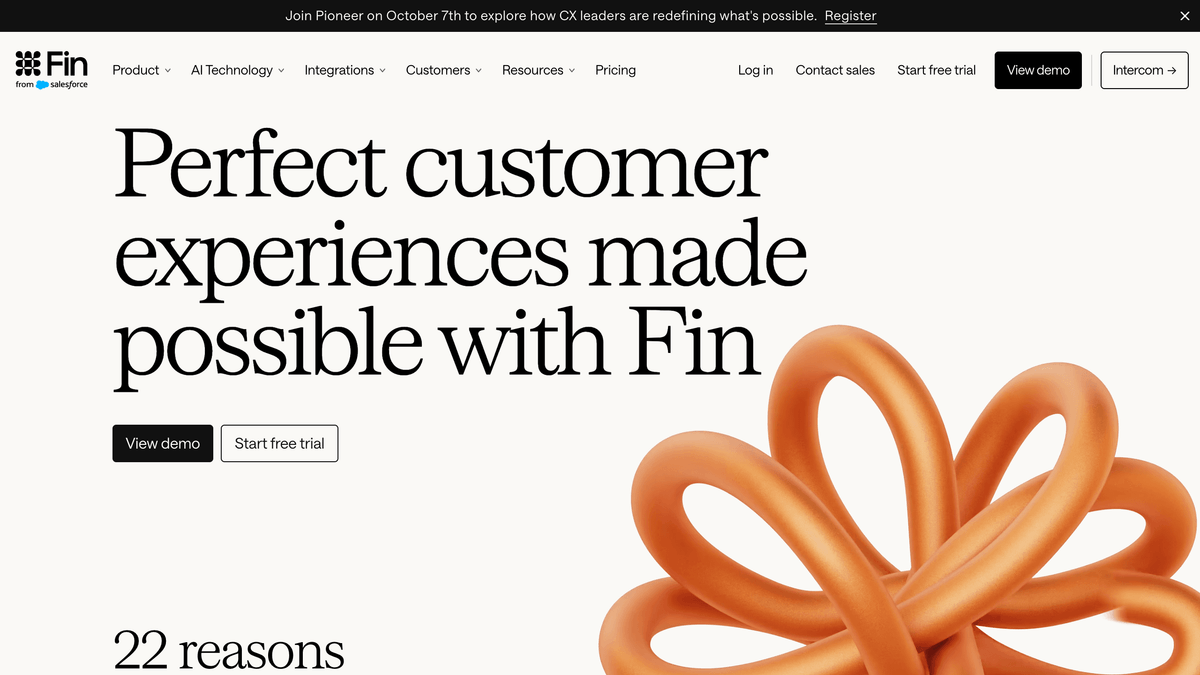
The Fin product page is where Intercom frames resolution-based pricing, so it helps to see how the AI agent is positioned before weighing the per-resolution math.
HubSpot Breeze: best if you already run HubSpot
If your contacts, deals, and tickets already sit in HubSpot, its Breeze Customer Agent skips the whole "connect two systems" problem because the customer data and the bot share one database. The rule-based chatbot (Chatflows) is free on every plan, which makes HubSpot the cheapest way to put a basic bot on your site if you are already a customer.
The AI-powered Breeze Customer Agent is the upgrade. It runs on HubSpot's Professional tier at $90 per seat/mo (or Enterprise at $150), and it draws on your existing knowledge base and CRM records to answer with context a standalone bot cannot match. Because it reads the same customer history your reps see, its handoffs land with full context instead of a cold ticket.
The catch is the entry cost. Professional carries a one-time onboarding fee around $1,500, so the AI agent is a real commitment rather than a quick add-on. For non-HubSpot shops, that math rarely beats a dedicated chatbot tool.
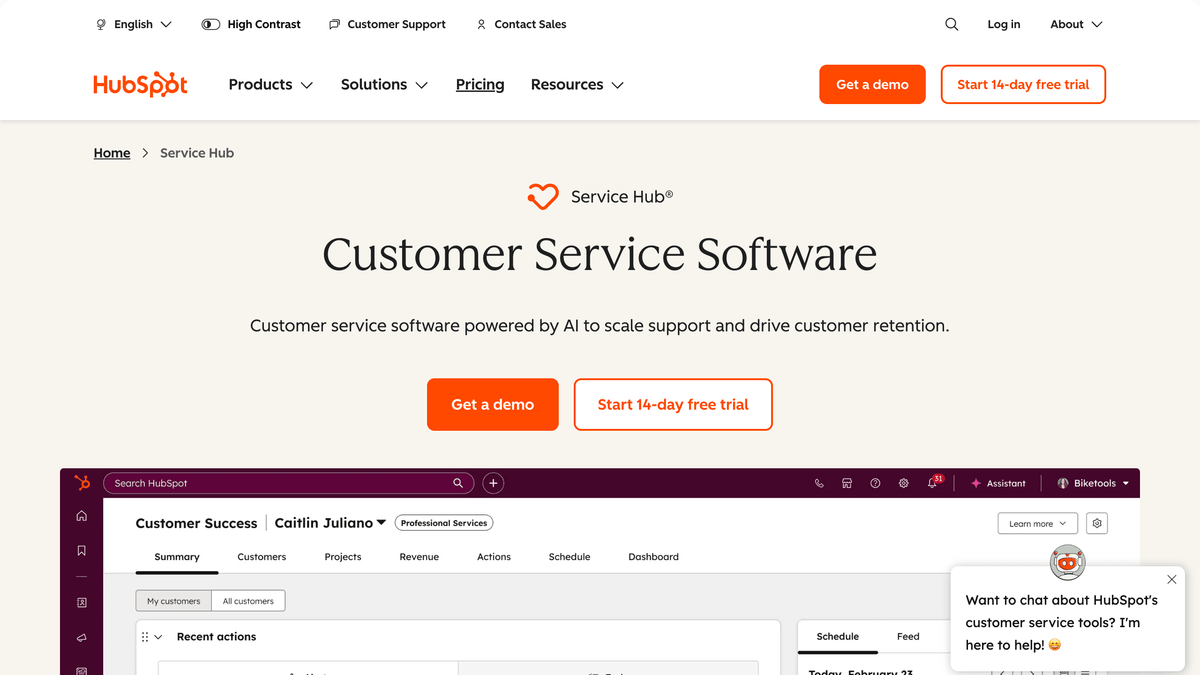
HubSpot's Service Hub page shows how the Breeze agent sits inside the wider CRM, which is the whole reason it suits teams already on the platform.
The pull toward a bot that lives next to the CRM is not just a HubSpot story. Survey data shows most support leaders already moving the same direction.
📊 Stat
Gartner found that 85% of customer service leaders planned to explore or pilot customer-facing conversational GenAI in 2025, so the question for most teams is no longer whether to add a bot, but which one fits.
Zendesk AI agents: built for support desks that are scaling
Zendesk fits teams that have outgrown a shared inbox and need real routing, SLAs, and reporting around their AI. Its AI agents are included in every Suite and Support plan, and they bill on the automated resolutions they deliver rather than as a flat add-on. The Suite tiers start at Team ($55/agent/mo) and Professional ($115/agent/mo), with a standalone Copilot add-on at $50/agent/mo.
The strength here is operational depth: escalation rules, macros, and analytics that a five-person team rarely needs but a growing one leans on daily. That same depth is the reason small teams often find Zendesk heavier than the problem they are solving.
Its Zendesk connector is lighter than the others, with 3 triggers and 7 actions, but it covers the essentials, firing on new or updated tickets and creating records in your other tools.
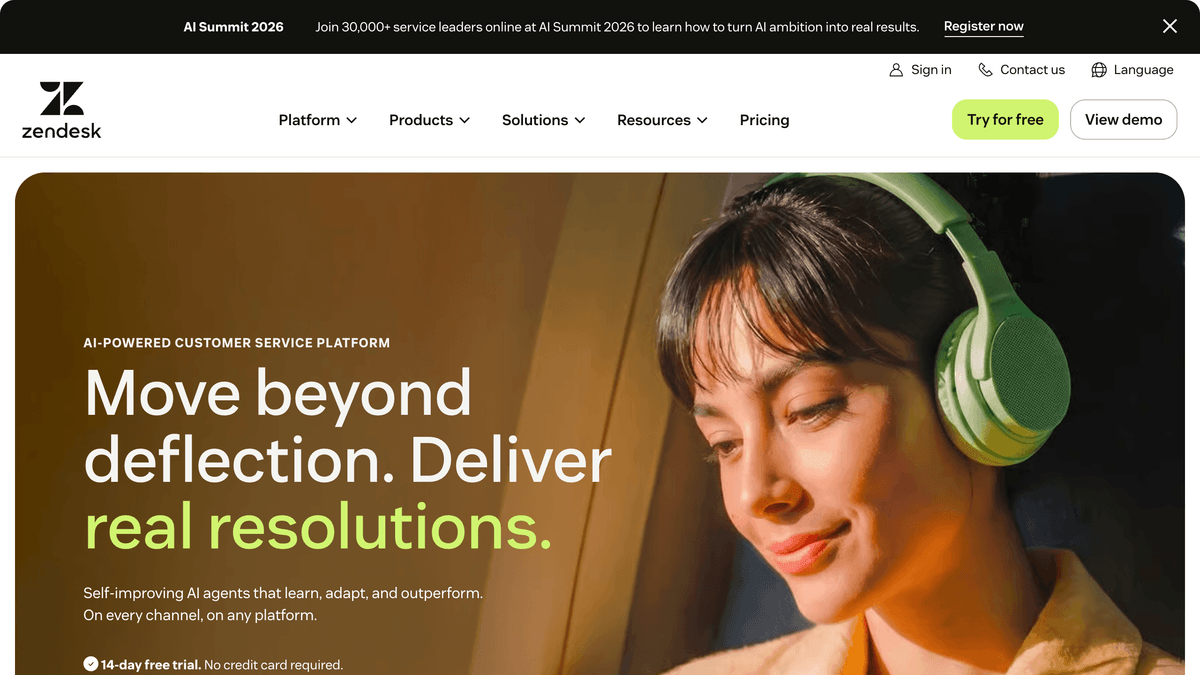
The Zendesk product hero gives a sense of how much operational tooling wraps its AI agents, which is exactly what scaling desks are paying for.
Chatbase: for a custom bot on your website and docs
Chatbase takes a different shape from the helpdesk suites. Instead of a full support platform, it builds an AI agent trained on your own content, a website, a set of docs, or a knowledge base, and drops it on your site to answer questions. It suits founders who want a smart Q&A bot without adopting an entire ticketing system.
Pricing runs on message credits: a free tier with 50 credits, Hobby at $40/mo for 700 credits, and Standard at $150/mo for 4,000. Extra credits and agents are add-ons, so cost scales with how much the bot talks rather than how many people you employ.
The limit is scope. Chatbase answers questions well, but it is not a ticket queue, so pairing it with a real support workflow usually means connecting it to the tools where your team actually works.
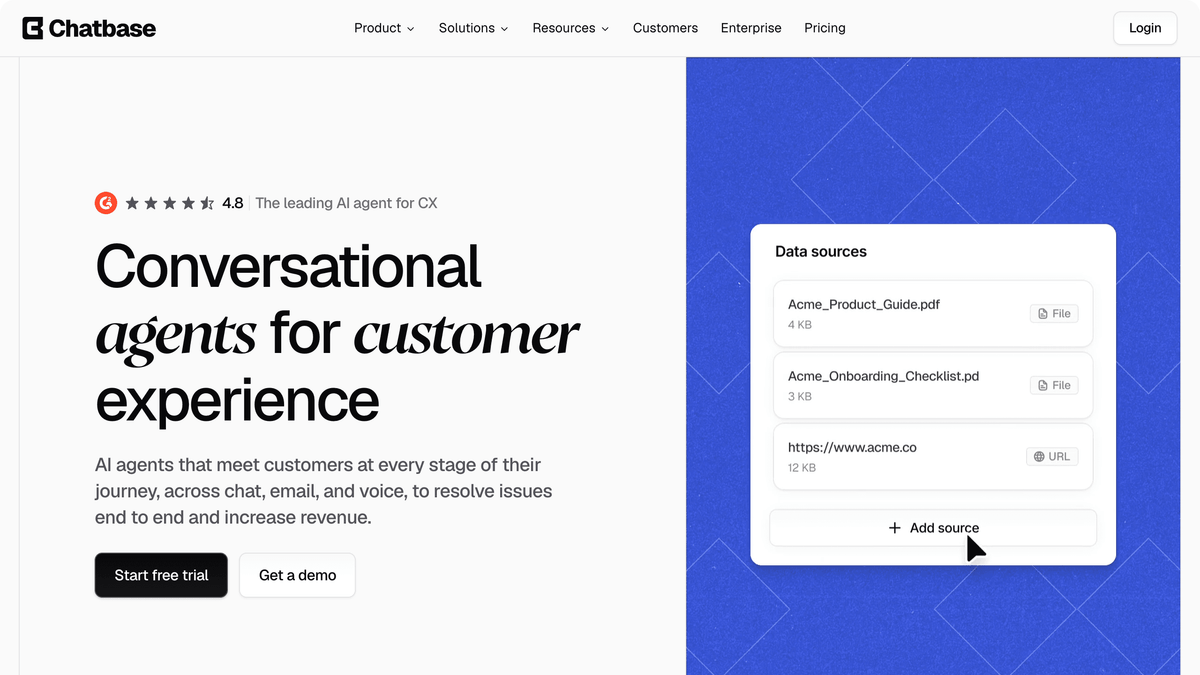
The Chatbase homepage makes its "train a bot on your own content" angle clear, which is what separates it from the ticketing suites above.
Build your own AI agent with Albato
Every tool above answers customers. None of them, on their own, makes sure the answer reaches your sales team, updates a deal, or triggers a follow-up. That last mile is where an integration layer earns its place, and it is where Albato's AI Agent turns a chatbot from a deflection tool into part of your actual workflow.
The Albato AI Agent is a step inside an automation that reads incoming data and decides which action to run, instead of you wiring fixed conditions by hand. You give it a model, plain-language instructions, and a set of tools (actions from your connected apps), plus optional memory for chatbot-style conversations. It runs on Albato AI, a built-in model with no external account needed, or on a provider you connect yourself.
For customer service, the scenario is direct. A resolved Intercom conversation triggers the agent, it reads the transcript, decides whether the contact is a sales lead or a support case, and either updates the HubSpot deal or opens a ticket, filling the fields itself. One step replaces a chain of filters and routers.
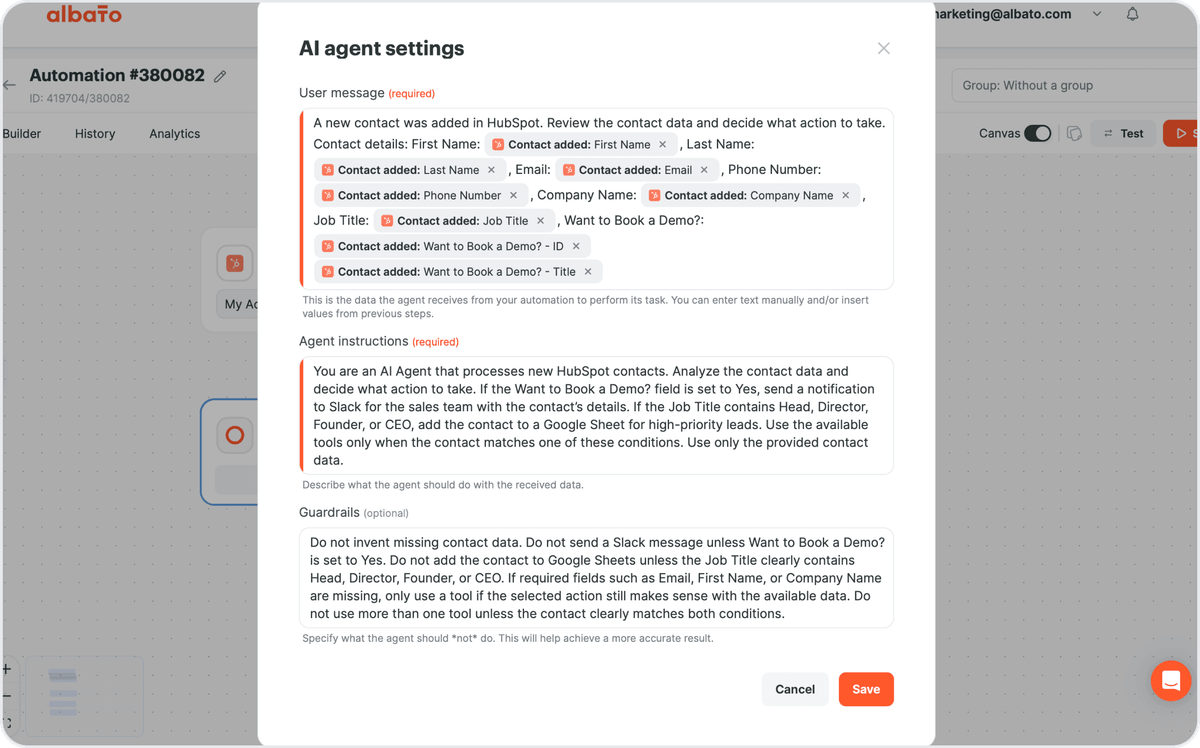
Because Albato connects the chatbots to the rest of your stack, you are not locked into one vendor's ecosystem. The Intercom connector (17 triggers, 25 actions), the HubSpot connector (21 triggers, 67 actions), and the Zendesk connector all become inputs the agent can act on, routing data to CRMs, spreadsheets, or notification channels.
Inside the agent step, you decide which fields it fills on its own and which you set by hand, so a routed conversation lands in the right record without manual mapping.
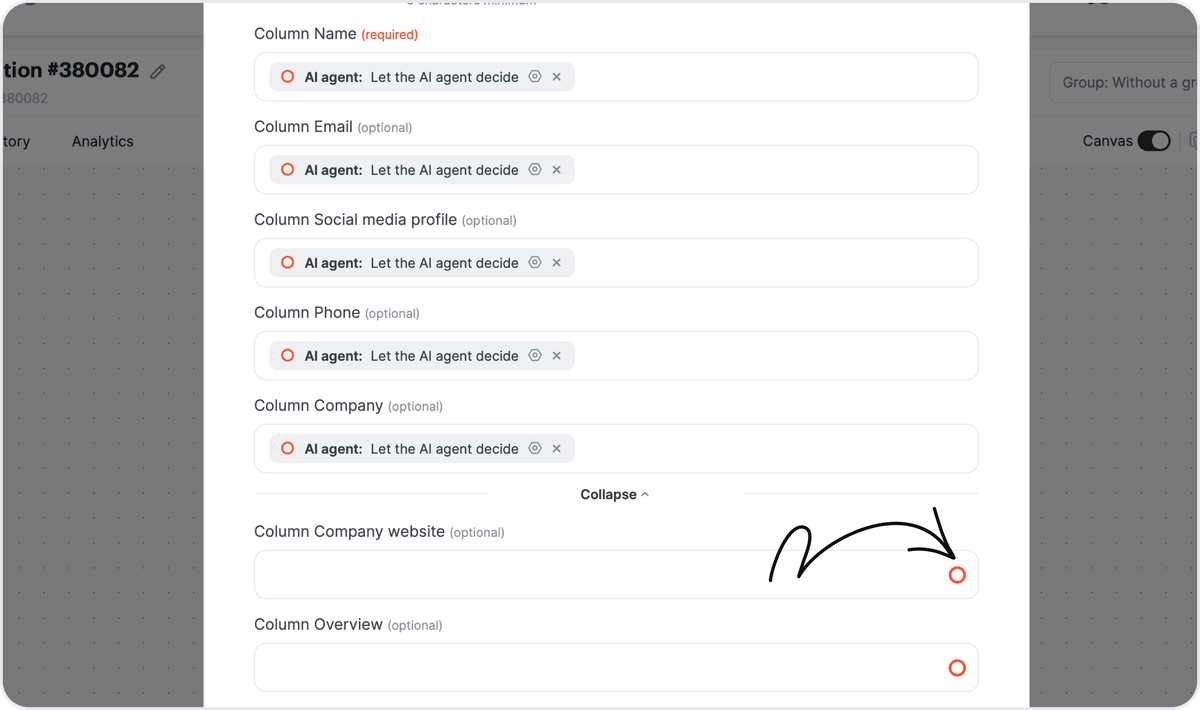
With the agent configured, a single CTA sets up the whole flow: connect the chatbot, pick the destination, and let the agent handle the routing.
How to choose the right AI chatbot for your team
Start with volume and question type, not the feature grid. A team handling under 300 interactions a week with a stable set of questions is best served by Tidio's affordable band. A team with complex, account-specific tickets gets more from Intercom Fin even at a higher per-resolution cost, because a wrong cheap answer costs more than a right expensive one.

Then check where your customer data lives. If it is already in HubSpot, Breeze removes an integration step entirely. If it is spread across a CRM, a spreadsheet, and a helpdesk, the deciding factor is how cleanly the bot's output flows into those tools, which is a connector question, not an AI question. The same logic applies once a customer is onboarded, which is why teams often pair a chatbot with customer success software that reads the same signals.
Finally, weigh the pricing model against your growth. Seat-based plans are predictable but punish small teams with idle capacity. Usage-based plans (Fin, Zendesk resolutions) track results but can spike in a busy month. Match the model to how steady your volume actually is.

The chart only works, though, if you know what each vendor actually counts as a billable event, since "resolution" is not a standard unit.
🔧 How it works
"Automated resolution" and "resolution" are billed differently across vendors. Intercom counts a resolution when a customer confirms they are done or Fin completes a workflow; Zendesk counts an automated resolution when its agent closes a ticket without a human. Read each definition before comparing headline prices.
Once you have matched a bot to your volume and your stack, the last decision is how its answers reach the rest of your tools.
Whatever bot you pick, the payoff comes when its answers flow into the tools your team already runs. That is the piece Albato handles.
FAQ
These are the questions small teams ask most when picking an AI chatbot for customer service.
What is the best AI chatbot for a small customer service team?
For most teams under 20 people, Tidio with its Lyro AI agent offers the best balance of price and capability, starting at $29/mo plus a Lyro add-on from $32.50/mo. If your tickets are complex and account-specific, Intercom Fin resolves harder questions at $0.99 per resolution.
How much does an AI customer service chatbot cost?
Entry pricing ranges from free rule-based bots (HubSpot and Chatbase both have free tiers) to roughly $29 to $90 per month for AI-powered plans. Usage-based tools like Intercom Fin add $0.99 per resolution on top of seats, so a busy month costs more than a quiet one.
Can an AI chatbot connect to my CRM?
Yes. Most support chatbots offer native CRM connections, and a no-code platform like Albato links the ones that do not, so a resolved conversation can update a deal, create a contact, or open a ticket automatically. Albato's connectors for Intercom, HubSpot, and Zendesk let an AI agent route conversation data to the right system.
Do AI chatbots replace human support agents?
Not for small teams. Gartner's forecast expects only about one in ten agent interactions to be automated in 2026, so the realistic goal is deflecting the repetitive questions and freeing people for the ones that need judgment. The best setups escalate cleanly instead of trapping customers in a bot loop.
What is the difference between a rule-based chatbot and an AI agent?
A rule-based chatbot follows fixed decision trees and only answers what it was scripted for. An AI agent reads the customer's actual message, decides what to do, and can pull from your knowledge base or connected tools, which is why AI agents handle unscripted questions that break a rule-based flow.
Whichever bot you shortlist, the payoff is in routing its answers to the tools your team already runs. Here are related guides to help you build that stack.