In this article
Key Takeaways
- Document360 and Helpjuice are the strongest picks for a dedicated, standalone knowledge base, while Zendesk Guide and Freshdesk fit teams that already run a helpdesk.
- Intercom Articles wins for AI-assisted answers inside the product, Notion and Confluence cover internal wikis, and Guru and Tettra put verified knowledge where teams already work in Slack.
- Help Scout Docs is the simplest public help center for small support teams, while Stonly suits high-volume teams that need interactive guides for complex cases.
- The tool matters less than where its data ends up: the best knowledge base feeds your helpdesk, CRM, and live chat instead of sitting in a silo.
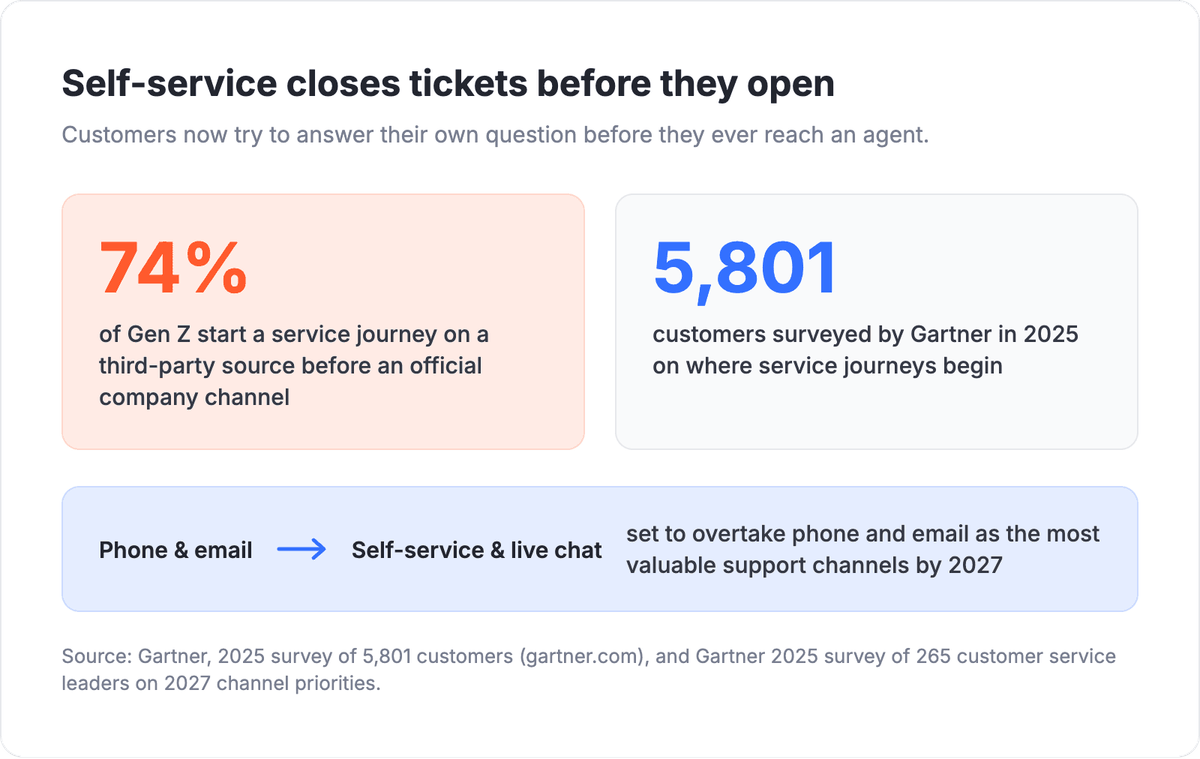
Support demand is moving to the reader before it ever reaches an agent. A 2025 Gartner survey of 5,801 customers found that 74% of Gen Z start a service journey on a third-party source before reaching an official company channel, which raises the bar for how findable and complete your own knowledge base has to be.
The 11 best knowledge base tools at a glance
Use this table as a bucket map. Each tool is grouped by the job it does best, its knowledge base type, its one standout strength, and whether it has a native Albato connector.
| Tool | Best for | KB type | Standout | Albato connector |
|---|---|---|---|---|
| Zendesk (Guide) | Scaling support | Public help center | Deflection tied directly to tickets | Yes |
| Freshdesk (Freshworks) | Scaling support | Public help center | Multi-brand help centers on a value plan | Yes |
| Stonly | Complex support cases | Both | Interactive guides that branch on each case | Via webhooks or API |
| Document360 | Standalone KB | Both | Purpose-built KB with versioning | Via webhooks or API |
| Helpjuice | Standalone KB | Public help center | Deep theming and search analytics | Via webhooks or API |
| Help Scout (Docs) | Lean team | Public help center | Docs tied to a shared inbox, low setup | Yes |
| Intercom (Articles) | AI answers | Both | Articles feed the messenger and AI replies | Yes |
| Notion | Internal wiki | Both | Flexible workspace that doubles as a wiki | Yes |
| Confluence (Atlassian) | Internal wiki | Internal wiki | Product and engineering docs tied to Jira | Yes |
| Guru | Slack knowledge | Internal wiki | Verified answers surfaced in the browser and chat | Via webhooks or API |
| Tettra | Slack knowledge | Internal wiki | Slack-native Q&A with knowledge verification | Via webhooks or API |
How we picked these tools
We grouped tools by the buyer, not by a single one-to-ten ranking, because "best knowledge base software" means different things to a solo support desk, an engineering team, and a company chasing AI-answer deflection. Each tool earned its spot on four criteria: whether it is a standalone knowledge base or embedded in a wider suite, whether it serves a public help center or an internal wiki (or both), the quality of its search and analytics, and how well its content connects to the rest of your customer lifecycle stack. Pricing figures below are current published rates and can change, so confirm on each vendor's page before you commit.
📊 Stat. A 2025 Gartner survey of 265 customer service leaders found that self-service and live chat are set to overtake phone and email as the most valuable support technologies by 2027. A knowledge base is the engine behind that shift.
Best for scaling support teams already on a helpdesk
If your team already lives inside a helpdesk, the fastest win is a knowledge base built into that same platform. The articles a reader browses and the tickets an agent works sit under one roof, so deflection, reporting, and content gaps all show up in the same dashboard. Zendesk Guide and Freshdesk are the two strongest built-in options here, and Stonly is an add-on layer for when your processes outgrow a single help article.

Let us build your automation or AI Agent
Tell us which process eats your time. Certified Albato engineers take it from there, A to Z.
Zendesk (Guide)
Zendesk Guide is the knowledge base layer of the broader Zendesk support suite, and its real advantage is how tightly self-service ties back to tickets. When a reader can't find an answer, the handoff to a ticket keeps full context, and Guide's reporting shows which articles deflect volume and which gaps generate the most contacts. That feedback loop is hard to match with a bolt-on knowledge base, which is why Guide suits teams already scaling on Zendesk rather than those shopping for a standalone tool.
Content management runs through a familiar editor with categories, sections, and article-level permissions, plus a machine-learning content-cue feature that flags articles worth updating. It is a full help center, not a lightweight docs page, and it shows in the setup time.
With Albato, you can connect Zendesk to the rest of your stack, so a "couldn't find an answer" event or a new ticket can trigger a Slack alert, create a CRM record, or update an analytics sheet without any code.
Guide is bundled into Zendesk's Suite plans rather than sold on its own, so pricing tracks the wider suite (published Suite plans start around $19 per agent per month, billed annually). That makes it a strong fit if you already pay for Zendesk and a harder sell if you only need a knowledge base.
Freshdesk (Freshworks)
Freshdesk earns its place on value. It bundles a knowledge base into a full helpdesk at a lower entry point than most suite competitors, and it supports multiple help centers, which matters if you run several brands or products from one account. Teams that want ticketing, a public knowledge base, and multi-brand support without stacking separate subscriptions tend to land here.
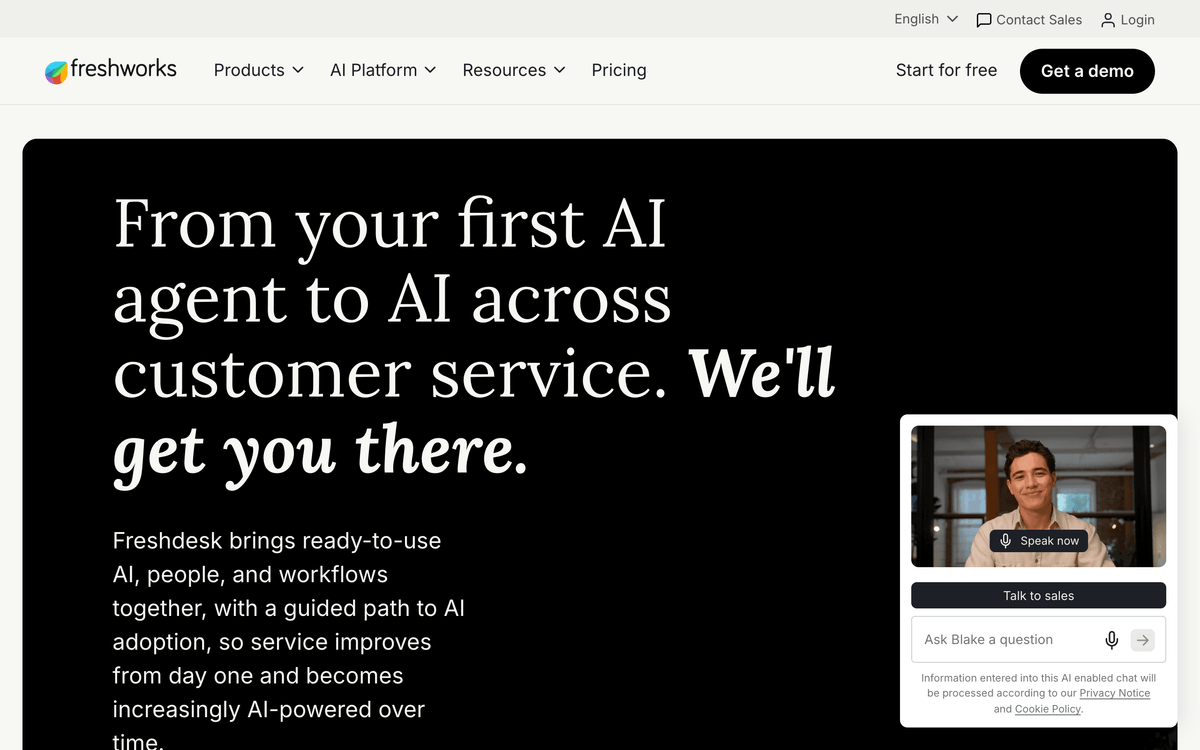
The knowledge base handles multilingual articles, approval workflows, and solution folders, and it plugs into Freshdesk's automation and analytics. It is not the most customizable public help center on this list, but for the price it covers the essentials well.
Connect Freshdesk through Albato to push new tickets into a CRM, sync contacts, or alert a channel when a knowledge base article gets flagged. It pairs naturally with the helpdesk software workflows your support team already runs.
Freshdesk offers a limited free tier, and paid plans that include the knowledge base and multiple help centers start in the low double digits per agent per month. Verdict: the value pick for teams that want ticketing and a help center in one bill.
Stonly
Stonly is a knowledge platform built for customer service, and its angle is that one system serves both sides of support. Your public help center and the knowledge agents follow inside tickets live in the same place, so the answer a customer reads and the process an agent runs stay in sync. Beyond standard articles, teams build interactive guides that branch on a person's inputs and choices, which suits multi-step cases that a single article leaves the reader to untangle.
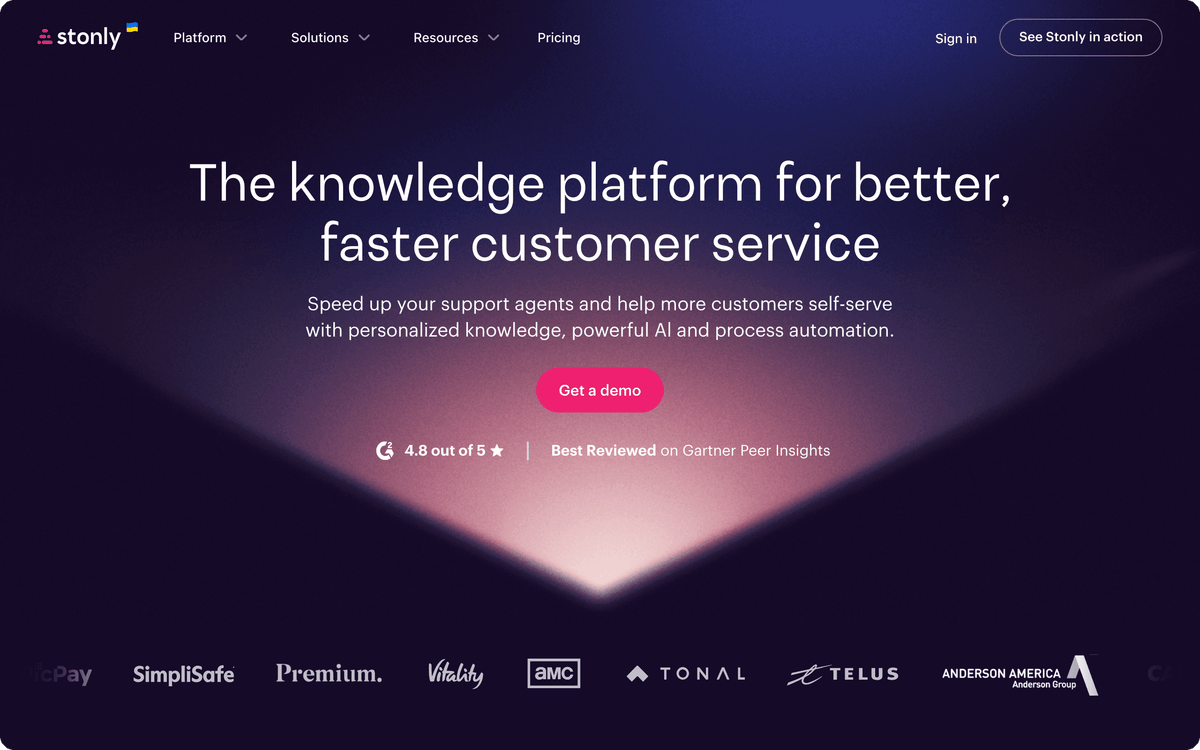
Delivery is Stonly's strongest area for high-volume teams. On Enterprise plans, integrations with Zendesk, Salesforce, and Freshdesk show the right guide inside the ticket. Triggers surface guides to customers inside your product or website at the moment they get stuck, and AI answers draw on the same structured guides rather than loose text.
Stonly does not have a native Albato connector today. It offers an API and webhooks, and its data transmission feature sends guide interactions to other apps, so those events can reach the rest of your stack.
Stonly sells a Small Business plan for companies under 100 employees, with a 14-day free trial, and custom Enterprise plans. Prices are quote-based rather than published, and because the in-ticket integrations sit on Enterprise, the full setup is a bigger commitment than the built-in KBs above. Best for high-volume support teams running multi-step processes that one article can't cover.
Best for a dedicated, standalone knowledge base
When documentation is the product, or close to it, a purpose-built knowledge base beats a suite add-on. These tools treat content structure, versioning, and search as first-class features rather than an afterthought bolted onto a ticketing system. Document360 and Helpjuice are the two to shortlist.
Document360
Document360 is built from the ground up as a knowledge base platform, and its category manager is the reason documentation-heavy teams pick it. You can nest categories several levels deep, run public and private (internal) knowledge bases side by side, and keep full version history on every article, so a rollback is one click instead of a Git archaeology session. It suits SaaS companies that maintain product docs, API references, and a customer help center all at once.
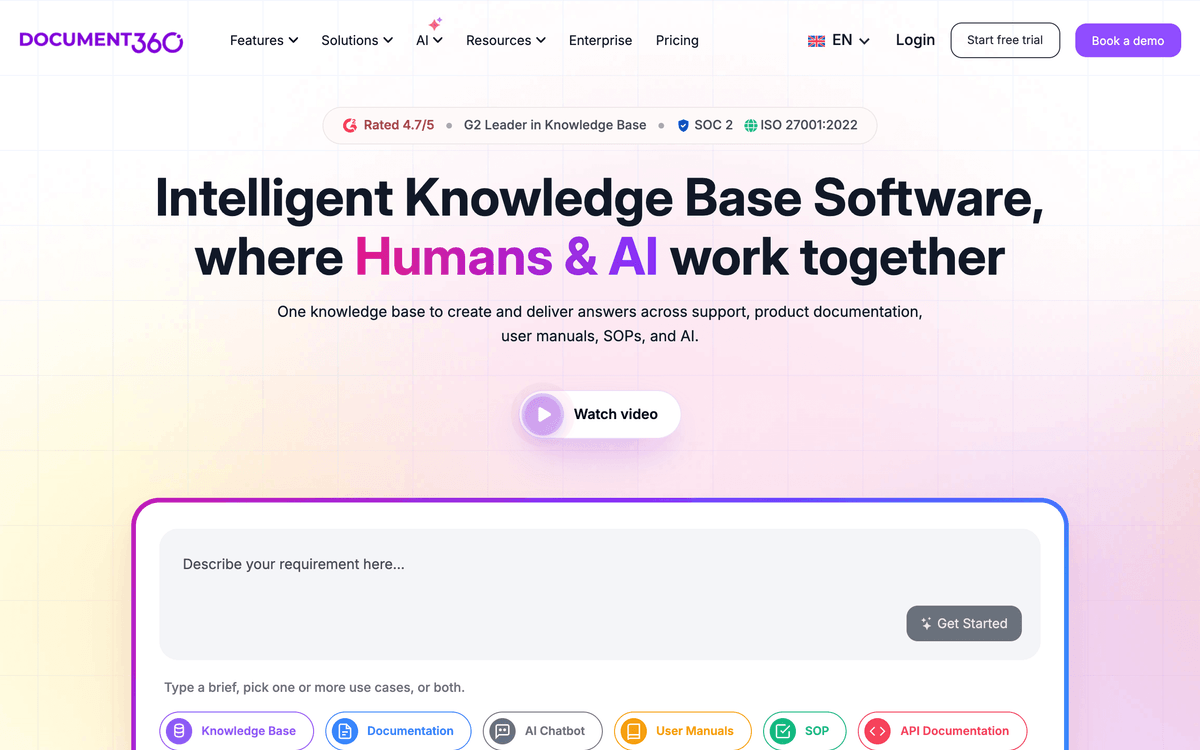
Search is a strength, with analytics that surface the exact queries readers typed and found nothing for, which turns your help center into a content roadmap. Newer AI answer features layer on top of that structured content rather than replacing it.
Document360 does not have a native Albato connector today, but it exposes a full API, so it is connectable via webhooks or API when you want article or feedback events to reach your other tools.
Document360 runs on tiered plans with a free option for a single small project; paid tiers scale by projects, versions, and team accounts. Best for teams that treat their knowledge base as core infrastructure.
Helpjuice
Helpjuice is a knowledge-base-only company, and that focus shows in two places: theming and search analytics. You can style a public help center to match your brand closely without a developer, and the analytics dashboard reports what people search, what they click, and where they give up. For teams whose main goal is a polished, self-serve public help center, that combination is the draw.
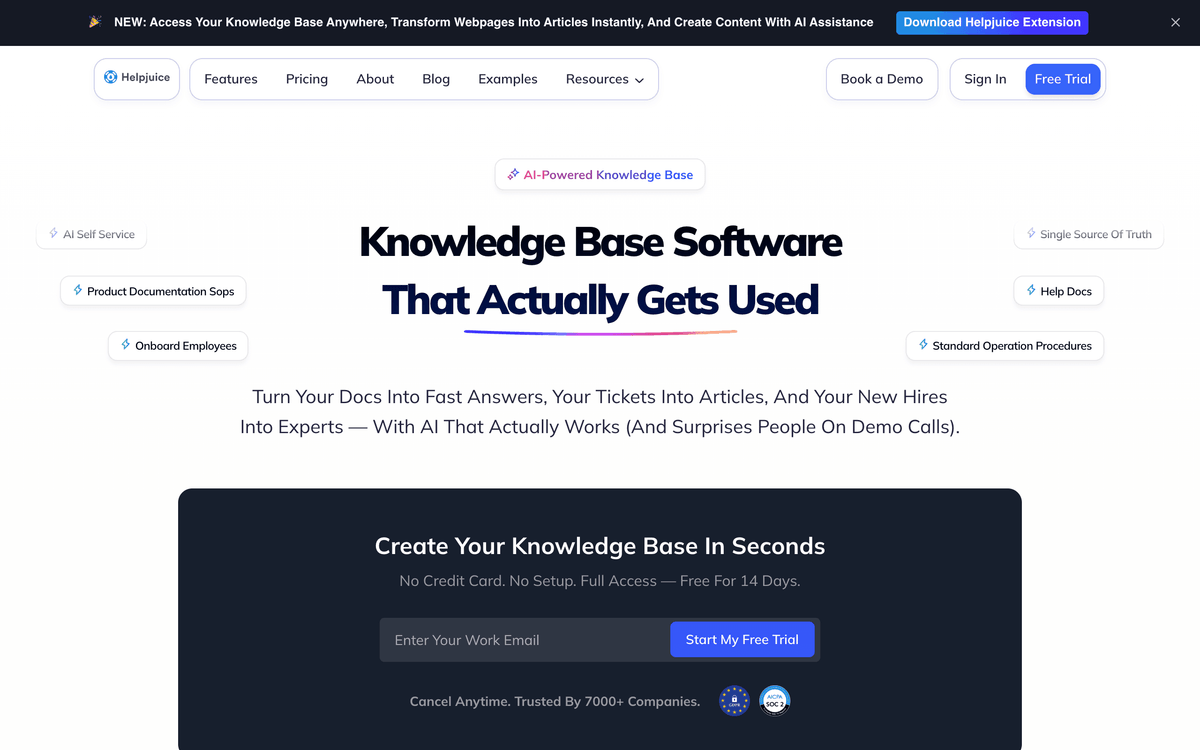
Helpjuice keeps the feature set deliberately narrow, so there is no ticketing or live chat inside it. That is the point. It pairs well with a separate helpdesk and with customer feedback tools that tell you whether an article actually solved the problem.
💡 Tip. Treat "zero-result searches" as your highest-priority content backlog. A 2024 Gartner analysis found that the most common reason self-service fails is that readers cannot find content relevant to their issue, so the searches that return nothing tell you exactly what to write next.
Helpjuice does not offer a native Albato connector, but it is connectable via webhooks or API for pushing analytics or article events elsewhere. Pricing is flat per plan by team size rather than strictly per seat, which can work out cheaper for larger teams. Verdict: the pick when the public help center itself is the deliverable.
Best for small and lean support teams
Small teams rarely need a heavyweight knowledge base. They need a public help center that goes live in an afternoon and sits next to the inbox they already answer from. That is exactly the gap Help Scout fills.
Help Scout (Docs)
Help Scout Docs is the lightweight knowledge base tied to Help Scout's shared inbox, and its appeal is how little setup it demands. You write articles in a clean editor, publish a hosted help center, and the same Docs content surfaces inside Beacon, the on-site widget that suggests articles before a customer emails you. A two-person support team can have a real help center running the same day.
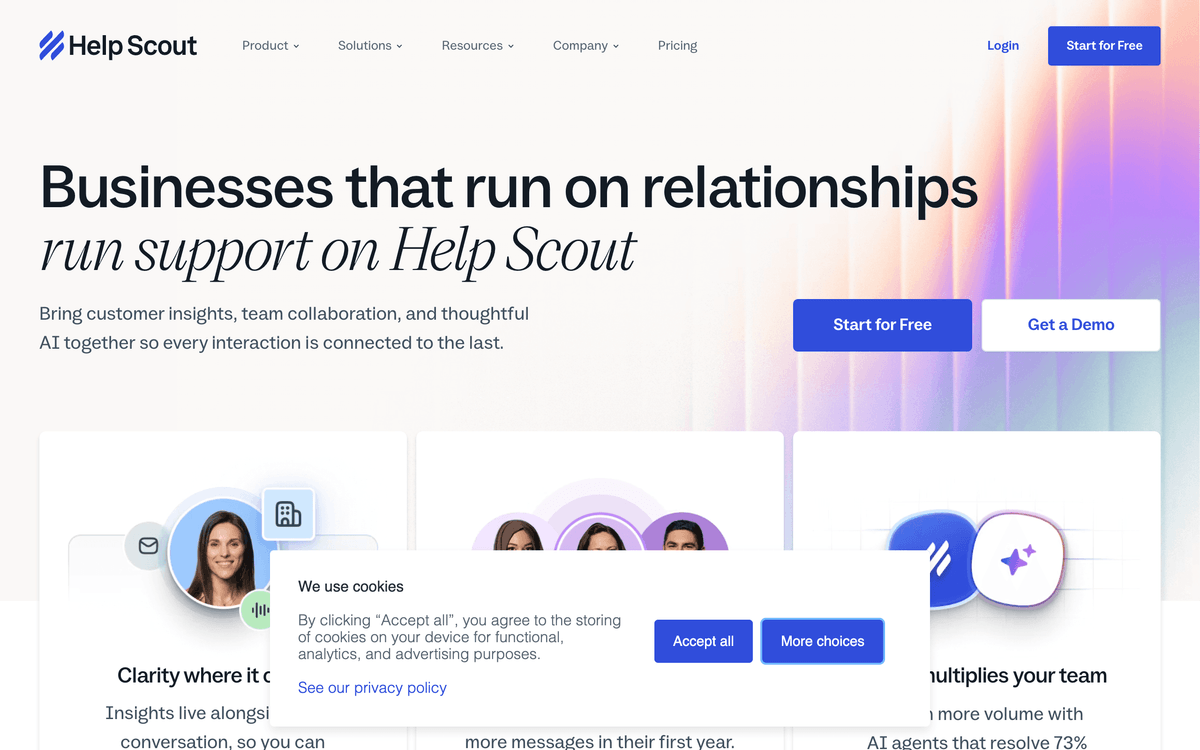
It intentionally skips the deep category trees and versioning that Document360 offers, trading configurability for speed. For a lean team, that trade is usually the right one, because an over-engineered knowledge base nobody maintains deflects nothing.
Connect Help Scout through Albato to sync new conversations into a CRM, log customers to a spreadsheet, or trigger a message when a Docs article needs review.
Help Scout prices by plan and contact volume, with paid plans starting in the low double digits per user per month and Docs included from the entry tier. Best for small teams that want a help center without a project plan.
Best for AI-assisted answers and in-product help
The clearest shift in knowledge base software is that articles now feed AI answers, not just search results. When a customer asks a question in a chat window, the tool drafts a reply from your existing content instead of returning a list of links. Intercom is the sharpest example, and the trend is spreading across the suite tools too.
Intercom (Articles)
Intercom Articles is a knowledge base built to feed the Intercom Messenger and its AI answers, so the same content that lives in your public help center also powers automated replies inside the product. That in-context delivery is the differentiator. A reader gets an answer where they already are, mid-session, rather than being sent off to a separate help site. For product-led SaaS teams, in-product help that resolves questions without a page change is the whole appeal.
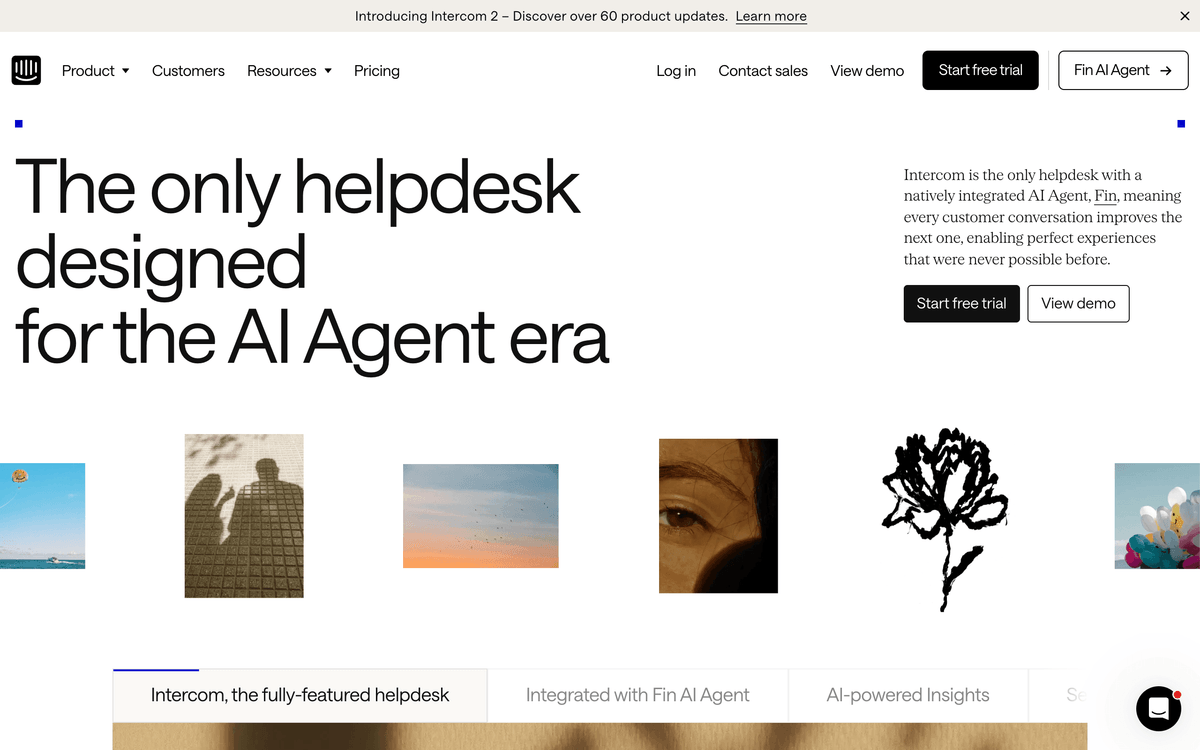
Articles supports both public help centers and internal collections, and its analytics tie article performance to conversation outcomes, so you can see which content actually resolved a chat.
It is worth noting the AI-answer trend is not unique to Intercom. Zendesk, Document360, and Freshdesk have all added AI answer layers on top of their knowledge bases, so if you already run one of those, check what its AI tier includes before buying a separate tool.
Connect Intercom through Albato to route a resolved conversation into your CRM, notify a Slack channel, or trigger a post-chat survey. It works well alongside live chat tools and post-interaction survey tools that confirm whether the AI answer landed.
Intercom prices per seat with usage-based AI resolution charges layered on top, so total cost depends on how heavily you use its AI answers. Best for product-led teams that want help delivered inside the app.
Best for internal wikis and team knowledge
Not every knowledge base faces customers. A large share of "where is that answer" moments happen inside the company, and the right internal wiki keeps process docs, onboarding guides, and engineering references in one searchable place. Onboarding new customers is a separate job, handled by dedicated customer onboarding software. Notion and Confluence are the two dominant choices, and they suit very different teams.
Notion
Notion earns its spot on flexibility. It is a general workspace first, so the same tool that holds your project boards and meeting notes can double as an internal wiki, and increasingly a public one. Teams already living in Notion get a knowledge base without adopting a second app, which is the entire draw. The trade-off is that flexibility cuts both ways: without discipline around templates and structure, a Notion wiki drifts into a maze that is hard to search.
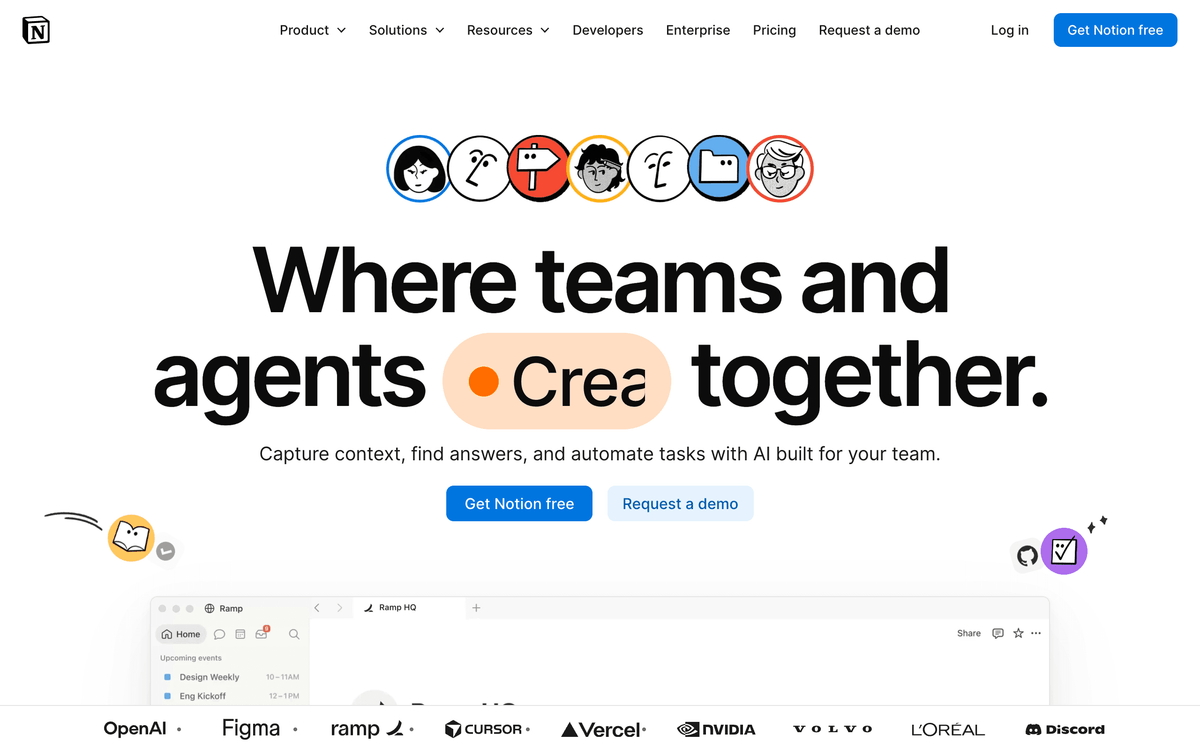
Recent additions like Q&A search and published sites make Notion more viable as a real knowledge base than it was a couple of years ago, though it still lacks the article versioning and approval workflows a dedicated KB gives you.
Connect Notion through Albato to turn a new database item into a task elsewhere, sync page updates to Slack, or push form submissions straight into a Notion knowledge base.
Notion has a usable free plan for individuals and small teams, with paid plans in the single digits per member per month. Best for teams that already run on Notion and want their wiki to live there too.
Confluence (Atlassian)
Confluence is the pick when documentation has to sit next to development. Its strength is depth for engineering and product teams: granular permissions, spaces that map to teams or products, and a tight link to Jira, so a spec, a ticket, and the surrounding discussion stay connected. Large organizations that already run the Atlassian stack get a wiki that speaks the same language as the rest of their tooling.
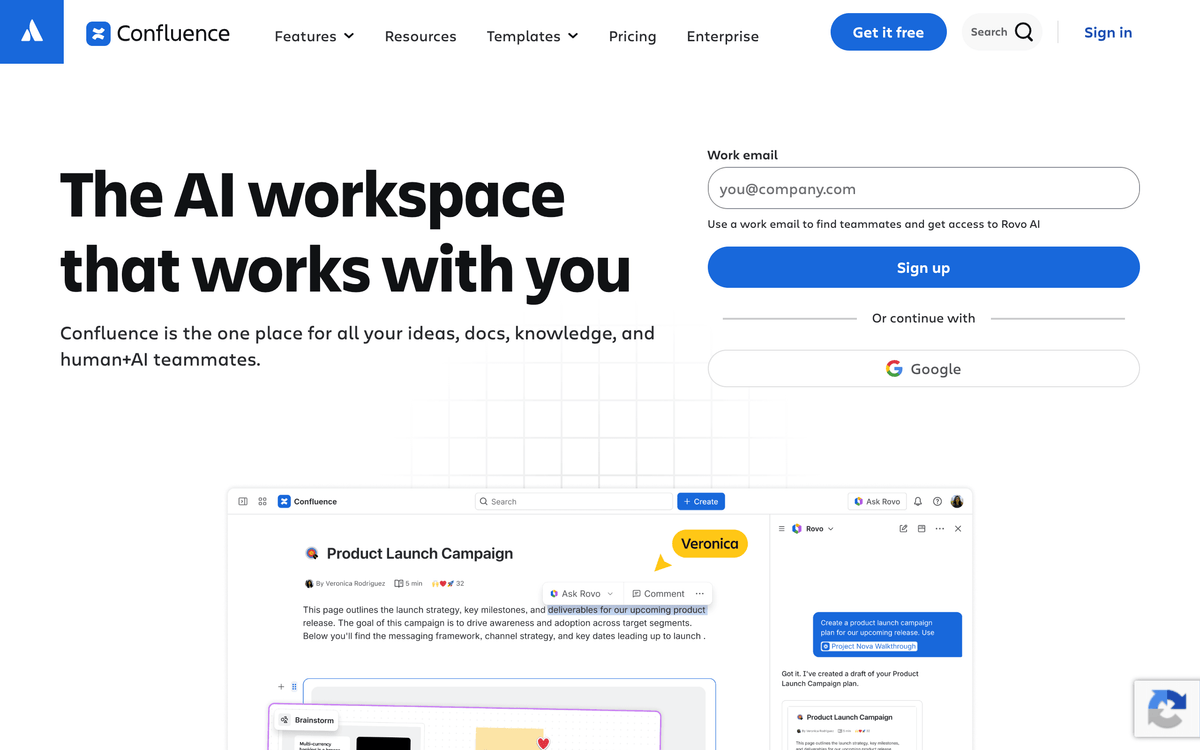
Confluence handles deep documentation trees well, but it is worth setting expectations before you commit it to a customer-facing role.
⚠️ Important. Confluence is built for internal documentation, not as a polished customer-facing help center. Teams that try to run a public help site on it often end up fighting the theming and permission model. Use it for engineering and product docs, and pick a dedicated KB for the customer side.
Connect Confluence through Albato to create a page from an external event or notify a channel when a new space section goes live.
Confluence has a free tier for up to 10 users, with paid Standard and Premium plans priced per user and scaling to enterprise. Best for engineering and product teams already on Jira.
Best for knowledge that lives inside Slack
The hardest internal knowledge to capture is the answer someone types into Slack and then loses to the scroll. Two tools attack that problem directly by surfacing verified knowledge inside the tools your team already has open. Guru and Tettra take different routes to the same goal.
Guru
Guru's angle is surfacing knowledge in the flow of work rather than making people go looking for it. Its browser extension and Slack integration push relevant "cards" of verified information right where an employee is working, and each card carries a verification owner and a review date, so answers do not quietly go stale. For teams where the problem is not writing docs but getting anyone to read them at the right moment, that model is the differentiator.
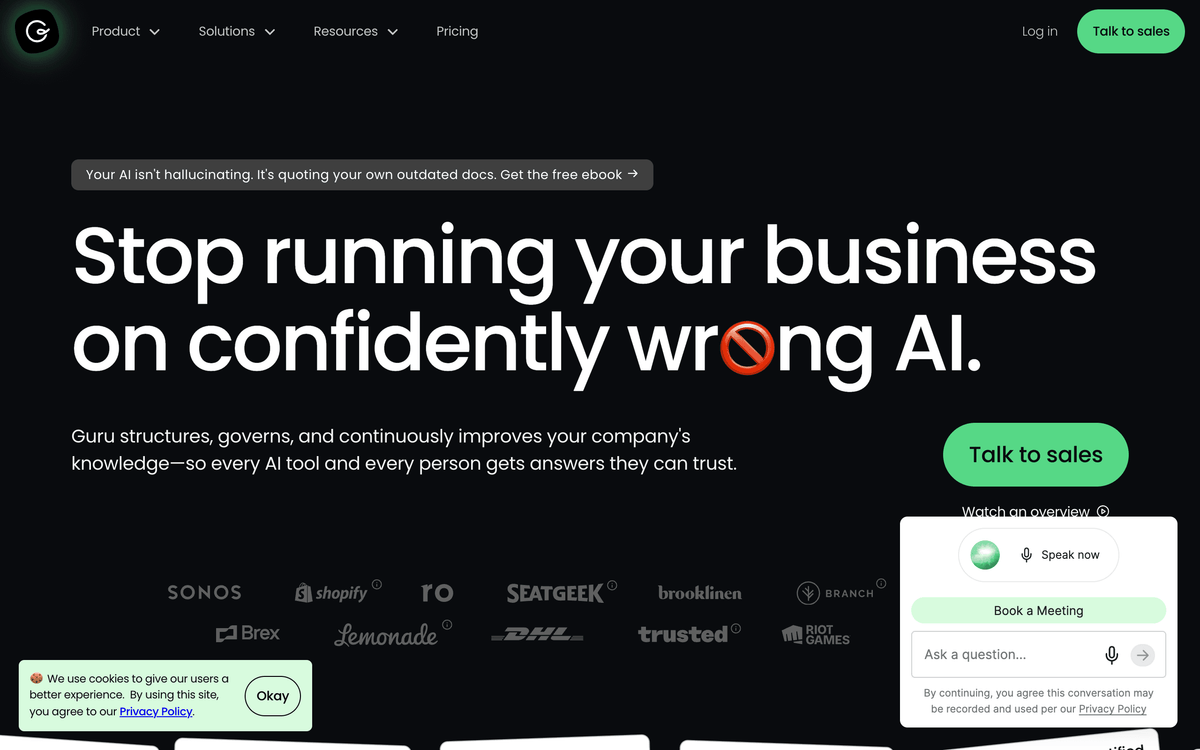
Guru leans on AI to suggest answers from your existing cards and to flag duplicate or outdated knowledge, which keeps a large internal base manageable.
Guru does not have a native Albato connector, but it is connectable via webhooks or API, so card events or verification reminders can reach your other tools.
Guru offers a free tier for small teams, with paid plans priced per user per month. Best when your challenge is knowledge surfacing, not knowledge storage.
Tettra
Tettra keeps things lean and Slack-native. Its core loop is simple: someone asks a question in Slack, Tettra answers from your existing wiki if it can, and if it can't, it routes the question to a subject owner and turns the reply into a new page. Knowledge verification keeps pages assigned to owners who confirm they are still accurate. For small teams that want an internal wiki without the overhead of Confluence, that Slack-first simplicity is the appeal.
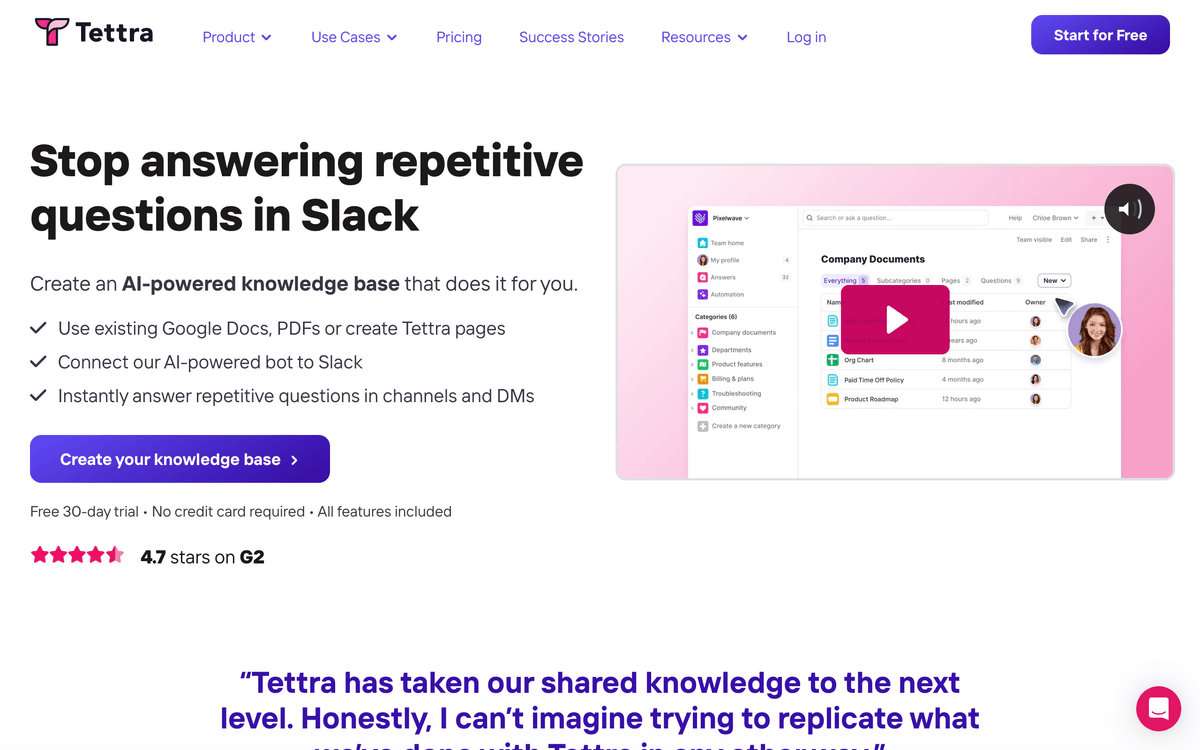
It is deliberately narrow, so there is no public help center and no deep permission hierarchy. That focus keeps it easy to adopt, which is often the deciding factor for a small team that has abandoned heavier wikis before.
Tettra does not offer a native Albato connector, but it is connectable via webhooks or API for pushing questions or page updates into other systems. Pricing is per user per month with a small free tier. Verdict: the lean, Slack-native internal wiki.
Which knowledge base tool fits your stack?
Start from where your knowledge needs to live, and the shortlist narrows fast. If you want a dedicated public help center, look at Document360 or Helpjuice. If you already run a helpdesk, use its built-in KB (Zendesk Guide or Freshdesk) before adding a separate tool. When agents and customers need step-by-step guides for complex processes, add Stonly on top. If the need is internal, pick Notion for flexibility or Confluence for engineering depth, and choose Guru or Tettra when the knowledge really lives in Slack. If your priority is AI-assisted, in-product answers, Intercom leads, though the suite tools are catching up.
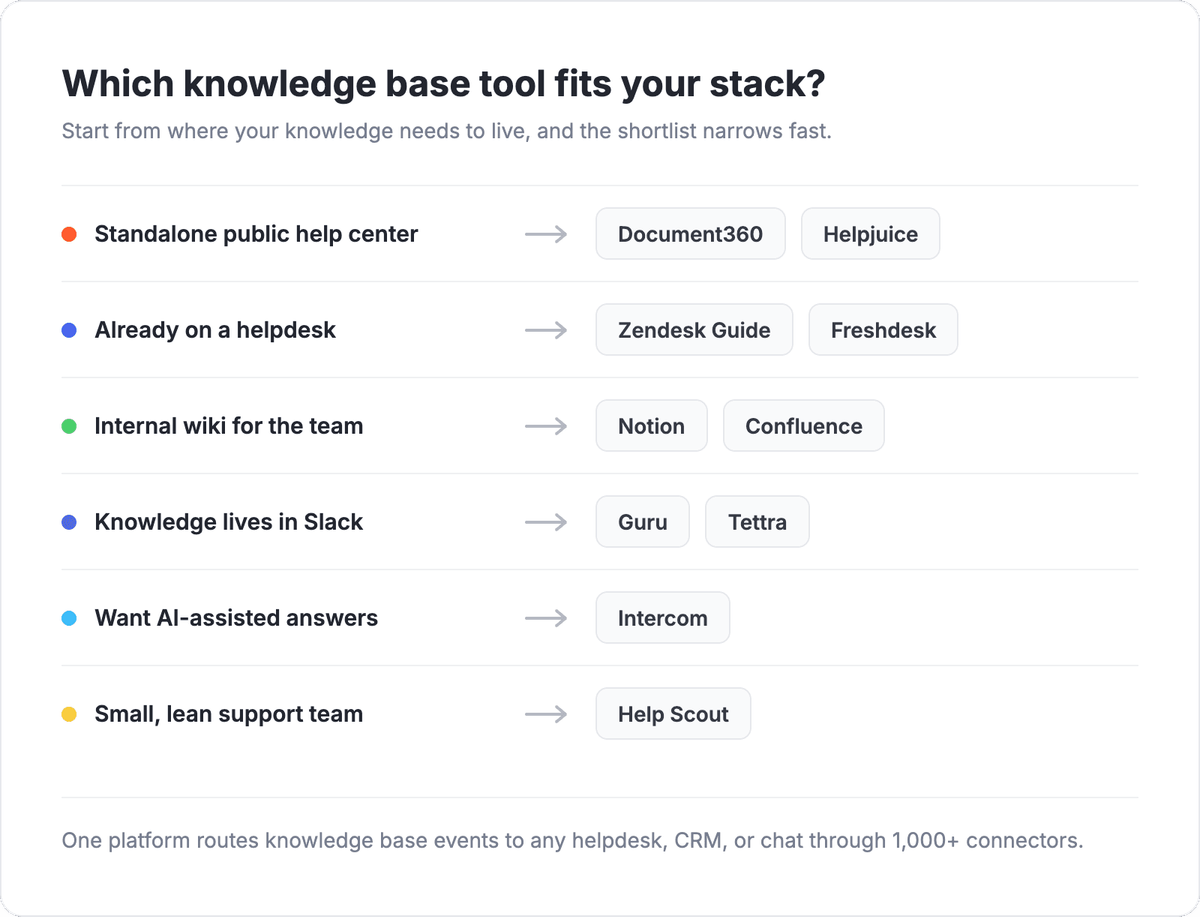
Whichever you choose, the deciding factor is often integration depth, not the editor. A knowledge base that can't send a "reader gave up" signal to your helpdesk or a new-article event to your team leaves value on the table. The next section covers how to close that gap. You can also weigh the KB choice against the rest of your support layer using the analytics from your customer feedback tools.
Connect your knowledge base to your helpdesk, CRM, and live chat with Albato
A knowledge base rarely does its job alone. The moment a reader can't self-serve, or an article gets updated, or a help-center form gets submitted, that signal needs to reach the rest of your stack. Albato is a no-code integration platform with 1,000+ connectors that moves those events between your tools automatically, so your knowledge base stops being a silo.
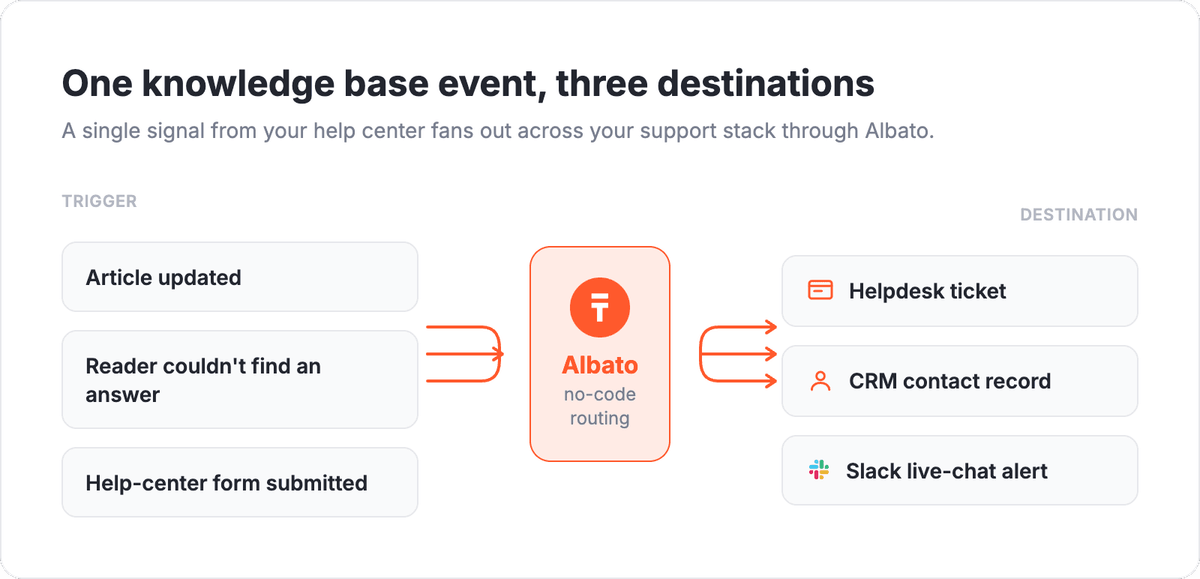
Here are four workflows teams set up most often:
- Route a "couldn't find an answer" event into a new helpdesk ticket so nothing slips through self-service gaps.
- Sync every new or updated knowledge base article into a Slack channel so the team sees changes in real time.
- Push help-center contact-form submissions into your CRM as a new contact or company record.
- Keep article-view or feedback data flowing into an analytics record or a customer data platform so support insight reaches the whole customer view.
Among the tools on this list, several have native Albato connectors you can wire up directly: Zendesk, Freshdesk, Help Scout, Intercom, Notion, and Confluence. Document360, Helpjuice, Stonly, Guru, and Tettra don't have a native connector yet, but each exposes an API, so they are connectable via webhooks or API. You can explore the full catalog and build your first workflow on the Albato platform.
FAQ
Still weighing options? These are the questions teams ask most often before they commit to a knowledge base tool.
What is knowledge base software?
Knowledge base software is a tool for creating, organizing, and publishing help content so people can find answers on their own. It powers two things: public help centers for customers and internal wikis for employees. The best options add search analytics, version control, and integrations so the content stays accurate and connects to the rest of your support tools.
What is the difference between a knowledge base and a help center?
A knowledge base is the underlying content library of articles, guides, and FAQs, while a help center is the customer-facing website that presents that content with search, categories, and branding. In practice the terms overlap, because most tools bundle both, but the distinction matters when a tool offers a strong internal knowledge base with no polished public help center, or vice versa.
What is the best free knowledge base software?
Notion has one of the most capable free plans for small teams building an internal wiki, and Tettra and Guru offer free tiers for lean Slack-native teams. On the customer-facing side, Freshdesk and Document360 include limited free options that let you publish a basic help center. Free plans usually cap articles, seats, or analytics, so confirm the limits before you build on one.
Can I connect my knowledge base to my helpdesk and CRM?
Yes. Tools like Zendesk, Freshdesk, Help Scout, Intercom, Notion, and Confluence have native Albato connectors, so you can sync articles, tickets, and contacts across your stack without code. Tools without a native connector, such as Document360, Helpjuice, Guru, and Tettra, usually expose an API and are connectable via webhooks or API through Albato.
Do I need a separate knowledge base tool if my helpdesk already has one?
Not necessarily. If your helpdesk includes a knowledge base that covers your content structure, search, and analytics needs, using it keeps deflection and reporting in one place. Consider a dedicated tool when you need deeper versioning, stronger theming, a separate internal wiki, or a public help center your current helpdesk can't produce well.
Want to go deeper on the tools that sit next to your knowledge base? These guides cover the rest of your support layer.