In this article
Key Takeaways
- Transcription is no longer the differentiator. Every serious tool now captures 90 percent or more of what was said, so the real question is what the tool does with the summary and action items after the call ends.
- For sales and revenue teams that live in a CRM, Avoma and Gong lead because they push call outcomes straight into HubSpot or Salesforce. For solo users and small teams, Fathom and Otter.ai win on price and speed to a usable summary.
- The gap between "I have a perfect transcript" and "my CRM is updated and follow-ups are queued" is where most note-takers stop and where an integration layer like Albato picks up.
Sales reps spend roughly 70 percent of their week on tasks other than selling, and manual CRM logging is one of the biggest offenders, according to Salesforce research on how reps actually spend their time. A note-taker that records the call but leaves you to copy the summary into your CRM by hand has only solved half the problem.
How We Ranked These Tools
We ranked these 10 tools on one axis that most "best AI note-taker" lists ignore: what happens after the recording stops. Transcription accuracy, speaker labels, and summary quality are close to a tie across the field now, so they earn a tool a place on the list but not a position on it.
Four things moved a tool up or down:
- CRM push. Does the summary, call outcome, and next steps land in your CRM as a logged activity or updated record, without a copy-paste?
- Action item routing. Does the tool turn "send the pricing doc by Friday" into an actual task in your task manager, or a message in the right Slack channel?
- Native integration depth. How many of your existing tools does it connect to out of the box, and how deep does that connection go?
- Price relative to the job. A $30 per seat tool that logs calls to Salesforce is cheaper than a $19 tool you still babysit.
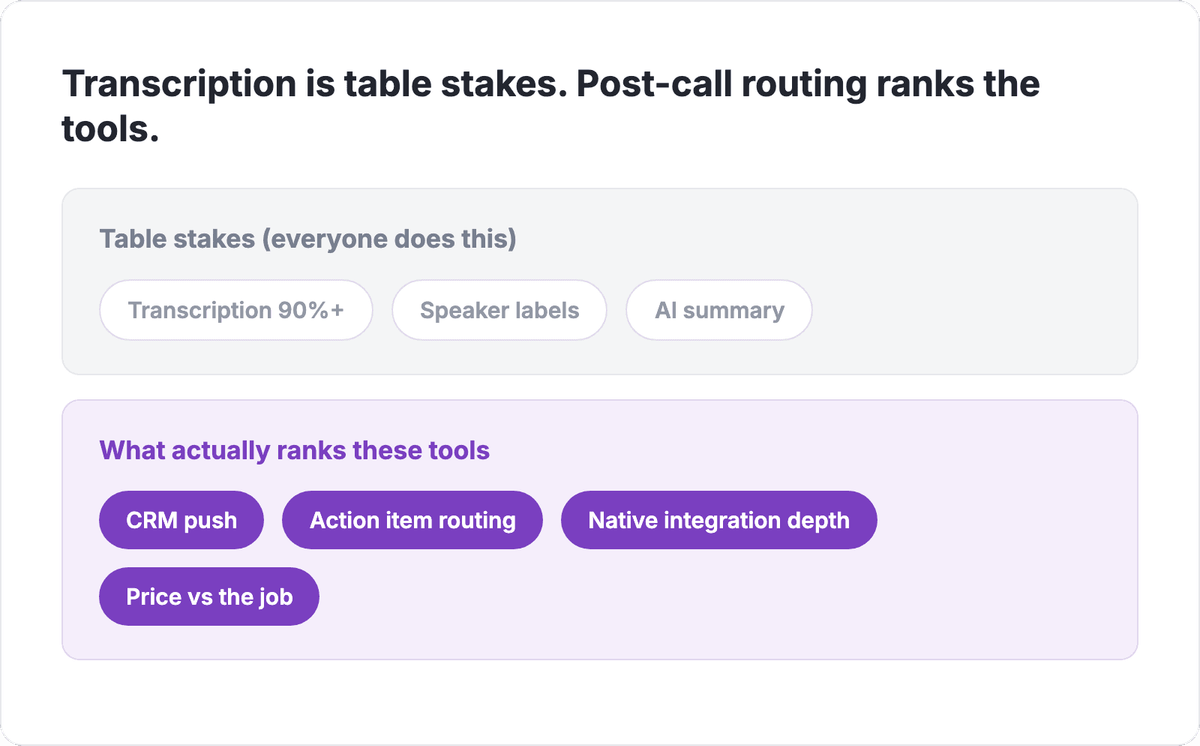
Read the split top to bottom: the greyed band is what every tool already does, and the purple band is where the ranking below is actually decided. The next callout is the practical read on why that split matters for your budget.
💡 Tip. The hours a rep loses each week to manual note cleanup and CRM data entry are the ones automation gives back. If a note-taker leaves you retyping summaries into the CRM, you are paying for a recorder, not a workflow.
Quick Comparison Table
Here is the field at a glance before the full write-ups. Scan the integration-depth column first, since that is the axis that separates a recorder from a workflow.
| Tool | Best for | Starting price | Integration depth | Rating |
|---|---|---|---|---|
| Avoma | CRM-driven sales teams | $19/user/mo (annual) | Deep: auto CRM sync, AI follow-ups on base plan | 4.8/5 |
| Gong | Enterprise revenue intelligence | Custom (~$1,300-1,600/user/yr + platform fee) | Deepest: structured deal data into CRM | 4.6/5 |
| Fathom | Solo users, small teams, speed | Free / $16/mo Premium (annual) | Good: HubSpot, Salesforce on Team plan | 4.7/5 |
| Otter.ai | Internal meetings, general use | $30/user/mo (5-seat min) | Moderate: lighter CRM automation | 4.4/5 |
| Fireflies.ai | Widest routing on a budget | Free / ~$10/seat/mo (annual) | Broad: many CRMs, task and chat apps | 4.5/5 |
| tl;dv | Custom-prompt sales summaries | Free / from ~$18/seat/mo Pro (annual) | Good: HubSpot, Salesforce, Pipedrive on Pro | 4.5/5 |
| Read.ai | Meeting analytics and coaching | Free / $15/user/mo (annual) | Good: premium integrations from Pro | 4.3/5 |
| Grain | Sales coaching and deal review | Free / $29/seat/mo (annual) | Good: HubSpot, Salesforce, Aircall | 4.4/5 |
| Fellow | Internal meetings and accountability | $7/user/mo (annual) | CRM at Enterprise tier | 4.5/5 |
| Sembly AI | Turning meetings into tasks | Free / $29/user/mo Pro ($20 annual) | Good: workspace automations | 4.2/5 |
Below is the full ranking. Each entry leads with the reason that tool earns its spot, then covers where it fits, how it moves data, and what it costs. Prices are the publicly listed rates as of 2026 and are per user per month unless noted.
The 10 Best AI Meeting Assistants and Note-Takers
1. Avoma
Avoma earns the top spot because it treats the call as a step in a revenue workflow, not a recording to file away. It writes AI notes, extracts action items, and syncs the outcome to your CRM automatically, which is exactly the "after the call" job most tools leave to you. The Startup plan already includes auto CRM sync and AI email follow-ups, so the automation is not locked behind an enterprise tier.
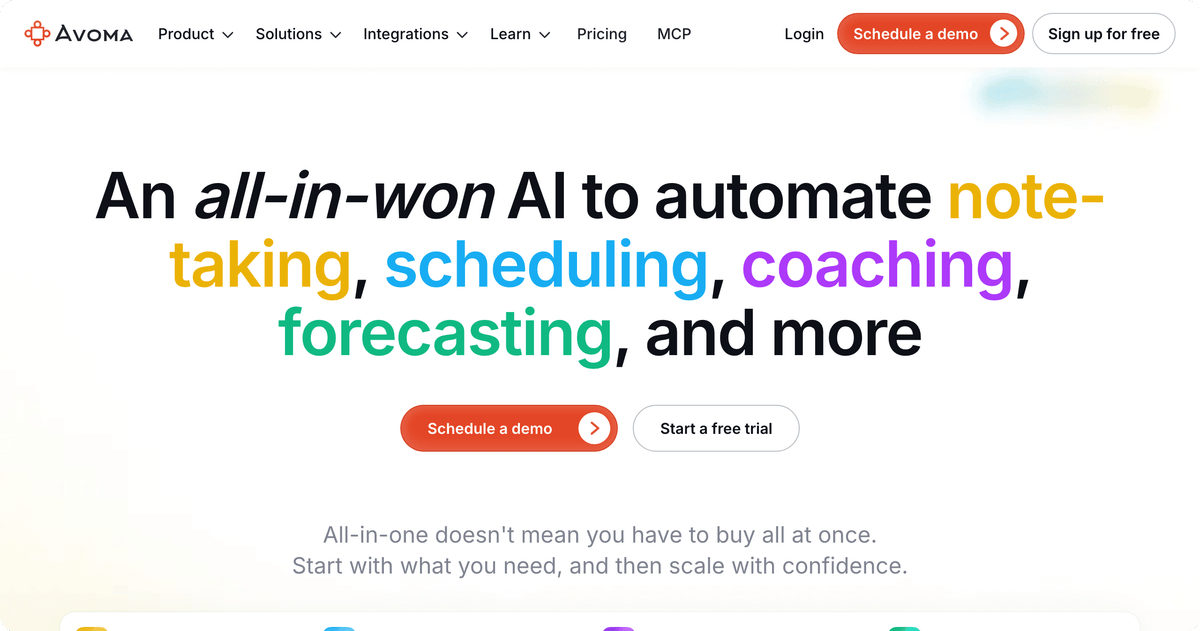
For a rev-ops person, Avoma's value is that a discovery call ends and the HubSpot or Salesforce record is already updated with the summary, the next steps, and the sentiment, before anyone opens the CRM. It also layers in conversation intelligence and scheduling, so it doubles as a lightweight sales-enablement stack.
Where it gets pricey is the add-ons. Conversation Intelligence and Revenue Intelligence are separate at around $29 per seat each, so a fully loaded seat can approach $90. Most small teams do not need those and stay on the base plan.
Connect Avoma call data to any CRM or task tool through Albato when the native list does not cover your exact stack.
Pricing: Startup $19, Organization $29, Enterprise $39 (all per user per month, annual billing). Monthly billing runs 20 to 30 percent higher.
2. Gong
Gong is the pick when the meeting itself is the revenue event and you want the whole team's calls analyzed, not just transcribed. It is a revenue intelligence platform first and a note-taker second, so it reads deal risk across every recorded conversation and pushes activity and insights into your CRM as structured data. That depth is why enterprise sales orgs standardize on it.
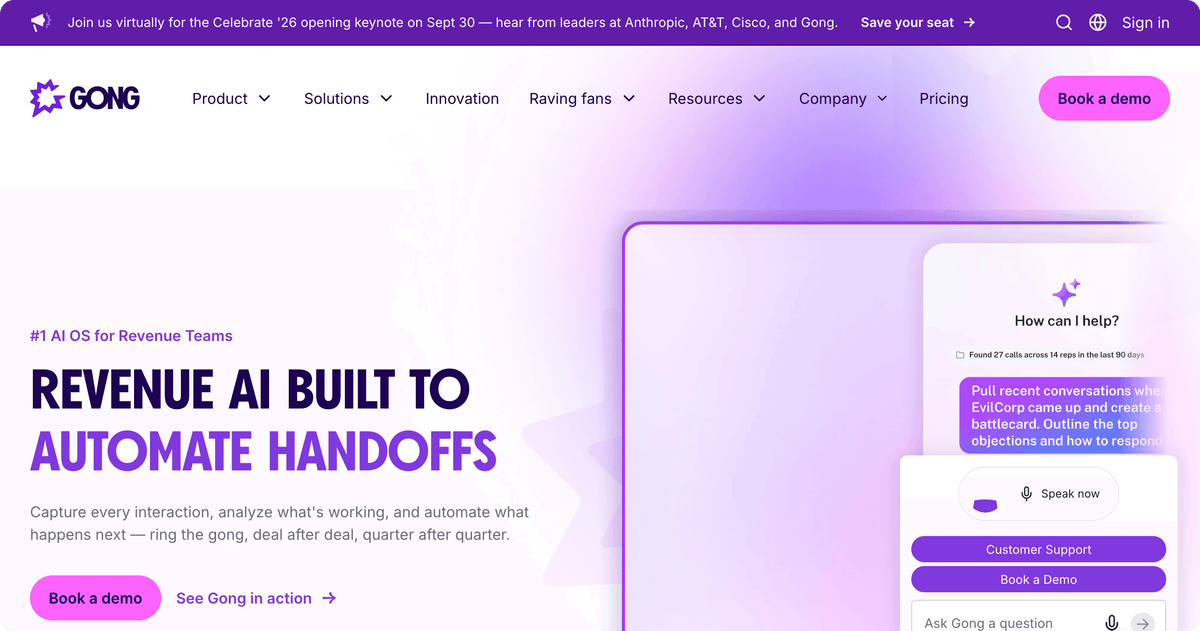
The trade-off is cost and commitment. Gong does not publish a fixed per-seat price. Real quotes tend to land around $1,300 to $1,600 per user per year plus a platform fee that varies with team size, and in 2026 it unbundled several features into paid modules and added metered "Gong Credits" for heavier AI work. It is a strong fit for a 20-plus-seat sales team with budget, and overkill for a founder taking five calls a week.
⚠️ Important. Gong's real first-year cost includes the per-user license, a platform fee, and often a one-time professional services fee. Budget for the total, not the per-seat number, before you compare it against a self-serve tool.
Pricing: Custom. Per-user license roughly $1,300 to $1,600 per year plus a platform fee (reported from $5,000 upward depending on team size).
3. Fathom
Fathom wins on time to value. It joins the call, and by the time you close your laptop the summary and action items are ready, with a genuinely useful free tier that does not cripple you after five meetings the way some rivals do. For a solo seller or a small team that wants notes without a procurement conversation, it is the fastest path to "done."
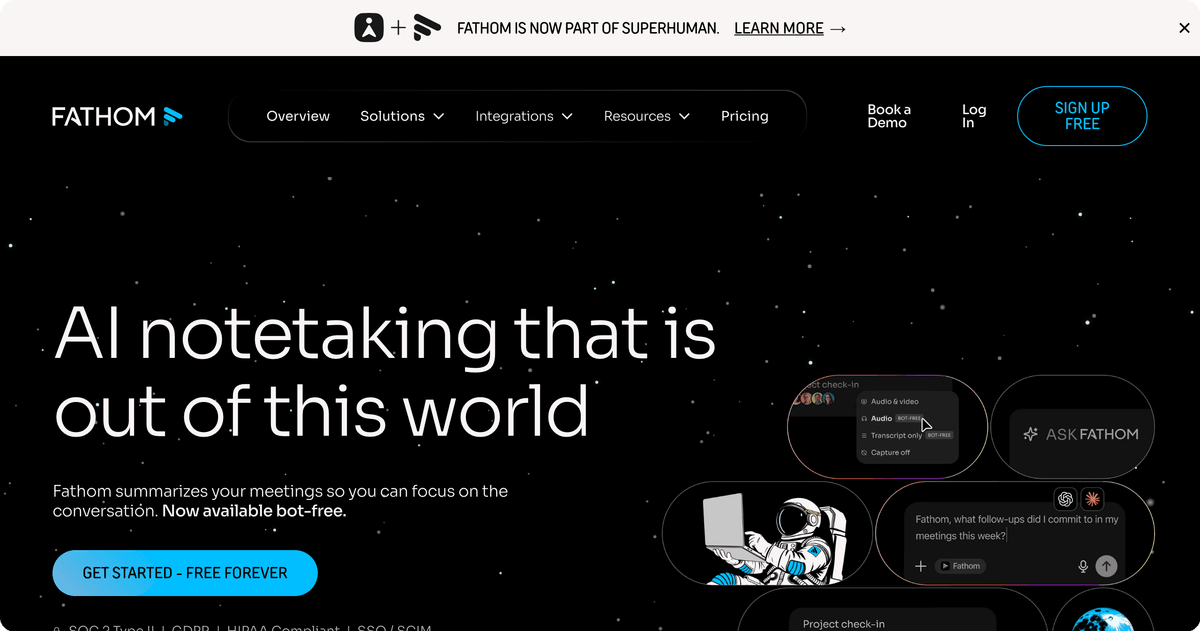
The paid tiers add CRM sync and team features, and the pricing is friendly. Premium is $16 per month on annual billing, and the Team edition, which is where CRM integrations and shared libraries live, is $15 per user per month annually with a two-seat minimum. Fathom's post-call automation is solid for HubSpot and Salesforce, though not as deep as Avoma's or Gong's structured data push.
For a small team that already runs on Slack, wire Fathom summaries into a Slack channel and a CRM record with one automation instead of two native setups.
Pricing: Free (individual), Premium $16/mo annual, Team $15 per user per month annual (two-seat minimum).
4. Otter.ai
Otter.ai is the generalist that most people have already heard of, and it earns its place on breadth and price rather than sales-specific depth. It handles live transcription, in-app recording, and shared team transcripts well, and it is a strong choice for internal meetings, interviews, and cross-functional teams that are not CRM-centric.
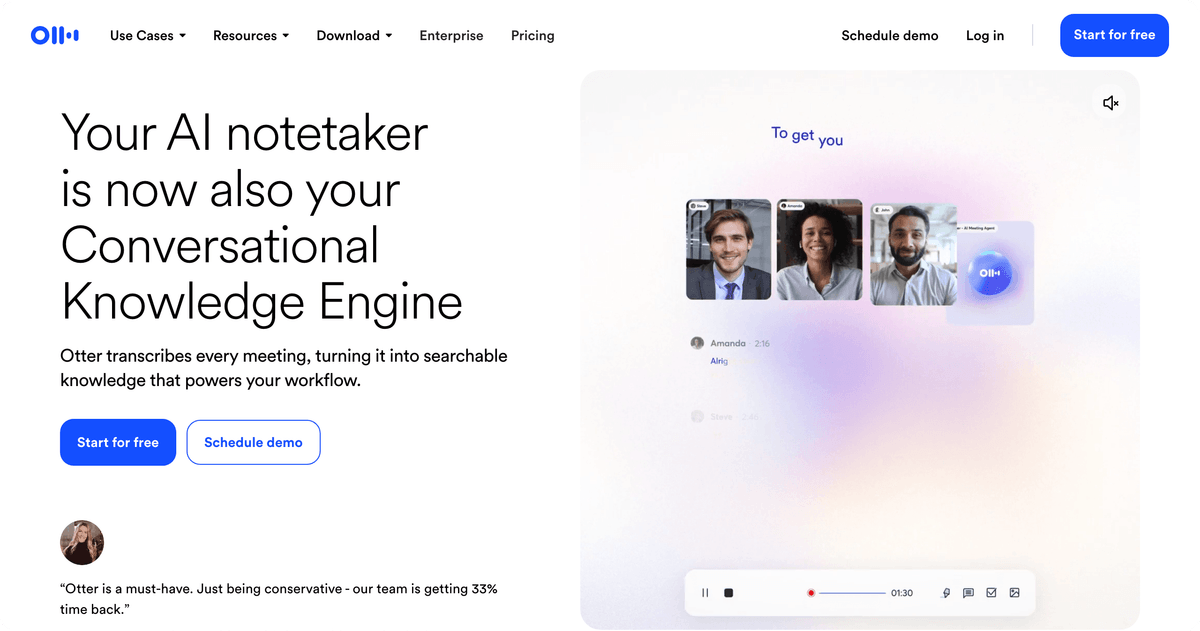
The Business plan removes meeting caps, extends the per-meeting limit to four hours, and adds admin controls and team workspaces. One thing to watch: Business bills a minimum of five seats even if your team is smaller, so a three-person team still pays for five. Its CRM automation is lighter than the sales-first tools, which is where an integration layer earns its keep.
💡 Tip. If your note-taker is great at transcription but weak at pushing data into your CRM, do not switch tools. Add the routing layer instead and keep the transcription you already like.
Pricing: Free, Pro, Business $30 per user per month ($19.99 annual, five-seat minimum).
5. Fireflies.ai
Fireflies.ai stands out for how many places it can send a meeting once it is done. It records, transcribes, and summarizes across most major conferencing tools, then routes the output to a long list of CRMs, task managers, and messaging apps, with CRM logging available from the Business tier. For a team that wants automation without a heavy platform, it hits a sensible middle.
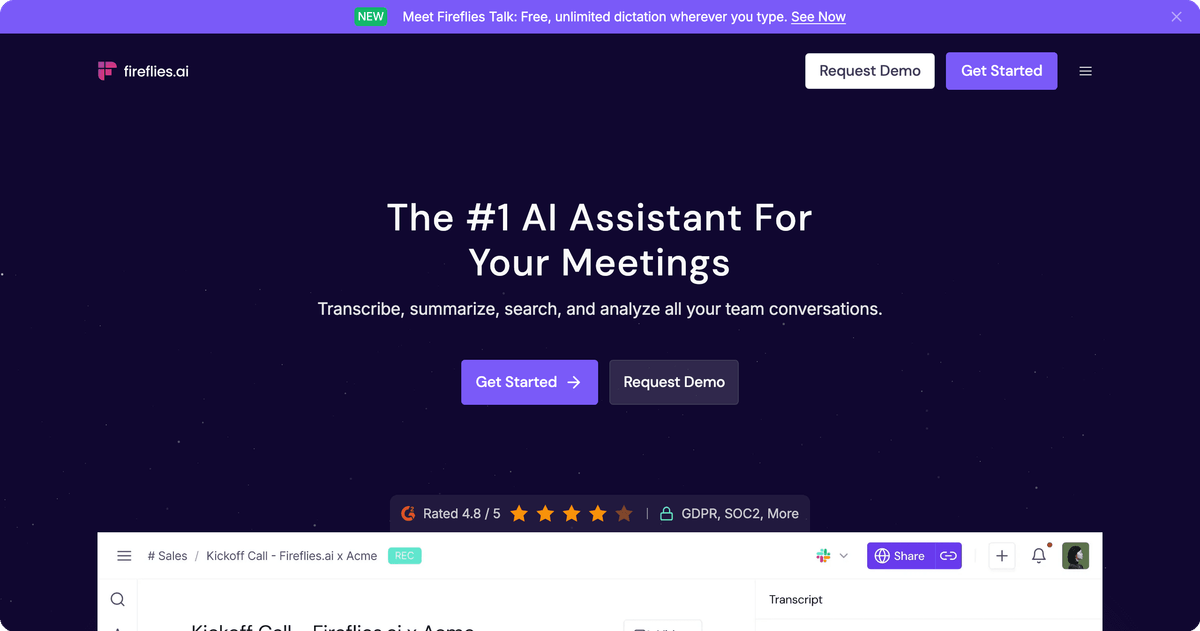
Pricing is straightforward and among the more affordable in this group. Pro runs about $10 per seat per month on annual billing, and Business, where the deeper CRM and analytics features live, is around $19 per seat annually or $29 month to month. The summaries are reliable rather than remarkable, but the routing breadth is the real draw.
Pricing: Free, Pro ~$10/seat/mo annual, Business ~$19/seat/mo annual ($29 monthly), Enterprise ~$39/seat/mo.
6. tl;dv
tl;dv leans into sales and research use cases with custom AI prompts and CRM integration on its Pro plan, so you can shape what the summary extracts rather than accepting a generic recap. That flexibility is its edge: a rev-ops person can define exactly which fields and next steps get pulled from every call.
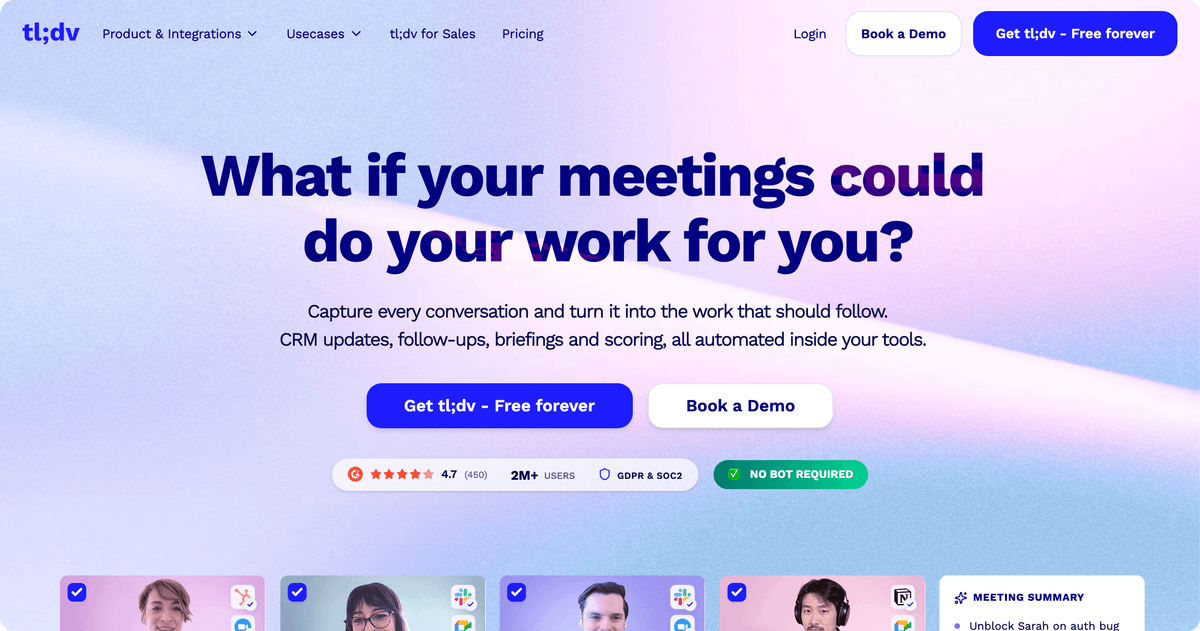
Pro adds HubSpot, Salesforce, and Pipedrive integrations plus unlimited AI prompts, and it has been running a long promotional discount that keeps the annual Pro rate around $18 per seat per month. The Business tier, which adds team analytics and a dedicated success manager, is around $29 per seat per month annually, a step up that mostly larger teams will justify.
Pricing: Free, Pro from ~$18/seat/mo annual, Business $29/seat/mo annual ($39 monthly).
7. Read.ai
Read.ai adds a layer most note-takers skip: meeting analytics. Alongside transcripts and summaries it scores engagement, tracks speaker talk time, and offers a cross-platform Search Copilot, which makes it a fit for managers who care about how meetings run, not just what was said. The post-call output connects to premium integrations from the Pro tier up.
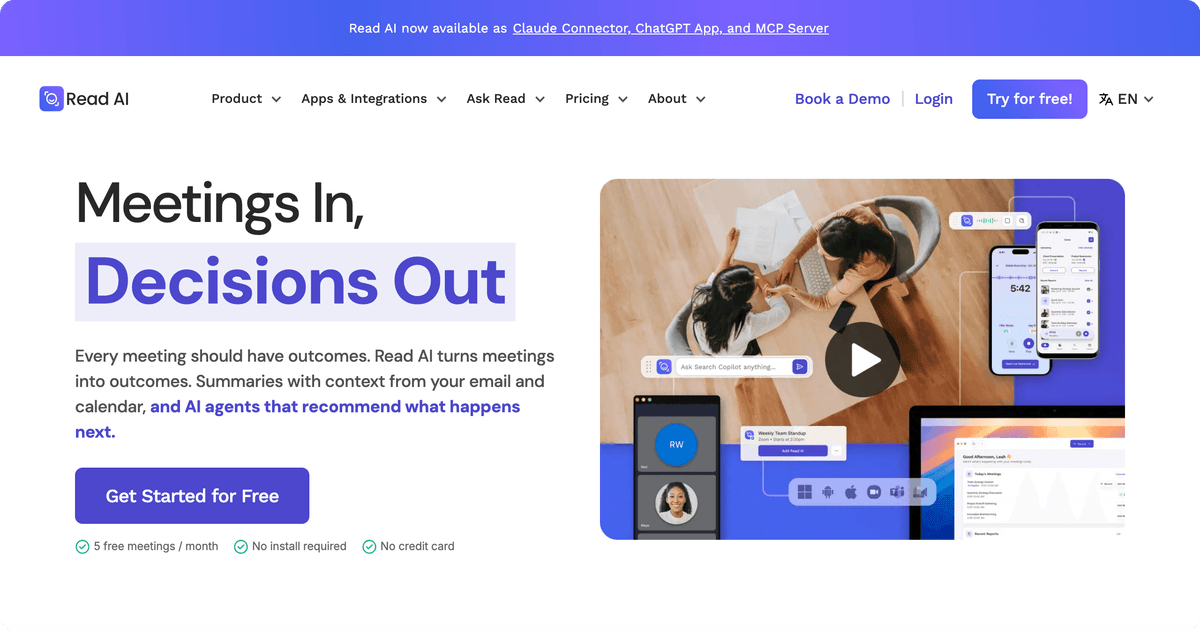
Pro is around $15 per user per month on annual billing and covers unlimited transcripts plus premium integrations. Enterprise, which adds engagement scores, speaker analytics, SSO, and advanced security, starts around $22.50 per user annually but requires a minimum of 10 licenses, so it is aimed squarely at larger orgs.
Pricing: Free, Pro $19.75/user/mo ($15 annual), Enterprise from $22.50/user/mo annual (10-license minimum).
8. Grain
Grain is built for sales teams that coach. Its Business plan adds AI coaching, deal boards, smart topic trackers, and CRM integrations with HubSpot, Salesforce, and Aircall, so a manager can turn recorded calls into a review-and-improve loop rather than an archive. If your priority is ramping reps, Grain's structure fits that job.
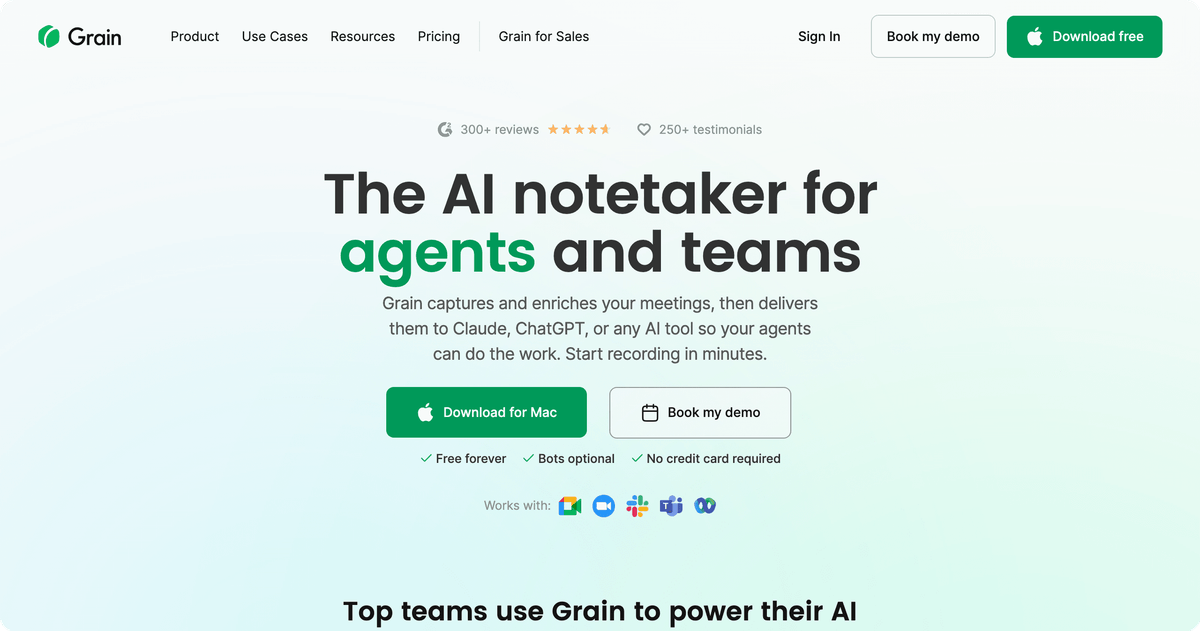
The pricing is clean: a free tier capped at 20 meetings a month, then a Business plan at $29 per seat per month annually (or $39 monthly), with Enterprise on a custom quote. Some teams are quoted a little higher depending on packaging, so confirm the rate for your seat count.
Pricing: Free (20 meetings/mo), Business $29/seat/mo annual ($39 monthly), Enterprise custom.
9. Fellow
Fellow is the pick when the meeting is the deliverable, not the sales call. It combines agendas, collaborative notes, action item tracking, and AI recaps, so it fits teams that want better internal meetings with clear follow-through rather than call recording for revenue. CRM integrations and org-wide analytics arrive at the Enterprise tier.
Its pricing is among the most affordable here. The Team tier is $7 per user per month, Business is $15, and Enterprise, which adds CRM integrations and advanced controls, is $25, all on annual billing. For a team drowning in unstructured meetings, the value is the agenda-and-accountability workflow, with AI notes layered on top.
Pricing: Team $7, Business $15, Enterprise $25 (all per user per month, annual billing).
10. Sembly AI
Sembly AI rounds out the list with a focus on turning meetings into tasks and automations. It captures notes, generates AI tasks, and offers workspace-level automations and analytics, which suits operations teams that want meeting output to trigger downstream work rather than sit in a doc.
Note that Sembly restructured its plans in 2026. The legacy Professional, Team, and Team Plus plans are sunsetting, with legacy customers migrating by December 2026. The current Pro plan is $29 per user per month ($20 annual), and the Max plan is $39 ($30 annual). If you were a customer before March 2026, check whether your legacy rate still applies.
Pricing: Free, Pro $29/user/mo ($20 annual), Max $39/user/mo ($30 annual). Legacy Professional, Team, and Team Plus plans sunsetting by December 2026.
Where Every Note-Taker Stops and Albato Starts
The best AI note-taker still hands you a summary. The work that eats your week is what comes next: updating the CRM record, creating the follow-up task, alerting the account owner, and drafting the recap email. Native integrations cover the common paths, but the moment your stack has one tool that is not on the vendor's list, you are back to copy-paste.
Albato is a no-code integration platform that connects 1,000 or more apps, so you can take the output any note-taker produces and route it wherever your team actually works. When a call ends and the summary is ready, an Albato automation can update the deal in HubSpot or Salesforce, post the action items to the right Slack channel, and create tasks in your project tool, all from a single trigger.
A few workflows sales and ops teams set up first:
- When a Fireflies or Otter.ai meeting summary is ready, log it as an activity on the matching HubSpot deal and create a follow-up task with the due date pulled from the notes.
- When Avoma marks a call as a detractor or at-risk, send a Slack alert to the account owner and open a task in the project tool.
- When any note-taker produces action items, split them into individual tasks routed to the right owner, so nothing lives only in the transcript.
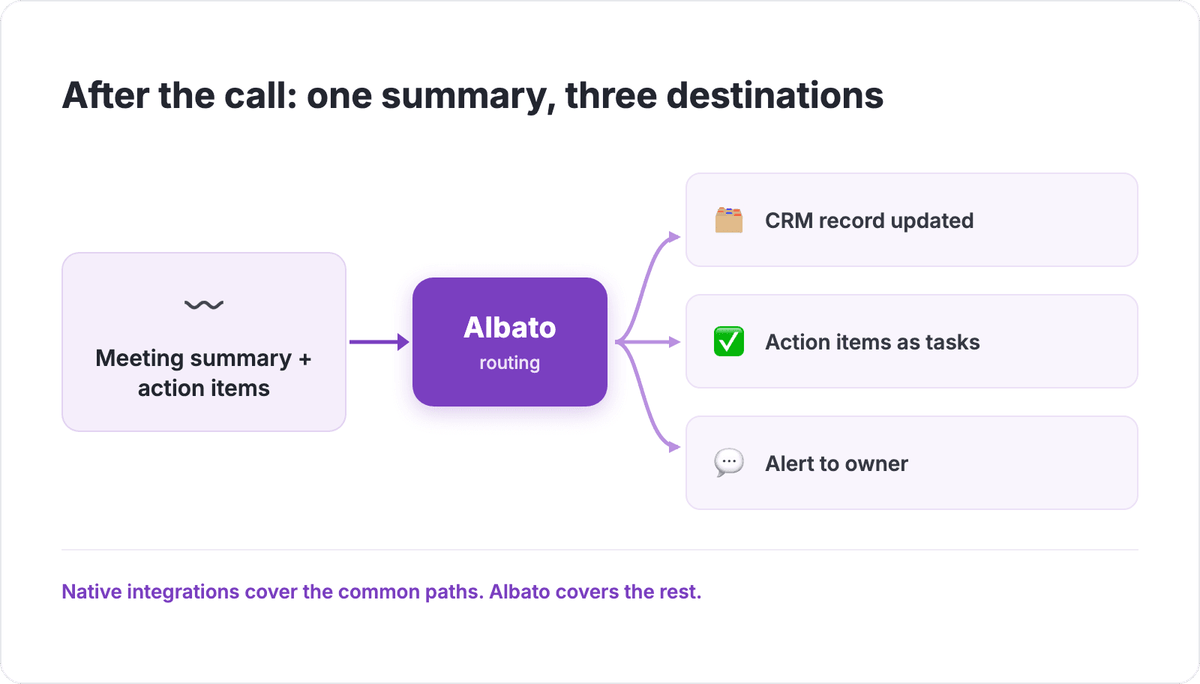
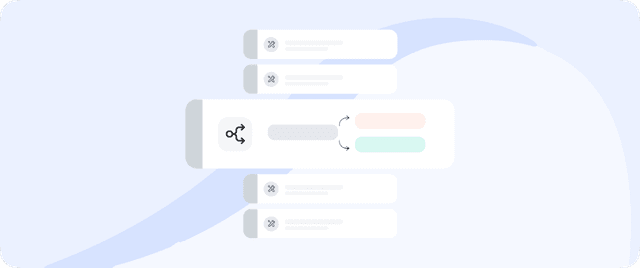
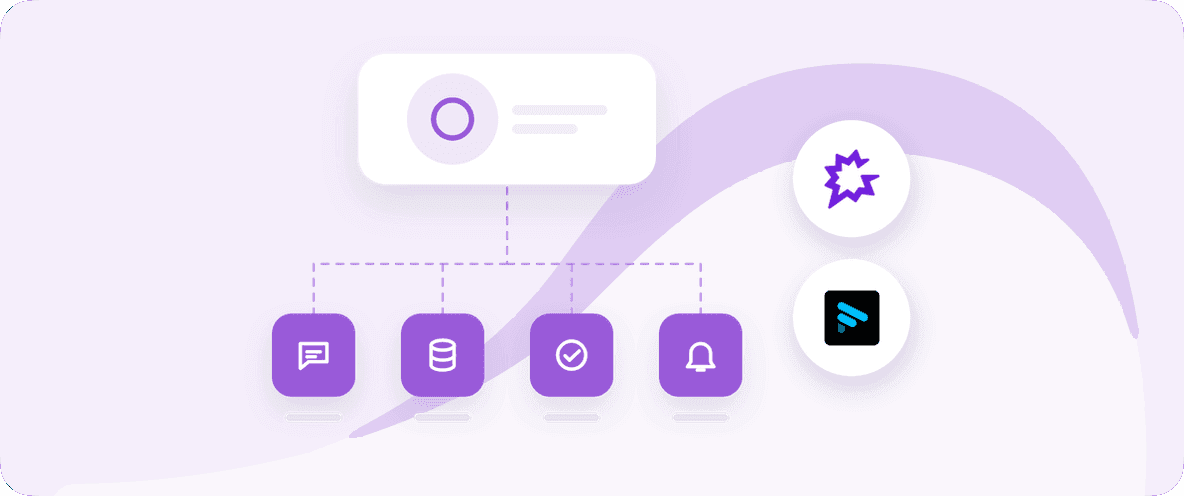
Each of those flows starts from a single trigger, the finished summary, and fans out to the tools your team already uses. That one-to-many pattern is what turns a transcript into completed work instead of another doc to read.
The point is not to replace the note-taker you already picked. It is to make its output reach every tool the vendor never built a connector for.
Let an AI Agent Decide What to Do With Each Call
If your follow-up logic is not the same for every meeting, a fixed automation gets brittle fast. A discovery call, a renewal call, and a support escalation all need different next steps, and hard-coding a filter for each one is tedious. This is where Albato's built-in AI Agent fits.
The AI Agent is a step you drop inside an Albato automation that reads the incoming data, in this case the meeting summary and action items, and decides which action to run on its own, instead of you wiring fixed conditions and branches by hand. You describe the task in plain language, add instructions, and connect the tools the agent is allowed to use. It can call from around 5,000 actions across connected apps as its tools.
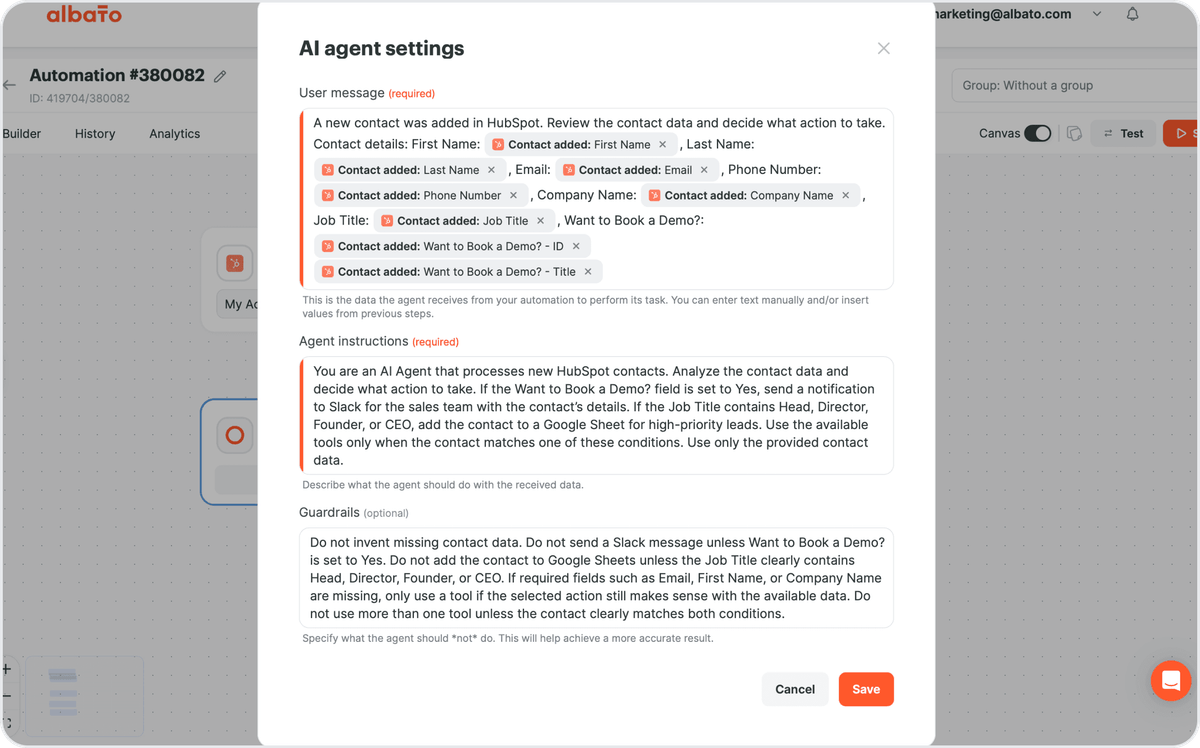
Setting it up is short. The agent runs as an action, so your automation starts with a trigger (the finished meeting summary), then you pick a model, write three instruction fields (the user message it receives, what it should do, and guardrails it must respect), and connect the tools. For each field in an action you can either fill it yourself or hand it to the agent with a per-field "Let the AI agent decide" toggle, so the agent fills the CRM stage or task owner based on the call content.
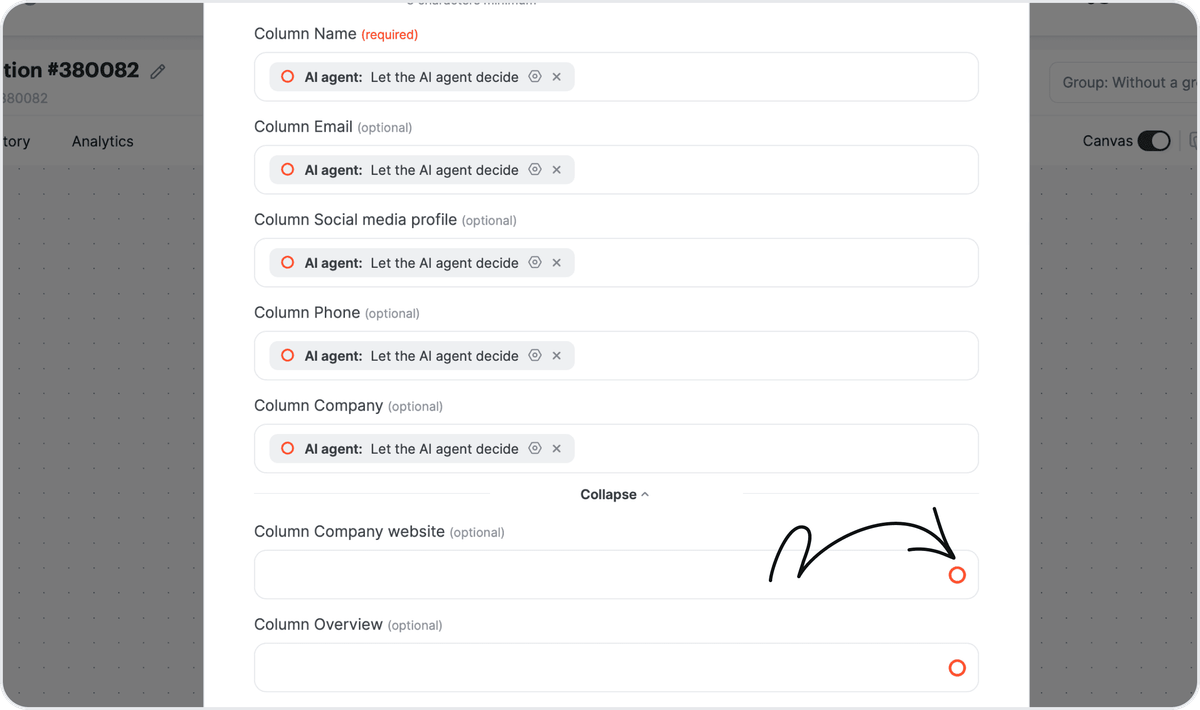
For the model, you can use Albato AI, which is built in and needs no external account, or bring OpenAI, DeepSeek, or Google Gemini. Albato AI runs on a proprietary engine that is not disclosed. So for a meeting-notes workflow, one agent step can read the summary, decide whether it is a new opportunity, an upsell signal, or a churn risk, and route each to a different CRM action and notification, all without a stack of manual filters.
🔧 How it works. An AI Agent run costs 3 transactions regardless of how many tools it holds. On the Albato AI model, add 1 transaction per 2,000 tokens. External LLMs add no token surcharge on Albato's side, just the provider's own cost.
The fastest way to see whether this fits your process is to wire it to your own note-taker and CRM and watch one real call route itself.
Which AI Meeting Assistant Fits Your Team?
Pick by the job, not the feature count. Here is the short version:
- If you run a CRM-driven sales team: Avoma for auto CRM sync at a fair price, or Gong if you have budget and want full revenue intelligence across every call.
- If you are solo or a small team: Fathom for the fastest free-to-useful path, or Otter.ai if your meetings are internal rather than sales calls.
- If you want maximum routing on a budget: Fireflies.ai, which sends output to the widest list of apps for the money.
- If your meetings are the deliverable: Fellow for agendas and accountability, not call recording.
- If your note-taker is great but your CRM is not on its list: keep the tool you like and add Albato as the routing layer, so the summary reaches your CRM, task tool, and Slack no matter which vendor you chose.
The tool you record with matters less than whether the notes turn into action. For a deeper look at building the stack around it, see our guides on the best sales outreach tools and how AI agents fit into real workflows. If you are running meetings that feed a broader operational process, our workflow management software roundup covers where those tasks should land, and our Model Context Protocol guide explains how AI agents connect to the tools they act on.
FAQ
What is the best AI meeting assistant in 2026?
Start with one question: what should happen the moment the call ends? If the answer is "my CRM updates itself," you want a tool with real post-call automation and native CRM depth, and you are choosing on integration reach and price rather than transcription quality. If the answer is "I just need clean notes I can share," almost any current tool clears that bar, so let budget and setup speed decide. Match the tool to the after-the-call job, not to the feature list.
Do AI note-takers integrate with CRMs like HubSpot and Salesforce?
Most paid tools offer native HubSpot and Salesforce integrations, usually from a Business or Pro tier. When your exact combination of tools is not on the vendor's native list, a no-code integration platform like Albato can connect any note-taker's output to your CRM, task manager, and messaging apps so the summary and action items land automatically.
How much do AI meeting assistants cost?
Entry pricing ranges from free tiers up to around $30 per user per month for self-serve tools. Fellow starts at $7 per user per month, Fireflies.ai Pro is around $10, and Otter.ai Business is $30 per seat. Enterprise revenue intelligence platforms like Gong are quoted custom and typically cost far more once platform fees are included.
Is transcription accuracy still a reason to choose one tool over another?
Less than it used to be. Most serious tools now transcribe at 90 percent accuracy or higher, so transcription quality rarely decides the choice on its own. The more useful comparison in 2026 is what each tool does after the call: whether it updates your CRM, routes action items, and triggers follow-ups without manual work.
Can an AI agent decide what to do with my meeting notes automatically?
Yes. Inside Albato, an AI Agent step can read a meeting summary and its action items, then decide which action to run, for example updating the right CRM stage, creating a task for the correct owner, or sending an alert, based on plain-language instructions rather than fixed filters. You choose the model, including the built-in Albato AI, and connect the tools the agent may use.