In this article
Key Takeaways
- No single tool wins everything. Midjourney leads on artistic quality, Ideogram renders readable text inside images, Adobe Firefly gives you the cleanest commercial licensing, and Canva is the easiest for non-designers on a team.
- Pricing runs from free tiers (Canva, Leonardo, Ideogram, Google Gemini) to $60 to $120/month for heavy Midjourney and Leonardo use.
- 88% of organizations now report regular AI use in at least one business function, up from 78% a year earlier, so image tools are landing in real marketing and content workflows, not just experiments.
- The output only matters once it reaches your stack. Connecting a generator to your CRM, DAM, or social scheduler through Albato is where the time savings actually show up.
Most "best AI image generator" lists rank tools on a single number like resolution or speed. That misses how teams actually pick one: a solo founder making a logo, a marketer batching 40 ad variants, and an agency that needs signed commercial rights all have different winners. This list sorts by the job, then shows where each tool fits. If you are still weighing the underlying models, our gen AI model comparison covers how the big engines differ before you commit budget.

Let us build your automation or AI Agent
Tell us which process eats your time. Certified Albato engineers take it from there, A to Z.
Comparison: 8 AI image generators at a glance
The table below covers pricing, the standout strength, and whether Albato has a connector to move outputs downstream. Use it to shortlist, then read the section for your use case.
| Tool | Best for | Starting price (monthly) | Free tier | Albato connector |
|---|---|---|---|---|
| Midjourney | Artistic, stylized visuals | $10 (Basic) | No | No |
| DALL-E / ChatGPT image | Conversational edits, fast drafts | Free; $20 Plus | Yes | Yes (OpenAI) |
| Adobe Firefly | Commercially safe, licensed training data | $9.99 (Standard) | Yes (credits) | No |
| Ideogram | Text inside images (posters, logos) | $8 (Basic) | Yes | No |
| Canva Magic Media | Non-designers, brand teams | $18 (Pro) | Yes (50 credits) | Yes (Canva) |
| Leonardo.ai | Game and product asset control | $12 (Apprentice) | Yes (150 tokens/day) | No |
| Google Gemini | Photorealism inside Google tools | Free in Gemini | Yes | No |
| Overchat AI | Multi-model generation in one workspace | $15 (billed monthly) | Yes (limited) | Not verified |
If you already know which use case fits, jump straight to that section. The order below goes from highest artistic control to most accessible.
💡 Tip
Pick two tools, not one. Most teams pair a quality-first generator (Midjourney or Firefly) with a fast, in-context one (ChatGPT image or Canva) so drafting and finishing don't compete for the same subscription.
Midjourney: the pick when the image has to look like art
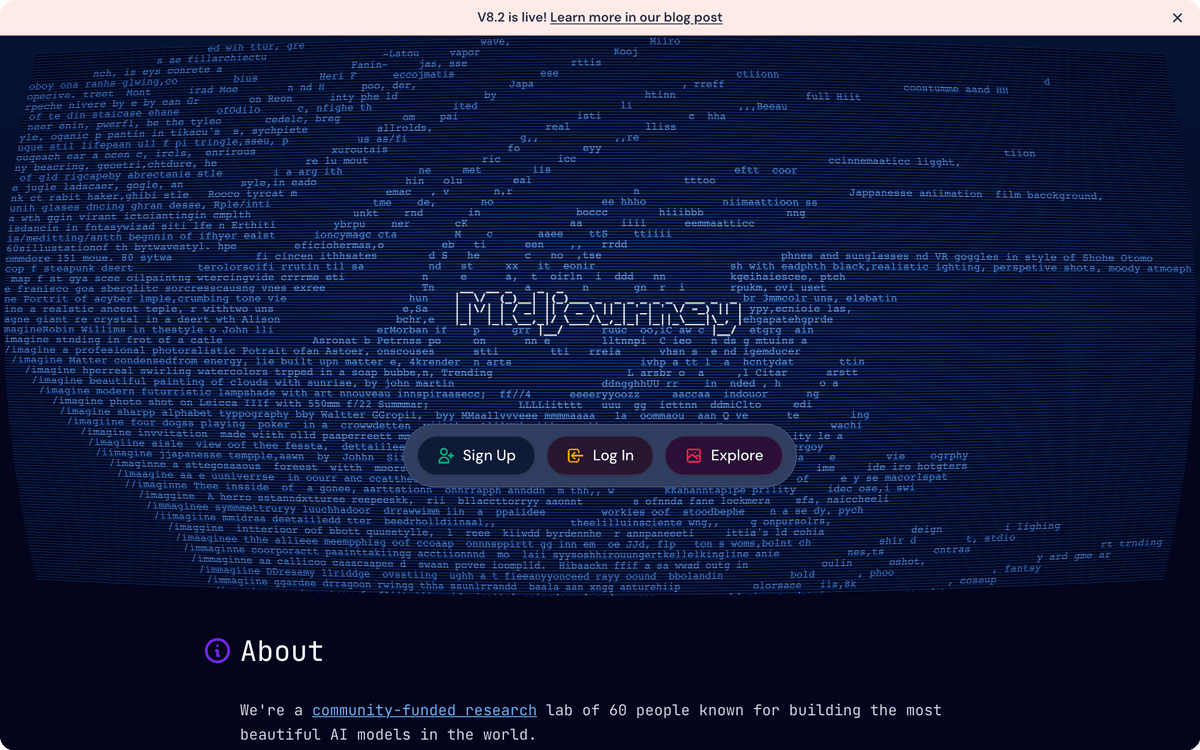
Midjourney still sets the bar for stylized, aesthetically rich output. If you want a moody product hero, an editorial illustration, or a concept frame that looks hand-crafted, this is where creative directors go first. The tradeoff is control: it leans toward its own painterly house style, and pulling it toward a flat, on-brand corporate look takes more prompting than tools built for that.
Plans start at $10/month (Basic) and climb to $30 (Standard), $60 (Pro), and $120 (Mega), with higher tiers buying more fast GPU time and, from Pro up, private generations via Stealth Mode. There is no free tier, so you commit before you test at volume.
Midjourney has no Albato connector, so outputs live in its own gallery and Discord until you export them. That is fine for one-off hero art, less fine for a team that generates dozens of assets a week and needs them filed automatically.
⚠️ Important
Midjourney trains on scraped web images, which is a real consideration for regulated industries. If a client contract requires provenance on visual assets, read the Firefly section before you standardize on Midjourney.
DALL-E and ChatGPT image: the fastest path from idea to draft
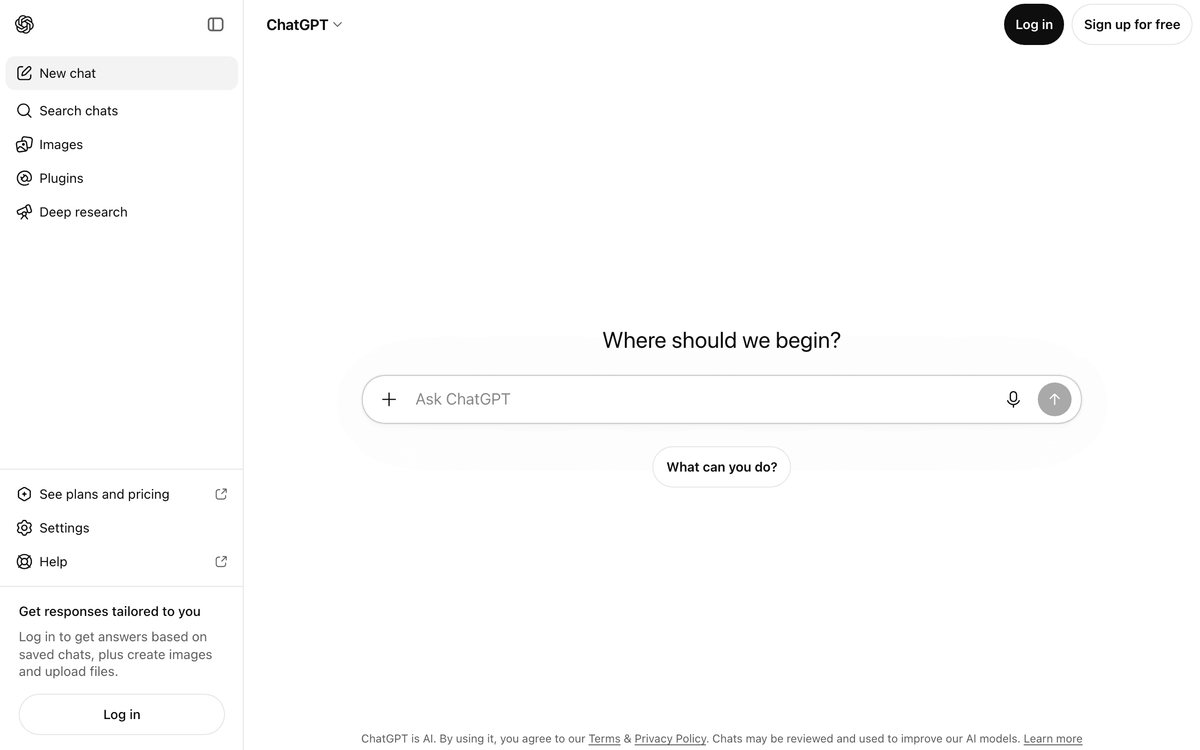
Generating images straight inside ChatGPT is the lowest-friction option here, because you describe what you want in plain language and refine it in the same conversation. OpenAI's current image model handles generation and editing together, so "make the background lighter and add a laptop on the desk" works as a follow-up instead of a fresh prompt. That conversational loop is why it wins for quick drafts and iteration.
It is free with a ChatGPT account, with the $20/month Plus plan lifting usage limits and giving priority during peak hours. For business use, the real advantage is automation: Albato has an OpenAI connector with a Generate image action, so you can trigger image creation from a form submission, a new CRM record, or a content-calendar row without opening the app.
Quality is strong for photoreal and clean graphic work, though dedicated art tools still edge it on the most stylized outputs. For most marketing and ops teams, the speed and the automation hook matter more than the last 10% of artistic polish.
Adobe Firefly: the safe choice for commercial work
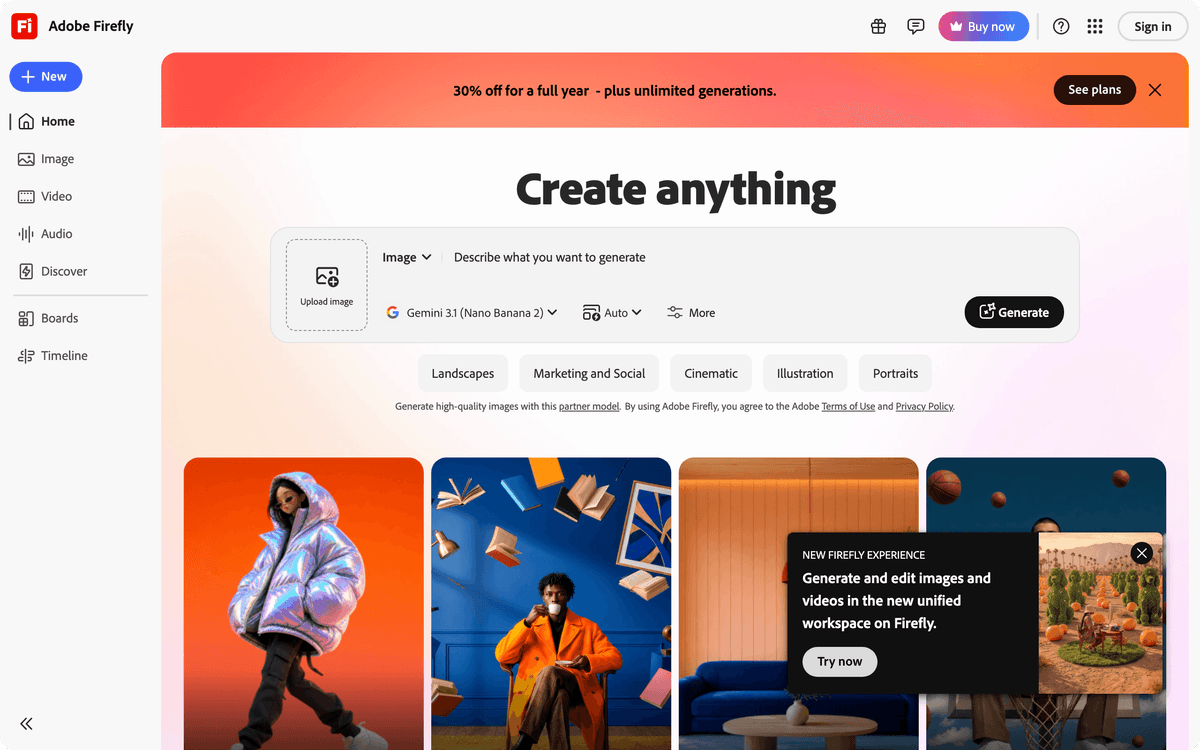
Firefly's differentiator is not the image, it is the paperwork behind it. Adobe trained its models on licensed Adobe Stock and public-domain content, which gives outputs a clearer commercial standing than generators trained on scraped web data. For agencies, in-house brand teams, and anyone whose legal team asks "where did this training data come from," that provenance is the whole pitch.
Standard starts at $9.99/month, with Pro at $19.99/month and higher tiers adding more generative credits. Firefly also lets you route prompts to partner models like Gemini, ChatGPT image, and FLUX from inside its interface, with billing that varies by the model you pick. If you only need editing on Adobe's own models, the entry plan covers it without draining credits.
The catch is style range. Firefly is reliable and clean rather than adventurous, so it rarely produces the surprising, stylized results Midjourney is known for. That is usually the right trade when the image ships in a client campaign.
📊 Stat
88% of organizations now report regular AI use in at least one business function, up from 78% a year earlier, according to McKinsey State of AI. Provenance questions scale with that adoption, which is why licensing-first tools keep gaining ground in regulated sectors.
Ideogram: when the image has words in it
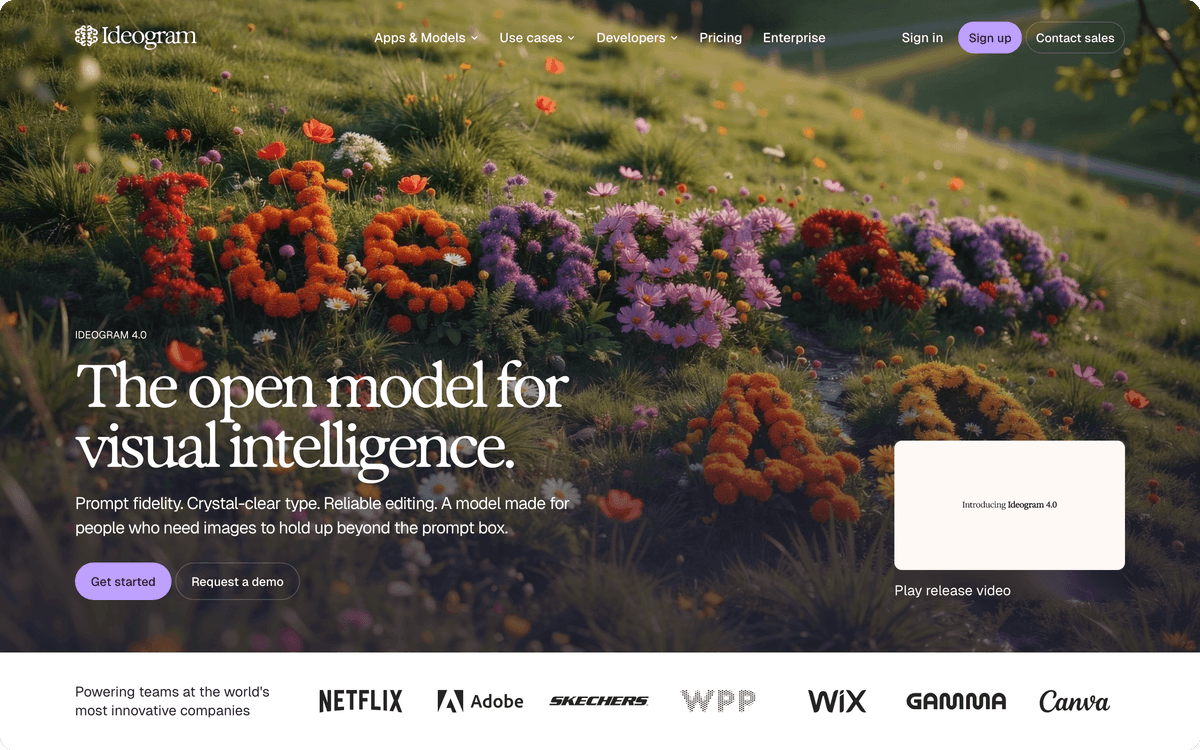
Ideogram is the specialist. It renders legible, correctly spelled text inside images far better than general-purpose generators, which makes it the default for posters, social ads, book covers, and simple logos. Anyone who has watched Midjourney turn "SALE" into "SLAE" knows exactly why this category exists.
It has a free tier with limited weekly credits and public images, then paid plans from $8/month (Basic) through Plus at $20/month and Pro at $60/month for more monthly generations and private outputs. The typography advantage is narrow but decisive: if your visual needs a headline baked in, Ideogram saves you a round trip to a design tool.
For text-heavy layouts that go beyond a headline, you will still export to a proper editor. Ideogram gets you a strong first frame with the words already in place, which is the hard part.
Canva Magic Media: the easiest tool for a whole team
Canva wins on accessibility, not raw model quality. Its Magic Media generator lives inside the editor most marketing teams already use, so a non-designer can generate an image and drop it straight into a social post, deck, or one-pager without leaving the canvas. For teams where "the designer is busy" is the real bottleneck, that matters more than winning a render benchmark.
The free plan includes a monthly pool of AI credits shared across features, and Canva Pro at $18/month lifts those limits and opens the full brand kit so generated visuals stay on-brand. Albato has a Canva connector with actions like Export design and Upload image, so approved assets can flow into your DAM or a shared drive automatically instead of living in one person's account.
🔧 How it works
Canva's generator uses a single model with limited parameter control, so you trade the fine-grained knobs of Midjourney or Leonardo for speed and a zero-learning-curve interface. That is the right call for social and internal content, the wrong one for a flagship brand campaign.
Leonardo.ai: the control panel for asset production
Leonardo is built for people who generate a lot of consistent assets, especially in games, product design, and 3D-adjacent work. It exposes fine controls like model selection, image guidance, and reference-based generation, so you can lock a style and produce a coherent set rather than one lucky image. That repeatability is its edge over more magic-box tools.
There is a free tier with 150 daily tokens (they reset, they don't roll over), then paid plans at $12 (Apprentice), $30 (Artisan), and $60 (Maestro) per month, with commercial rights included on paid tiers. Heavy users live on the top plan because token budgets go quickly once you batch.
Leonardo has no Albato connector, so it fits teams that produce assets in-app and export deliberately, rather than ops-heavy pipelines that need every output routed automatically.
Google Gemini: photorealism where Google already lives
Gemini's built-in image generation is the convenient choice for anyone already inside Google's ecosystem. It produces strong photorealistic results and handles edits conversationally, and it is available free inside the Gemini app, with faster, higher-resolution generation on paid Google AI tiers.
The pull here is proximity: if your team drafts in Google Docs and stores in Google Drive, generating an image one tab over removes a context switch. It is less of a standalone production tool than Midjourney or Leonardo, and more of a capable generalist that happens to sit exactly where a lot of work already happens. If you want a closer read on how the leading conversational models compare on quality and reasoning, our Grok, ChatGPT, Gemini, and Claude overview breaks it down.
Overchat AI: many image models in one workspace
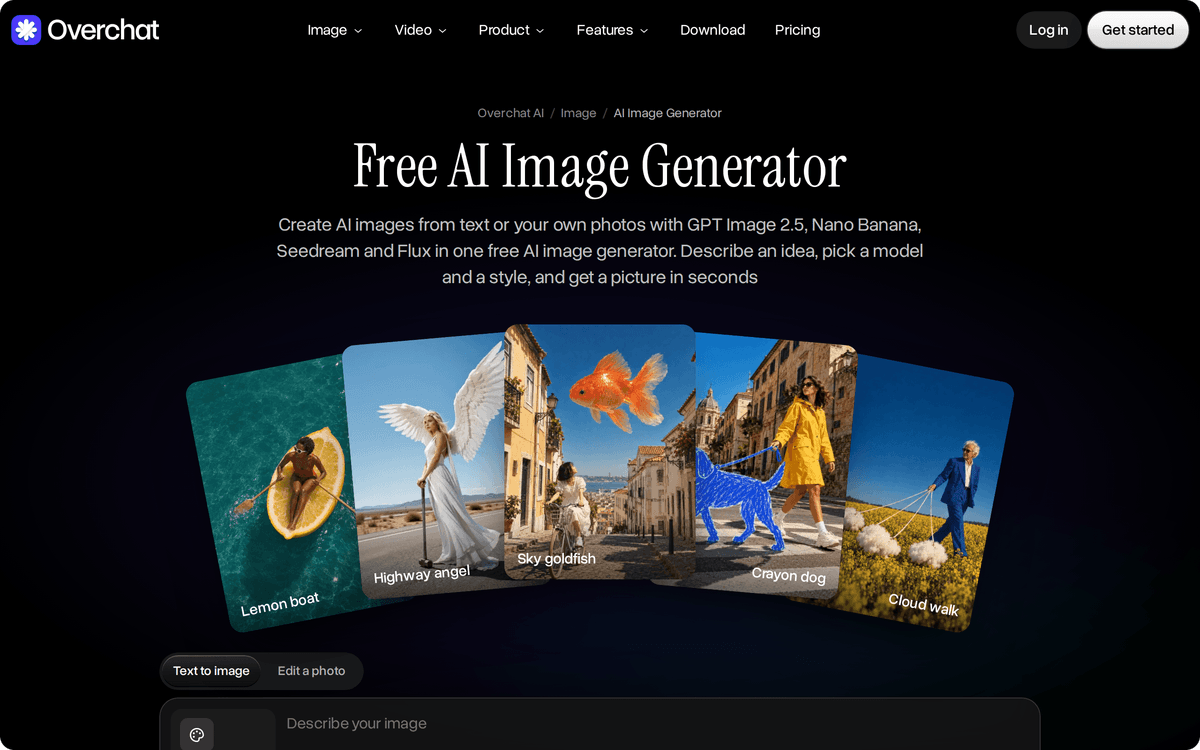
Overchat AI is worth a look when you want to compare several image models without hopping between separate tools. Its browser-based generator puts models such as FLUX, GPT Image, Nano Banana, Seedream, and Qwen Image in one interface. A marketer can run the same brief through different engines and pick the output that fits the brand.
The workflow is simple: describe the image in a prompt, pick a model and a style, then generate. Styles range from realistic photos to anime, watercolor, 3D, and comic looks, and several aspect ratios (square, landscape, vertical) cover blog headers, social creatives, and ad mockups.
You can start on a free account with one model and one image per run (the pricing page lists 1 image a day), and each generation spends credits. Paid plans start at $15/month when billed monthly, and paid plans unlock all image models and parallel generations.
Overchat AI favors range over depth on any single model, and it has no layout editor. We could not confirm a native Albato connector, so if you need generated images routed into a CRM or shared storage automatically, check the export options before you standardize on it.
How to connect any AI image generator to your stack with Albato
A generated image is only useful once it reaches the place your team acts on it. That is the gap Albato closes: it is a no-code integration platform with 1,000+ connectors, so it sits on top of your image tools and moves outputs into your CRM, DAM, social scheduler, or storage automatically. Albato is not an image generator and does not compete with the tools above. It is the layer that makes their output do something.
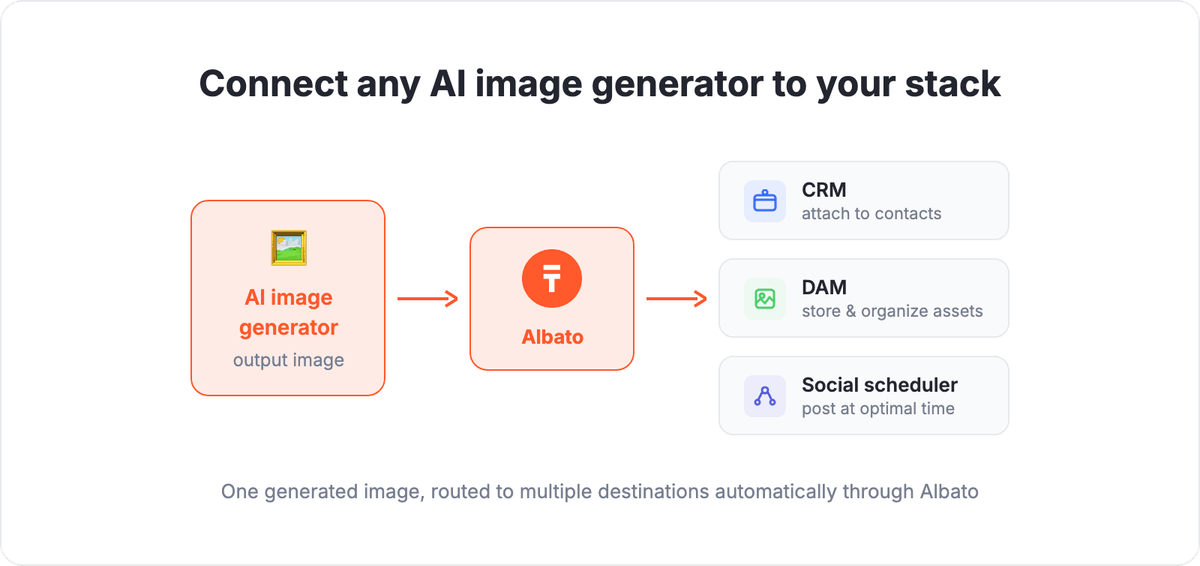
Two concrete patterns show up most:
First, generate on autopilot. Albato's OpenAI connector has a Generate image action, so a new row in your content calendar or a form submission can trigger an image and drop it where your team expects it. No manual prompting for repeatable formats like product cards or social templates.
Second, file automatically. With the Canva connector, an approved design can export and land in a shared drive, a project record, or a scheduling tool the moment it is signed off, instead of sitting in one account waiting to be downloaded. The same routing logic feeds a social workflow, so a finished visual can move straight into your Instagram scheduling queue without a manual export.
You can build both on Albato's free plan, no card required. If you already use ChatGPT or Canva for images, the automation is a few clicks on top of what you have.
Common questions about AI image generators, answered below.
What is the best AI image generator overall in 2026?
There is no single best. Midjourney leads on artistic quality, Adobe Firefly on commercial licensing safety, Ideogram on text inside images, and Canva on ease for non-designers. Pick by the job you're doing, not by an overall ranking.
Which AI image generator is free?
Canva, Leonardo.ai, Ideogram, and Google Gemini all offer free tiers, and ChatGPT includes image generation on its free account. Midjourney is the main tool here with no free option, starting at $10/month.
What is the best AI image generator for text and logos?
Ideogram. It renders legible, correctly spelled text inside images far more reliably than general-purpose tools, which makes it the go-to for posters, ads, and simple logos where the words have to be right.
Can I use AI-generated images commercially?
It depends on the tool and plan. Adobe Firefly is built around licensed training data and clear commercial rights, and Leonardo includes commercial rights on paid tiers. Always confirm the terms of your specific plan before shipping images in a paid campaign.
How do I move AI-generated images into my other tools automatically?
Use an integration platform. Albato has connectors for OpenAI (with a Generate image action) and Canva, so you can trigger generation and route outputs into your CRM, DAM, or scheduler without manual downloads. You can set this up on Albato's free plan.