In this article
Key Takeaways
- There is no single best AI video generator in 2026. The right pick depends on output type: Runway for cinematic ads and creative control, Synthesia and HeyGen for talking-head avatar videos, Pika for fast social clips, and Google Veo for all-around quality.
- Entry paid plans run cheap for social content (Pika from $8/month, Runway from $12/month) and climb fast for corporate avatar video (Synthesia Creator at $89/month monthly, HeyGen Business at $149/month plus seats).
- Every tool works on credits, not flat video counts, so the real cost depends on resolution, model, and clip length, not the sticker price.
- Generating the video is step one. The slow part is getting each clip into your CMS, YouTube, and social schedulers, which is where an integration layer like Albato saves a marketing team hours a week.
Most teams shopping for an AI video tool are not choosing between good and bad options. They are choosing between two different jobs: making a scene from a text prompt, or putting a synthetic presenter on screen to read a script. Those are separate product categories with separate price curves, and picking the wrong category is the most common and most expensive mistake.

Let us build your automation or AI Agent
Tell us which process eats your time. Certified Albato engineers take it from there, A to Z.
How we compared these AI video generators
We grouped the tools by what they actually produce, then compared them on price, output quality, and how they fit a real content workflow. Two categories matter most for marketing and ops teams in 2026.
The first is generative text-to-video and image-to-video: you type a prompt or feed an image, and the model builds a moving scene. Runway, Pika, Luma Dream Machine, Google Veo, and OpenAI Sora sit here. These are for ads, b-roll, product teasers, and social clips where you want a fresh visual, not a person talking.
The second is avatar video: a synthetic presenter reads your script in one or many languages. Synthesia and HeyGen own this space. These are for training content, product explainers, localized onboarding, and internal comms where a consistent on-screen host matters more than cinematic motion.
Pricing below reflects each vendor's published plans as of September 2026. All of these tools bill on credits, so a "$12 plan" buys a fixed pool of generation credits, and a high-resolution clip burns through them faster than a short 480p one.
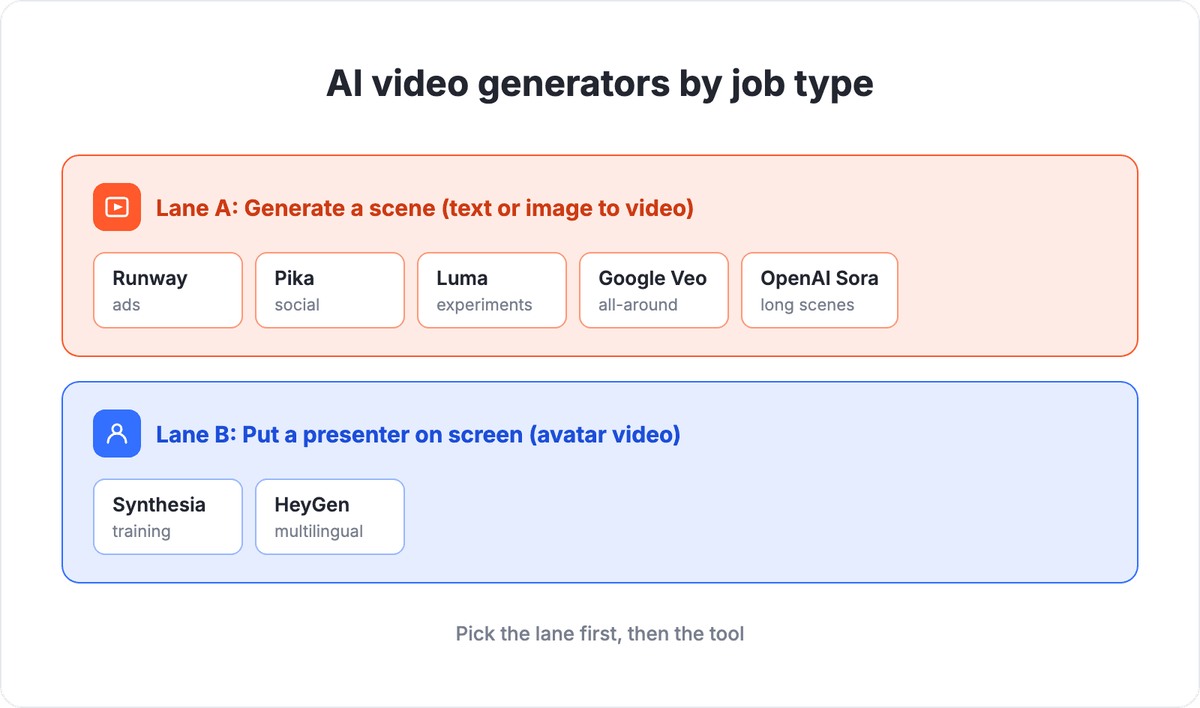
The two lanes do not overlap in pricing or use case. Once you know which lane fits your job, the individual tool comparison becomes much shorter.
Comparison table
| Tool | Best for | Output type | Entry paid plan | Albato connector |
|---|---|---|---|---|
| Runway | Ads and client work needing creative control | Text and image to video | $12/mo (Standard, annual) | Not native |
| Synthesia | Corporate training and localized explainers | AI avatar video | $29/mo (Starter, monthly) | Not native |
| HeyGen | Multilingual avatar video at scale | AI avatar video | $29/mo (Creator) | Not native |
| Pika | Fast, cheap social clips | Text and image to video | $8/mo (Standard) | Not native |
| Luma Dream Machine | Quick cinematic experiments | Text and image to video | Paid, credit-based (see Luma site) | Not native |
| Google Veo | Strongest all-around generation quality | Text and image to video | Via Google AI subscription | Not native |
| OpenAI Sora | Longer, coherent generated scenes | Text and image to video | Via OpenAI (check current access) | Not native |
You publish the output of any of these tools through the apps you already run. That handoff is where Albato fits, and we cover it in detail near the end.
Runway: the tool for ads and creative control
Runway is the pick when a real person needs frame-level control over the shot. Its Gen-4.5 video models handle motion, camera moves, and style consistency well enough that agencies use it for client deliverables, not just experiments.
Pricing starts at $12/month for the Standard plan (billed annually, $15 month-to-month), which gives 625 credits a month, all image and video models, 4K upscaling, and no watermark. Pro is $28/month annual for 2,250 credits and the best models. Max runs $76/month annual for 9,500 credits with a one-month credit rollover. The free tier hands out 125 one-time credits, enough to test but not to ship.
The credit math matters here. A Gen-4.5 clip costs 60 credits per 5 seconds, so the 625-credit Standard plan is closer to a couple of short scenes a month than an unlimited faucet. If your job is regular paid social or ad variants, budget for Pro.
💡 Tip. Storyboard your prompt in text before you spend a single credit. Runway charges per generation regardless of whether you keep the result, so a rejected clip still costs you 60 credits. Teams that write a shot list first burn far fewer credits than teams that prompt live.
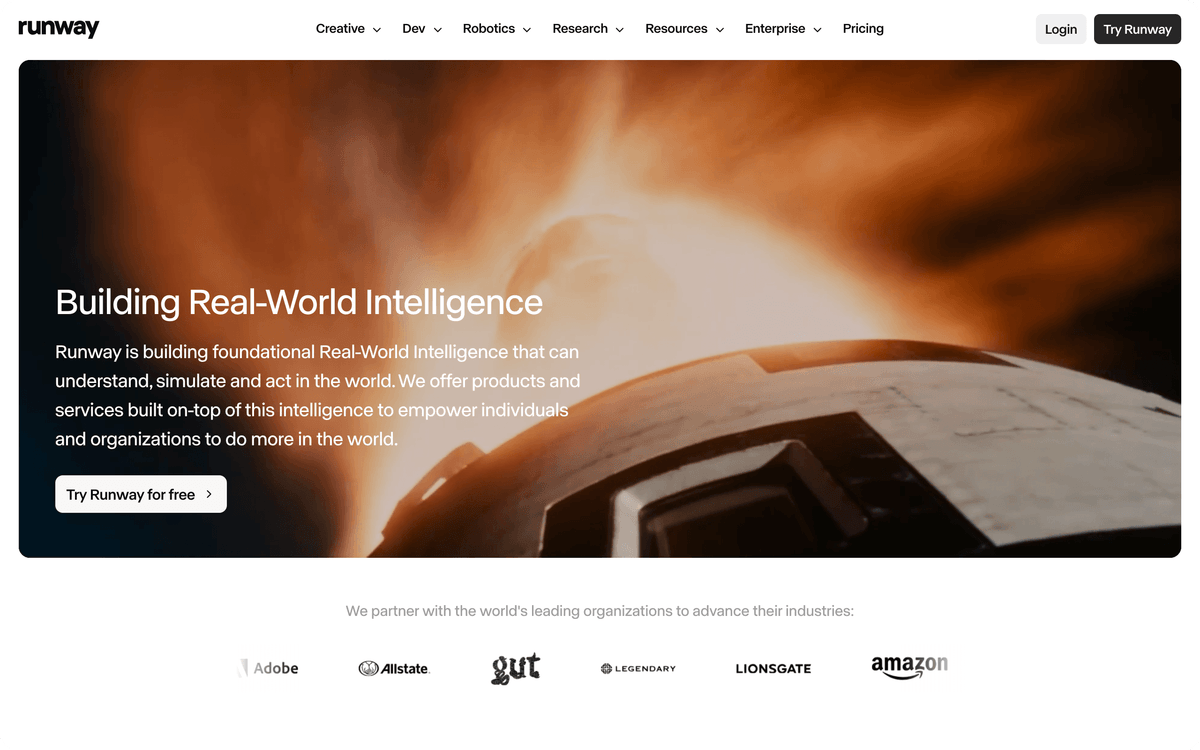
Runway's interface is built around the timeline and prompt editor, not a simple text box, which reflects how much control it gives over each generation.
Synthesia: talking-head video for training and comms
Synthesia is built for one thing: putting a synthetic presenter on screen to read your script, in 140+ languages and voices. It is the default for corporate training, compliance videos, and product explainers where you need the same host across dozens of clips without booking a studio.
Plans start free with 10 minutes of watermarked video a month and nine stock avatars. Starter is $18/month billed yearly ($29 month-to-month) and adds video downloads, AI dubbing, and 125+ avatars. Creator, the most popular tier, is $64/month yearly ($89 month-to-month) for 30 minutes of video a month, 180+ avatars, five personal avatars, API access, and interactive video. Enterprise is custom and lifts the minute cap.
The catch is the minute allowance, not the avatar count. Creator caps at 30 minutes of finished video a month, so a team producing a weekly explainer series will hit that ceiling quickly and need Enterprise. Price the plan against your monthly output minutes, not the avatar library.
⚠️ Important. A "personal avatar" (a synthetic version of a real employee) needs recorded consent footage and takes time to train. Do not assume you can spin one up the afternoon before a launch. Build your avatar weeks ahead of the content that depends on it.
Synthesia's homepage reflects its focus: template-driven production workflows for teams that need a consistent presenter on screen.

HeyGen: multilingual avatar video at scale
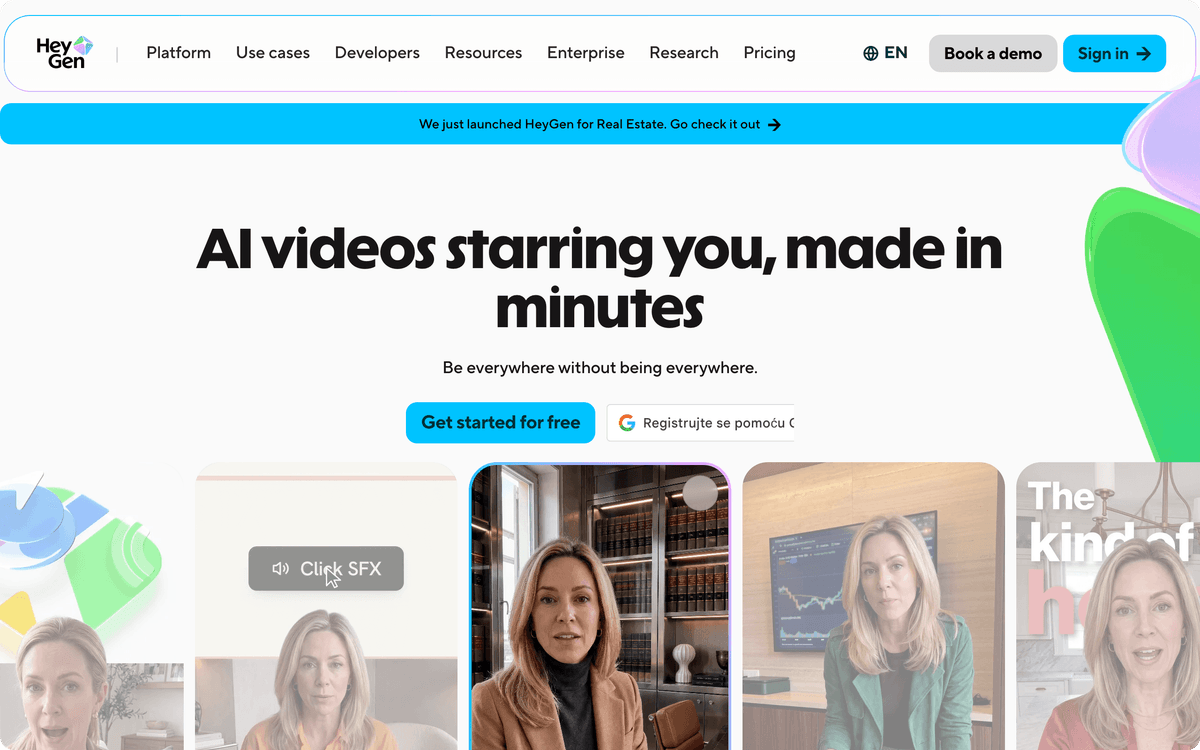
HeyGen competes head-to-head with Synthesia on avatar video, and its edge is scale and language reach across 175+ languages and dialects with voice cloning. It suits teams that localize the same explainer into many markets or personalize video for large contact lists.
The Creator plan is $29/month for 600 credits, 30-minute videos, 1080p export, unlimited photo avatars, and voice cloning. Pro is $49/month for 1,000 credits, 4K export, and all advanced models. Business jumps to $149/month plus $20 per seat for 1,500 credits, 60-minute videos, five custom digital twins, SSO, and LMS integrations. A free tier allows three one-minute videos a month with one custom twin.
Choose HeyGen over Synthesia if your priority is volume and language coverage rather than the polished template library Synthesia leans on. Choose Synthesia if training-content structure and stock scenes matter more.
Pika: the cheap, fast option for social clips
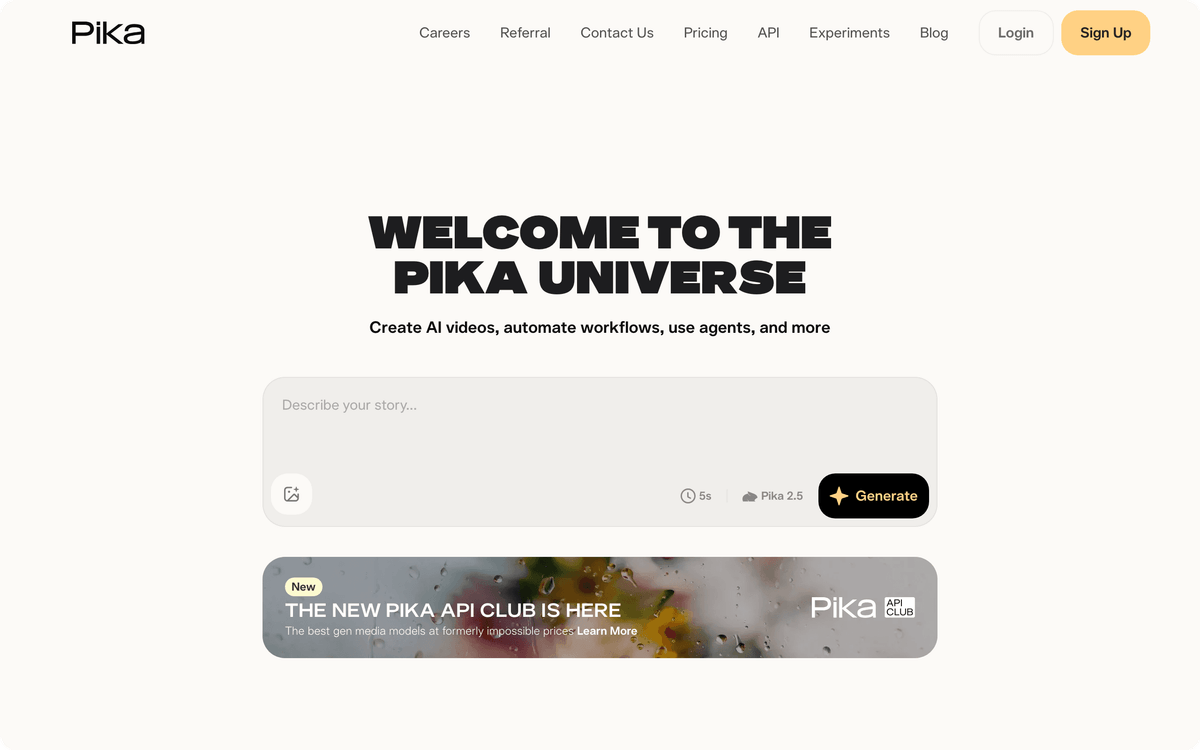
Pika is where you go when you need short, punchy generated clips for social and you do not want to think about a large bill. Its strength is speed and price, not the cinematic depth Runway or Veo offer.
The Standard plan is $8/month for 700 monthly credits and access to Pika 2.5 at all resolutions plus its editing effects. Pro is $28/month for 2,300 credits with faster generation. Fancy is $76/month for 6,000 credits. The free tier gives 80 credits a month but caps you at 480p and image-to-video only.
For a social team producing a steady stream of short vertical clips, Pika's Standard plan is the cheapest serious entry point on this list. It will not carry a broadcast-quality ad, and it is not trying to.
📊 Stat. Credits, not videos, are the unit that decides your real cost across every tool here. Runway spends 60 credits per 5 seconds of Gen-4.5 video, Pika prices by model and resolution, and Synthesia and HeyGen meter by finished minutes. Two "$28 plans" can produce wildly different amounts of usable footage.
Pika's homepage positions it squarely at social creators who need speed, not studio-grade output.
Luma Dream Machine, Google Veo, and OpenAI Sora: the generation front-runners
These three lead on raw generation quality, and they overlap enough that your existing subscriptions often decide the pick. Each turns text or images into coherent moving scenes, and each is improving faster than the rest of the field.
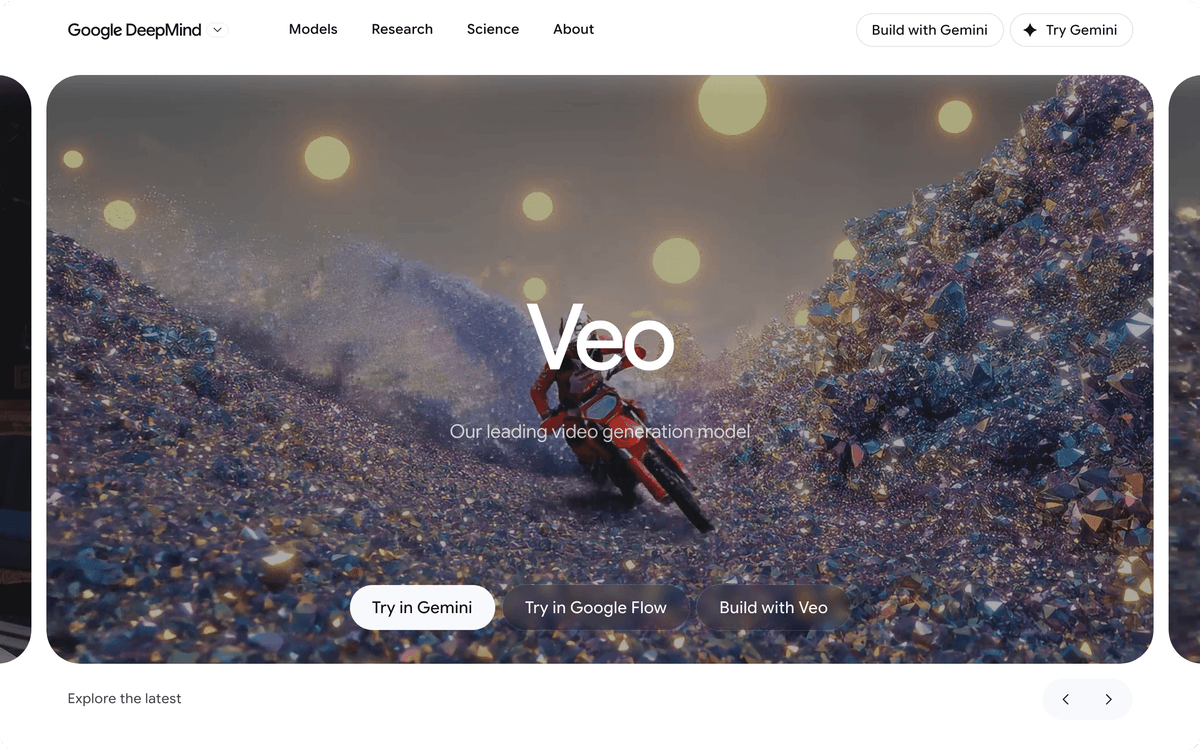
Luma Dream Machine is a low-friction way to test cinematic generation on a credit-based subscription, so you can try the models without a large upfront commitment. Google Veo tends to win the all-around quality comparisons in 2026 and comes bundled with a Google AI subscription, so teams already inside Google's ecosystem get it without a separate contract. OpenAI Sora focuses on longer, more coherent scenes, which makes it useful when you need a continuous shot rather than a three-second loop. Access to Sora shifts as OpenAI reworks how it ships, so check current availability on OpenAI's own site before you plan around it.
If you already pay for ChatGPT or a Google AI plan, start there before adding another tool. You may already own a capable generator and not know it.
Which AI video generator should you pick?
Match the tool to the job, not to the hype. The category you need is set by whether you want a generated scene or a person on screen.
Pick Runway if you produce ads or client work that needs tight creative control and you can budget for the Pro tier. Pick Pika if you need cheap, fast social clips and 480p-to-1080p is fine. Pick Google Veo or OpenAI Sora if you already pay for their parent subscriptions and want strong general-purpose generation. Pick Synthesia for structured training and explainer video with a consistent host, and HeyGen when language coverage and personalization volume are the priority.
Whatever you choose, the tool solves the creation half of the problem. The other half, moving every finished video into the places your audience actually watches it, is a workflow problem, not a generation one.
The part nobody warns you about: getting video into your stack
An AI video generator hands you a file or a link. Getting that asset and its metadata into your content management system, your YouTube channel or a business video host like Vimeo or Kinescope, your social schedulers, and your analytics is a separate, manual, repetitive job. That is the work that quietly eats a content team's week.
This is where an integration platform earns its place. Albato is a no-code platform that connects 1,000+ apps and moves data between them automatically, so the output of your video tool flows into the rest of your marketing stack without anyone copying files or retyping titles and descriptions.
A sample video-to-stack workflow
A typical setup looks like this. A new video lands in a shared folder or in your video tool. Albato picks up the file and its metadata, logs the title, description, and campaign tag into a Google Sheets content tracker, drops a link into your team's Slack channel for review, and once approved, queues it into your social scheduler. Nobody re-enters the same title five times across five tools.
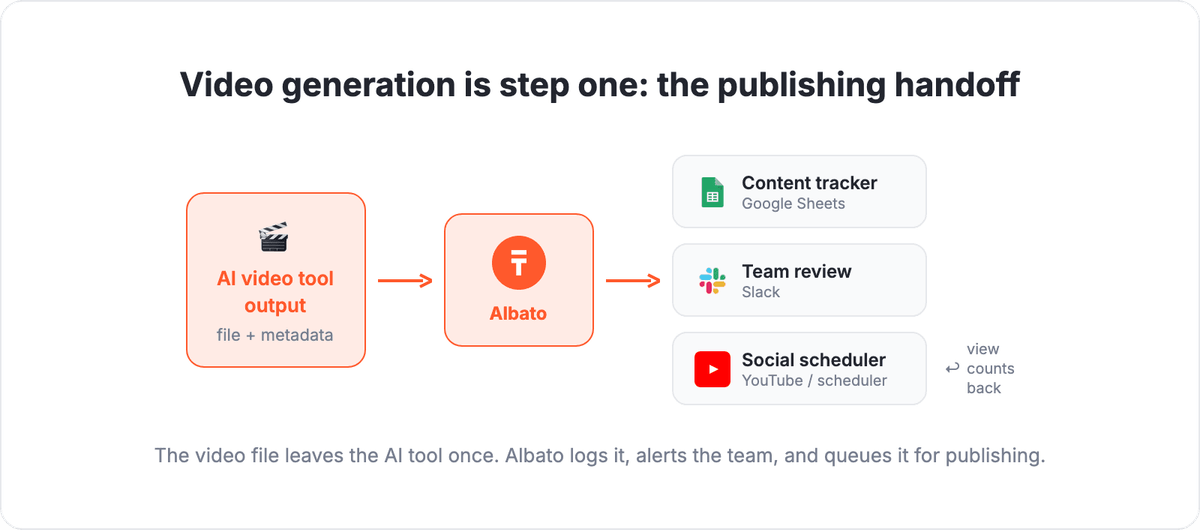
You can also close the loop on results: pull view counts and engagement back from YouTube into the same tracker, so your video performance data sits next to the campaign that produced it instead of in five separate dashboards. For teams already automating other channels, this is the same pattern behind scheduling social posts and e-commerce message automation.
The video tools compete on generation quality. The advantage for your team comes from what happens after the render finishes, and that is entirely a plumbing decision you get to make once.
The questions below cover what most teams ask before picking a tool and deciding how to wire it into their workflow.
FAQ
What is the best AI video generator in 2026?
There is no single winner, because the tools split into two jobs. Runway leads for cinematic ads and creative control, Synthesia and HeyGen lead for avatar-based talking-head video, and Pika, Google Veo, and OpenAI Sora lead for generated scenes at different price points. Pick the category that matches your output before comparing individual tools.
How much do AI video generators cost per month?
Entry paid plans start around $8/month for social-clip tools like Pika and $12/month for Runway Standard. Avatar-video tools cost more: Synthesia Starter is $29/month monthly and HeyGen Creator is $29/month, while team tiers like HeyGen Business run $149/month plus per-seat fees. Every plan bills on credits or finished minutes, so real cost depends on your output volume.
What is the difference between text-to-video and AI avatar tools?
Text-to-video tools like Runway, Pika, and Google Veo generate a moving scene from a prompt or image, which suits ads, b-roll, and social clips. Avatar tools like Synthesia and HeyGen put a synthetic presenter on screen to read your script, which suits training, explainers, and localized comms. They are separate product categories with different pricing.
Can I automate publishing videos from these tools?
Yes. AI video generators create the file, but publishing it across your CMS, YouTube, social schedulers, and analytics is manual unless you automate it. A no-code platform like Albato connects those apps and moves each finished video plus its metadata between them, so you set the workflow up once instead of copying files by hand every time.