
In this article
Key Takeaways
- Ramp and Brex are the strongest all-round picks and both start free, while Expensify is the flexible mid-market option that works with almost any card program.
- SAP Concur fits large enterprises with global travel and compliance needs, Zoho Expense is the value choice for small teams, Rippling Spend suits companies already running Rippling for HR and payroll, and Airbase covers finance teams that want expenses, cards, and bill pay in one workflow.
- The tool matters less than where its data lands: the best expense management software pushes approved expenses, receipts, and card transactions straight into your accounting and finance tools instead of leaving finance to re-key numbers by hand.
Most expense tools now compete on the same core features, so the real decision comes down to two things: how your team pays for expenses, and where the resulting data has to go. A card-first platform like Ramp behaves very differently from a reimbursement-first tool like Expensify, and that difference shapes your whole month-end close.
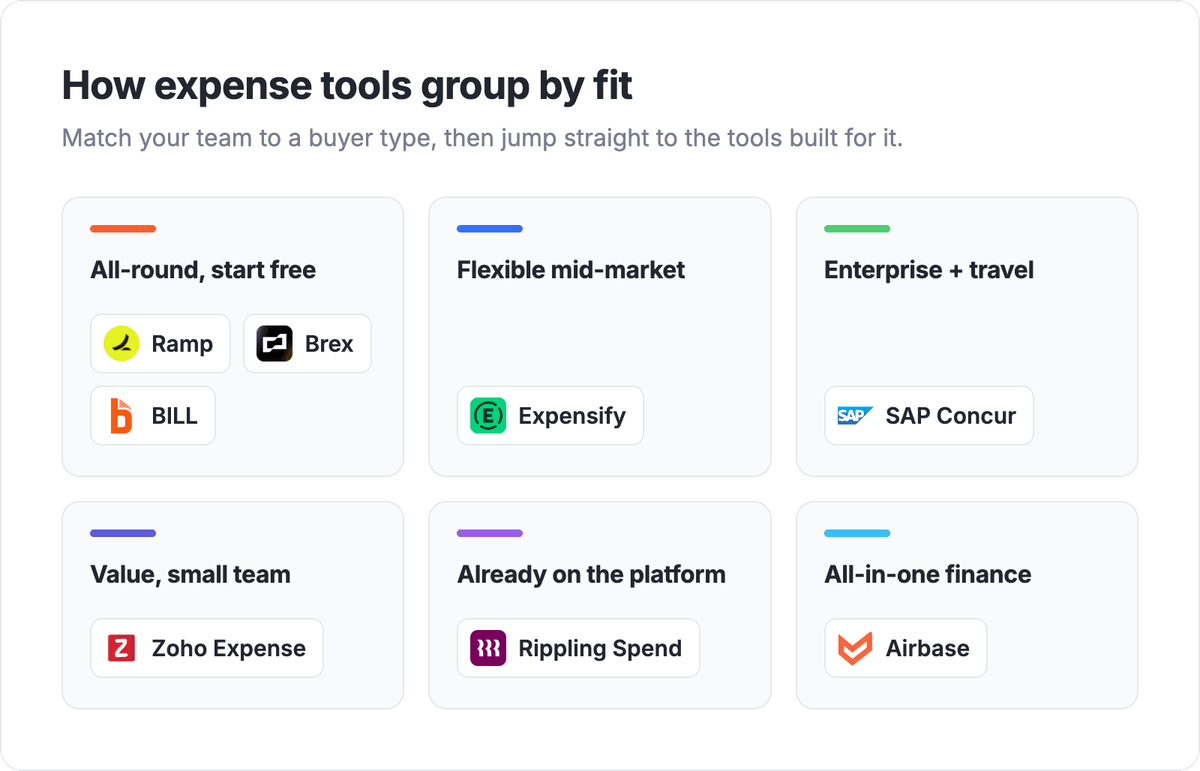
The 8 best expense management tools at a glance
Use this table to match a tool to your situation. Each platform is grouped by who it fits best, how spend is captured, its one standout strength, and how it connects to the rest of your finance stack through Albato. None of these tools has a native Albato connector today, so each is connectable via webhooks or API.
| Tool | Best for | Spend capture | Standout | Albato connector |
|---|---|---|---|---|
| Ramp | All-round, cost control | Corporate cards + reimbursements | Free plan with built-in spend controls | Via webhooks or API |
| Brex | Startups and scaleups | Corporate cards + reimbursements | Cards, travel, and bill pay in one place | Via webhooks or API |
| BILL | Growing SMBs wanting cards and budgets in one place | Corporate cards + reimbursements | Free with the Divvy Card; AI categorizes transactions | Via webhooks or API |
| Expensify | Flexible mid-market | Receipt scan + any card | Works with almost any card program | Via webhooks or API |
| SAP Concur | Global enterprise | Travel + expense + invoice | Deep travel and compliance coverage | Via webhooks or API |
| Zoho Expense | Small business value | Receipt scan + mileage | Free tier inside the Zoho suite | Via webhooks or API |
| Rippling Spend | Companies already on Rippling | Cards + reimbursements | Expenses tied to HR and payroll data | Via webhooks or API |
| Airbase | All-in-one finance ops | Cards + reimbursements + bill pay | Expenses, cards, and AP in one system | Via webhooks or API |
How we picked these tools
We ranked these tools by fit rather than a single score, because "best expense management software" means one thing to a ten-person startup and something else to a global enterprise finance team. Each platform earned its place on four questions: how spend gets captured (corporate card, reimbursement, or both), how policy and approvals are enforced, how clean the accounting export is, and how well the data reaches the tools finance already runs. Pricing below reflects published rates that can change, so confirm on each vendor's page before you commit. For the systems these tools feed, see our picks for accounting software and invoicing software.
💡 Tip. Before you shortlist on features, decide whether your spend is card-first or reimbursement-first. A card-native tool like Ramp captures most transactions automatically, while a reimbursement-first tool leans on employees submitting receipts. Picking the wrong model means fighting the software every close.
Best all-round expense management, free to start
If you want a single platform to issue cards, capture receipts, and enforce policy without paying per seat on day one, two tools lead the field. Ramp and Brex both bundle corporate cards with expense management and both offer a free plan, but they pull in slightly different directions.

Let us build your automation or AI Agent
Tell us which process eats your time. Certified Albato engineers take it from there, A to Z.
Ramp
Ramp built its reputation on cutting spend, not just tracking it. The platform issues corporate cards with policy rules baked in, so an out-of-policy purchase gets flagged or blocked at the swipe rather than caught weeks later in an audit. Receipts are matched to transactions automatically, and the software surfaces duplicate subscriptions and savings opportunities as a core feature rather than an add-on. For a finance team that wants control and visibility in one place, that cost-cutting angle is the reason Ramp lands first.
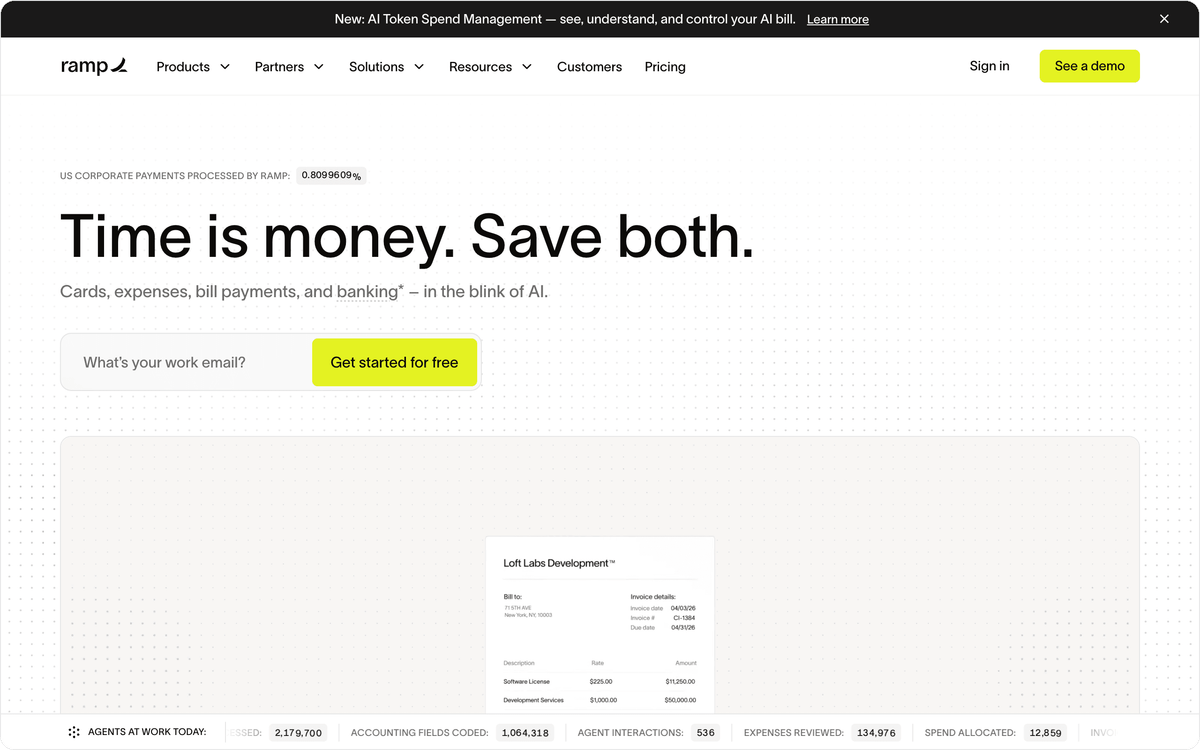
The free plan covers unlimited cards, expense management, and accounting integrations, which is unusually generous for the category. Ramp makes its money largely through card interchange, so the software itself stays free for most teams, with a paid Plus tier for larger companies that need advanced controls. Published pricing runs from $0, with the paid Plus tier listed around $15 per user per month (lower when billed annually); confirm current rates on Ramp's page.
With Albato, you can connect Ramp to the rest of your stack, so an approved expense can post to your accounting ledger, a large transaction can trigger a Slack alert to finance, and a new card user can sync to your HR record without a manual export.
Best for teams that want strong spend controls and a genuinely usable free tier in one product.
Brex
Brex takes the all-in-one route further than most. Beyond corporate cards and expense management, it folds in business banking, bill pay, and travel booking, so a scaleup can run most of its money movement from one dashboard. Its standout is breadth for growth-stage companies: startups that want cards, reimbursements, and travel under one roof, without stitching together three vendors, keep landing on Brex for that reason.
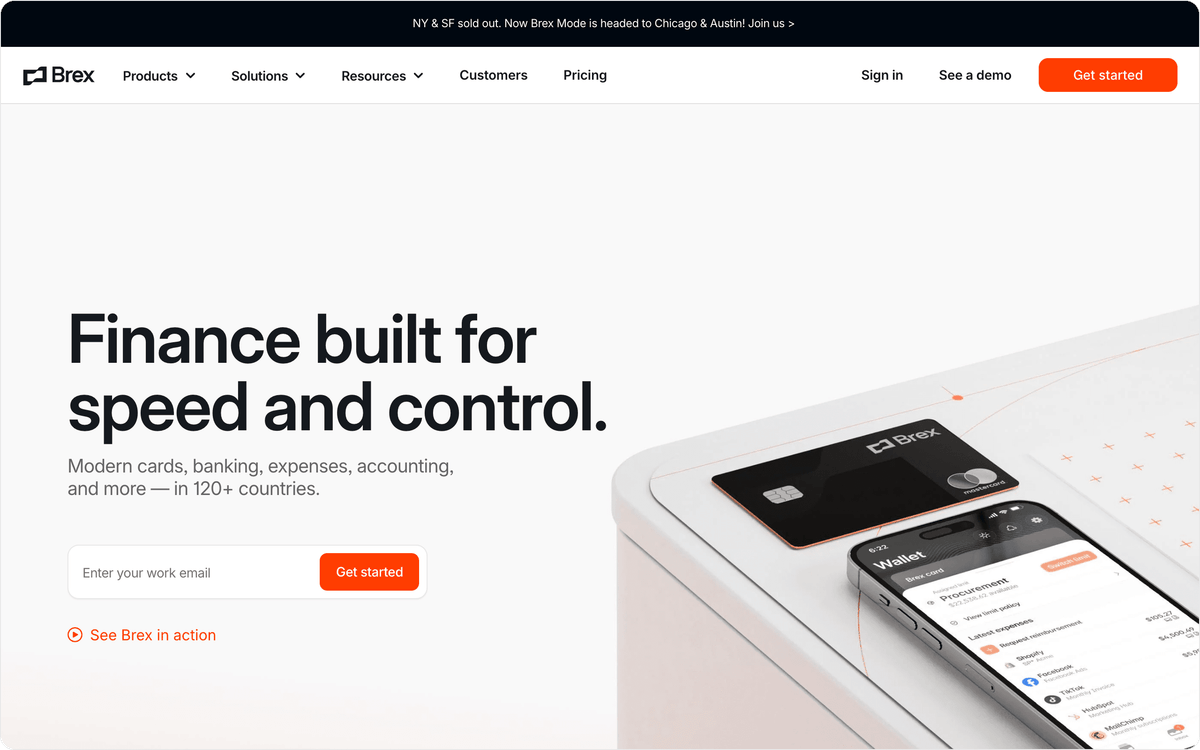
The Essentials tier is free and covers card issuing and basic expense management, while the Premium tier adds budgets, advanced approval workflows, and priority support. Published pricing puts Premium around $12 per user per month, with custom enterprise pricing above that; verify on Brex's site before you budget. The trade-off is that Brex leans toward venture-backed and higher-growth companies, so a traditional small business may find parts of the platform aimed at a different profile.
Connect Brex through Albato to log approved expenses into your accounting tool, notify a channel when spend crosses a threshold, or update a finance sheet the moment a reimbursement is paid. Brex does not offer a native Albato connector, but it exposes an API and is connectable via webhooks or API.
BILL
BILL (formerly Divvy) pairs smart corporate cards with AI-driven spend management, so the expense cycle runs from card swipe to compliance without a manual expense report in between. Its standout is the layer of embedded agents that categorize transactions and write the business note for you, which is the part finance teams usually chase people for.
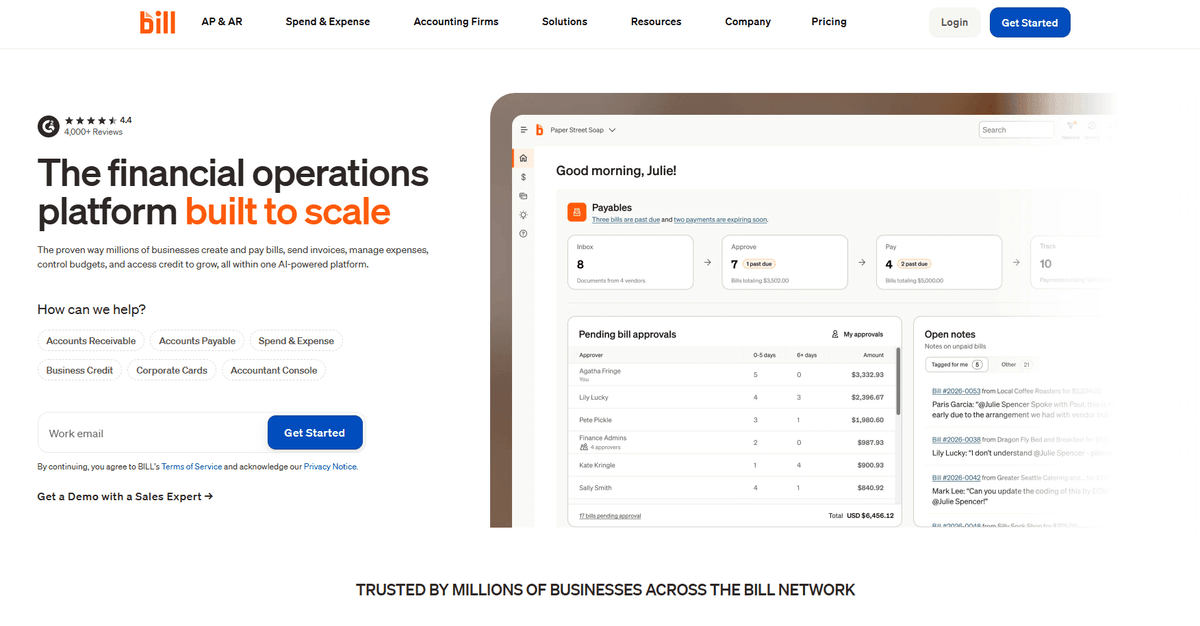
The Spend & Expense product is free to use when paired with the BILL Divvy Card, because the company earns on card interchange rather than per-seat fees. That makes it an accessible entry point for SMBs that want real budgeting and live visibility without a software line item. Larger organizations can extend into AP/AR and strategic finance on the broader platform, where pricing starts at $45 per user per month.
The trade-off is scope: the platform is built for professional financial management, so a very small team may find parts of it aimed at a different profile. BILL does not offer a native Albato connector, but it exposes an API and is connectable via webhooks or API.
Best flexible option that works with any card
Not every company wants to switch its corporate card to adopt an expense tool. Some already have a card program they like and just need software to handle receipts, approvals, and reimbursements on top. That is where Expensify fits.
Expensify
Expensify's advantage is that it stays card-agnostic. Its SmartScan receipt capture reads a photo of a receipt and builds the expense line for you, and the platform handles approvals, reimbursements, and accounting sync whether you use the Expensify Card or keep your existing bank cards. For a mid-market team that does not want to rip out its current card program, that flexibility is the whole point.
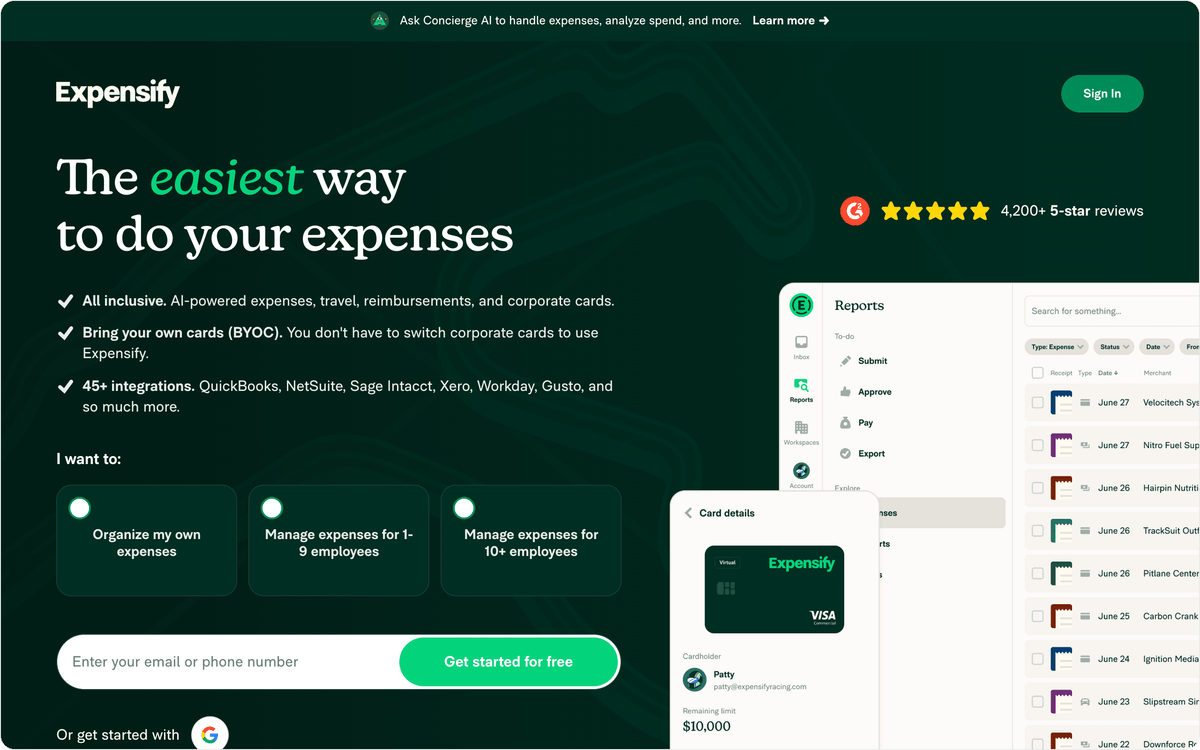
Pricing scales with how you use it. Basic expense tracking is free for individuals, while team plans start around $5 per user per month on the Collect plan with the Expensify Card, rising for the Control plan and for third-party cards. Confirm the current tiers on Expensify's pricing page, since the card choice changes the per-user rate. The platform is broad rather than deep on procurement, so a company that wants tight purchase-order controls may look elsewhere, but for straightforward expense and reimbursement it is one of the most adaptable options.
⚠️ Important. An expense tool that reimburses employees but does not push the approved amount into your accounting software leaves finance reconciling two systems by hand. Before you commit, map exactly how a paid reimbursement reaches your general ledger, and whether that step is automatic or manual.
Expensify does not have a native Albato connector, but it is connectable via webhooks or API, so a submitted or approved expense can flow to your accounting tool, a spreadsheet, or a finance alert channel without copy-paste. Best for mid-market teams that want expense software without changing their card provider.
Best for global enterprises with travel and compliance needs
At the enterprise end, expense management becomes a travel, tax, and audit problem across many countries and entities. That is a different job from a startup card tool, and it is where SAP Concur focuses.
SAP Concur
SAP Concur is the enterprise standard for organizations that need travel booking, expense, and invoice management under one compliance umbrella. Its depth is the draw: multi-currency and multi-entity support, configurable policy enforcement, audit trails that satisfy finance and tax teams, and integrations with major ERPs that large companies already run. For a global business managing thousands of travelers and strict spend policies, that coverage is why Concur keeps winning the enterprise seat.
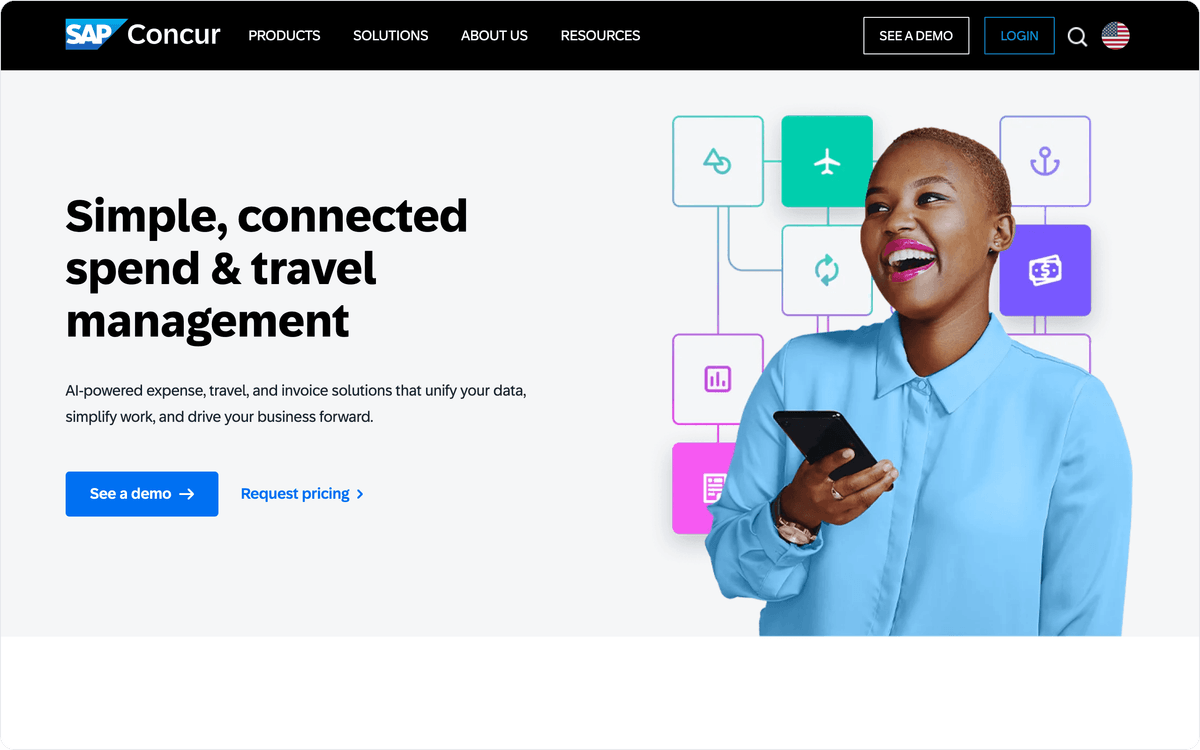
Concur is quote-based for most buyers, though published entry pricing has been cited around $7 to $9 per report on usage-based plans; treat that as indicative and confirm directly with SAP, since enterprise contracts vary widely. The weight that makes it powerful also makes it heavy: implementation is a project, and a small team would be over-served by machinery built for the Fortune 500.
Concur does not have a native Albato connector, but it exposes an API and is connectable via webhooks or API when you want expense or invoice events to reach a data warehouse, a BI tool, or a downstream approval workflow. Best for large, global enterprises that need travel, expense, and compliance in one system.
Best value for small businesses
A small business rarely needs enterprise travel machinery. It usually needs receipt capture, simple approvals, mileage tracking, and a price that does not eat the margin. Zoho Expense fills that gap.
Zoho Expense
Zoho Expense wins on price and on slotting into an ecosystem many small businesses already use. It covers receipt scanning, mileage tracking, approval flows, and reimbursements, and because it connects to Zoho Books and the wider Zoho suite, a team already on Zoho gets expense management without adopting a standalone vendor. The free tier, aimed at very small teams, is the headline for cost-conscious owners.
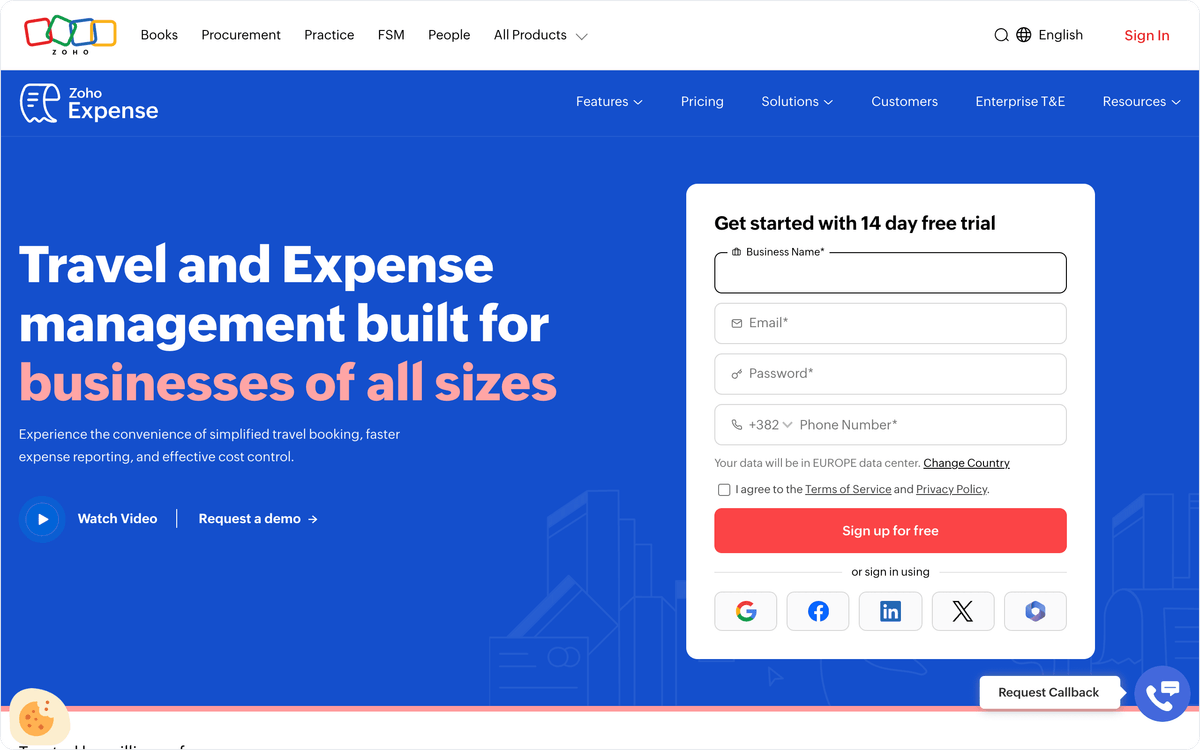
Paid plans add multi-level approvals, corporate card reconciliation, and advanced policy rules, and published pricing starts in the low single digits per active user per month; check Zoho's current tiers before you plan, since active-user pricing changes the math for larger teams. It is not built for high-volume global travel programs, so a business with complex multi-country needs will outgrow it, but for straightforward domestic expenses it does the job at a fraction of enterprise cost.
Connect Zoho Expense through Albato to sync approved expenses into a non-Zoho accounting tool, alert finance to policy exceptions, or log reimbursements to a shared sheet. It does not have a native Albato connector, but it is connectable via webhooks or API, which matters most if your accounting or CRM tools sit outside the Zoho suite.
Best if you already run Rippling
If your company already manages HR, payroll, and IT in Rippling, adding a separate expense tool means reconciling employee data across two systems. Rippling Spend avoids that by keeping expenses in the same platform as the people who incur them.
Rippling Spend
Rippling extended its workforce platform into spend management, so corporate cards, expense reimbursements, and bill pay live alongside payroll and HR data. The distinctive angle is unified employee data: when someone joins, changes departments, or leaves, their card access and expense policies update from the same record that drives payroll, with no separate provisioning step. For a company already committed to Rippling, that single source of truth removes a whole layer of admin.
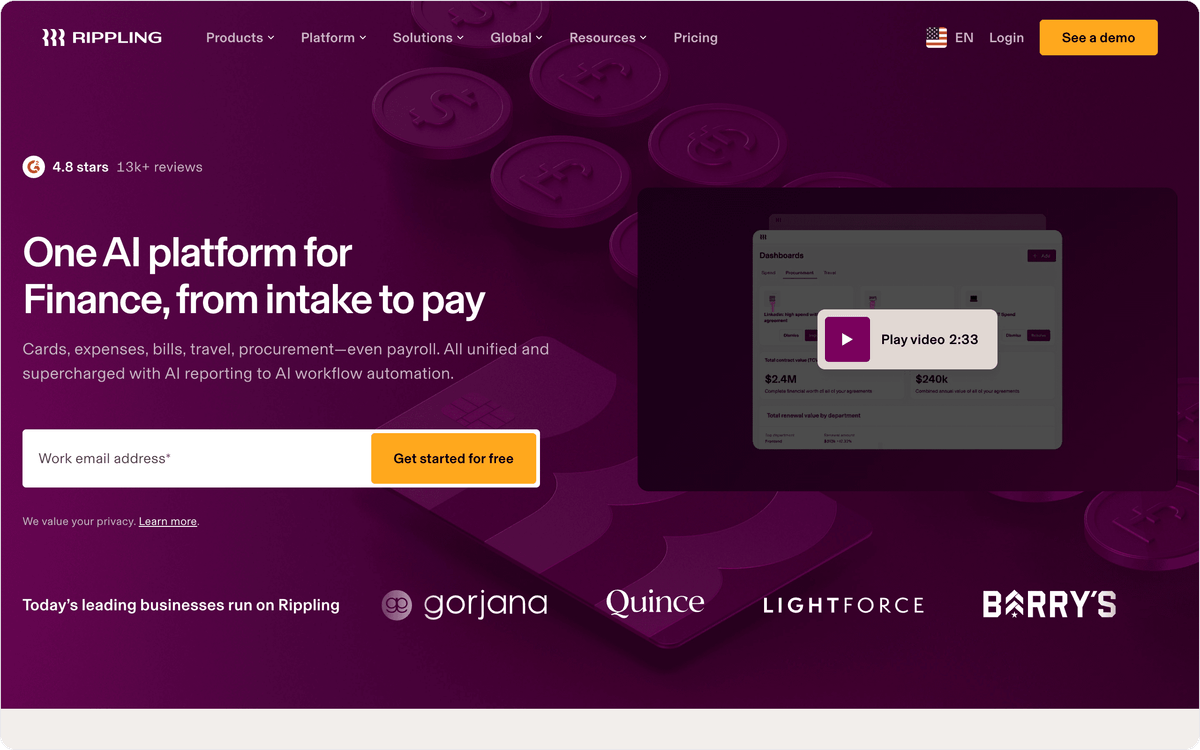
Rippling is modular and quote-based, so spend management is priced as part of a wider platform bundle rather than a flat per-seat expense fee; request current pricing from Rippling directly. The catch is that Spend makes the most sense inside the Rippling ecosystem. A company not already using Rippling for HR would be adopting a large platform to get an expense tool, which is rarely the right trade.
Rippling does not offer a native Albato connector, but it is connectable via webhooks or API, so approved expenses and card transactions can still flow to an external accounting or BI tool. Best for companies already running Rippling that want expenses tied to their workforce data.
Best all-in-one for finance operations
Some finance teams want more than expenses. They want corporate cards, employee reimbursements, and vendor bill pay handled in one approval workflow, with a single audit trail. Airbase is built around that combination.
Airbase
Airbase pulls three spend types into one system: corporate cards, out-of-pocket reimbursements, and accounts payable. Its standout is the unified approval flow. Whether an expense starts as a card swipe, a reimbursement request, or a vendor invoice, it moves through the same policy checks and lands in the same ledger export, which gives finance one place to see and control all non-payroll spend. For a mid-market finance team tired of separate tools for cards and AP, that consolidation is the appeal.
Airbase pricing is quote-based rather than published, and since its acquisition by Paylocity the platform has been tying more tightly into payroll and HR data; ask for a current quote and roadmap before you commit. The all-in-one scope is powerful for finance ops but can be more than a very small team needs, where a lighter card-plus-receipt tool would cover the job.
Connect Airbase through Albato to route approved spend into your accounting system, notify a channel on high-value transactions, or sync vendor records to a CRM or database. It does not have a native Albato connector, but it is connectable via webhooks or API.
Which expense management tool fits your business?
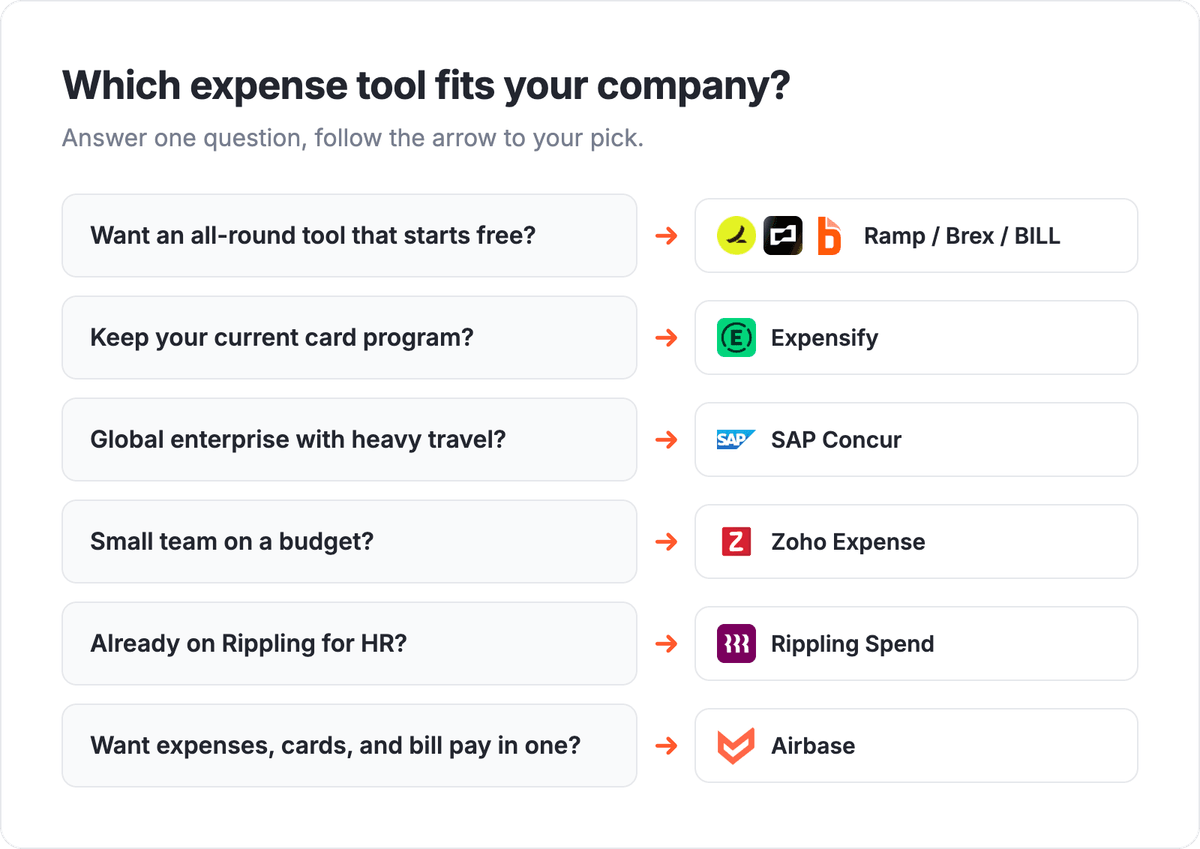
Start from your size and how you pay, and the shortlist narrows fast. For an all-round tool that starts free, compare Ramp and Brex, and lean toward Ramp if cost control is the priority or Brex if you want travel and banking bundled in. If you want to keep your current card program, Expensify is the flexible mid-market pick. Global enterprises with heavy travel and compliance land on SAP Concur, small teams on a budget on Zoho Expense, companies already running HR in Rippling on Rippling Spend, and finance teams that want cards, reimbursements, and bill pay in one workflow on Airbase.
Whichever you choose, the tool is only half the system. An expense platform that cannot tell your accounting software about an approved reimbursement or your finance team about a large transaction leaves people copy-pasting between tabs. The next section covers how to close that gap. You can also weigh the choice against your wider setup with the right ecommerce automation stack and payment processing software.
Connect your expense data to your accounting stack with Albato
An expense platform rarely does its job alone. The moment an expense is approved, a card is charged, or a reimbursement is paid, that event needs to reach your accounting software, and often your BI tool and your messaging apps too. Albato is a no-code integration platform with 1,000+ connectors that moves those spend events between your tools automatically, so your expense data stops living in a single dashboard.
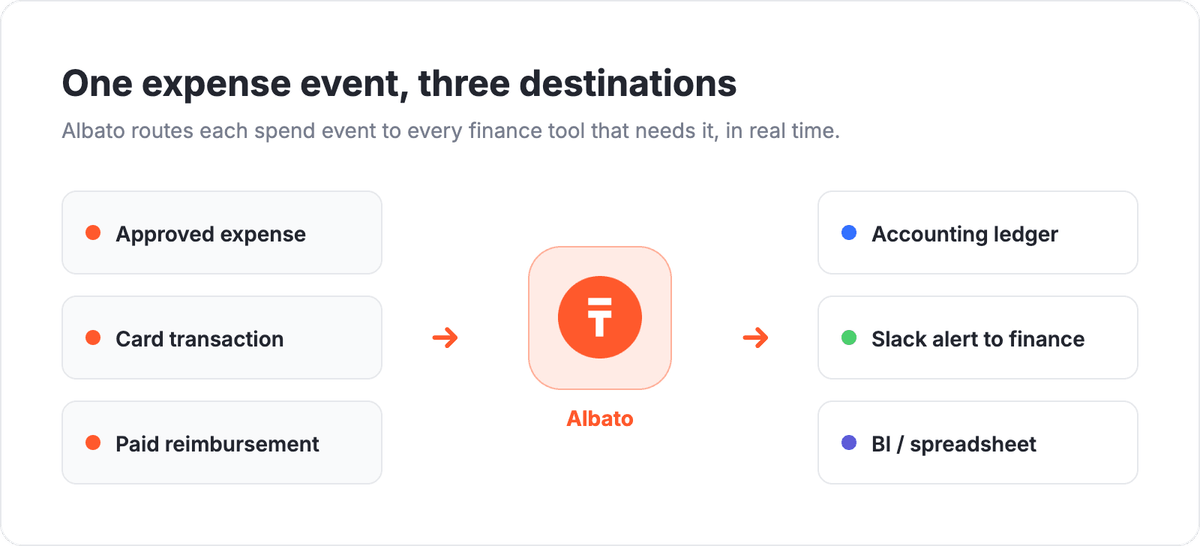
Here are four workflows finance teams set up most often:
- Post every approved expense to your accounting tool or a spreadsheet, so month-end close does not start with a manual export.
- Alert a Slack or email channel the moment a transaction crosses a spend threshold, so finance can act before the statement lands.
- Sync new card users or spend policies from your HR system, so provisioning stays in step with headcount.
- Log paid reimbursements to a finance record so reporting reflects real cash out the door.
None of the eight tools on this list has a native Albato connector yet, but each exposes an API, so they are connectable via webhooks or API. You can wire an expense platform to accounting tools that do have native connectors, then explore the full catalog and build your first spend workflow on the Albato platform.
FAQ
Still weighing options? These are the questions teams ask most often before they commit to an expense management tool.
What is expense management software?
Expense management software handles the full spend cycle: capturing receipts and card transactions, routing them through approval and policy checks, reimbursing employees, and exporting clean data to accounting. It sits between how your team spends money and where that spending has to be recorded, automating the steps finance would otherwise do by hand in a spreadsheet.
What is the difference between expense management and spend management?
Expense management focuses on employee expenses: receipts, reimbursements, and corporate card spend. Spend management is broader and often adds vendor bill pay, procurement, and budgets across the whole company. Tools like Ramp, Brex, and Airbase blur the line by covering cards, reimbursements, and bill pay together, while a tool like Expensify stays closer to pure expense and receipt handling.
What is the best expense management software for small businesses?
Zoho Expense is the strongest value pick for small businesses, especially those already using other Zoho tools, thanks to its free tier and low per-user pricing. Ramp is also a strong small-business option because its core plan is free and includes card controls. Confirm that whichever tool you choose can connect to your accounting software, since that is where small teams lose the most time.
Can I connect my expense tool to my accounting and finance stack?
Yes. None of the eight tools here has a native Albato connector today, but each exposes an API and is connectable via webhooks or API through Albato. That lets you sync approved expenses, card transactions, and paid reimbursements into accounting tools, spreadsheets, or alert channels without code, so finance is not re-keying numbers at close.
How does expense management software reduce errors and manual work?
It reduces both mainly through automatic capture and matching: receipt scanning builds the expense line from a photo, card feeds pull transactions in without manual entry, and policy rules flag exceptions before approval instead of during an audit. Connecting the tool to your accounting system removes the last manual step, where re-keying approved expenses into the ledger is a common source of mistakes.
Want to go deeper on the tools that sit next to your expense platform? These guides cover the rest of your finance stack.