In this article
Key Takeaways
- For most small and mid-sized finance teams, BILL is the strongest all-around pick: it covers invoice capture, approvals, and vendor payments in one place and usually goes live in under a month.
- Tipalti is the choice when you pay suppliers across many countries and currencies, with tax compliance and self-service onboarding built in. Stampli wins when approval collaboration is the bottleneck, and Melio fits the smallest teams that just want to pay bills without an implementation project.
- Independent benchmarks put the average cost to process a single invoice at $9.40, while the top-performing teams get it down to $2.78 by cutting exceptions and automating the routing.
Accounts payable automation handles the money you owe suppliers: capturing vendor invoices, routing them for approval, matching them against purchase orders and receipts, paying them, and writing the result back to your general ledger. That is a different job from invoicing software, which bills your customers, and from expense management, which tracks what your employees spend. Mixing those three up is the most common reason a finance stack ends up with overlapping tools that still leave manual work in the middle.
How AP automation is different from invoicing and expense tools
AP automation pays the invoices your vendors send you. Invoicing software sends invoices to your customers so you get paid. Expense management reimburses employees for cards, travel, and out-of-pocket spend. All three touch your accounting system, but they sit on opposite ends of the cash cycle, and the best tool for one is rarely the best tool for another.
The confusion matters because buyers often shop for "finance automation" and end up with a product that solves the wrong half of the problem. If your pain is a pile of supplier bills waiting on three approvers and a controller who keys them into NetSuite by hand, that is AP. If the pain is chasing customers who have not paid you, start with invoicing software instead. If it is employee card spend and receipts, expense management is the category you want.
💡 Tip. The clearest test is to ask "who sends the document and who owes the money." Vendor sends it, you owe it, that is AP. You send it, the customer owes you, that is invoicing.
The core features every AP tool should cover
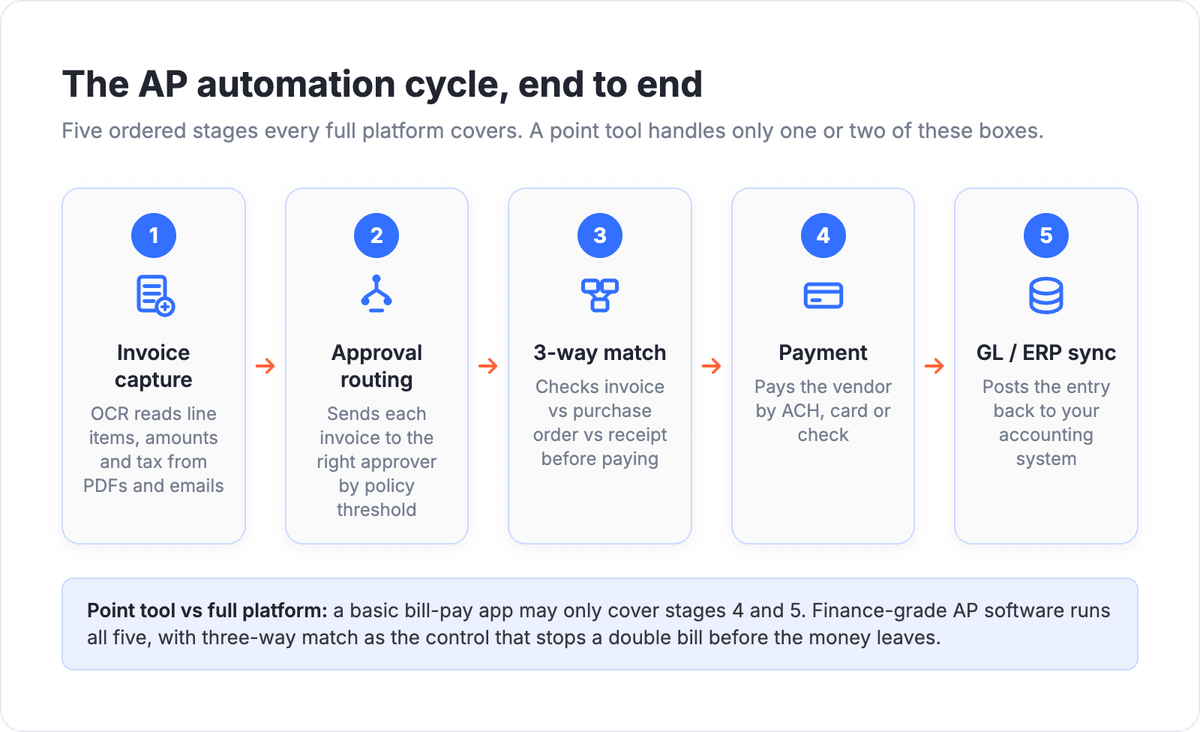
A real AP automation platform does five things end to end: pulls invoice data out of PDFs and emails without manual typing, routes each invoice to the right approvers on policy, matches it against the purchase order and goods receipt, pays the vendor through a supported rail, and syncs the posted entry back to your accounting system. Anything that only covers one or two of those is a point tool, not an AP platform.
Invoice capture is where most of the manual hours disappear. Modern tools read line items, amounts, tax, and vendor details straight from the document, so a clerk is reviewing exceptions instead of typing every field. Approval routing then enforces who signs off at what dollar threshold, which is what keeps AP both fast and audit-ready.
Three-way match is the control that separates finance-grade tools from basic bill pay. It compares the invoice, the purchase order, and the receiving record before anything gets paid, so you catch a double bill or a quantity mismatch before the money leaves. For teams on a PO-based process, this is the feature to interrogate hardest in a demo.
📊 Stat. Ardent Partners found the average exception rate across AP teams was 22% in 2025, while the top-performing teams held it at 9%. Exceptions are the single biggest reason invoice costs stay high, which is why strong matching and capture pay for themselves.
The diagram below maps that five-stage cycle so you can quickly test any candidate tool against each step.
Comparison table: AP automation software at a glance
| Tool | Best for | Key AP strength | Pricing posture | Integration depth |
|---|---|---|---|---|
| BILL | SMB invoice-to-pay | Capture, approvals, payments in one app | Per-user subscription, mid-market friendly | Deep accounting sync; Albato connector |
| Tipalti | Global mass payables | Multi-currency payouts, tax, supplier onboarding | Platform fee plus volume, enterprise-leaning | ERP-grade; broad API |
| Stampli | Approval collaboration | Invoice-centric approvals with messaging on the doc | Quote-based, scales with volume | Strong ERP and accounting coverage |
| Melio | Smallest teams | Simple pay-bills with card, ACH, check | Free core, fees on certain payment types | QuickBooks-first; lighter ERP |
| Ramp Bill Pay | Teams already on Ramp | AP inside a spend platform, free tier | Free for core AP, revenue from card/float | Accounting sync; growing API |
| AvidXchange | High-volume, real estate | Payment and invoice automation at scale | Enterprise, quote-based | Industry ERP integrations |
| Medius | Mid-market to enterprise | AI capture plus spend management suite | Enterprise, quote-based | Strong ERP alignment |
| QuickBooks Bill Pay | QuickBooks shops | Native AP for existing QBO users | Tiered add-on to QBO | Native to QuickBooks Online |
| Yooz | Mid-market P2P | Purchase-to-pay with fast setup | Subscription, mid-market | Multi-ERP connectors |
BILL: the default pick for SMB invoice-to-pay
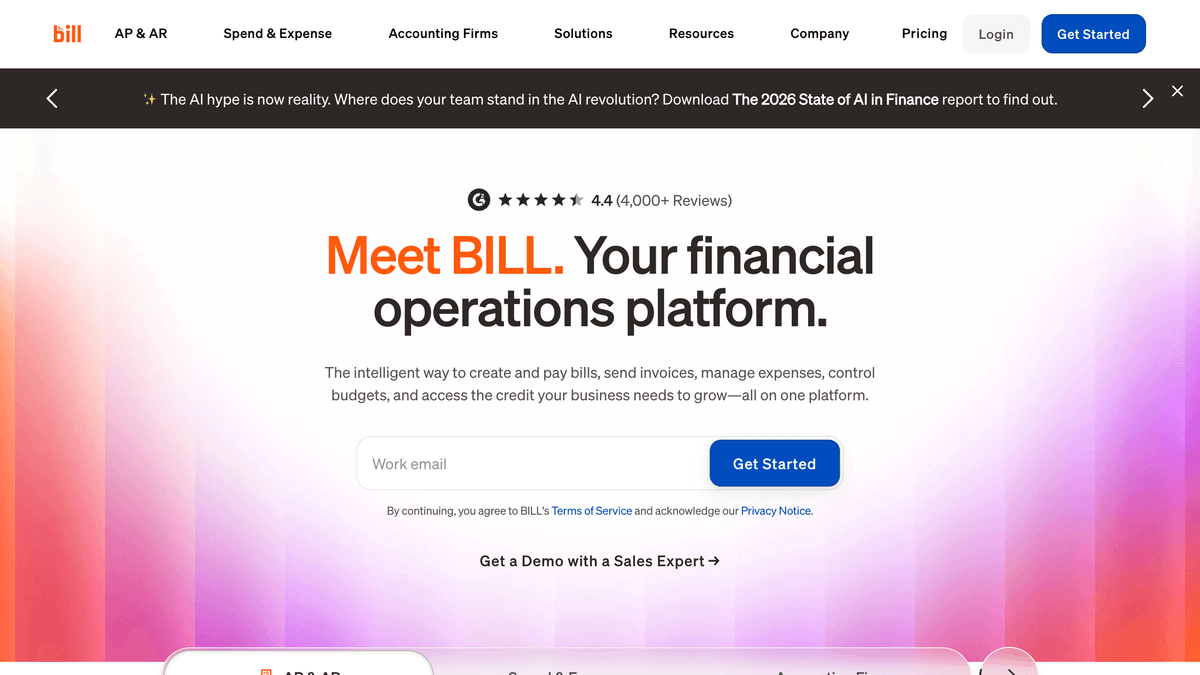
BILL earns the all-around spot because it runs the whole cycle inside one app without forcing a long rollout. Invoices land by email or upload, the system reads the data, routes approvals on your rules, and pays vendors by ACH, card, or check, then posts the entry to your books. For a finance team of one to a dozen, that breadth is usually enough to retire the spreadsheet-and-signature process entirely.
What makes it the safe default is implementation speed and the size of its vendor network. Because so many suppliers already receive payments through BILL, onboarding them is less of a cold start than with niche tools. It pairs naturally with your accounting system, so the posted bill and the payment status stay in agreement without a second data entry pass.
Pricing follows a per-user subscription model with tiers that add approval policies, custom roles, and deeper sync as you move up. It is not the cheapest option on a tiny team, but the time it buys back on approvals and reconciliation is where the math works.
Tipalti: built for paying suppliers worldwide
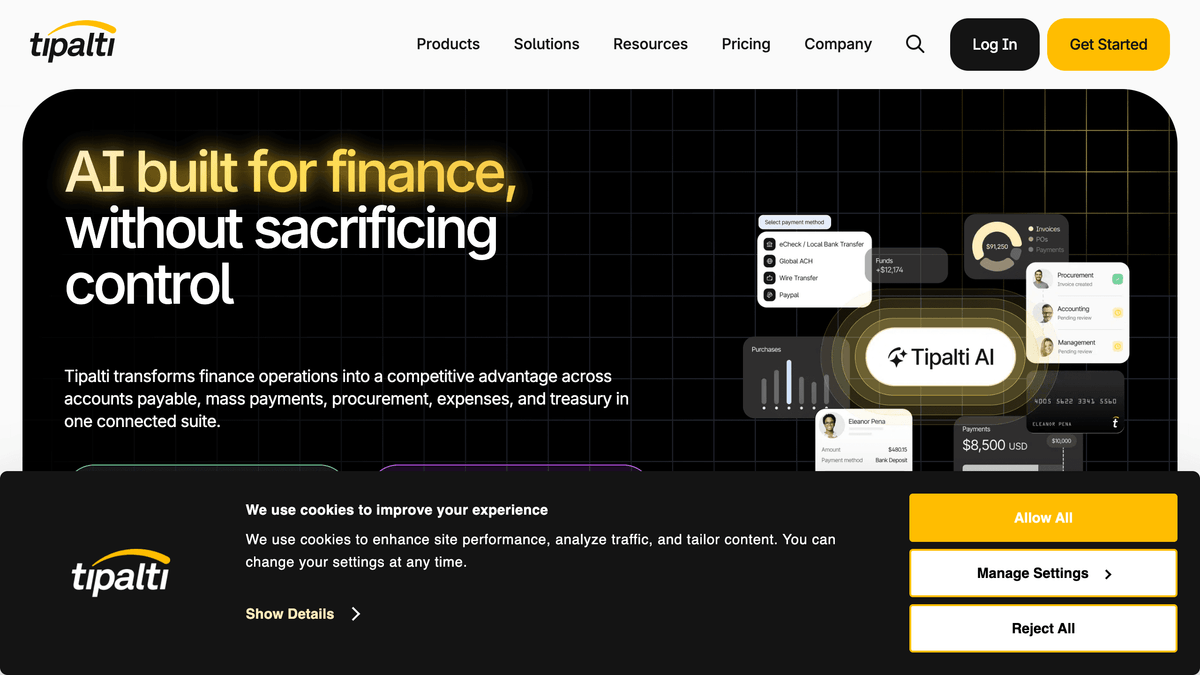
Tipalti is the pick when payments cross borders. It handles multi-currency, multi-entity payables with tax form collection, sanctions screening, and self-service supplier onboarding, which is exactly the set of problems a company paying vendors or affiliates in dozens of countries runs into. For a domestic-only shop that machinery is overkill; for a global one it is the whole reason to buy.
On the AP mechanics it covers AI-assisted invoice capture, PO matching, and approval workflows, then settles payments through its own global rails. The onboarding portal is a standout: suppliers enter their own banking and tax details, which removes a big chunk of the back-and-forth that usually clogs international AP.
Expect enterprise-leaning, quote-based pricing with a platform component plus volume. That posture fits the companies Tipalti targets, where the cost of a misrouted international payment dwarfs the subscription.
Stampli: when approvals are the bottleneck
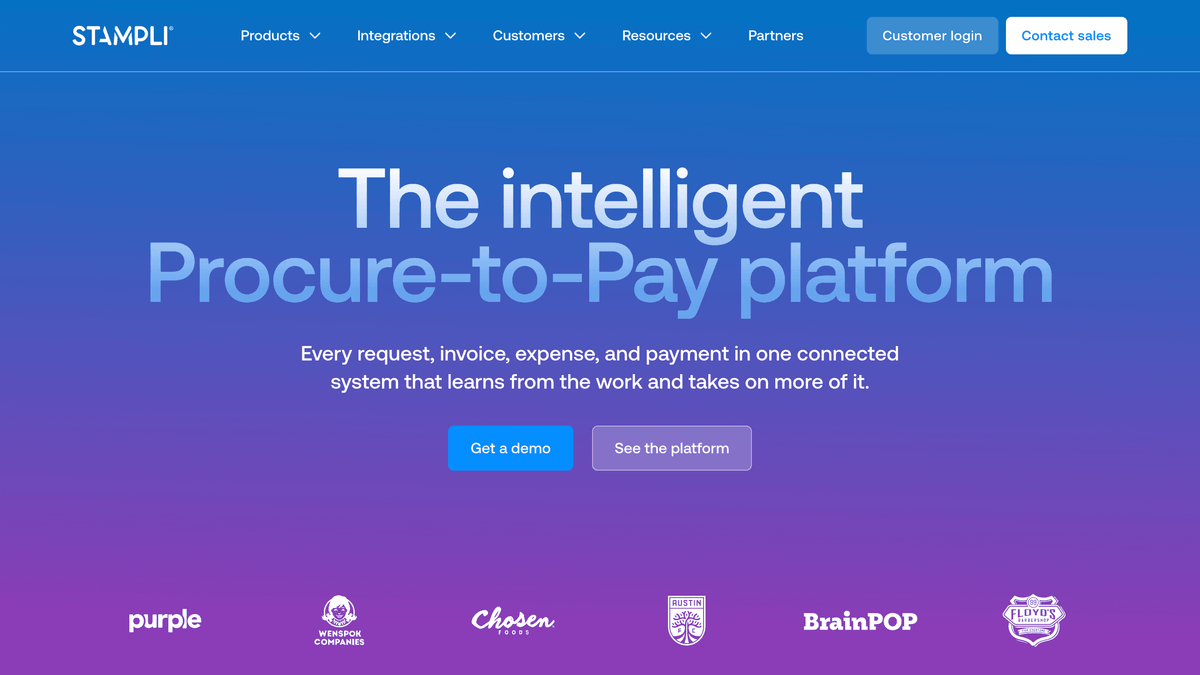
Stampli organizes the entire process around the invoice itself. Every question, approval, and comment lives on the document, so the usual email thread about "did we already pay this" happens in context instead of scattered across inboxes. If your slowdown is chasing approvers rather than capturing data, this is the design that fixes it.
The AP fundamentals are all present: AI-assisted capture, configurable approval routing, audit trails, and accounting sync. The differentiator is collaboration speed, which tends to show up as a shorter time from invoice arrival to approved status rather than as a headline feature.
Pricing is quote-based and scales with invoice volume. Teams that pick Stampli are usually trading a modest subscription for fewer stalled invoices and a cleaner audit trail at close.
⚠️ Important. A short setup timeline in a sales deck is not the same as a short setup for you. If you run three-way match on POs from an older ERP, ask the vendor to walk through that exact flow in the demo before you trust any "live in 30 days" claim.
Melio: the lightest way to just pay bills
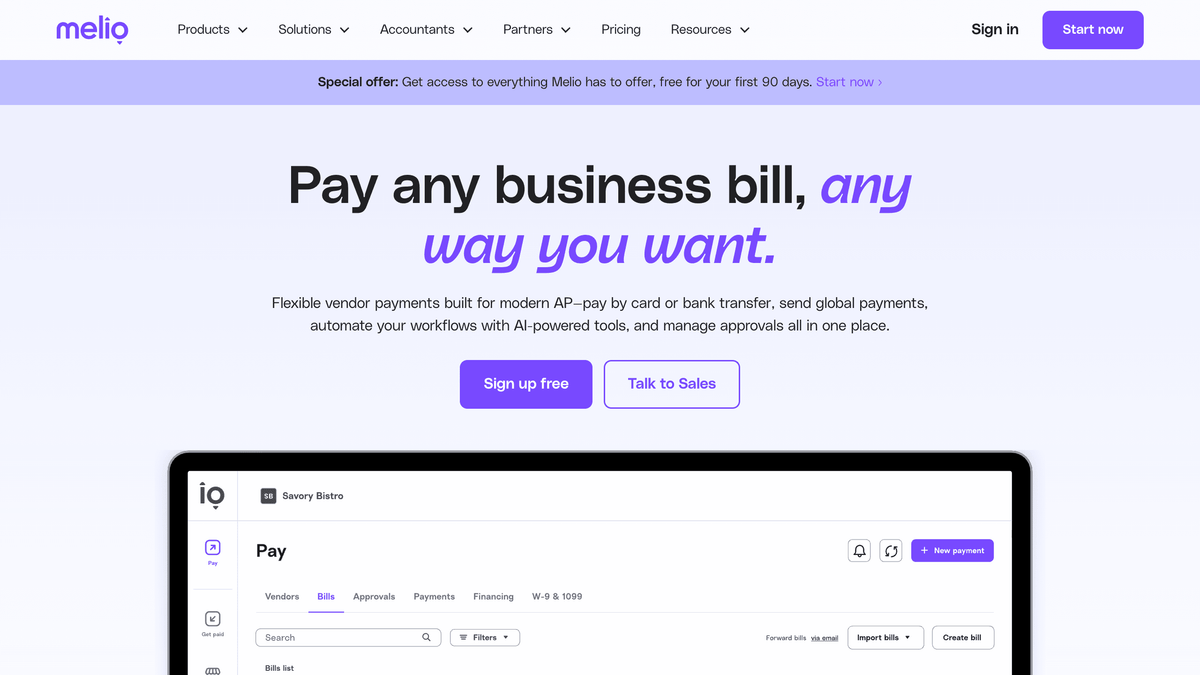
Melio is for the smallest teams that want to pay vendors without standing up a finance platform. It lets you pay by bank transfer, card, or mailed check, with basic collaboration, and it leans on QuickBooks for the accounting side rather than trying to be the system of record. There is no heavy implementation, which is the entire appeal.
The tradeoff is depth. You will not find enterprise-grade three-way match or multi-entity controls here, and some payment methods carry a fee. For a founder-led or micro-team AP process, that is a fair deal; for a controller managing PO-based spend across departments, it will feel thin fast.
Ramp Bill Pay: AP inside a spend platform
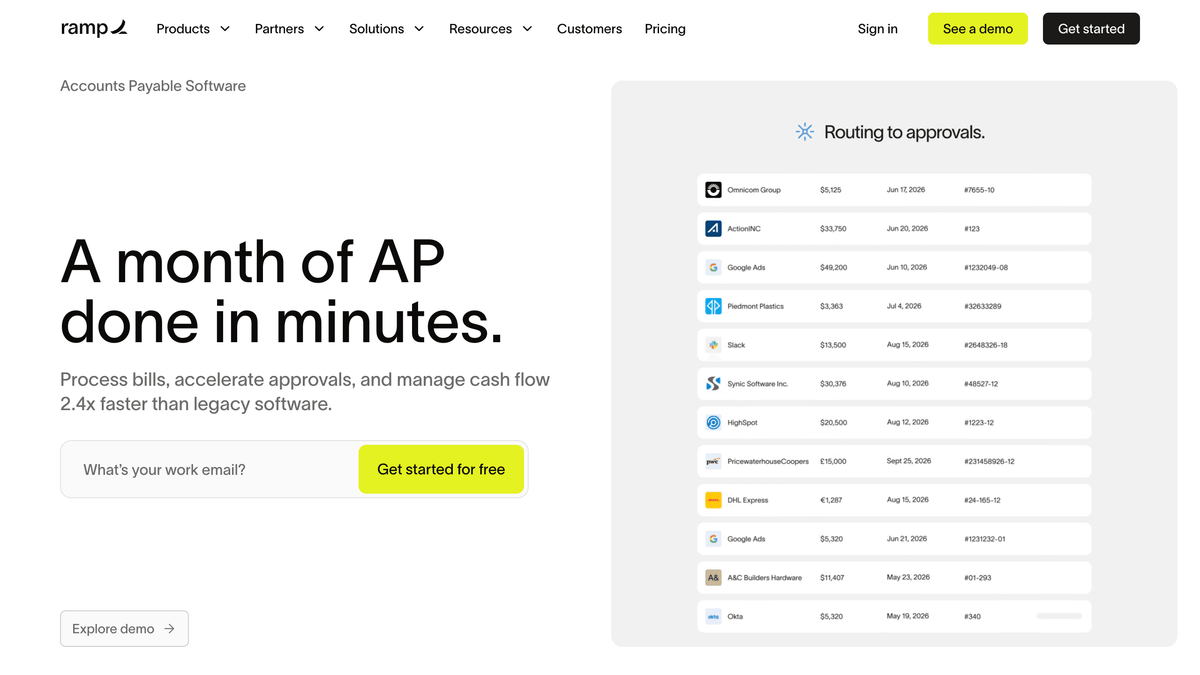
Ramp folds bill pay into a broader spend platform, and its core AP sits on a free tier because the business earns on the card and treasury side. For a team already using Ramp for cards and expense management, adding AP in the same place removes a tool rather than adding one. Invoices get captured, routed, and paid, then synced to your books.
The angle here is consolidation. If you want one surface for employee spend and supplier payments, Ramp makes a strong case. The caution is that AP is one module in a wider product, so very complex, PO-heavy payables may still want a dedicated AP engine.
AvidXchange: high volume and industry fit
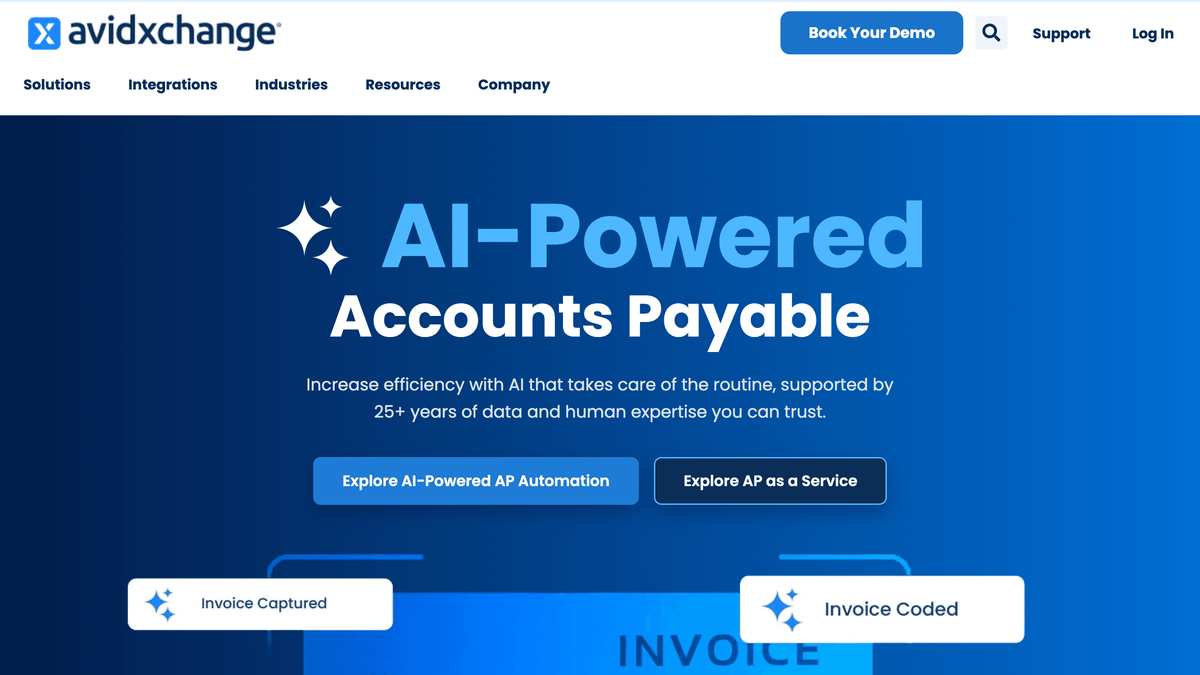
AvidXchange specializes in high invoice volume and verticals like real estate, construction, HOA management, and healthcare. These are environments where thousands of invoices and a long list of property or project codes would bury a generalist tool. It automates invoice and payment processing against industry-specific accounting systems that most SMB tools never touch.
For a mid-market or enterprise finance team in one of those verticals, the industry integrations are the reason to look. For a lean SaaS company with a few hundred invoices a month, it is more machine than the job needs.
Medius: AI capture plus spend management
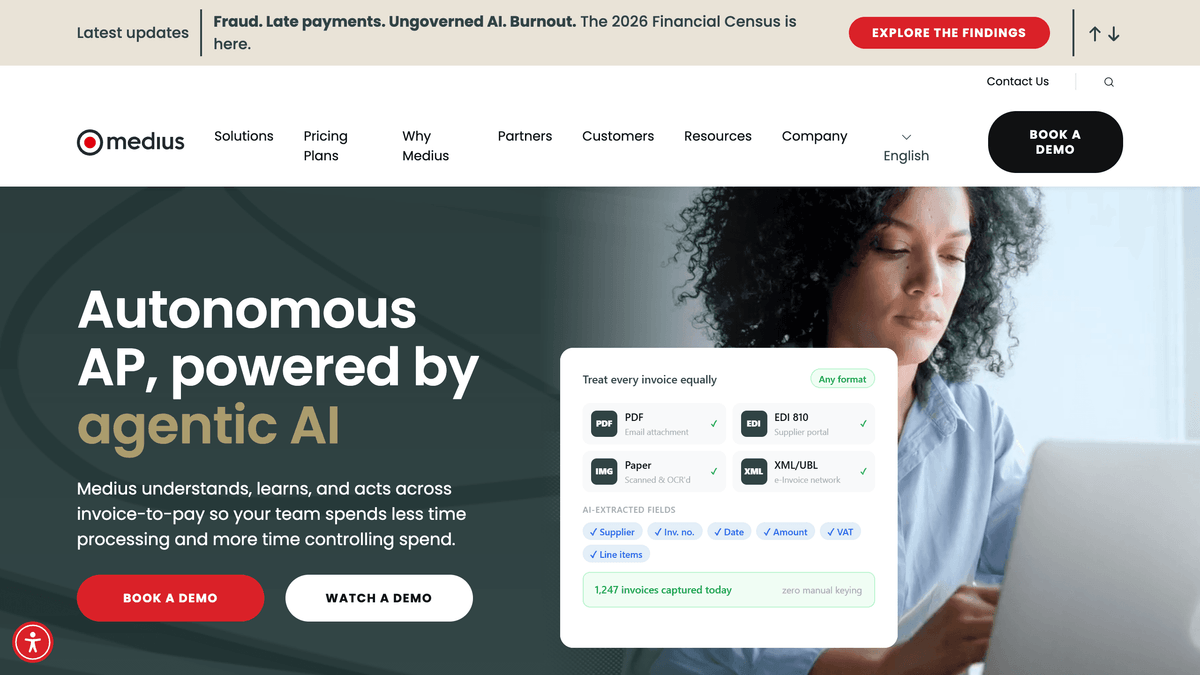
Medius is an AP and spend management suite aimed at mid-market and enterprise finance teams, with AI-driven invoice capture and embedded assistants that cut the manual touch on each invoice. It leans on configurable workflows and tight ERP alignment, which is what larger finance orgs need when AP has to fit existing controls rather than replace them.
If you are standardizing AP across entities and want it to sit inside a wider spend program, Medius is built for that scope. Smaller teams will find the configuration surface heavier than a plug-and-play tool, which is the usual enterprise tradeoff.
QuickBooks Bill Pay: native AP for QBO shops
If your books already live in QuickBooks Online, its native Bill Pay is the lowest-friction way to add AP. Bills, approvals, and payments happen inside the tool you reconcile in, so there is no sync to maintain and no second login. For a QuickBooks-first small business, that is a real advantage over bolting on a third-party platform.
The ceiling is the same as the floor. It is designed for QBO-scale AP, so companies that outgrow QuickBooks, add multiple entities, or need serious three-way match usually graduate to BILL, Tipalti, or Medius.
Yooz: purchase-to-pay with a fast start
Yooz covers the purchase-to-pay cycle with a reputation for quick setup and a clean approval experience. It captures invoices, runs PO matching and approvals, and connects to a range of ERPs, which makes it a reasonable mid-market option when you want P2P without a long enterprise rollout. Pricing is subscription-based and sits in mid-market territory.
It is less of a household name than BILL or Tipalti, so the evaluation question is usually fit with your specific ERP and invoice volume rather than raw capability.
Where Albato fits: connecting your AP tool to the rest of the stack
Albato is not an AP tool. It is an integration platform (iPaaS) with 1,000+ connectors, and its job in an AP setup is to keep your payables tool in sync with everything around it. When an invoice is approved in BILL or Stampli, Albato can push that status into your CRM, post a note in Slack for the approver, update a vendor record in your database, or write the payment event into a reporting sheet, without anyone copying data by hand.
That matters because AP never lives alone. Vendor records overlap with procurement, payment statuses matter to the people who own those supplier relationships, and finance usually wants the data in a warehouse or a dashboard. Instead of one more manual export, you set a trigger once and the records move themselves. The same approach keeps your AP tool aligned with subscription billing and contract data when a signed deal needs to turn into a scheduled vendor payment.
Here is how that looks in practice:
🔧 How it works. Pick a trigger in your AP tool (invoice approved, payment sent), choose the app that needs to know (CRM, Slack, warehouse, vendor database), and map the fields once. After that the sync runs on its own, so the approval and the downstream record never drift apart.
How to choose the right AP tool
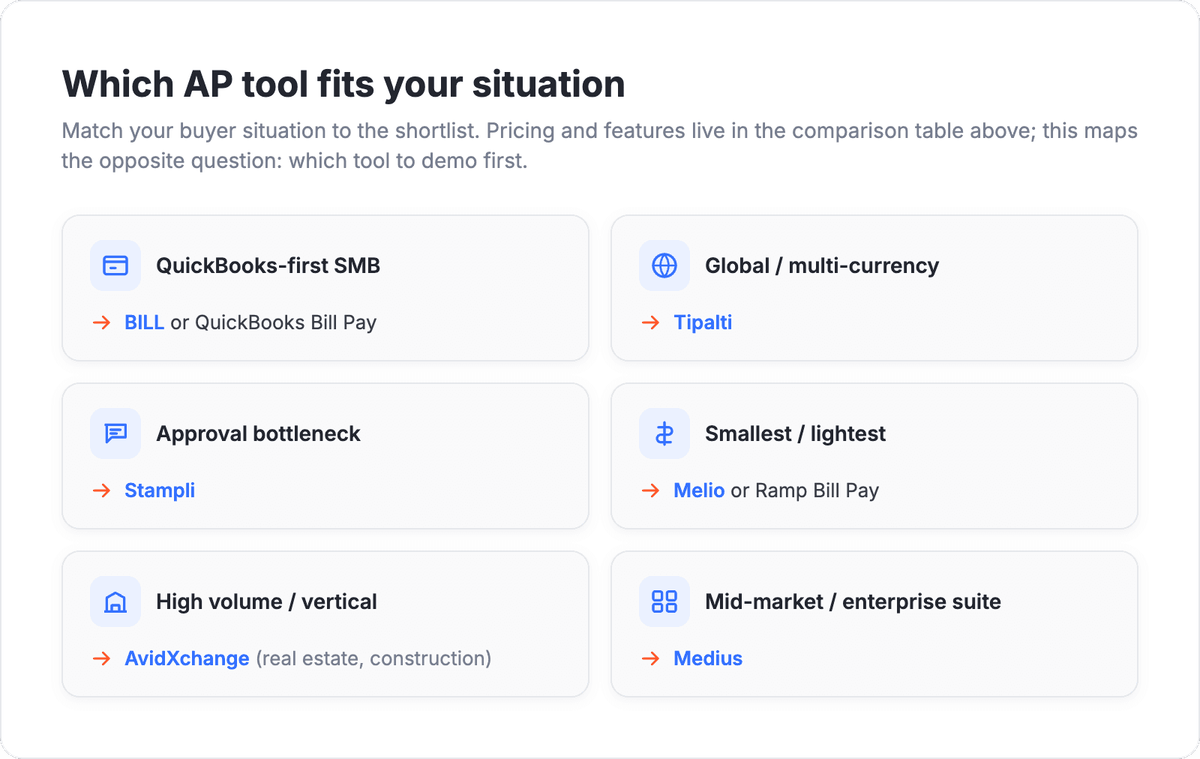
Start from your invoice volume and where your books live. A QuickBooks-first small business with a few hundred bills a month gets the fastest payback from BILL or native QuickBooks Bill Pay. A company paying suppliers internationally should shortlist Tipalti first because the currency, tax, and onboarding work is the hard part. A team drowning in approval threads should demo Stampli, and a vertical with industry-specific accounting should look at AvidXchange. That includes community association managers who already keep the books in HOA management software and need AP automation on top of it.
Then pressure-test three things in the demo: does the capture read your real invoices accurately, does the approval routing match your dollar thresholds, and does the sync land cleanly in your actual accounting system. A tool that nails those three is worth more than one with a longer feature list that stumbles on your messiest invoice.
💡 Tip. Run a two-week pilot with your 20 worst invoices, not your cleanest ones. The tool that handles the exceptions well is the one that will actually cut your cost per invoice.
The graphic below maps each buyer situation to the tool that fits it best, so you can shortlist before the demo phase.
The answers to the most common questions about AP automation are below.
FAQ
What is accounts payable automation software?
Accounts payable automation software captures vendor invoices, routes them for approval, matches them against purchase orders and receipts, pays the supplier, and posts the result to your accounting system. The goal is to replace manual data entry and email approvals with a controlled, auditable workflow that cuts both cost and processing time per invoice.
How is AP automation different from expense management and invoicing?
AP automation pays the invoices your vendors send you. Invoicing software bills your customers so you get paid, and expense management reimburses employees for cards and out-of-pocket spend. All three connect to accounting, but they handle opposite sides of the cash cycle, so most companies end up using separate tools and syncing them together.
Does AP automation integrate with QuickBooks and NetSuite?
Yes. Most AP platforms list native or built-in sync with common accounting systems, and QuickBooks Online and NetSuite are among the most widely supported. For connecting an AP tool to systems beyond accounting, such as a CRM, data warehouse, or Slack, an integration platform like Albato can move approval and payment data between apps without custom code.
Is AP automation worth it for a small business?
For most small businesses, the payback comes from eliminating manual invoice entry and stalled approvals. Independent benchmarks put the average cost to process an invoice near $9.40, with the most automated teams closer to $2.78, so even a modest invoice volume can justify a lightweight tool like Melio, Ramp Bill Pay, or BILL.
What is three-way match and do I need it?
Three-way match compares the invoice, the purchase order, and the receiving record before a payment is released, which catches double bills and quantity mismatches. You need it if you run a PO-based procurement process; if you pay simple, non-PO bills, basic two-way matching or straightforward approval routing is usually enough.
For more tools covering the full finance stack, see the guides below.