In this article
Key Takeaways
- NiceJob is the best pick for small service businesses that want review requests on autopilot for a flat $75 per month. Birdeye fits multi-location and local brands that want AI replies and listings in one place. Podium suits teams that already run on SMS, and Reviews.io is the cheapest entry point for e-commerce at $29 per month.
- 97% of consumers read reviews for local businesses, and 31% now only use a business rated 4.5 stars or higher, per the BrightLocal 2026 survey of 1,002 US adults.
- The tool that collects reviews matters less than where the signal lands. A new review only changes how you work once it flows into your CRM, your team chat, and your reporting automatically.
74% of consumers trust only reviews written in the last three months, according to that same BrightLocal research. That one number reframes review software: it is not a vault for old five-star ratings, it is a machine for generating fresh ones every week.
How We Picked These Tools
We judged eight review platforms on what a small business actually notices: price transparency, how many review sites they cover, whether review requests go out by SMS and email automatically, and how cleanly a new review can move into the rest of your stack. Tools that hide pricing behind a sales call scored lower. Tools with a real flat rate scored higher for owners who want to budget without a spreadsheet.
Prices below come from each vendor's published plans and documentation, checked in 2026. Review software changes tiers often, so confirm the current number before you commit.
| Tool | Best for | Starting price | Review requests (SMS + email) | Standout strength |
|---|---|---|---|---|
| NiceJob | Home and local service SMBs | $75/mo flat | Yes | Simplest setup, flat price |
| Birdeye | Multi-location local brands | $299/mo | Yes | AI replies plus listings |
| Podium | SMS-first teams | $399/mo | Yes | Reviews inside a messaging inbox |
| Trustpilot | E-commerce credibility | $259/mo | Email focus | Open, trusted public profile |
| Grade.us | Agencies and multi-client | $110/mo | Email focus | White-label dashboards |
| Yext | Directory and listings control | $199/yr | Add-on | Listings accuracy at scale |
| Reviews.io | Budget e-commerce | $29/mo | Yes | Cheapest real starting point |
| Google Business Profile | The free baseline | Free | Manual | Where local search starts |
The table makes one split clear: a handful of tools chase a flat, predictable price, while the all-in-one platforms climb into the hundreds per month because they bundle listings and AI replies. Pick the row that matches how your customers already behave, not the one with the most features.
💡 Tip
Pick by where your customers already leave reviews. A plumber lives on Google and Facebook, a Shopify store lives on product-page reviews and Trustpilot. The best tool is the one that covers your two busiest review sites, not the one with the longest feature list.
If You Run a Local Service Business: NiceJob
NiceJob earns its spot by doing one thing without fuss: it texts and emails your customers right after a job and asks for a review. The Reviews plan is a flat $75 per month with no per-location math and no annual lock-in, which is why home-service owners (cleaners, HVAC, landscapers) tend to land here first. The $125 Pro tier adds AI-drafted replies, referral campaigns, and competitor tracking.
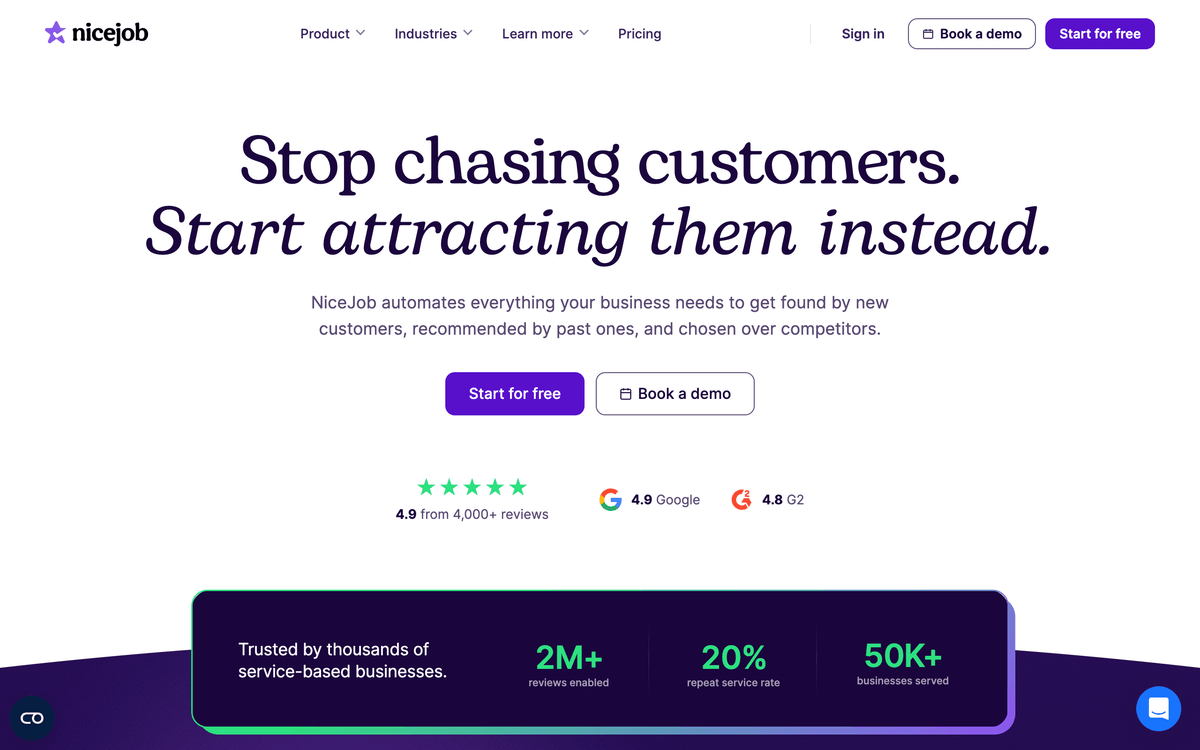
What makes it feel built for a two-person shop is the absence of a learning curve. You connect your Google and Facebook profiles, pick when the request fires, and the tool handles the follow-ups. There is no sales-engineering phase.
The trade-off is reach. NiceJob is deliberately narrow, so if you need deep listings management across 50 directories or an agency dashboard, you will outgrow it. For a single location chasing a steady drip of fresh Google reviews, that focus is the point.
⚠️ Important
Avoid any tool that lets you "gate" reviews, meaning it only sends happy customers to public sites and routes unhappy ones to a private form. Google's policy prohibits review gating, and getting caught can wipe your review history. Collect from everyone.
If You Have Multiple Locations: Birdeye
Birdeye is the all-in-one for brands juggling several storefronts and dozens of listings at once. Starting at $299 per month on the Starter plan, it pulls reviews from more than 200 sites, pushes AI-written replies, and keeps your name, address, and hours consistent across search and maps from one dashboard. For a franchise or a regional chain, that single-pane view is worth the step up in price.
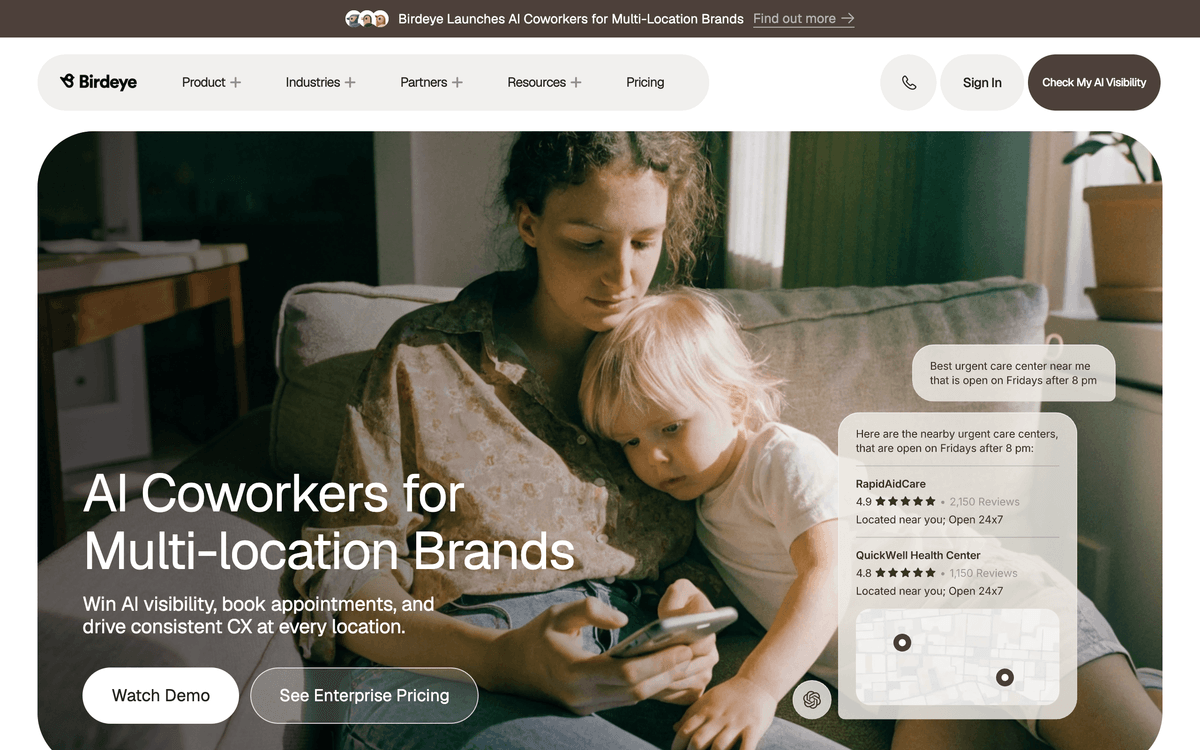
The AI reply engine is the headline feature in 2026. It drafts responses in your brand voice for every incoming review, so a manager approves instead of writing from scratch. Across ten locations, that is the difference between replying to everything and replying to nothing.
Birdeye is overkill for a single shop. The pricing and the feature surface assume you have volume to manage. If you have one location and one Google profile, you are paying for scale you will not use.
If Your Team Lives in Text Messages: Podium
Podium treats reviews as one message type inside a shared SMS inbox, which is a genuinely different model from the rest of this list. Plans start at $399 per month on Core, and the same inbox handles two-way customer texting, webchat, and payments. For a dealership, a med spa, or any business that already closes deals over text, review requests ride the channel customers actually answer.
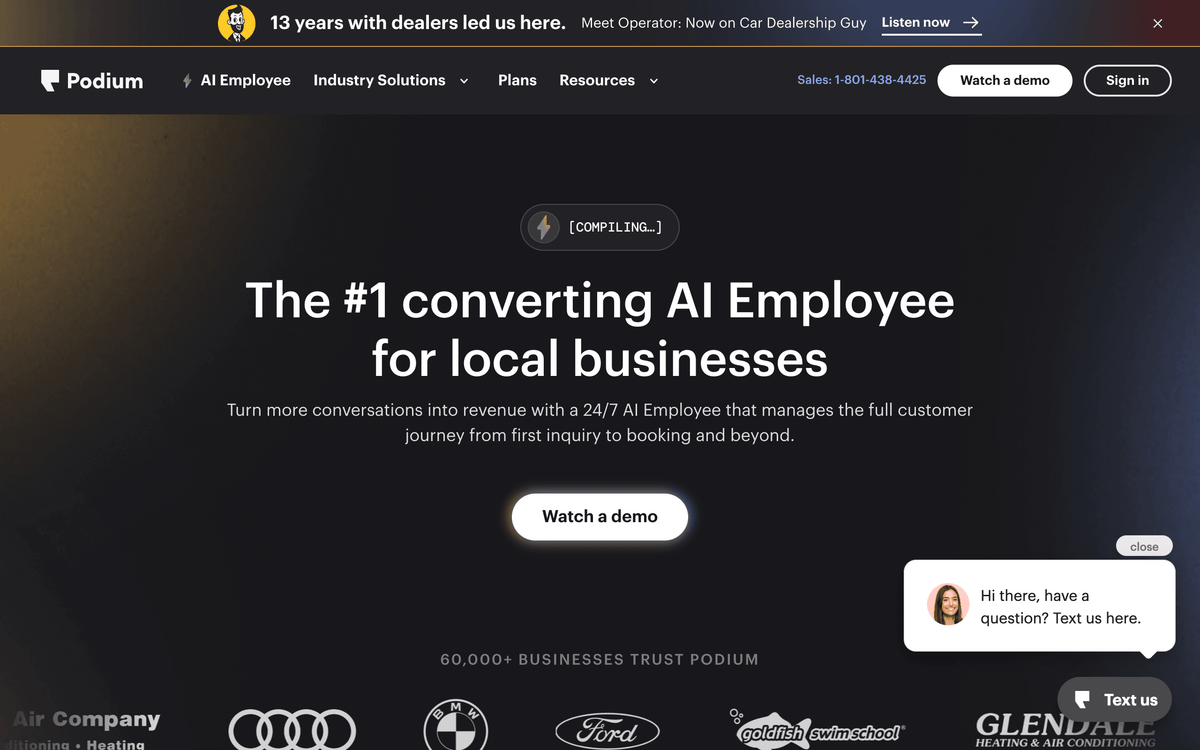
That channel bet is Podium's whole argument. SMS open rates sit far above email, so a texted review request tends to convert better than an emailed one. If your front desk is already texting customers, adding review requests is nearly invisible to your workflow.
The cost is real, and the value depends on using the messaging suite, not just the reviews. If you only want review collection and nothing else, you are paying messaging-platform prices for a feature a $75 tool also covers.
If You Sell Online: Trustpilot and Reviews.io
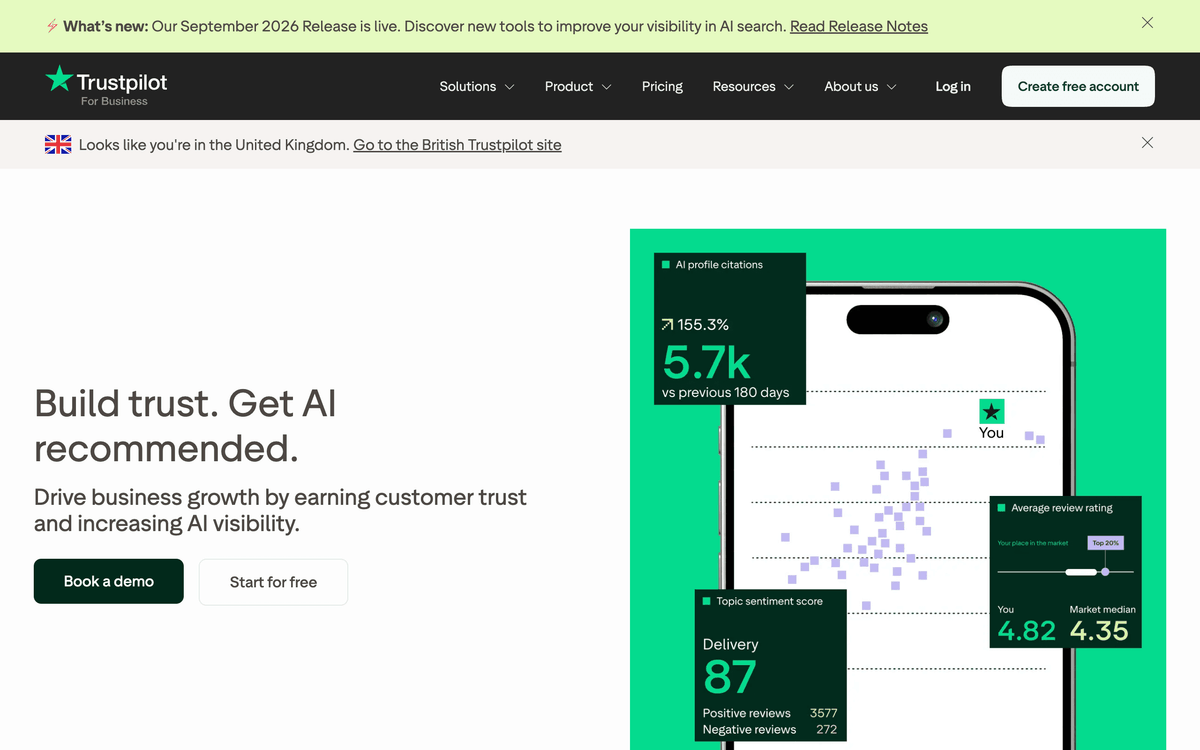
E-commerce has its own review logic, because shoppers trust an independent public profile more than testimonials on your own site. Trustpilot is the recognized name here, with a Plus plan at $259 per month per domain that collects verified buyer reviews and shows a public score that converts on your product pages and in Google Shopping.
Reviews.io is the budget-conscious alternative, starting at $29 per month for 300 review invites. It collects both company and product reviews, syndicates them to Google, and costs a fraction of Trustpilot's entry tier. For a store doing a few hundred orders a month, it delivers most of the trust signal at a tenth of the price.
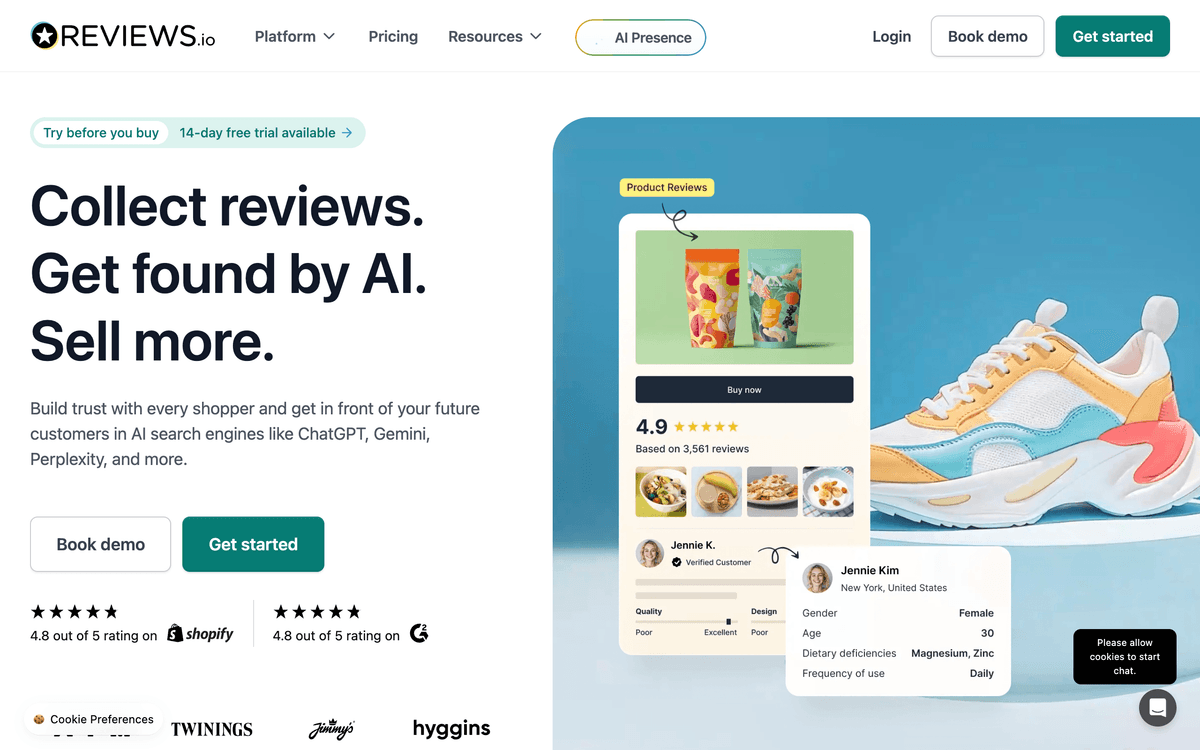
The choice between them is mostly about brand recognition versus budget. Trustpilot's name carries weight with shoppers who already know it; Reviews.io gives you the same verified-review mechanics without the premium.
📊 Stat
93% of consumers have made a purchase after reading reviews, and 27% of them spent over $1,000, per the same BrightLocal 2026 survey. For online sellers, the review widget on a product page is not decoration, it is a conversion lever.
Whichever platform you pick, the reviews pull their weight only when they sync back to your store and CRM, and you can wire that up for free.
If You Manage Reviews for Clients: Grade.us
Grade.us is built for agencies and consultants running review programs for multiple businesses under one roof. The Solo plan starts at $110 per month, and the structure scales up through Professional ($180) and Agency ($400) as you add clients and seats. White-label dashboards let you hand each client a branded view without exposing the tooling underneath.
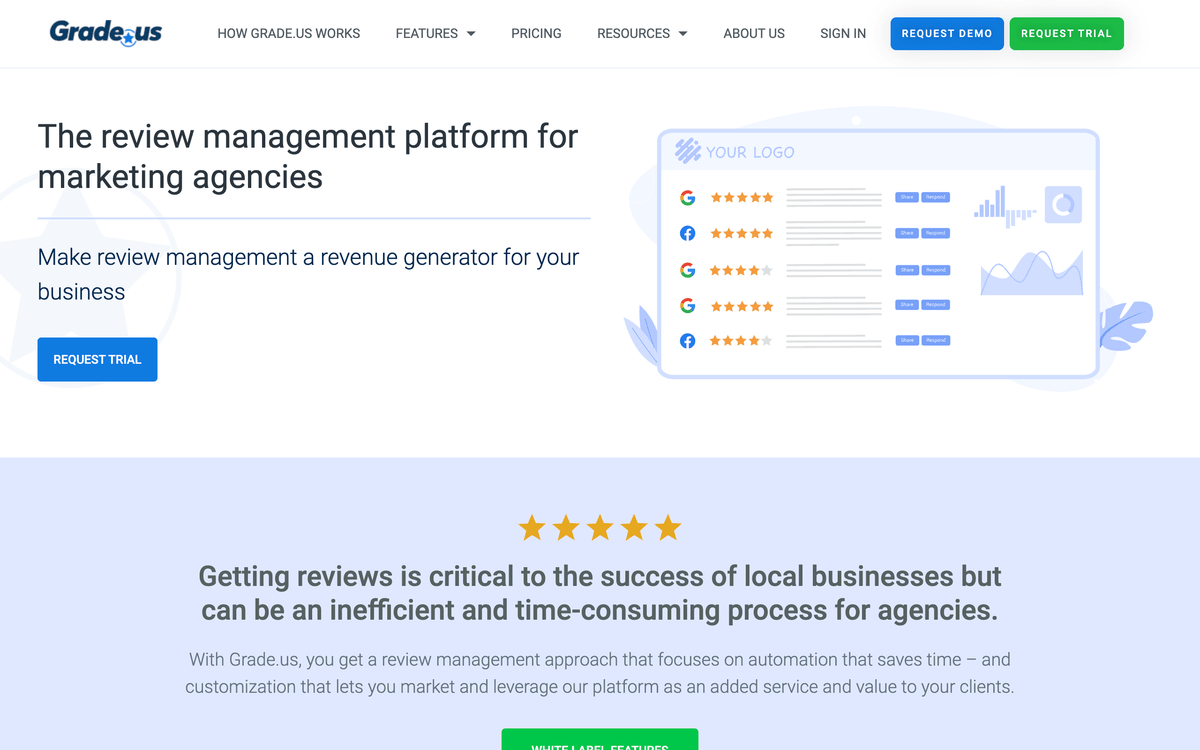
The reason agencies pick it over a single-business tool is the client-switching model. You run campaigns across every account from one login, and the reporting rolls up per client. That is awkward or impossible in tools designed for one brand.
For a single small business, Grade.us is the wrong shape. You would be paying for multi-client plumbing you never touch. It belongs on this list for the owner who is also a marketer managing a handful of accounts.
If Local Search Visibility Is the Goal: Yext
Yext comes at reviews from the listings side. Its small-business plans start at $199 per year, and the core job is keeping your business details accurate everywhere customers look: Google, Apple Maps, Bing, voice assistants, and a long tail of directories. Review monitoring rides along with that listings control.
This is the pick when your problem is being found, not just being rated. If your hours are wrong on three directories and a wrong address is costing you walk-ins, Yext's listings sync solves a problem that a pure review tool ignores.
Treat reviews as a secondary benefit here, not the headline. Yext's review features are lighter than a dedicated platform's, so pair it with Google Business Profile if reviews are your main focus and listings accuracy is the bonus.
The Free Baseline: Google Business Profile
Every local business should max out Google Business Profile before paying for anything, because it is free and it is where most local review activity happens. You can respond to reviews, post updates, answer questions, and see basic insights without spending a dollar. For a brand-new business, this is the only review tool you strictly need on day one.
The limits show up as you grow. There is no automated review-request engine, no multi-site aggregation, and no bulk reply. Everything is manual, one review at a time, inside Google's interface. That ceiling is exactly what pushes businesses toward the paid tools above.
Connect Your Review Tool to the Rest of Your Stack
A new five-star review is useful. A new review that lands in your CRM, pings your team in Slack, and updates a reporting sheet without anyone touching it is worth far more. This is the part most businesses skip, and it is where Albato fits: it connects the apps around your review workflow so each new review triggers the follow-up it should.
Albato runs on triggers and actions. A trigger is an event in one app (a new review, a low rating, a new customer), and an action is what another app does in response. With 1,000+ connectors, you can wire the apps you already use without code. Three patterns small businesses set up most:
- A new review comes in, and the customer's record updates in your CRM so sales and support see the latest sentiment.
- A review below three stars fires an instant alert to a Slack or WhatsApp channel, so someone replies before it festers.
- Every new review appends to a Google Sheet, giving you a running log for monthly reporting without manual copy-paste.
Most review platforms expose reviews through a webhook or API, and Google Business Profile connects directly for the Q&A and listings side. Where a tool sends a webhook on each new review, Albato catches it and routes the data onward.
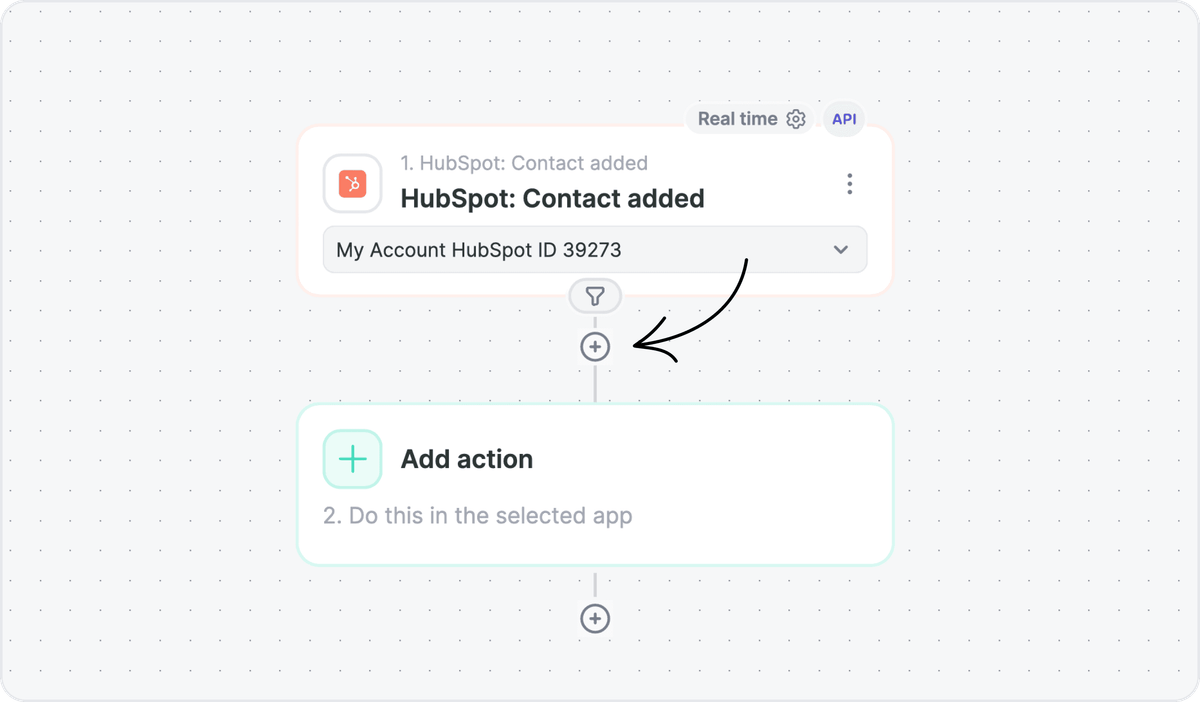
You pick the trigger app, pick the action app, and map the fields once. The free plan is enough to run your first review-to-CRM flow and see if it sticks.
Setting this up does not mean dropping the review tool you already like. Albato sits beside it and moves the data, which is the distinction worth keeping straight.
🔧 How it works
You do not replace your review tool with Albato. You keep NiceJob or Birdeye for collecting reviews, and Albato moves each review into your CRM, chat, and sheets so the signal actually reaches the people who act on it.
How to Choose the Right Review Tool
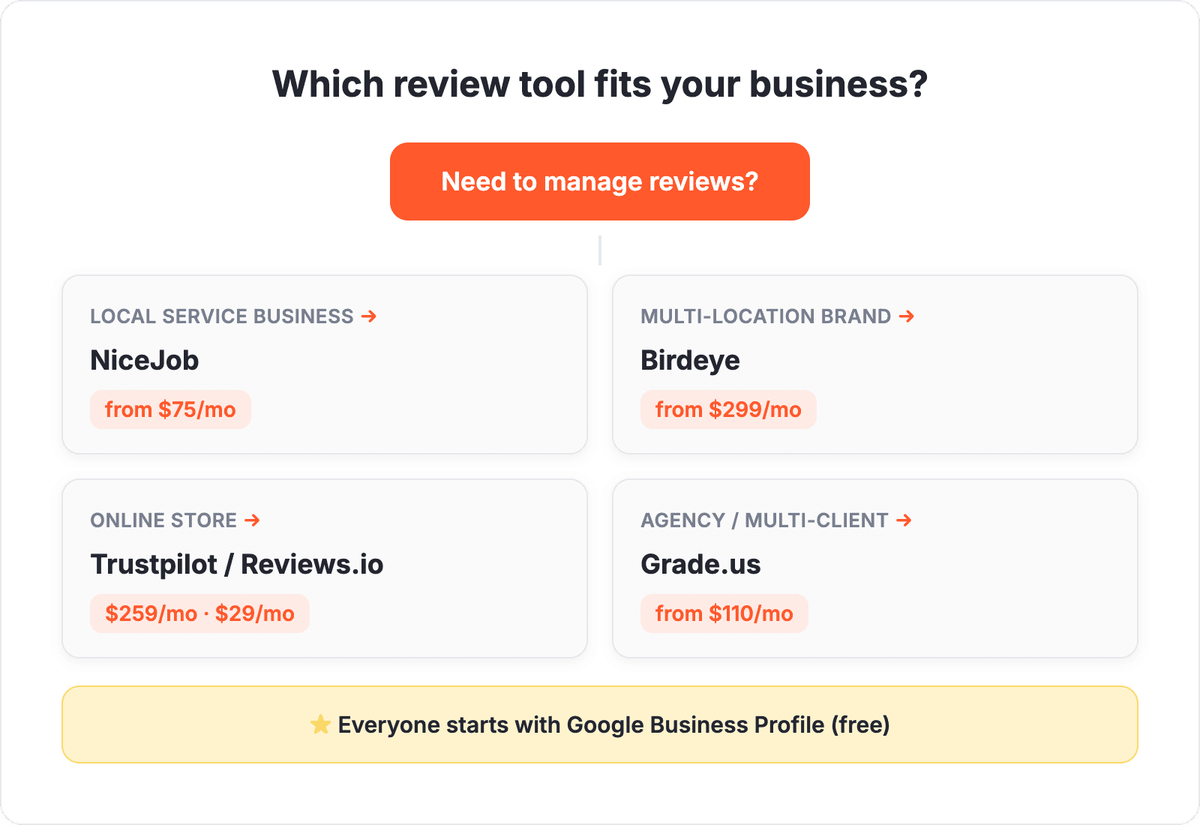
Start with the two review sites your customers actually use, then match the tool to your business shape. A local service business wants automated requests and a flat price, which points to NiceJob. A multi-location brand wants aggregation and AI replies, which points to Birdeye. An online store wants a trusted public profile, which points to Trustpilot or Reviews.io depending on budget.
Then check one thing most comparison posts ignore: can the tool hand a new review to the rest of your stack? Recency is what consumers reward, and 74% trust only reviews from the last three months. A tool that collects reviews but strands them in its own dashboard leaves the real value, routing that signal into action, on the table.
If you are weighing broader customer tooling alongside reviews, our guides to the best customer feedback tools and the best customer success software cover the adjacent stack, and the customer lifecycle stack shows how these pieces connect end to end.
Once you have matched a tool to your business, the last step is making sure its reviews reach the rest of your tools automatically.
FAQ
These are the questions small businesses ask most when choosing review management software.
What is review management software?
Review management software collects, monitors, and responds to customer reviews across sites like Google, Facebook, and Trustpilot from one place. Most tools also send automated review requests by SMS and email to generate fresh reviews, and track your average rating over time.
What is the best review management software for a small business?
For most small service businesses, NiceJob is the best starting point at a flat $75 per month because it automates review requests without a complex setup. Multi-location brands tend to prefer Birdeye, and online stores usually choose Trustpilot or the cheaper Reviews.io.
How much does review management software cost?
Entry pricing ranges widely in 2026. Reviews.io starts at $29 per month and NiceJob at $75, while all-in-one platforms like Birdeye begin around $299 and Podium at $399. Google Business Profile is free but fully manual.
Can I automate what happens after a new review comes in?
Yes. Most review platforms send a webhook or expose an API when a new review arrives, so a tool like Albato can route that review into your CRM, alert your team in Slack, or log it to a spreadsheet automatically, without any code.
Is it against the rules to filter out bad reviews?
Yes. Review gating, which sends only happy customers to public review sites, violates Google's policies and can cost you your review history. Ask every customer for a review and respond to the negative ones in public instead.
Whichever tool you shortlist, the payoff comes when its reviews flow into the systems your team already runs. Here are related guides to help you build that stack.