
In this article
Key Takeaways
- The best Google Sheets website builder for a public site is Sheet2Site (job boards, directories, menus, from $29/mo billed yearly) or SpreadSimple (catalogs and stores with Stripe and PayPal checkout, free plan, paid from $12.90/mo billed annually).
- Softr fits client portals with logins and two-way sync, Directify fits monetized directories, and Sheetany fits a sheet-based CMS with blog posts written in Google Docs.
- To show sheet data inside a site you already have, use Awesome Table or Google Sites. SpreadSimple and Softr have native Albato connectors.
A price you change in a Google Sheet does not reach every site at the same speed. Softr says every change made in a Softr app reaches the sheet instantly, while Sheetany syncs paid accounts once a day and offers a manual sync button. That gap matters when your sheet holds stock levels or open jobs.
Which Google Sheets website builder should you pick?
The right Google Sheets website builder depends on what the finished site has to do:
- You want a public listing site fast (job board, restaurant menu, events, real estate): Sheet2Site.
- You sell products or take orders from the sheet: SpreadSimple, with checkout from its Business plan.
- Visitors need to log in and see only their own records: Softr.
- You run a directory and want to charge for listings or ads: Directify.
- You publish articles and listings and want the sheet to act as a CMS: Sheetany.
- You already have a website and only need a searchable table, map or catalog inside it: Awesome Table, or Google Sites for a free internal page.
All prices are as published on each vendor's site on October 23, 2026, in US dollars, per site or app unless noted.
How do the 7 tools compare?
Sheet2Site, SpreadSimple, Softr, Directify, Sheetany, Awesome Table and Google Sites all read a Google Sheet, but they differ in what they build from it, what the entry paid plan costs and whether Albato has a native connector. Every tool here also works with Albato indirectly, because Albato can write to the Google Sheet that powers the site.
| Tool | Best for | How it uses the sheet | Pricing (as published) | Albato connector |
|---|---|---|---|---|
| Sheet2Site | Job boards, directories, menus | Google Sheets add-on, the sheet is the site's content | Basic $29/mo billed yearly ($49 monthly); Premium $49/mo billed yearly ($99 monthly) | No (via Google Sheets) |
| SpreadSimple | Catalogs, online stores, listings | Site built from a sheet, edits show on the site | Free; Starter $12.90/mo billed annually ($17.90 monthly); payments from Business $13.90/mo | Yes ("Order created" trigger) |
| Softr | Client portals and member apps | Google Sheets as a data source with two-way sync | Free; Basic $19/mo billed yearly ($25 monthly); Pro $99/mo billed yearly | Yes ("Create User", "Delete User" actions) |
| Directify | Monetized directories | Two-way Google Sheets sync, CSV import | Free (10 listings); Starter $12/mo; Pro $39/mo | No (via Google Sheets; webhooks on Growth) |
| Sheetany | Sheet-based CMS for blogs and listings | Templates mapped to sheet tabs, daily auto-sync on paid plans | Basic $9/mo billed yearly ($14 monthly) | No (via Google Sheets) |
| Awesome Table | Embedding sheet data in an existing site | Apps that display a sheet as directories, maps, catalogs | Free apps (500 total views each); Plus $31/app/mo billed yearly | No (via Google Sheets) |
| Google Sites | Free internal pages and intranets | Inserts a Sheet or chart into a page | No separate Sites price published | No (via Google Sheets) |
We kept only tools whose own pages say they build a site or a public view from Google Sheets, checked live on October 23, 2026. Sheets-as-API services that need your own front end were left out, as were builders that dropped Google Sheets as a source. Vendor claims about traffic and conversions were not used.
How does a spreadsheet become a website?
A spreadsheet becomes a website when a builder reads each row as an item and each column as a field, then renders those items as cards, detail pages, map pins or table rows. Change a cell, and the builder shows the new value the next time it reads the sheet.
The tools differ first in direction: SpreadSimple, Sheet2Site, Sheetany and Awesome Table mostly read from the sheet, while Softr and Directify also write back, so a form submission or a new listing lands in the sheet. The second difference is timing: changes made in a Softr app reach the sheet instantly, while Sheetany's automatic sync from the sheet runs once a day on paid plans. Row and record limits usually decide when you outgrow a free plan.
🔧 How it works
Most of these builders expect one header row with field names and one item per row below it. Merged cells, blank header cells and several tables on one tab are common reasons a site shows empty cards, so keep a clean data tab and do your calculations on a separate tab.
The 7 best Google Sheets website builders, reviewed
Four of the seven tools have a free plan: SpreadSimple, Softr, Directify and Awesome Table, although Awesome Table's free apps stop at 500 total pageviews. Sheet2Site and Sheetany offer trials instead, and their paid plans start at $29 and $9 a month billed yearly.
1. Sheet2Site: the quickest path from a sheet to a public site
Sheet2Site turns a Google Sheet into a website with pictures, text, filters and links, and you start it from a Google Sheets extension in the Google Workspace Marketplace. Its template set covers the classic spreadsheet sites: job board, restaurant menu, events, real estate, employee directory and voting pages.
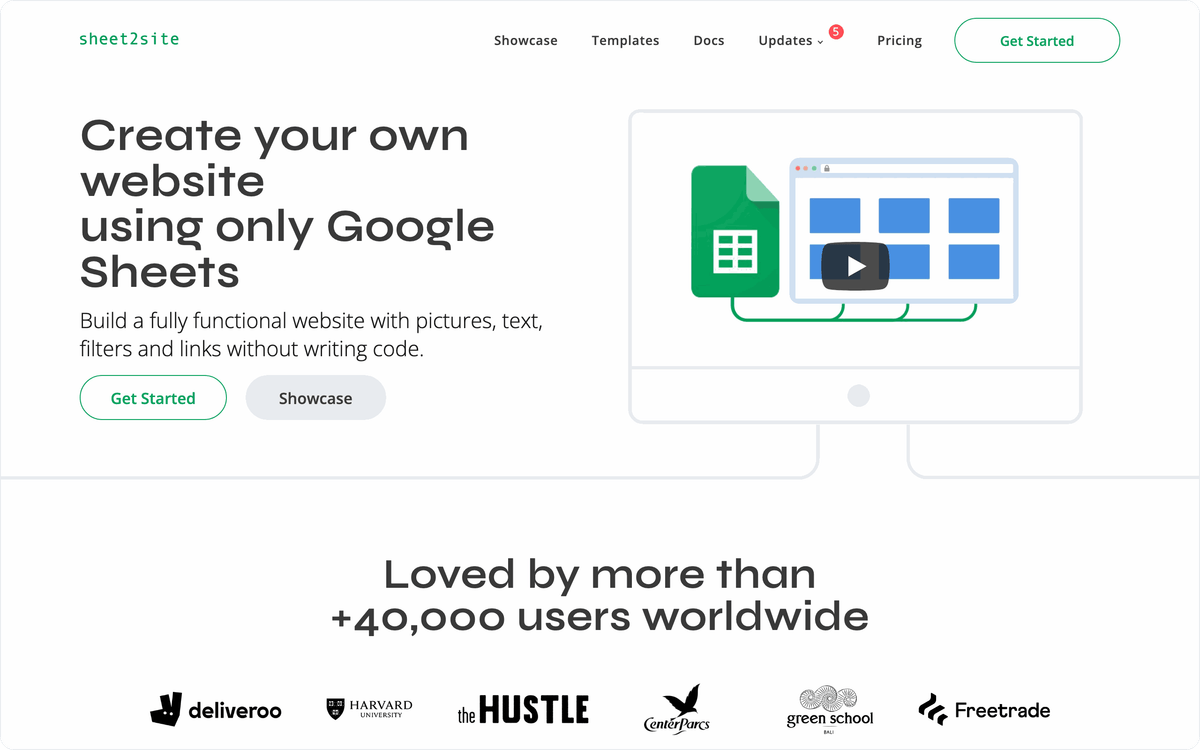
Sites get detail pages, subpages, search and filters on every plan, and you can embed a Sheet2Site page into an existing website or put it on a subdomain. Selling and lead capture sit higher up: forms, Stripe payments and Google Analytics start on Premium, and password protection on Enterprise. Sheet2Site has no free plan. The trial gives you every feature but stops at 15 records, and Sheet2Site does not provide a domain, so you buy one yourself.
Pricing: Basic $29/mo billed yearly ($348 a year) or $49 monthly, with 1 custom domain and a "Made with Sheet2Site" banner. Premium $49/mo billed yearly ($588) or $99 monthly, with 3 domains and no banner. Enterprise $349/mo. All plans carry a 30-day money-back guarantee.
Best for: job boards, menus and directories that can start from one of its ready templates.
2. SpreadSimple: catalogs and stores with checkout from a sheet
SpreadSimple builds a website from a Google Sheet without code, and content you change in the sheet shows up on the site on its own. It is built for sites where each row is something to browse or buy: e-commerce and affiliate stores, restaurant and café menus, real estate listings, directories, and MVP pages for startups.
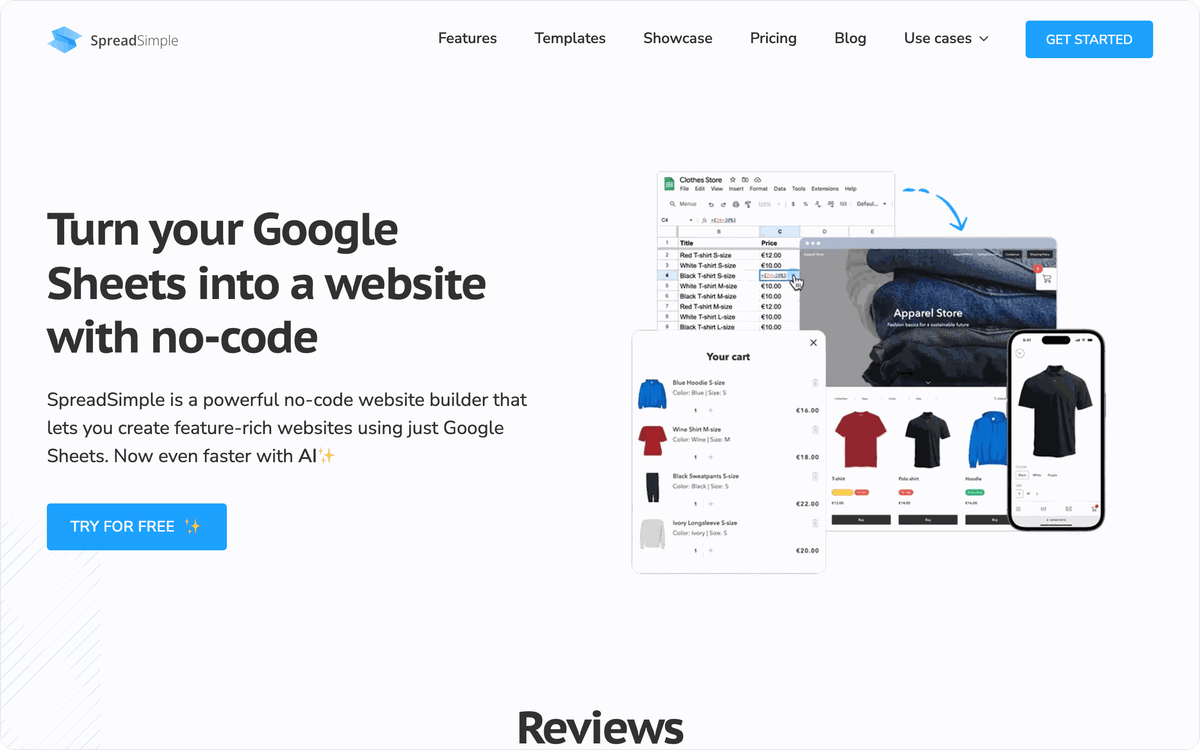
Visitors get search, filters, sorting, pagination and a details page for every item, and a map view can plot listings from a coordinates column. For selling, SpreadSimple adds an order form with custom fields and Stripe Checkout or PayPal Checkout, plus promo codes, stock limits and shipping rates. Forms also work for collecting leads. The free plan is meant for testing: it keeps SpreadSimple branding and domain, stops at 50 rows and is hidden from search engines, and payments start only on the Business plan.
SpreadSimple has a native Albato connector with the trigger "Order created". Each new order can create a HubSpot contact with "Create or update contact" or post to your team with Slack's "Send message to a public channel".
Pricing: Free plan; Starter $12.90/mo billed annually ($17.90 monthly) adds a custom domain, branding removal and SEO settings; Business $13.90/mo billed annually ($19.90 monthly) adds payments and 30+ extensions; Connect $20.90/mo billed annually ($29.90 monthly) adds customer accounts (Beta). Paid plans have a 14-day free trial.
Best for: small shops, menus and listing sites that sell or take orders straight from the sheet.
3. Softr: portals and member apps on top of Google Sheets
Softr is the pick when visitors have to sign in and see their own data. It connects to Google Sheets with two-way sync, so a profile update or form submission in the Softr app writes back to the sheet, and Softr says those changes reach the sheet instantly. Typical builds are member portals, client dashboards, members-only directories, course catalogs and internal request trackers.
Softr also connects to Airtable, HubSpot, Notion, Salesforce and SQL databases, which helps if your data later moves out of Sheets. Its pricing is built around app users and builders, and the free plan covers 5 app users and up to 3 builders. A custom domain comes with Basic, while removing Softr branding and Google Sign-in for app users need Pro.
Albato's Softr connector has two actions, "Create User" and "Delete User". A Stripe "Subscription created" trigger can run "Create User", so a new paying member gets portal access without manual invites.
Pricing: Free; Basic $19/mo billed yearly ($25 monthly); Pro $99/mo billed yearly ($119 monthly); Business $329/mo billed yearly. Every new account gets a free trial without a card.
Best for: client portals, member areas and internal tools where each user sees different rows.
⚠️ Important
Anyone with edit access to the sheet can change what the site shows, because these builders publish whatever sits in the mapped tab. Lock the data tab with Google Sheets' protected ranges before you share the file with a team, especially when prices or stock live in it.
4. Directify: directory sites built to earn money
Directify is an AI directory website builder built around monetization: paid listings, ads and submissions go straight to your own Stripe, Lemon Squeezy or Creem account with 0% platform fees. Listings arrive by CSV import, two-way Google Sheets sync, a Chrome extension or a REST API, and you can import places from Google Maps.
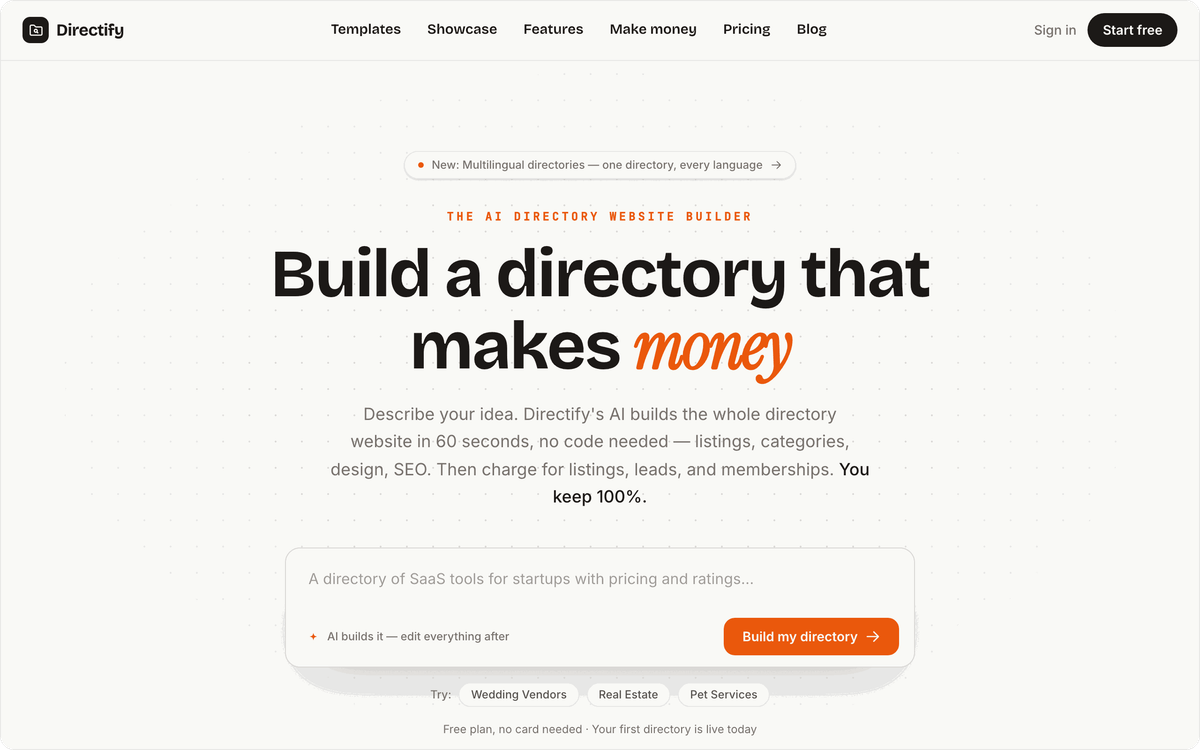
The two-way sync means you can keep curating listings in a sheet while the directory collects new submissions. Lead collection, ads and analytics come with Pro, webhooks and the API with Growth. The cheap Starter plan is tight for a real directory, because it stops at 50 listings, and the 7-day trial asks for a card up front.
Best for: niche directories (tools, local businesses, jobs) that you plan to monetize.
Pricing: Free (1 directory, 10 listings, Directify subdomain and badge); Starter $12/mo (50 listings, custom domain); Pro $39/mo (unlimited listings, payments); Growth $69/mo (3 directories, webhooks and API); Agency $149/mo. Yearly billing gives 2 months free.
5. Sheetany: a Google Sheets CMS for blogs and listings
Sheetany positions itself as a Google Sheets CMS: you pick a template, map your sheet tabs to it, choose a domain, and the site is hosted for you. Beyond directories, job boards and e-commerce templates, it supports a blog, where you manage posts in Google Sheets and write the articles in Google Docs.
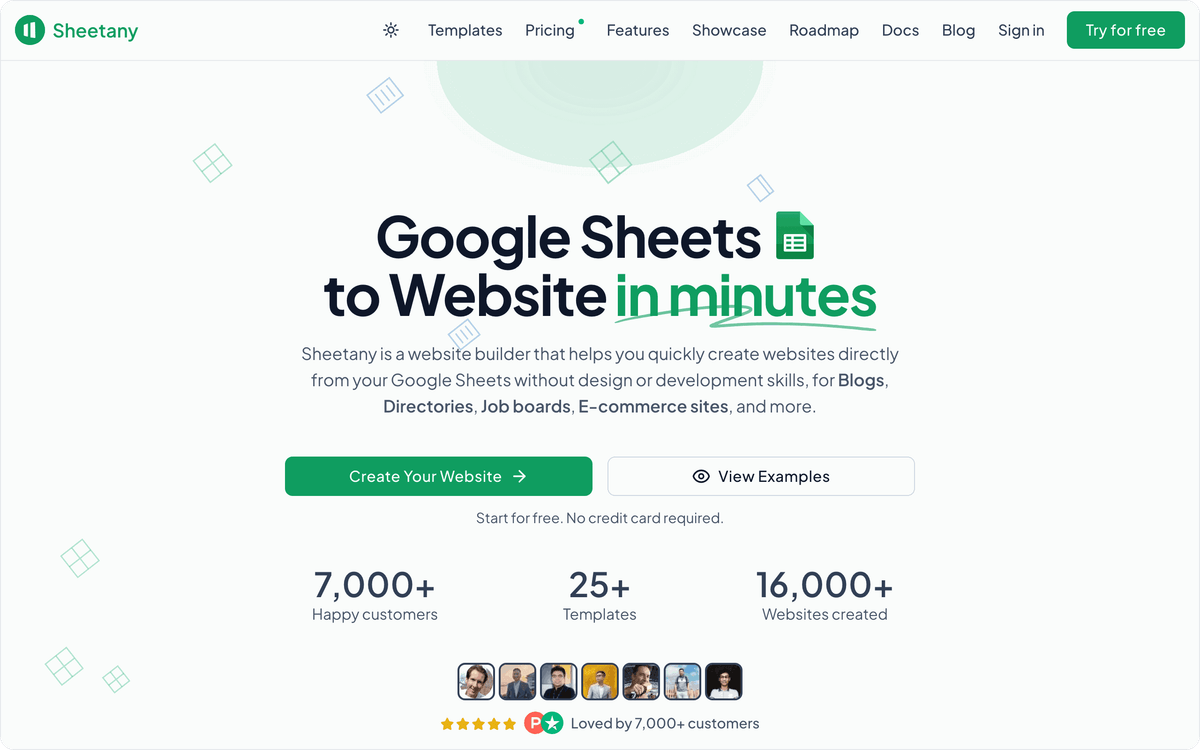
Sites get search, filters, sorting, detail pages and email collection, and the four paid plans differ mainly in custom domains: 1, 4, 10 or 100. Updates are less instant than elsewhere: automatic sync of your Google Sheets data runs daily and only on paid accounts, with a manual sync button in the dashboard. Payments are listed as "soon" on the Business plan.
Pricing: Basic $9/mo billed yearly ($14 monthly, 1 custom domain); Premium $19/mo ($29); Business $39/mo ($49); Enterprise $69/mo ($99, webhooks and API). A 14-day free trial and a 10-day money-back guarantee.
Best for: content sites and SEO directories where daily updates are enough.
6. Awesome Table: sheet data inside the website you already have
Awesome Table does not replace your website. Its Apps display spreadsheet data as interactive directories, maps, catalogs and FAQs that you embed into an existing page, with search, sorting and filtering options.
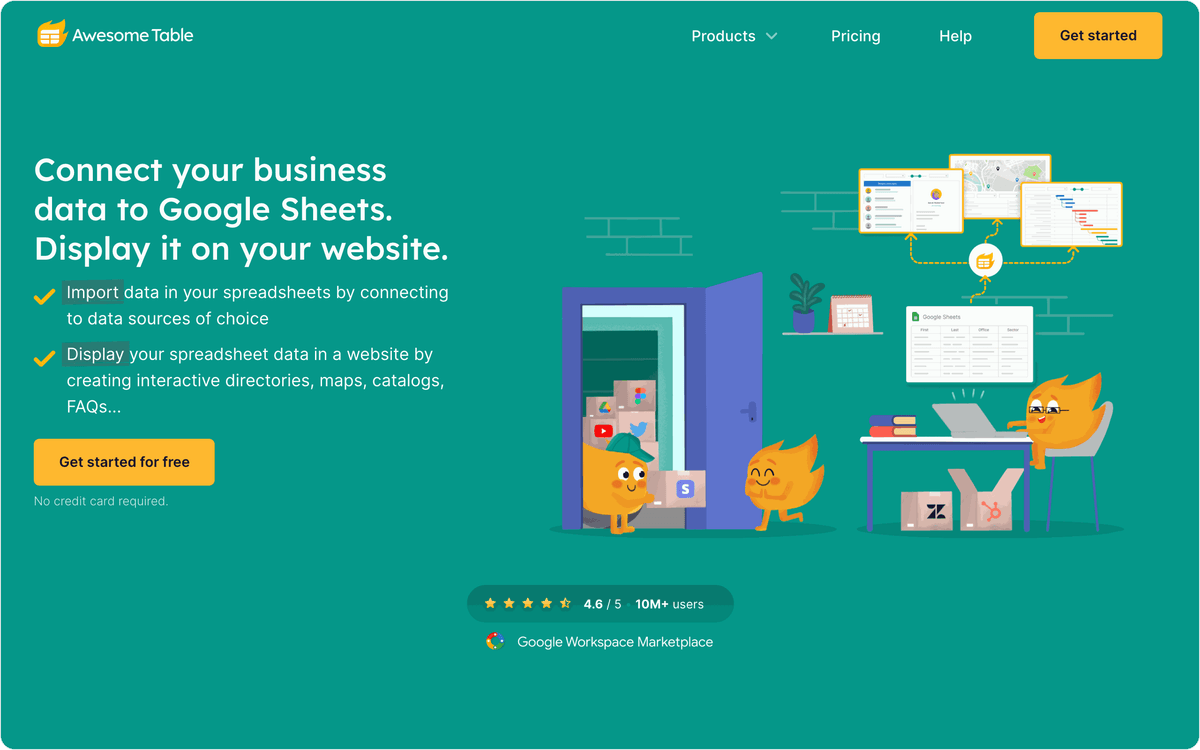
Pricing: Free apps (500 total pageviews each); Plus $31 per app per month, Pro $79 and Premium $199, all billed yearly. Apps with Google Maps have separate view limits.
Best for: teams that want a searchable directory, map or catalog inside a website or intranet they already run.
Pricing is per app, which suits one staff directory or one store locator more than a whole site. Free apps work for trials only, because each free app is limited to 500 pageviews in total, not per month. Private sheets and multiple editors start on the Pro app plan.
7. Google Sites: the free baseline inside Google Workspace
Google Sites is Google's own page builder, and it inserts a Sheet or a chart into a page from the Insert menu. If outside visitors need to see the data, Google's help center recommends publishing the sheet first and adding it through Insert, then Embed, because files on restricted sharing are visible only to people with access.
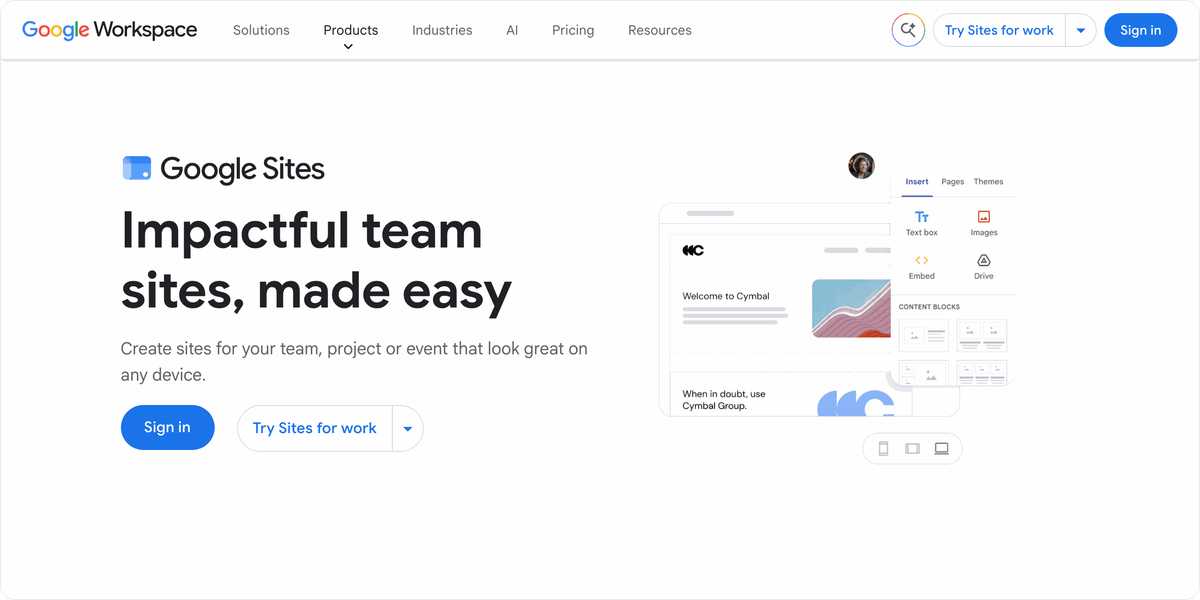
That makes Google Sites a solid choice for an intranet page, a team roster or a project tracker, and a weak one for a public catalog. An embedded sheet looks like a sheet: there are no item cards, detail pages, checkout or listing filters. Google publishes no separate price for Sites, so the cost is the Google account or Workspace plan you already have.
How do you update a website by editing a Google Sheet automatically?
You update a website by editing a Google Sheet when the sheet is the site's data source: change a row, and the builder shows the new value on its next sync. The manual part is getting fresh data into that sheet, and Albato automates it. Albato is a no-code integration platform with 1,000+ connectors, and its Google Sheets connector writes rows with "Create/update a row" or "Update a row by number" and finds them with "Find a row".
Flows that write to the sheet
Here are three flows that keep a sheet-powered site current without anyone typing:
- Stock levels from your store. A Shopify "Order created" trigger or a WooCommerce "Order created" trigger runs Google Sheets "Find a row", then "Update a row by number" to change the stock column that your SpreadSimple or Sheet2Site catalog reads.
- Listings from a form. A Jotform "Submission created" or Typeform "Lead created" trigger runs "Create/update a row", so a new directory entry appears on Directify, Sheetany or Awesome Table after the next sync. Our form builder comparison covers which form tools route submissions cleanly.
- Orders and members going the other way. SpreadSimple's "Order created" trigger can send each order to HubSpot, Gmail or Slack, and a Stripe "Payment created" or "Subscription created" trigger can run Softr's "Create User".

Flows that start from the sheet
When the change should happen inside the sheet itself, Albato's Google Sheets trigger Watch for changes in a sheet starts a flow when a row is edited, for example to alert the team in Slack when a price changes on the live site. Ad leads can fill the sheet the same way form entries do: see how to sync Facebook Ads leads with Google Sheets.
💡 Tip
Give Albato its own data tab and let the site read from it, and keep manual edits on a separate tab that you pull in with a formula. Automated writes and human edits then never touch the same cells.
Start with the update your team retypes most often, usually stock or new listings, and automate that single step on Albato's free plan.
If your site needs more than a sheet can hold, such as full page design or app logic, our overview of the best no-code platforms compares builders that use their own databases.
FAQ
What is the best Google Sheets website builder?
The best Google Sheets website builder depends on the site. Sheet2Site is the fastest way to publish job boards, menus and directories from a sheet, from $29/mo billed yearly. SpreadSimple suits catalogs and stores with Stripe or PayPal checkout, with a free plan and paid plans from $12.90/mo billed annually. Softr suits portals where users log in.
How do I update a website by editing a Google Sheet?
Build the site with a tool that uses the sheet as its data source, such as SpreadSimple, Sheet2Site, Softr or Sheetany, then edit the sheet. The site shows the change on the tool's next sync, and Sheetany's automatic sync runs once a day on paid plans, with a manual sync button for urgent edits. To fill the sheet automatically from forms, stores or payments, use Albato's Google Sheets actions.
What is the best Google Sheets CMS?
Sheetany is the closest to a Google Sheets CMS, because it runs a blog from a sheet with articles written in Google Docs, from $9/mo billed yearly. SpreadSimple and Sheet2Site work as a CMS for catalogs and listings, where every row is an item page with filters and search.
What is a good Sheet2Site alternative?
SpreadSimple is the closest Sheet2Site alternative for online stores and catalogs, with a free plan and checkout from its Business plan at $13.90/mo billed annually. Directify is an alternative for directories you plan to monetize, and Sheetany has the lowest paid entry plan in this list, $9/mo billed yearly.
Is there a Softr alternative for Google Sheets websites?
Yes. If you need a public website without logins, SpreadSimple, Sheet2Site and Sheetany build sites straight from a Google Sheet for less than Softr's Pro plan ($99/mo billed yearly), which is where Softr branding comes off. For directory sites, Directify syncs with Google Sheets in both directions, like Softr.
What is the best tool to display Google Sheets data on a website?
Awesome Table is built for embedding Google Sheets data into an existing website as directories, maps and catalogs, from $31 per app per month billed yearly, with free apps limited to 500 total views. Google Sites inserts a Sheet into a page at no separate cost, and Sheet2Site can embed its pages into an existing site.
Free plans stop at very different sizes: SpreadSimple at 50 rows, Directify at 10 listings, Awesome Table at 500 total pageviews per app, and the Sheet2Site trial at 15 records. Count the rows in your sheet before you choose which free plan to test.
Albato's free plan also covers the return direction, such as sending every new SpreadSimple order to HubSpot as a contact.