In this article
Key Takeaways
- DocuSign holds roughly 57% of the e-signature market (6sense, 2026) and is the default choice for enterprise compliance workflows.
- PandaDoc is the strongest pick for sales teams: proposal, contract, and payment collection happen inside a single document.
- Dropbox Sign gives small teams unlimited signatures from $15/month, with a solid API for embedding signing into your own product.
- Signaturely is the leanest option for freelancers and small agencies: clean interface, no feature bloat, affordable Business plan at $40/user/month (annual).
- Albato connects DocuSign, PandaDoc, Dropbox Sign, and Signaturely to 1,000+ apps, so a signed contract can automatically update a CRM deal, create an invoice, or kick off an onboarding task.
Contracts still sit in inboxes for days at many companies. The tools below change that by putting signatures, reminders, and audit trails on autopilot, then routing signed-document events into the rest of your stack.
E-Signature Software at a Glance
| Tool | Best For | Key Feature | Albato Integration | Free Plan |
|---|---|---|---|---|
| DocuSign | Enterprise compliance | 57% market share, regulated-industry templates | Yes (triggers + 11 actions) | 3 sends free |
| PandaDoc | Sales teams | Proposals + e-sign + payment in one doc | Yes (6 triggers + 7 actions) | Yes (unlimited, limited) |
| Dropbox Sign | SMB / API users | Unlimited sends from $15/mo, embedded signing API | Yes (native page) | 3 sends/month |
| Adobe Acrobat Sign | PDF-heavy workflows | Bundled with Acrobat PDF suite | No direct connector | No |
| Signaturely | Freelancers / agencies | Cleanest UX at lowest price | Yes (2 triggers + 2 actions) | 1 send/month |
| Zoho Sign | Zoho ecosystem users | Deepest Zoho CRM integration | No direct connector | 5 envelopes/month |
| airSlate SignNow | Budget-conscious teams | $8/user/month annual, solid API | No direct connector | 7-day trial |
| Jotform Sign | Form-to-signature workflows | Signing built into form builder | Yes (via Jotform) | Yes (5 forms) |
| ZapSign | Brazilian/LATAM businesses | Local compliance (ICP-Brasil), affordable | Yes (1 trigger + 2 actions) | Limited |
DocuSign: Enterprise E-Signature Standard
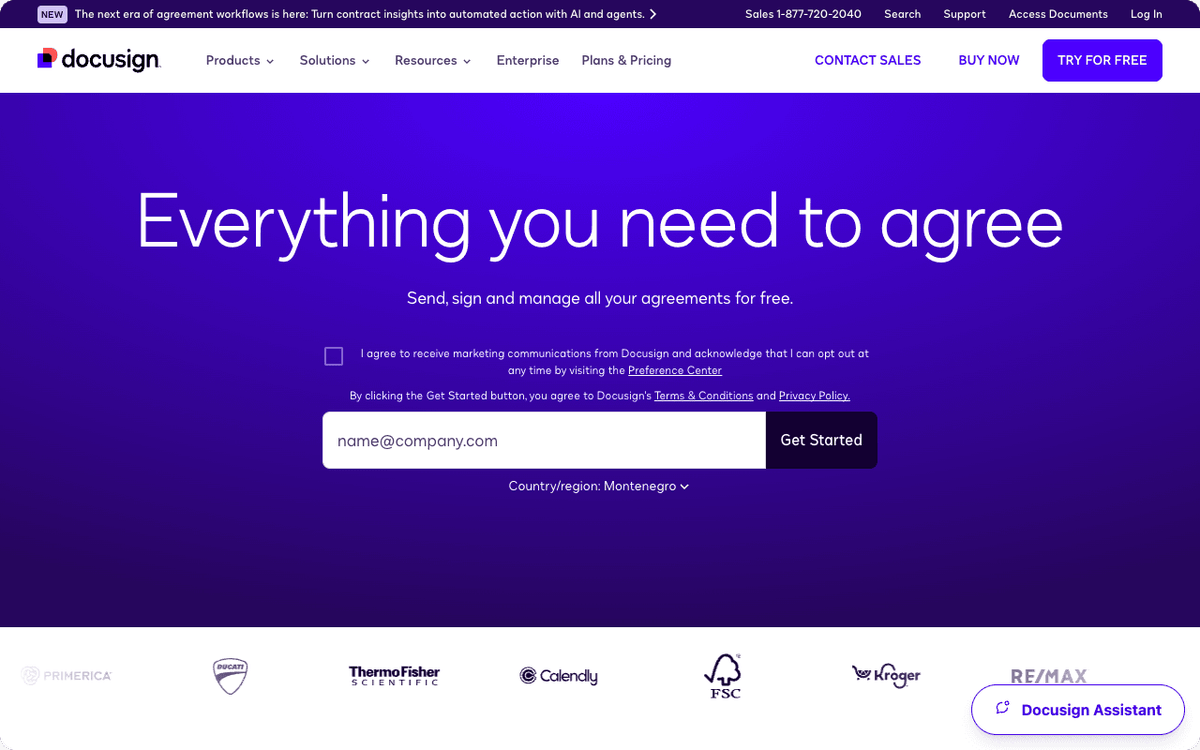
DocuSign invented the category and still dominates it. With a 57% share of the digital-signature market (6sense, 2026), it is the platform most regulated industries default to when procurement or legal needs to tick a compliance box.
Its strength is breadth. The template library covers NDAs, SOW agreements, employee offer letters, real estate disclosures, and healthcare consent forms. Regulated-industry packs (HIPAA, 21 CFR Part 11, FedRAMP) are available on enterprise tiers. Bulk send lets you push hundreds of documents in a single operation.
The Intelligent Agreement Management (IAM) layer, launched in 2025, adds AI-powered agreement analysis, a no-code workflow tool called Maestro, and a document repository called Navigator. It is worth evaluating if your legal team wants to query contract data without exporting CSVs.
Albato integration: DocuSign connects to Albato with four triggers (envelope status updated, envelope completed, envelope sent, recipient completed) and eleven actions including creating signature requests, sending via template, and downloading signed documents. A typical automation: when an envelope is completed in DocuSign, Albato creates a deal in HubSpot, generates an invoice in QuickBooks, and posts a Slack notification.
Pricing: Personal $10/month (annual), Standard $25/user/month (annual), Business Pro $40/user/month (annual). IAM plans start at $40/user/month (annual) on the Starter tier.
📊 Stat. DocuSign holds 57.48% of the digital-signature market as of 2026, making it the most widely adopted e-signature platform globally. (Source: 6sense Digital Signatures market share data, 2026)
That market share reflects DocuSign's head start in regulated industries, where switching costs are high and the compliance certification library matters as much as the product itself.
PandaDoc: Best for Sales Teams
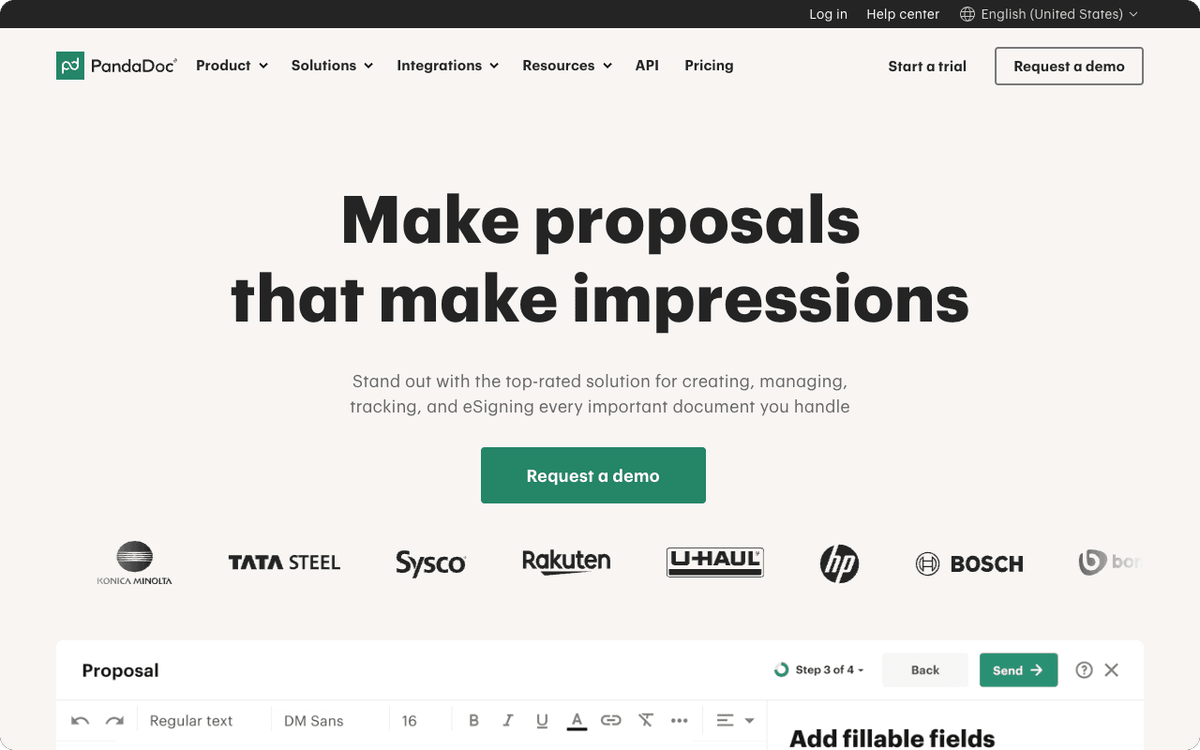
PandaDoc bundles proposals, contracts, e-signatures, and payment collection into a single document flow. A sales rep can send a proposal, watch per-page engagement data update in real time, collect a signature, and receive a credit card payment, all without leaving PandaDoc or jumping between tools.
The CRM integrations are unusually deep. Deal status, revenue amounts, and engagement analytics push directly into HubSpot, Salesforce, and Pipedrive records. When a contract is signed, the CRM deal closes automatically. That removes the manual step that most sales teams hate most.
PandaDoc also serves as a document library. Templates for proposals, quotes, and service agreements can be customized by team, with approval workflows to keep legal satisfied before anything goes out.
Albato integration: PandaDoc triggers in Albato include document paid, document state changed, recipient completed, document updated, document deleted, and document sent. Actions cover creating documents, updating contacts, uploading files, and listing attachments. A useful flow: when a document is paid in PandaDoc, Albato creates a project in Asana, updates a row in Google Sheets, and sends a welcome email via Mailchimp.
Pricing: Free plan (unlimited documents with basic signing), Starter $19/user/month (annual), Business $49/user/month (annual), Enterprise custom.
💡 Tip. If you are already using HubSpot or Salesforce, check whether PandaDoc's native CRM sync covers your deal stages before evaluating alternatives. Many teams find they can retire a separate contract tool.
Dropbox Sign: Unlimited Signatures at the Lowest Per-User Cost
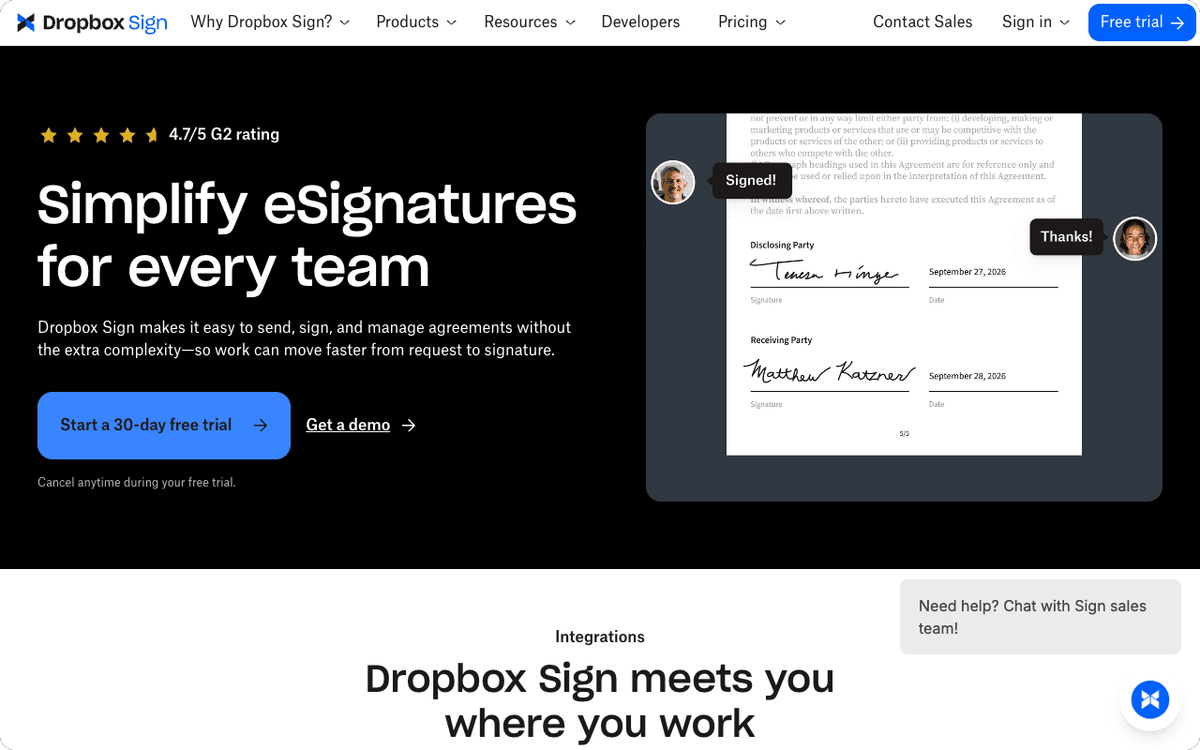
Formerly HelloSign, Dropbox Sign is built for teams that need straightforward e-signatures without per-envelope caps. The Essentials plan at $15/month gives one user unlimited signature requests. The Standard plan at $25/user/month works for small teams.
The embedded signing API is a standout for SaaS products and agencies building signing into their own interfaces. You can white-label the experience and host the signing flow on your own domain. Template management, audit trails, and webhook notifications cover the basics well.
One limitation: Dropbox Sign is less feature-rich than DocuSign or PandaDoc on the workflow side. There are no built-in proposal tools, payment collection, or AI-layer features. It is a focused e-signature tool, not a full document lifecycle platform, which is fine for most teams that just need reliable signing.
Albato integration: Dropbox Sign has a native page in Albato's app directory, enabling workflows with 1,000+ connected tools. You can trigger automations when documents are signed and update your CRM, project management tool, or billing system automatically.
Pricing: Free (3 sends/month, unlimited self-signing), Essentials $15/month (1 user, unlimited), Standard $25/user/month (team, unlimited), Premium custom.
Adobe Acrobat Sign: For PDF-Heavy Teams Already in the Adobe Ecosystem
Adobe Acrobat Sign makes sense for organizations already paying for Acrobat or the Creative Cloud suite. The signing experience integrates directly into the PDF editor, so teams that live in PDF documents do not need to switch tools to collect signatures.
The transaction cap is worth noting: Acrobat Standard for Teams (at $16.99/month) and Acrobat Pro for Teams (at $23.99/month) limit you to 150 signature transactions per user per year. That limit will not matter for occasional contracts, but it will pinch teams with high document volumes.
For heavy e-signature usage, Adobe Acrobat Sign Solutions (enterprise tier) removes the cap and adds compliance controls, bulk send, and custom branding. Pricing is custom through Adobe sales.
Albato integration: Adobe Acrobat Sign does not currently have a direct connector in Albato's catalog. Teams that need Adobe Sign events to trigger automations in their CRM or billing tools can use webhook-based custom API requests as a workaround.
Pricing: Acrobat Standard for individuals $12.99/month, Acrobat Pro $19.99/month. Team plans: Standard $16.99/month, Pro $23.99/month, Studio $29.99/month. Enterprise: custom.
⚠️ Important. The 150-transaction-per-user annual cap on Acrobat Standard and Pro team plans resets annually. Calculate your expected document volume before committing to a team plan.
Signaturely: The Cleanest Interface for Freelancers and Small Agencies
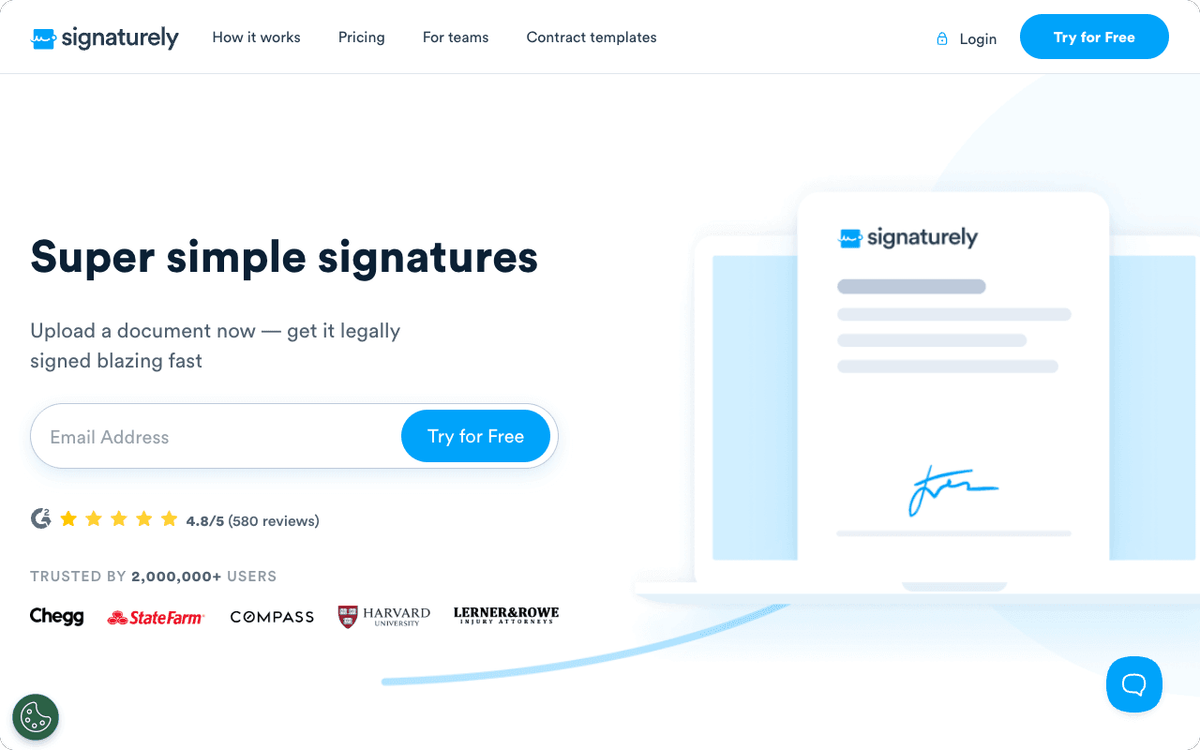
Signaturely strips e-signatures down to the essentials: request, sign, download, done. The interface is the simplest in this list. No proposal builder, no payment processing, no AI layer. If those features are not on your requirements list, Signaturely charges less and delivers a better daily-use experience than tools with more complexity.
The Business plan at $40/user/month (annual) includes unlimited signature requests and unlimited templates. The Personal plan at $20/month (annual) caps you at 5 documents per month, which works for solo professionals with occasional signing needs.
Audit trails, email notifications, and cloud storage integrations (Google Drive, Dropbox, OneDrive, Box) cover the practical bases. The lack of a native CRM integration is the main gap, which Albato fills.
Albato integration: Signaturely connects to Albato with two triggers (document completed, document sent) and two actions (create signing request, custom API request). A practical flow: when a document is completed in Signaturely, Albato creates a contact in your CRM, sends a confirmation email, and logs the event in a Google Sheet.
Pricing: Free (1 send/month), Personal $20/month or $240/year (5 sends/month), Business $40/user/month or $480/user/year (unlimited).
For more ways to automate your client workflow with document signing, see how the best proposal software tools integrate with CRM systems.
Zoho Sign: Best for Teams in the Zoho Ecosystem
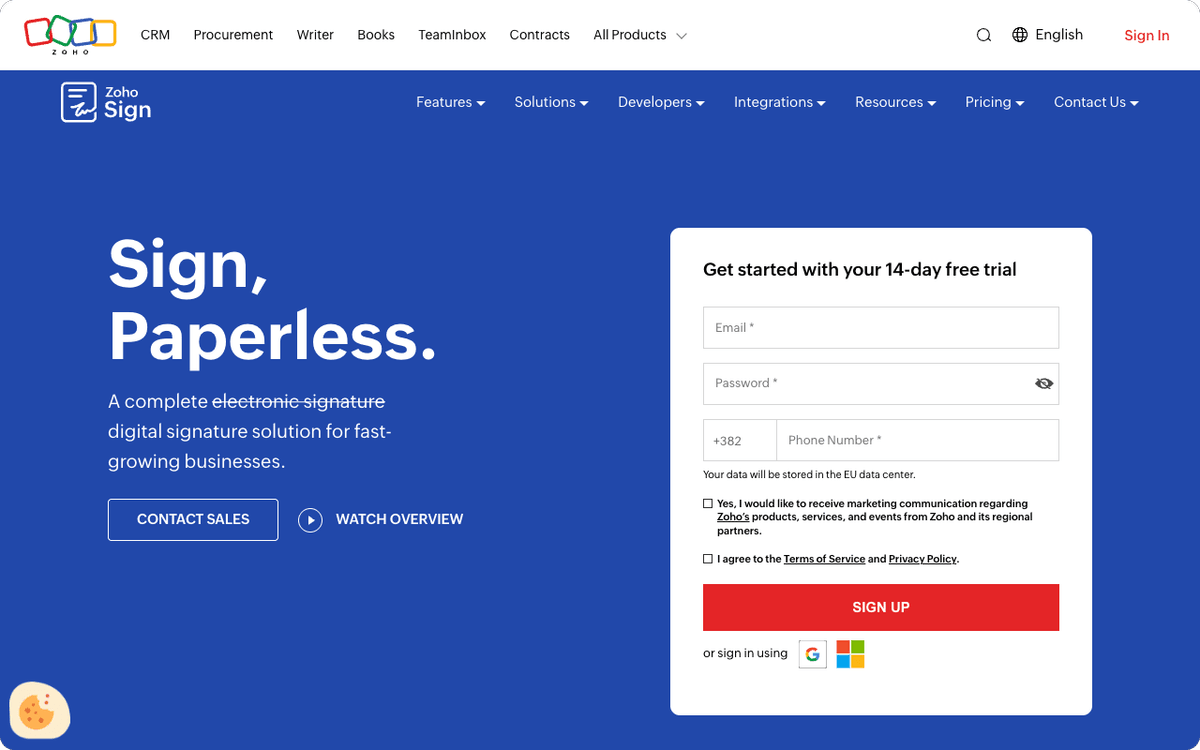
Zoho Sign is the right call if your business runs on Zoho CRM, Zoho Books, or other Zoho applications. The native integration depth is unmatched within that ecosystem: sign a document, and the associated CRM record, invoice, and project task update automatically.
The Professional plan ($16/user/month annual) offers unlimited envelopes, branding customization, multi-language support, and analytics. The Enterprise plan ($22/user/month annual) adds bulk send, in-person signing, payment collection, and regulatory controls for industries that need them (21 CFR Part 11).
Outside the Zoho stack, Zoho Sign has fewer native integrations than DocuSign or PandaDoc. Teams not using Zoho products should weigh whether the price advantage justifies a more manual integration setup.
Albato integration: Zoho Sign does not currently have a direct connector in Albato's catalog. Zoho CRM, Zoho Books, and other Zoho apps do connect to Albato, enabling partial automation for teams using the broader Zoho suite.
Pricing: Free (5 envelopes/month, 1 user), Standard $10/user/month (annual), Professional $16/user/month (annual), Enterprise $22/user/month (annual).
airSlate SignNow: Solid Value for Budget-Conscious Teams
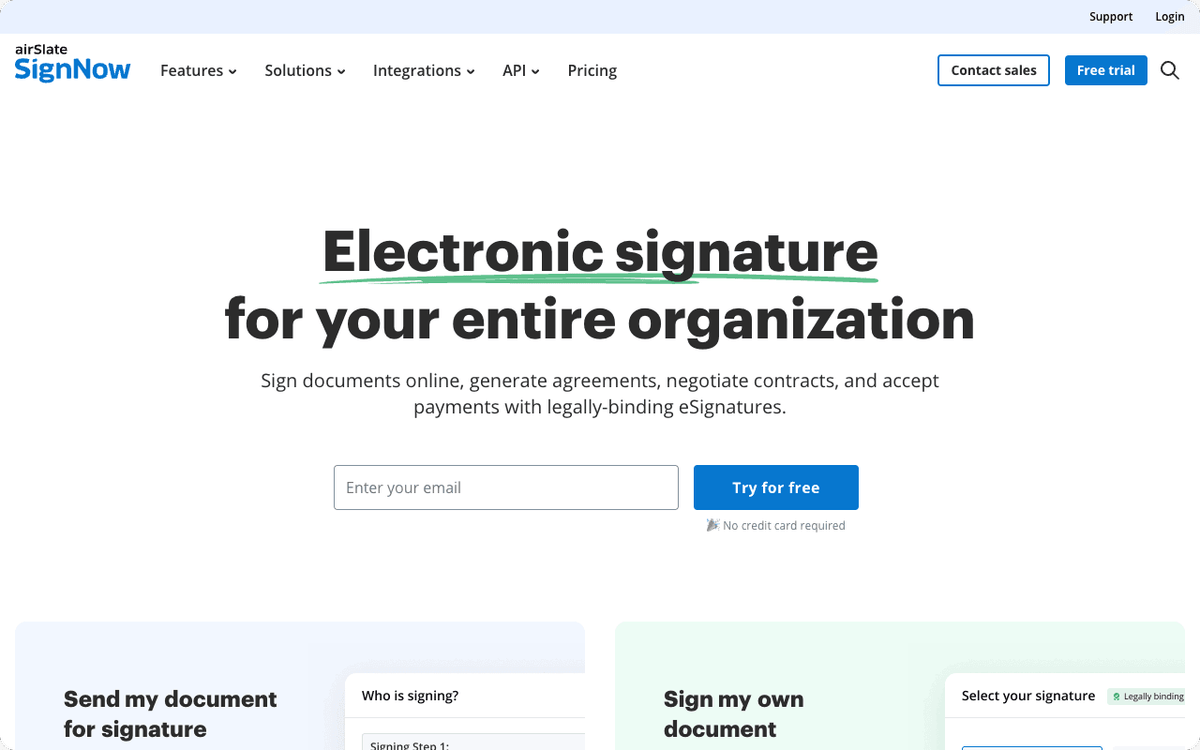
airSlate SignNow targets teams that need reliable e-signatures and do not want to pay DocuSign prices. The Business plan at $8/user/month (annual, billed as $20/month on monthly billing) covers the core use cases: unlimited signature requests, templates, and basic document routing.
The API is well-documented, which makes it a reasonable option for developers embedding signing into other applications. The Business Premium plan at $15/user/month (annual) adds conditional logic, bulk invites, and advanced fields.
SignNow does not match DocuSign on compliance certifications or PandaDoc on sales workflow features, but for teams with straightforward signing needs and tight budgets, it delivers solid functionality at the lowest per-user price in this list.
Albato integration: airSlate SignNow does not currently have a direct connector in Albato's catalog. Webhook-based automation is available for teams that need to connect signing events to their existing stack.
Pricing: Business $8/user/month or $20/month (monthly), Business Premium $15/user/month or $30/month (monthly), Enterprise $50/month (monthly), Site License $1.50/signature invite.
For teams managing contracts alongside invoicing, the best accounting software options all integrate with Albato to automate billing after contracts close.
Jotform Sign: For Form-to-Signature Workflows
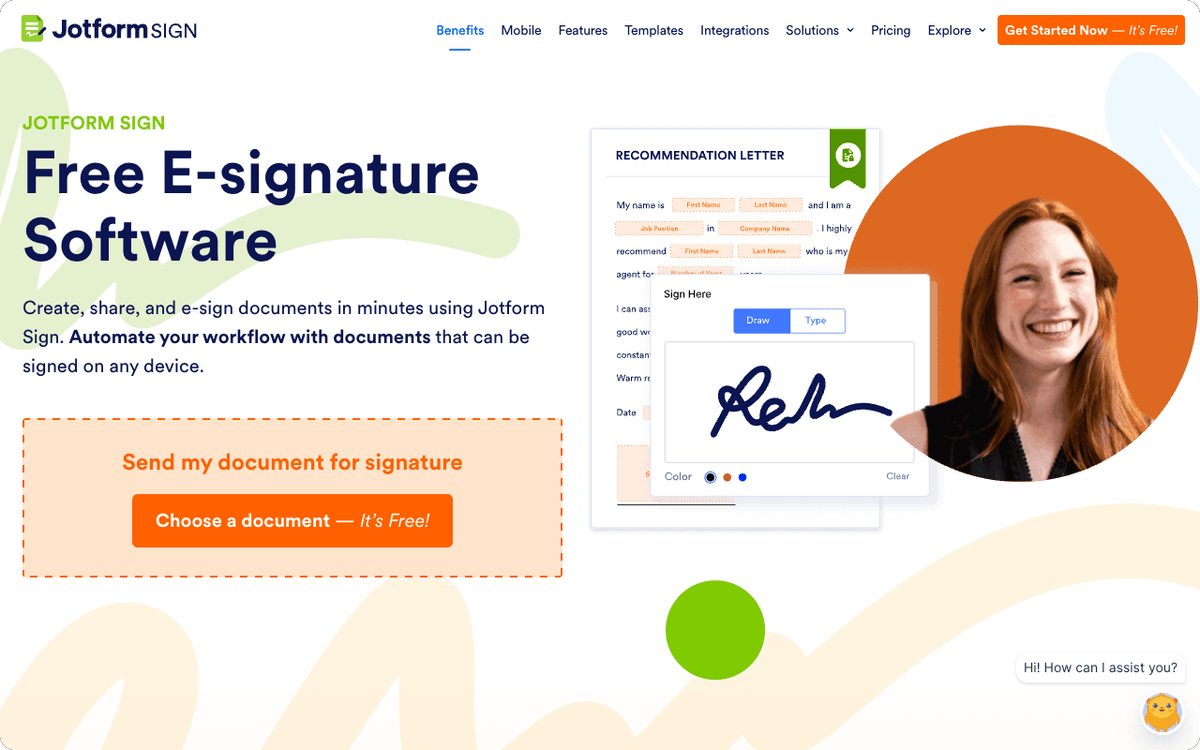
Jotform Sign is a feature inside the Jotform platform, not a standalone product. If your signing workflow starts with a form (an intake form, an order form, a membership application), Jotform Sign is the most natural way to add an e-signature step without a separate tool.
The Bronze plan at $34/month (annual) supports up to 1,000 submissions per month. The Gold plan at $99/month (annual) adds HIPAA compliance and up to 10,000 submissions per month. Enterprise pricing is custom.
The limitation is that Jotform Sign requires a full Jotform subscription. Teams that only need document signing without the form-builder functionality are paying for features they will not use. For those teams, Signaturely or Dropbox Sign is a better value.
Albato integration: Jotform connects to Albato with three triggers (submission created, form submission created, form submission teams created) and two actions (add submission to form, add submission to form teams). When a form with a signature is submitted, Albato can route the data to a CRM, trigger a payment, or notify a team channel.
Pricing: Free (5 forms, 100 submissions/month), Bronze $34/month (annual), Silver $39/month (annual), Gold $99/month (annual), Enterprise custom.
ZapSign: E-Signatures for Brazilian and LATAM Markets
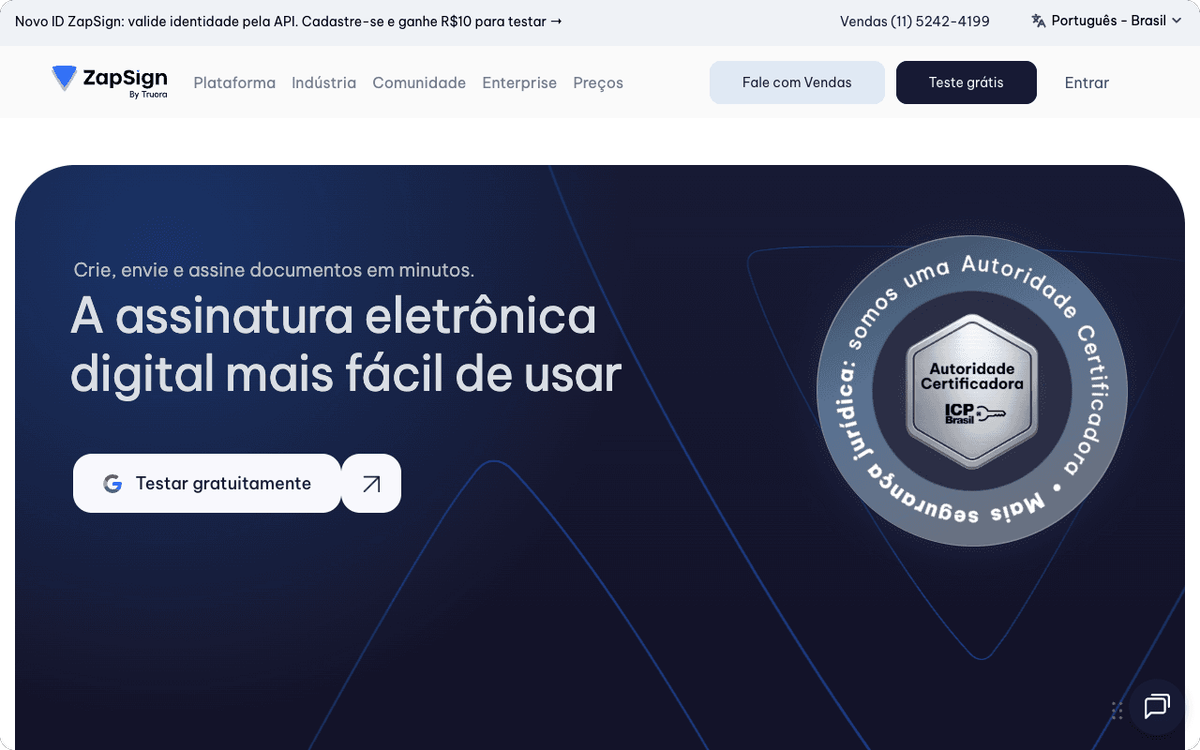
ZapSign is built for Latin American businesses, particularly Brazilian companies that need compliance with ICP-Brasil standards and local legal frameworks. It is more affordable than DocuSign or PandaDoc for teams operating in Brazil and neighboring markets.
The platform handles the basics well: document upload, signer notification, signature collection, and audit trail. Advanced features like in-person signing and biometric authentication are available on higher tiers. Local support in Portuguese is a practical advantage for teams without English-speaking procurement or legal staff.
Albato integration: ZapSign connects to Albato with one trigger (signed document) and two actions (create document via template, custom API request). When a document is signed in ZapSign, Albato can update a CRM record, send a notification, or add a row to Google Sheets.
Pricing: ZapSign offers tiered plans starting at accessible price points for Brazilian market teams. Check the official ZapSign site for current pricing in BRL.
How to Connect Your E-Signature Tool to Your CRM and Billing Stack
E-signature tools capture the moment a deal closes, but the real value comes from what happens next: the CRM deal should update, an invoice should generate, a welcome email should send, and an onboarding task should open. Without automation, that sequence requires someone to manually move data between four different systems.
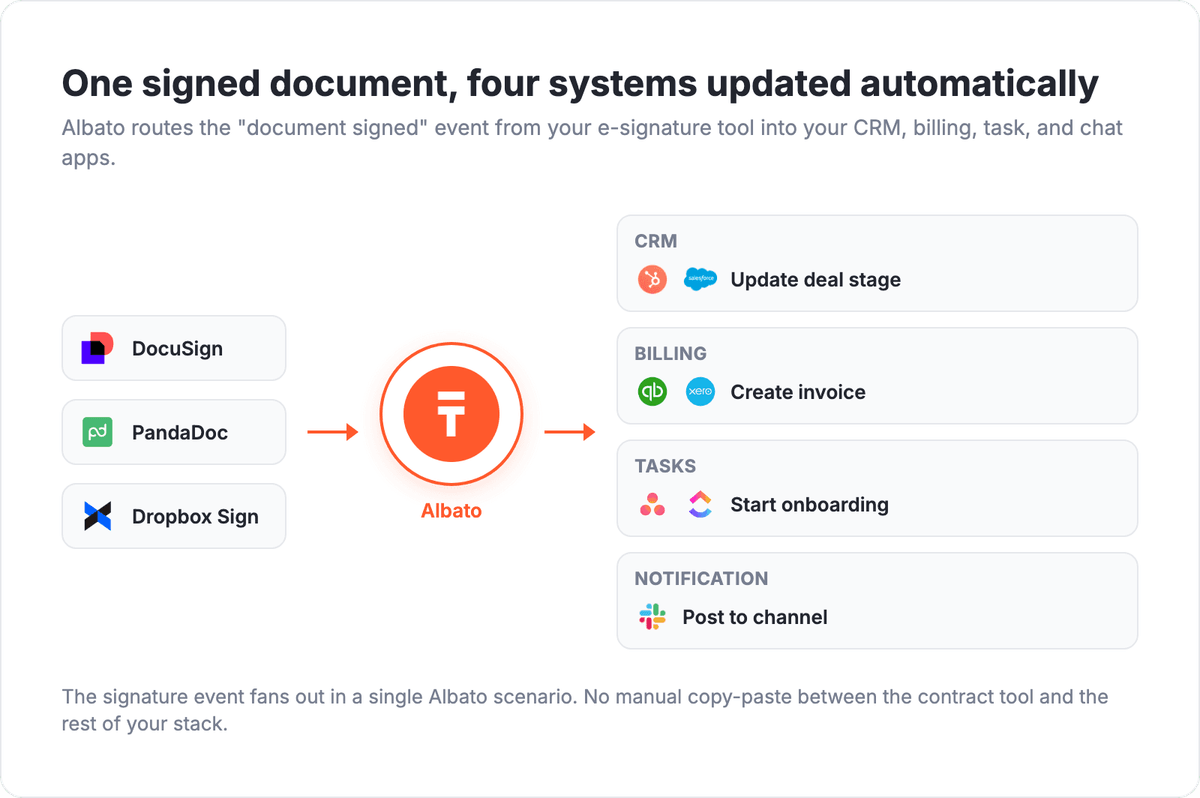
Albato acts as the integration layer between your e-signature platform and your business stack. When a document is signed in DocuSign, PandaDoc, Dropbox Sign, or Signaturely, Albato can:
- Update a deal stage and close date in HubSpot, Salesforce, or Pipedrive
- Create a draft invoice in QuickBooks, Xero, or FreshBooks
- Start an onboarding task or project in Asana, Monday.com, or ClickUp
- Send a confirmation email via Mailchimp, ActiveCampaign, or Gmail
- Post a notification to a Slack or Teams channel
- Add a row to Google Sheets for tracking or reporting
Setup takes minutes in Albato's visual builder. No code required. The workflow runs automatically every time a document is signed, so nothing falls through the cracks between your contract tool and your CRM.
If you are also evaluating how contracts fit into your broader sales document process, the best contract management software tools cover the full lifecycle from drafting to renewal.
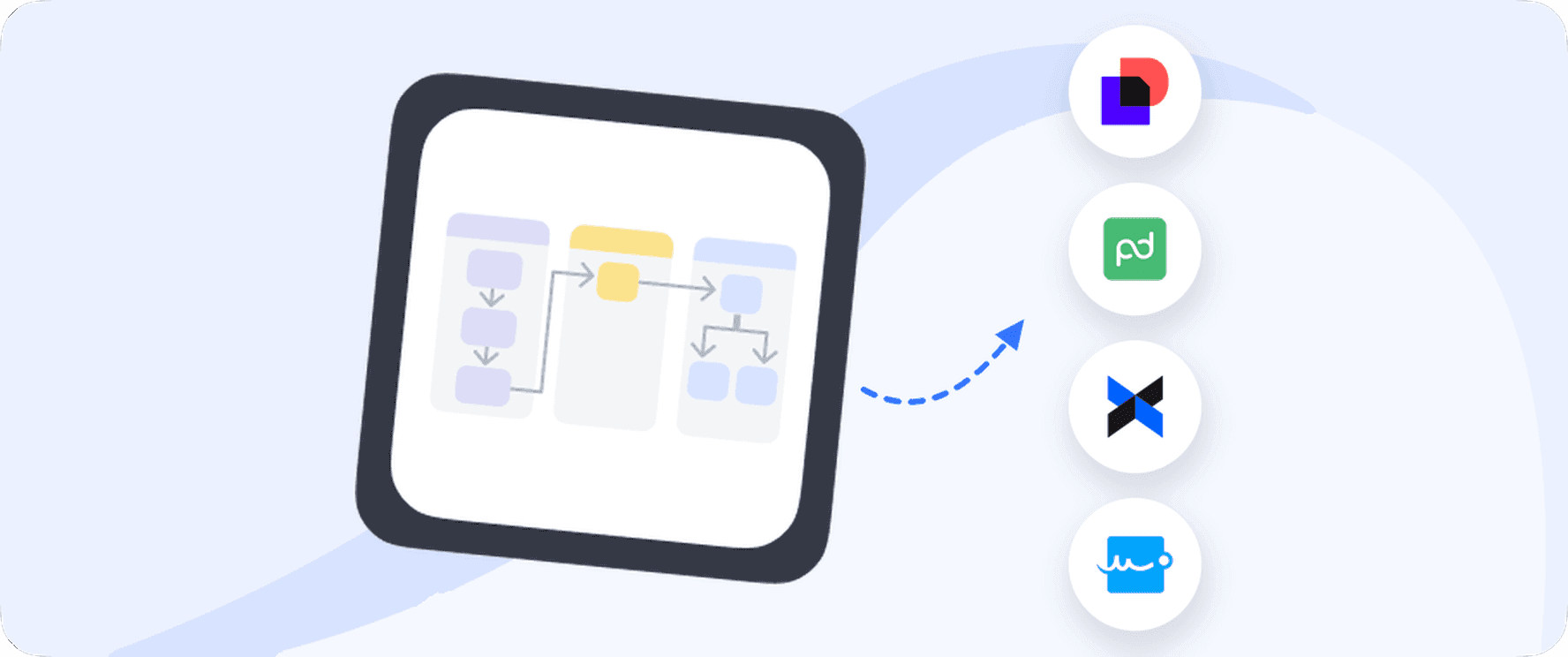
The diagram above shows how a single signed document can update your CRM, billing, and project tools at the same time, with no manual data entry after the signature is collected.
How to Choose the Right E-Signature Tool
Three questions narrow the field:
1. What is your primary use case? Sales proposals with payment collection: PandaDoc. Regulated-industry compliance: DocuSign. Simple document signing at the lowest cost: Dropbox Sign or airSlate SignNow. Forms that include a signature step: Jotform Sign. Brazilian market compliance: ZapSign.
2. Do you need a native integration with another tool? Zoho Sign is the clear winner inside the Zoho ecosystem. DocuSign and PandaDoc have the widest native integration libraries. For tools not covered natively, Albato bridges the gap to 1,000+ apps.
3. What is your volume? DocuSign's Personal plan caps you at 5 envelopes per month. Adobe Acrobat team plans cap at 150 per user per year. Dropbox Sign and airSlate SignNow offer unlimited sends on paid plans, which makes them better fits for high-volume teams.
💡 Tip. Most e-signature tools offer a 14-30 day free trial. Test with a real document type from your workflow before committing to a plan. Focus on how the tool handles reminders, audit trails, and the specific compliance requirements your legal team cares about.
FAQ: Best E-Signature Software
What is the best free e-signature software?
PandaDoc's free plan allows unlimited document sending with basic signing. DocuSign lets you send 3 documents free before requiring an upgrade. Zoho Sign's free tier gives 5 envelopes per month for one user. For individuals who rarely send documents for signature, Signaturely's free plan (1 send/month) or Dropbox Sign's free plan (3 sends/month) cover light usage.
Is DocuSign still the industry standard in 2026?
Yes. DocuSign holds approximately 57% of the digital-signature market (6sense, 2026) and is the default choice for enterprise procurement, legal, and regulated industries. PandaDoc has closed the gap for sales-focused use cases, and lighter tools like Dropbox Sign and Signaturely are strong for smaller teams. But for enterprise compliance requirements, DocuSign remains the default.
What is the difference between e-signature and digital signature?
An e-signature is any electronic mark that represents intent to sign, from a typed name to a drawn signature. A digital signature uses cryptographic verification (PKI) to guarantee the identity of the signer and the integrity of the document. Most tools in this list offer e-signatures; DocuSign, Adobe Acrobat Sign, and Zoho Sign (Enterprise) support cryptographic digital signatures for high-compliance use cases.
Do e-signatures hold up in court?
In the United States, e-signatures are legally binding under the Electronic Signatures in Global and National Commerce Act (ESIGN) and the Uniform Electronic Transactions Act (UETA). In the EU, the eIDAS regulation covers qualified, advanced, and standard electronic signatures. All tools in this list produce audit trails (IP address, timestamp, email authentication) that support enforceability. For high-stakes agreements, consult legal counsel about whether a basic e-signature or a higher-assurance digital signature is appropriate.
Can I connect my e-signature tool to HubSpot or Salesforce?
DocuSign and PandaDoc have native HubSpot and Salesforce integrations. Dropbox Sign and Signaturely connect to those CRMs through Albato, which handles the trigger (document signed) and the action (update deal, create contact, log activity) automatically. Setup in Albato takes about 10 minutes and requires no code.
What should I look for in e-signature software for a small business?
Prioritize: unlimited signature requests (avoid per-envelope pricing), a free plan or affordable entry tier, mobile-friendly signing, audit trail and email notification, and at least one integration with the CRM or project tool you already use. Dropbox Sign, Signaturely, and airSlate SignNow are the strongest options for small businesses on this list.
Ready to connect your e-signature tool to the rest of your business stack? Albato makes it straightforward to set up triggers from DocuSign, PandaDoc, Dropbox Sign, Signaturely, Jotform, and ZapSign.
Explore more tools and automation guides below.