

En

AI-driven iPaaS to make your tools work together—faster, easier, and smarter.
Start for free









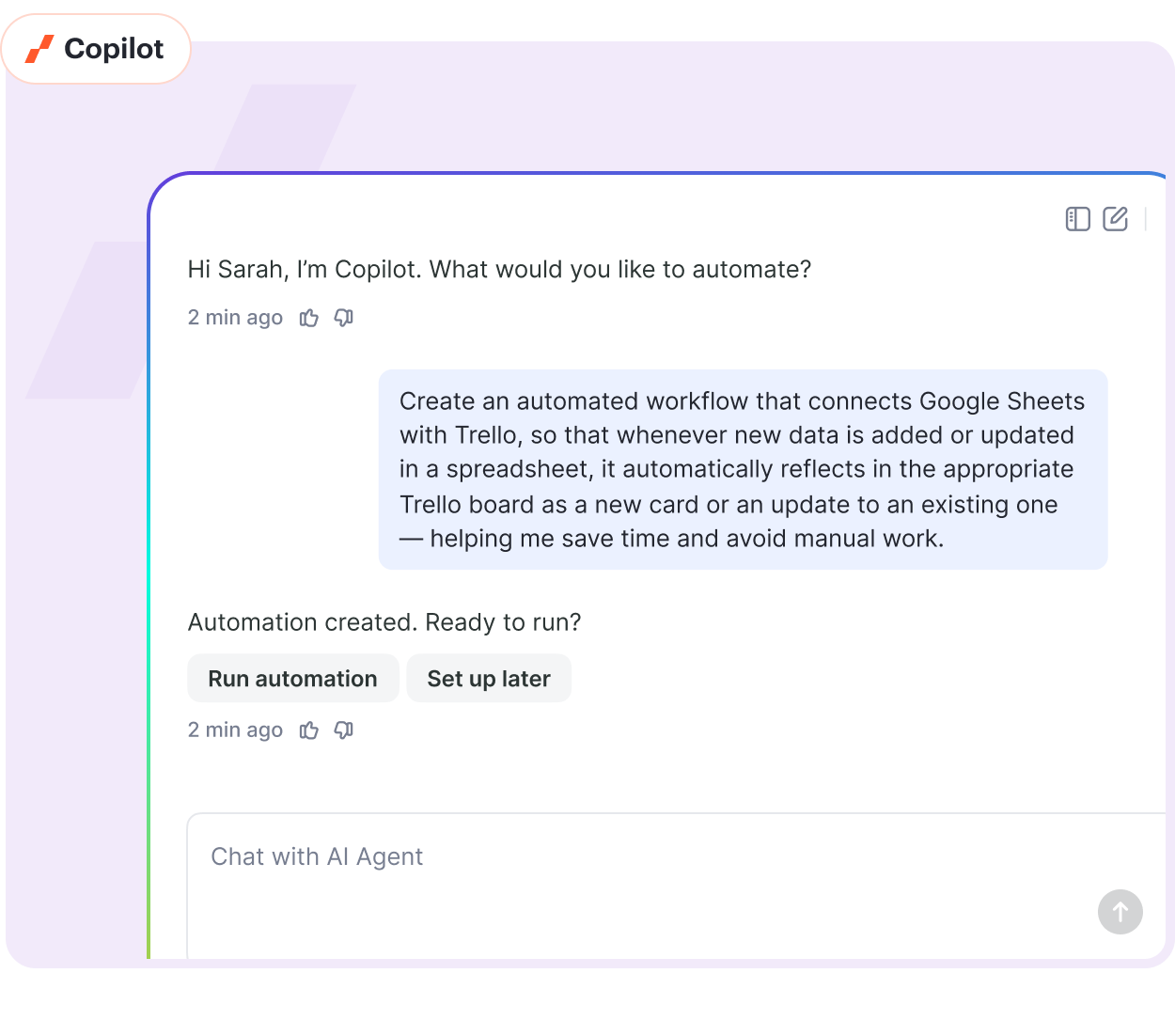
No more manual setup, guessing, or clicking through endless menus. The Albato Copilot will:

Ask the right questions

Map fields automatically

Suggest smart logic

Create and launch workflows

Fix errors with clear tips

Work in any language
1,000+ apps


Human
support
 Router
 Find and replace
 Webhooks
 Mathematical operation
 Filter row elements
 Parse JSON
 Data and time modification
20+ tools

Works with
any API


60% less
on automation
costs


AI Agents


Great Zapier Alternative. Albato has great potential and offers an incredibly generous deal right now.

A good alternative to zapier, make and IFTT. I like the prices they are really cheap compared to the other companies. The support team and the documentation is on point. The UI and the automations possible are what I love most about Albato.

Super easy platform for automations. It's very easy to use. UX and UI is clean and not confusing as other similar apps.

A tool which is best fit for Automation newbie! The integration of Slack and Calendly has been a game-changer for our team, allowing us to efficiently close more deals.

Manual tasks waste your time. Albato lets you automate your tools, workflows, and data—without writing code.
Albato AI

Bring the power of AI directly into your automations.
Rewrite product descriptions, summarize feedback, craft email replies, or analyze sentiment—directly within your workflow.

Albato Copilot
Tell Albato Copilot what to automate — and it builds the workflow, end to end. Copilot asks smart questions, maps fields, builds the logic, and sets everything up for you — no menus or manual setup.

Automation AI Agents
Automate complex workflows with AI that understands your tasks, makes decisions, and uses the right tools to get the job done. Just describe the goal — no code needed.




From data syncing to workflow automation — do more with AI and native integrations.
All Apps →






Start faster with plug-and-play automation templates. These prebuilt solutions cover real use cases—just pick, tweak, and launch.
This automation takes a new response from a Google Form and transforms it into a lead in Bitrix24 CRM. This task simplifies the management of customer details, eliminates manual data input, and accelerates lead generation by automatically transferring form data to the CRM system. This automation can vastly improve the experience for sales teams, customer service representatives, and marketing professionals who rely on consistent, accurate data for customer relationship management.
The UC in question involves automatically removing a subscriber's tag in Mailchimp whenever a subscription is cancelled in Thinkific. This minimizes the likelihood of errors from manual updates, contributes to better organization and segmentation of customers, and helps save time significantly for marketing and customer service teams who otherwise have to sift and edit the subscriber records manually.
This automation triggers when a Stripe checkout session is completed, resulting in the creation of a new post on a WordPress website. This reduces the need for manual updates and ensures timely publication of customer transactions, purchases, or registration confirmations. This is particularly beneficial for e-commerce managers, bloggers, and sales teams who use their website for major updates, offering real-time reporting and enhancing their online presence with minimal effort.
Upon the update of a post in WordPress, a new contact is automatically created in Constant Contact. This process eases the burden of manual data entry and enables accurate record keeping. This is particularly beneficial for sales teams, content managers, and CRM managers to maintain up-to-date audience engagement lists, thereby saving time and improving efficiency.

Embed 1,000+ native integrations right into your product—fully white-labeled, no-code, and ready in under 1 month.
Boost retention, increase revenue, and save dev time with seamless, branded automations your users will love.
 Fully customizable UI90% dev time savedBuilt-in analyticsManaged by Albato’s engineering team
In this tutorial we will create an automation to send data from Facebook Lead Ads to Pipedrive creating Contact and Deal.

In this tutorial, you will learn how to send data from Facebook (Ad leads) to Google Sheets (spreadsheets). First, connect apps to Albato. Second step is to create an automation: go to My automations page and click Create new automation.

To send Google Sheets data correctly, you need to follow two required parameters: Fill in column A from the first row to the last. Data transferring is available at sequential rows filling. For example, you have filled row 25, then fill in row 26. If you fill in …

Let’s look at creating Facebook and Slack automation scenario. This automation will send new leads from FB to your Slack account. You can also set up a similar automation with other apps, the configuration will be the same.


