

Connecting Bitrix24 to Albato
IN THIS ARTICLE
Before connecting Bitrix24 to Albato, install our app in your Bitrix24 account.
To do this, open the menu → «Applications»:
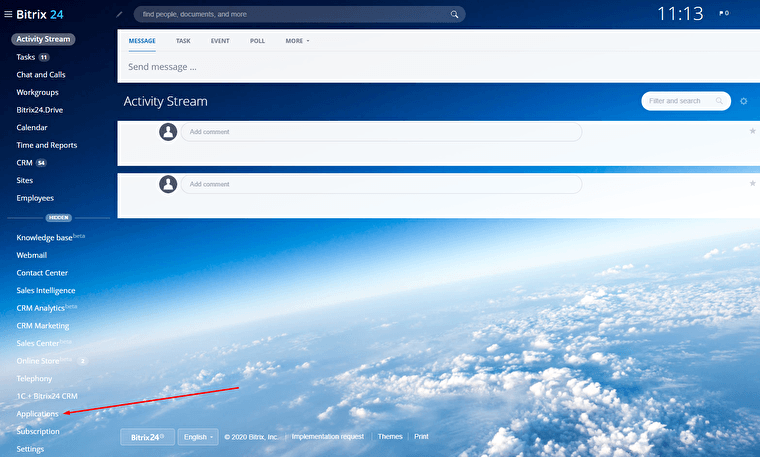
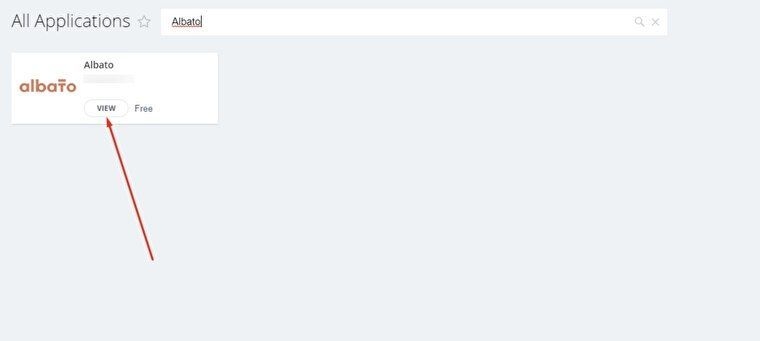
Enter «Albato» in the search field and open the app, or enter /marketplace/detail/albato.connector/ after bitrix24.com.
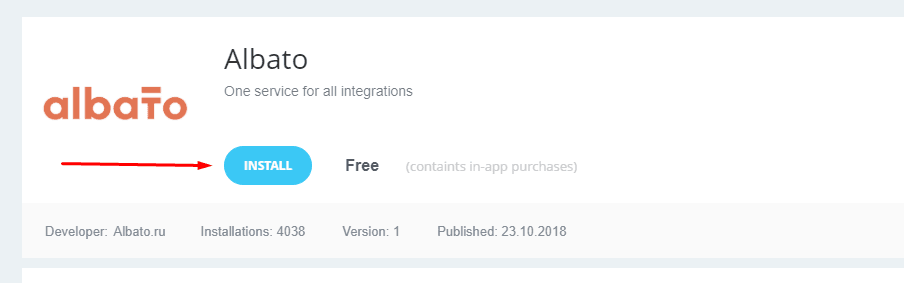
Install the application:
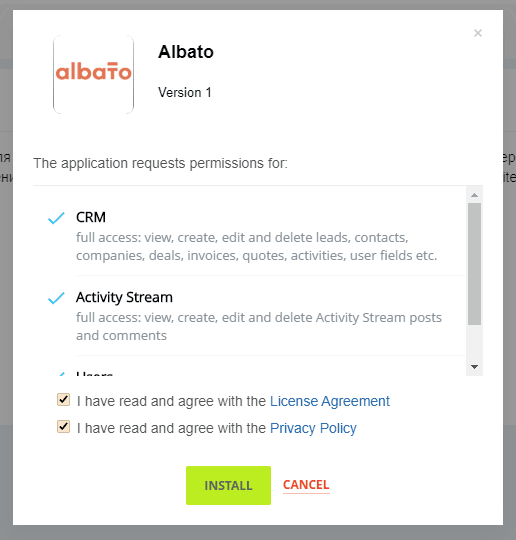
Now you can go back to the Albato account and create a connection.
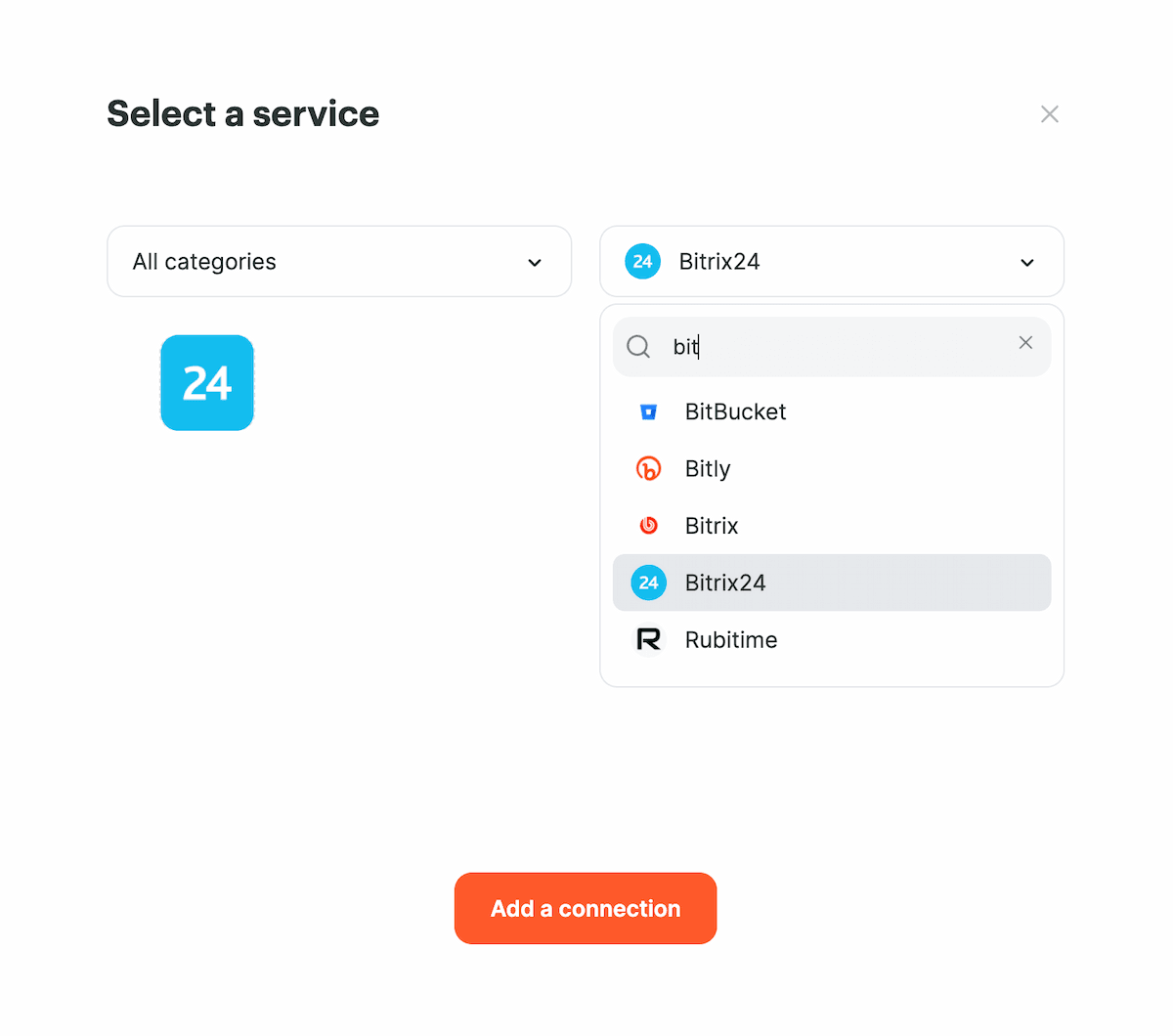
Open the Apps tab, click the Add a connection button and pick Bitrix24.
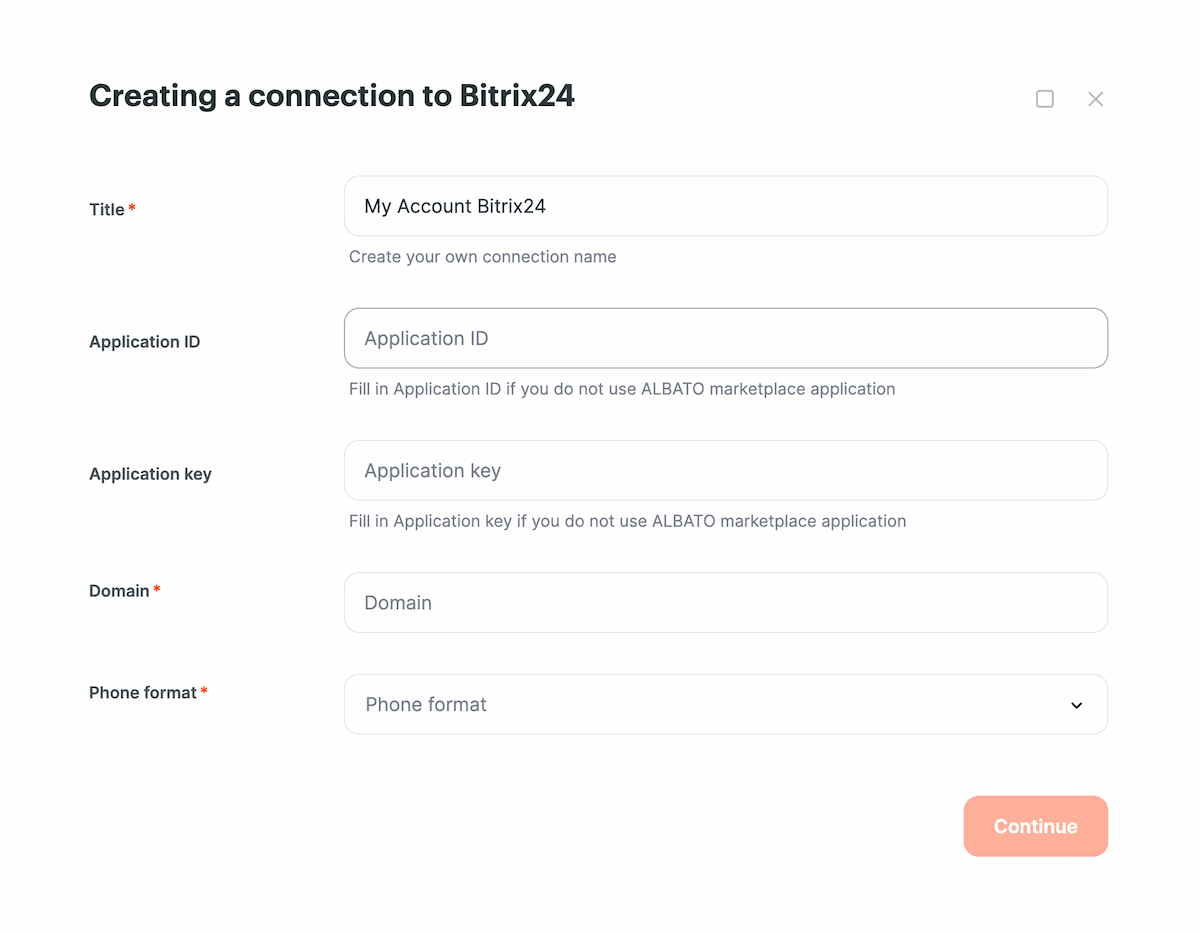
Fill in the connection fields:
- Name – set up the name according to your own personal needs.
- Domain – copy it from the address bar in a browser with Bitrix24 page.
- Phone format – choose the phone number format for transferring to Bitrix24.
Skip the Application ID and the Application key fields if you use Albato. These fields are necessary when you add your Albato app in Bitrix24. This is an alternative connection method, described at the end of the instruction.
After filling in the fields, a request will appear to provide Albato access to your Bitrix24 account.
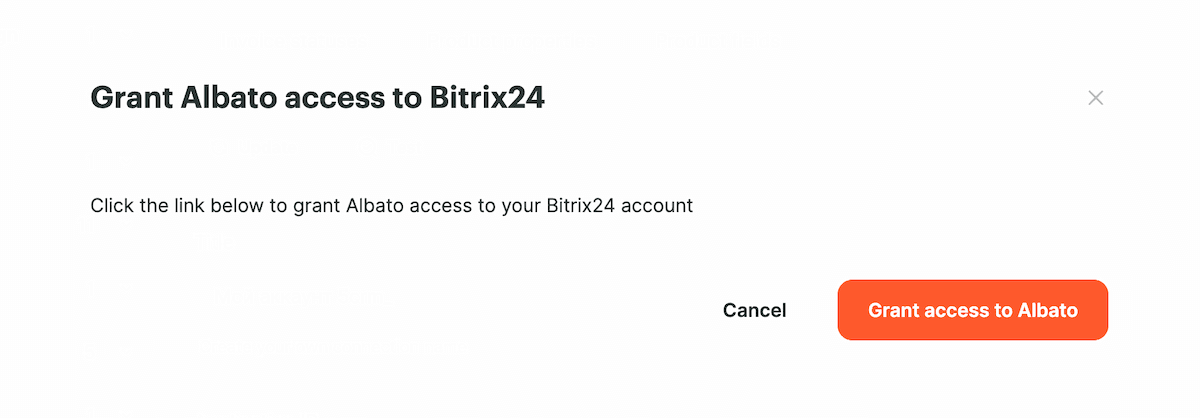
Granting access, you will complete the connection and will be able to use it in the integration scenarios.
Did this answer your question?